
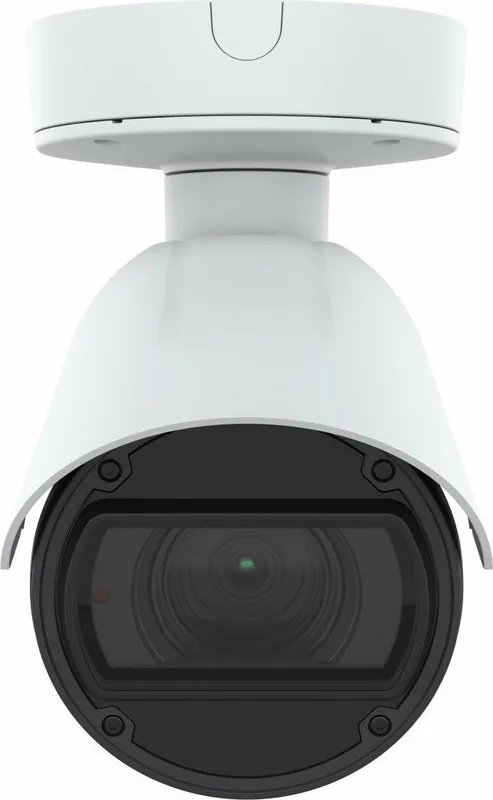
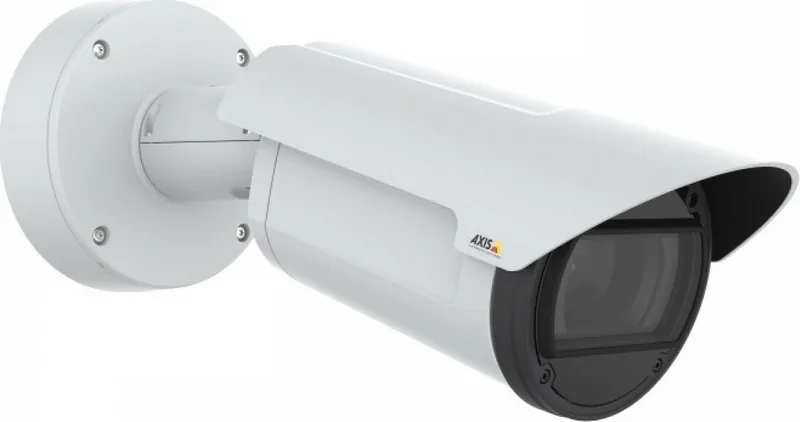
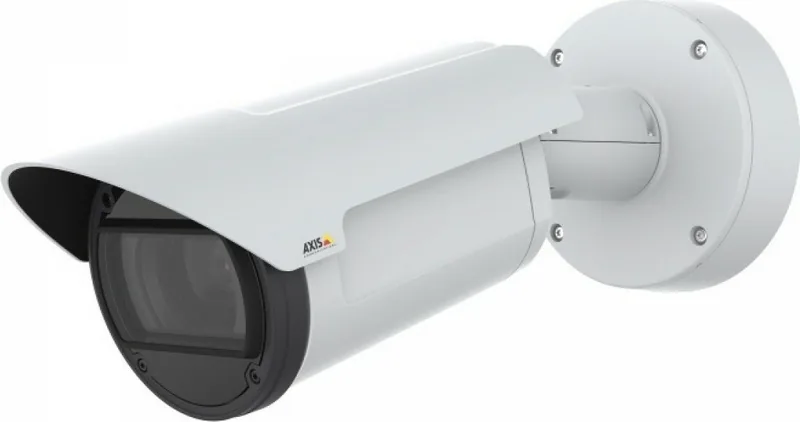
Axis Q1785-LE Manual
PDF manual · 28 Pages
English



Quick check
Incorrect answer, please try again.
Chat with your Axis Q1785-LE manual using AI
Get instant AI answers from your Axis Q1785-LE manual
Ask anything about the Axis Q1785-LE. Answers come from this manual, with the pages they are based on.
Ask a Question
Do you recommend Q1785-LE?
Yes NoFrequently Asked Questions
The camera provides multiple capture modes to balance frame rate and resolution, exposure modes (Automatic, Flicker-free, Flicker-reduced, Hold current), and three focus modes (Auto, Area, Manual) to optimize image capture for different scenes and lighting conditions.
Is this answer helpful?
It can switch to night mode using visible and near-infrared light, synchronize IR illumination, and adjust thresholds to prioritize either sharper low-light detail or extended color retention. Additional settings like gain, shutter, and noise reduction help tune performance.
Is this answer helpful?
Supports H.264 and MJPEG with bitrate control modes (VBR, MBR, ABR), Zipstream optimization, stream profiles, local microSD cards, and network storage (SMB). You can configure pre/post buffers for event recordings and manage retention via average bitrate calculations.
Is this answer helpful?
Use Rules combining conditions (motion, PIR, shock, schedules, application profiles) with actions (recording, overlays, preset PTZ moves, I/O activation). Start applications like AXIS Video Motion Detection or ACAP apps to create detection profiles and link them to rules.
Is this answer helpful?
Offers PoE and DC power, RJ45 and IDC network connectors, audio input, I/O terminal block, microSD slot, LED indicators, buzzer-assisted leveling, and support for fiber connections via media converters for long-distance installations.
Is this answer helpful?
Download firmware from axis.com/support/firmware, ensure continuous power during upgrade, log in as administrator, and use Settings > System > Maintenance to upload. Read release notes and backup critical settings; rollback is possible if issues occur.
Is this answer helpful?
Key factors include image resolution, compression level, simultaneous viewers, mixing MJPEG and H.264 streams, HTTPS usage, heavy event/app usage, network capacity, client performance, and concurrent ACAP applications that increase CPU load.
Is this answer helpful?
Advantages and Disadvantages
Advantages

- Excellent image quality with WDR, IR night mode, EIS, and barrel distortion correction
- Flexible streaming and storage: H.264, MJPEG, Zipstream, VBR/MBR/ABR, microSD and network storage
- Advanced event handling: motion/PIR/shock detection, rules, overlays, guard tours, and PTZ presets
- Robust installation options: PoE, DC, IDC connector, fiber via media converter, leveling buzzer and LEDs
- Extensible platform: ACAP support for third-party analytics and traffic/LPR applications
Disadvantages

- High-resolution or low-compression settings increase bandwidth and CPU load
- Running multiple ACAP apps or many simultaneous streams may reduce framerate
- WDR can introduce artifacts in some scenes
- EIS slightly crops the image and can lower maximum resolution
- Using multiple privacy masks may impact device performance
Product Specification
Type
Bullet
Image Sensor
1/2.8" CMOS
Resolution
1920x1080 Pixels (60fps)
Lens
0.17-5.39in (F1.4-F4.0)
Light Sensitivity
0.16 Lux (Color), 0.03 Lux (B/W), 0 Lux (IR)
Viewing Angle
2.3-60° (horizontal), 1.3-39° (vertical)
Pan
N/A
Tilt
N/A
Zoom Function
32x optical
Compression/Codecs
MJPEG, H.264, G.711, G.726, AAC, LPCM, OPUS
Alarm
2x Alarm input/Alarm output (Terminal Block DI/DO)
Connections
1x Audio input (0.14 in jack), 1x RJ-45 100Mb LAN
Data Storage
1x microSD slot
Illumination
IR illumination (262.47 ft)
Power Supply
PoE (Type 1)
Protection Class
IP66, IK08, NEMA 4X
Housing
suitable for outdoor use
System Compatibility
ONVIF (Profile G, S, T), IPv6
Zone & Analysis Functions
Motion detection, Tamper detection, Zone monitoring (Line crossing, Zone entry, Zone exit), Privacy zones, IR filter
Manufacturer's Warranty
3 years
Product Description
Axis Q1785-LE — Powerful, Reliable Surveillance
The Axis Q1785-LE is a high-performance network camera engineered for professional surveillance installations that demand exceptional image quality, long-distance connectivity options, and robust event handling. Designed to operate in challenging environments, it offers advanced image correction, wide dynamic range (WDR), IR-assisted night mode, and electronic image stabilization (EIS) to maintain sharp, usable footage in varying light and vibration conditions.
This camera supports multiple capture modes to balance frame rate and resolution needs, and offers configurable exposure settings (Automatic, Flicker-free, Flicker-reduced, Hold current) as well as three focus modes (Auto, Area, Manual) to optimize clarity for specific scenes. For low-light scenarios, the Axis Q1785-LE can shift to night mode and synchronize IR illumination, delivering brighter monochrome images when visible light is scarce. WDR helps preserve detail across high-contrast scenes while barrel distortion correction and corridor format support improve composition for wide-angle or long, narrow views.
Network and storage flexibility are built in: PoE or DC power options, an IDC network connector, and microSD support enable local or network recording. The camera supports versatile streaming and compression choices (H.264, MJPEG) with bitrate control modes (VBR, MBR, ABR), Zipstream optimization, and stream profiles to manage bandwidth and storage efficiently. Network storage setup, including SMB shares, is supported alongside SD card recording with pre- and post-buffer settings for event capture.
Event management and automation are comprehensive. Rules combine conditions and actions to trigger recordings, overlays, alerts, preset PTZ moves, or external outputs. Integrated detectors include motion, PIR integration, and shock detection for tamper or impact events. Guard tours, gatekeeper zoom actions, and overlay/text/image overlays (e.g., motion-detected notices) allow tailored response workflows. ACAP application support expands analytics and third-party integrations for traffic, LPR aids, and more.
Installation and maintenance features include fiber-media converter support for long-distance links, status LEDs and buzzer-assisted leveling, and guided firmware upgrade procedures. Reset-to-factory and troubleshooting guidance are provided, and performance considerations warn about the effects of high-resolution streams, multiple simultaneous clients, HTTPS overhead, and concurrent ACAP apps on CPU and framerate.
Notes:
- Optimize capture mode, exposure, shutter, and gain to balance motion blur and noise.
- Use Zipstream and H.264 to reduce bandwidth while preserving key details.
- When using multiple privacy masks or ACAP apps, monitor CPU load to avoid framerate drops.
Search for 67,732 Manuals online


Type-in Brand or Model