
Axis P5635-E Mk II Manual
PDF manual · 71 Pages
English



Quick check
Incorrect answer, please try again.
Chat with your Axis P5635-E Mk II manual using AI
Get instant AI answers from your Axis P5635-E Mk II manual
Ask anything about the Axis P5635-E Mk II. Answers come from this manual, with the pages they are based on.
P5635-E Mk II Maintenance Schedule
Contact Axis support to replace the CR2032 lithium battery if the RTC resets at every power-up.
Monitor PTZ status in System Options > Maintenance and press Test if physical blocking or wear is suspected.
Free maintenance reminders
Timed to your purchase date. Always free, unsubscribe anytime.
Ask a Question
Do you recommend P5635-E Mk II?
Yes NoFrequently Asked Questions
The camera supports H.264 and Motion JPEG streams. H.264 offers efficient compression and supports Baseline, Main and High profiles. Zipstream technology further reduces bitrate while preserving important forensic details. Stream profiles and bitrate control (VBR/MBR) let you balance quality and bandwidth.
Is this answer helpful?
Zipstream reduces average H.264 bitrate by removing redundant or less relevant bits (e.g., static background) while keeping detail in regions of interest like faces and license plates. Use Zipstream presets (Low–Extreme) with VBR or a suitable maximum bitrate to extend storage and decrease network load.
Is this answer helpful?
PTZ features include preset positions, guard tours, Gatekeeper automatic monitoring to steer to presets on motion, focus recall areas, configurable pan/tilt/zoom limits, speed zoom, and a PTZ control queue to manage multi-user control and priorities.
Is this answer helpful?
Security options include HTTPS with certificate management, IEEE 802.1X for network authentication, user roles (viewer/operator/administrator), IP address filtering, and control over password encryption settings. Certificates and NTP-synchronized time are recommended for secure deployments.
Is this answer helpful?
The camera supports local SD/SDHC/SDXC storage and network shares. Recordings can be continuous or event-based (motion, audio, shock, schedules). Exported clips use Matroska (.mkv). Storage management supports automatic removal of old recordings to prevent disk full conditions.
Is this answer helpful?
Yes. The AXIS Camera Application Platform (ACAP) allows installation of third-party analytics and apps. Some apps require licenses and may impact CPU/memory; verify compatibility and resource usage before deployment.
Is this answer helpful?
Audio modes include full duplex, half-duplex, and simplex. Supported codecs include AAC (license included), G.711 and G.726. Configure sample rate, input gain, microphone power and output gain; optional Axis multcable or push-pull connector needed for external audio devices.
Is this answer helpful?
Advantages and Disadvantages
Advantages

- High-quality PTZ optics with presets, guard tours, Gatekeeper and focus recall for precise surveillance.
- Efficient H.264 streaming with Zipstream reduces bandwidth/storage while preserving forensic detail.
- Robust security: HTTPS, certificates, IEEE 802.1X, user roles and IP filtering for secure operation.
- Flexible audio and I/O support with AAC license included and options for external mic/speaker integration.
- Durable design with PoE+ support, SD card storage, and ACAP for third-party analytics and apps.
Disadvantages

- Advanced features (e.g., AAC licensing, some decoders, or apps) may require additional licenses or software.
- Complex configuration for optimal performance (PTZ limits, Zipstream, bitrate, exposure) may need expert tuning.
- High-resolution or low-light usage can increase bandwidth/storage despite Zipstream; careful planning required.
- Some viewer features (AMC) and best compatibility are Windows/Internet Explorer–centric.
- Multiple overlays, masks or many active detectors may impact device performance under heavy load.
Product Specification
Type
Dome
Image sensor
1/2.8" CMOS
Resolution
1920x1080 Pixels (25fps)
Lens
0.17-5.08in (F1.6-F4.7)
Light sensitivity
0.2 Lux (Color), 0.01 Lux (B/W)
Viewing angle
2-65.6° (horizontal), 1.2-39° (vertical)
Pan
360° (motorized)
Tilt
180° (motorized)
Zoom function
30x optical, 12x digital
Compression/Codecs
MJPEG, H.264
Multistreaming
supported
Alarm
4x alarm input/alarm output
Connections
1x audio input, 1x audio output, 1x RJ-45 100Mb LAN
Data storage
1x SD Card slot
Microphone
integrated
Power supply
PoE (Type 1)
Protection rating
IP66, IK10, NEMA 4X
Housing
suitable for outdoor use
System compatibility
ONVIF (Profile G, S), IPv6
Zone & analysis functions
Motion detection, IR filter
Product Description
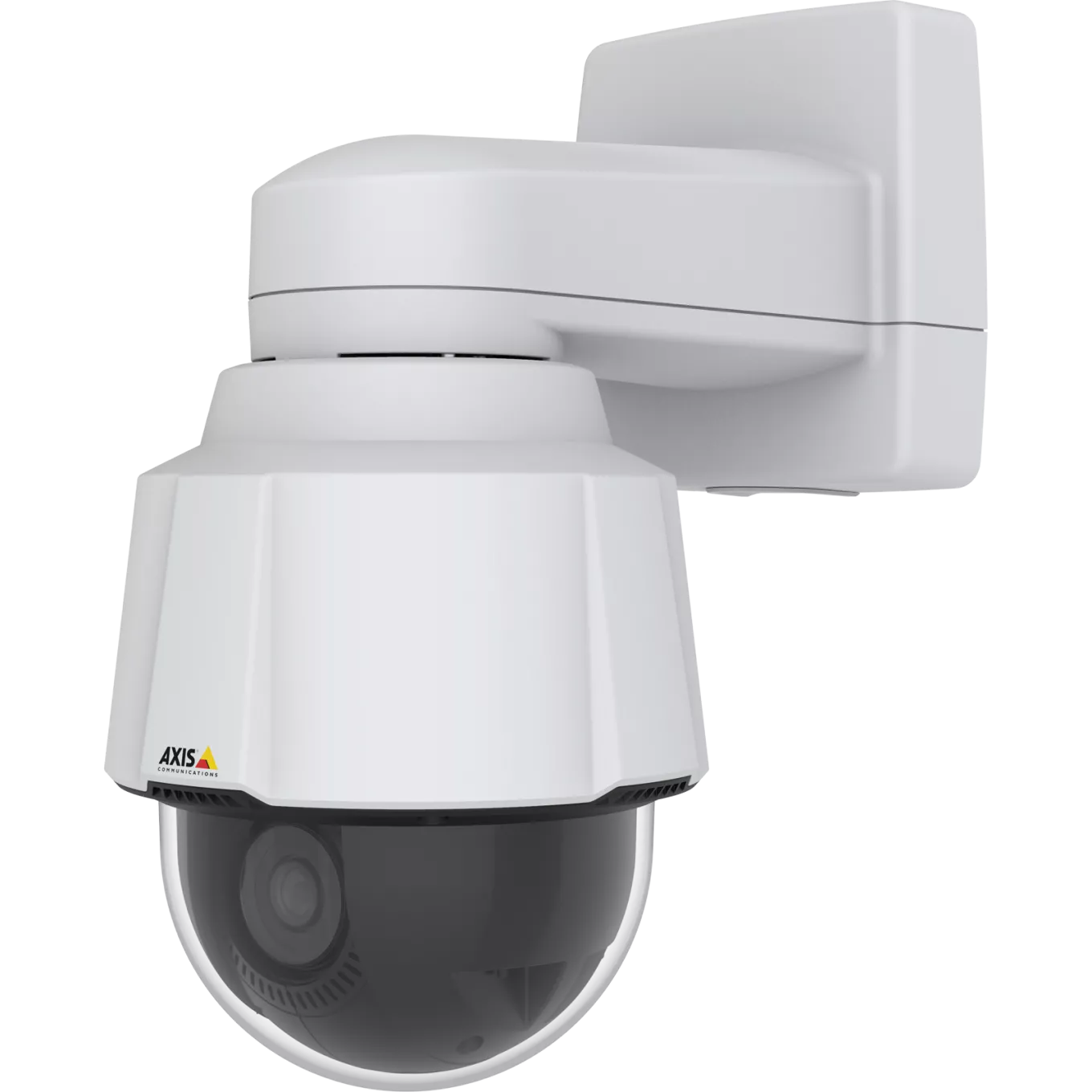
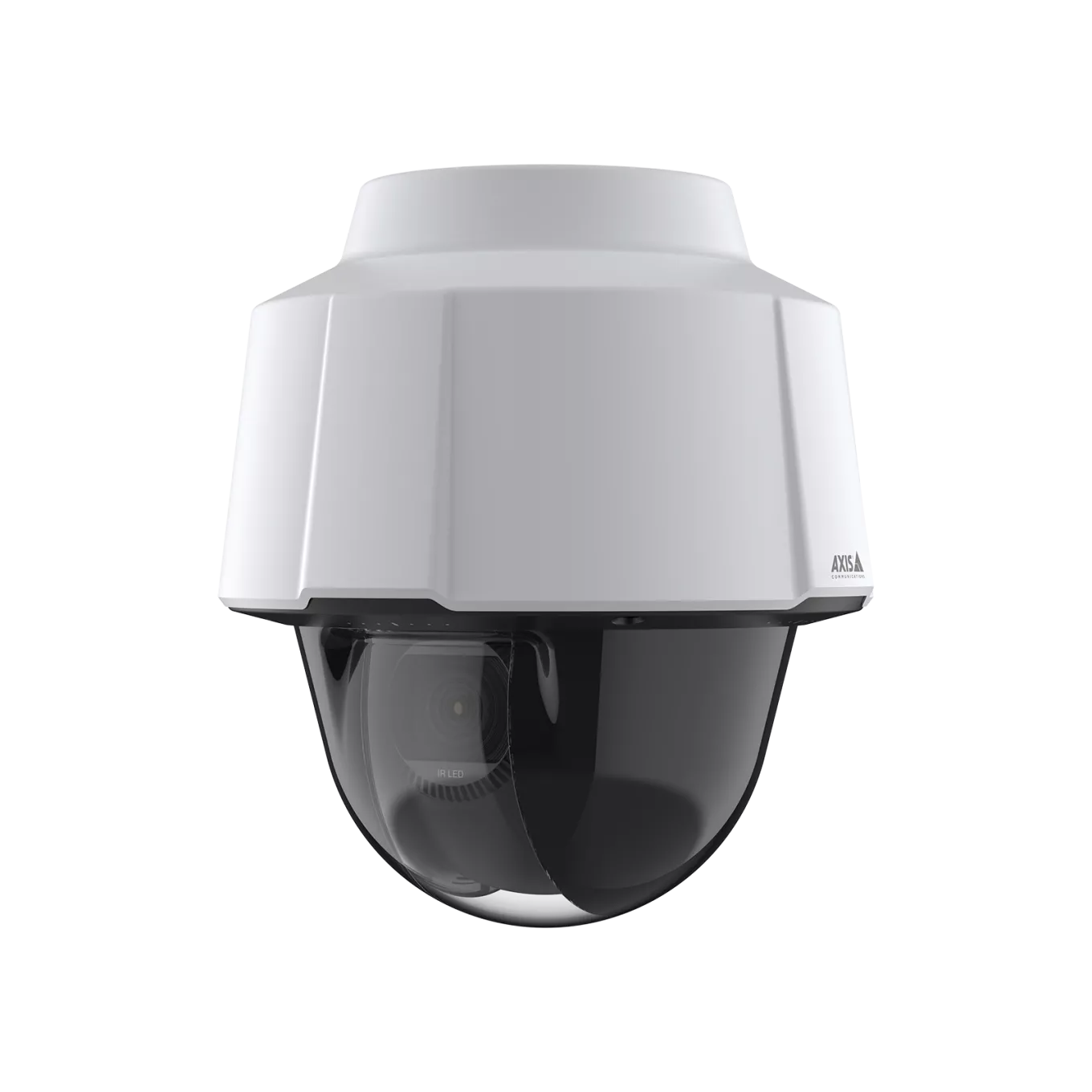
Axis P5635-E Mk II 50Hz Manual Overview
The Axis P5635-E Mk II (50Hz) is a professional PTZ dome network camera engineered for demanding surveillance applications. Combining high-quality optics, advanced H.264 compression with Axis Zipstream, robust PTZ control, and flexible audio I/O, this unit delivers reliable, high-resolution imaging with efficient bandwidth and storage use. Its ruggedized dome design, PoE+ support and multiple connector options make it suitable for outdoor and transport environments where durability and uptime are critical.
Key features and functionality
The camera supports H.264 and Motion JPEG streaming, offering configurable GOP length, bitrate control (VBR/MBR), and Zipstream presets to optimize storage and network load. Multiple stream profiles and ONVIF media profiles enable easy integration with VMS platforms. PTZ capabilities include preset positions, guard tours, Gatekeeper monitoring, focus recall areas, and advanced movement limits. The unit provides wide dynamic range (WDR), IR cut control for day/night operation, and detailed exposure, shutter and gain settings to adapt to challenging lighting.
Audio and I/O are flexible: built-in support for AAC (license included) and G.711/G.726 codecs, half/full/ simplex modes, audio clips, and external mic/speaker connections via optional multcable or push-pull connectors. Events and action rules let the camera trigger recordings, PTZ moves, notifications, or external outputs based on motion, shock, audio, inputs, storage status, schedules or time recurrences.
Management and security features include HTTPS and certificate management, IEEE 802.1X support, user access levels (viewer/operator/administrator), IP filtering, and detailed logging. The camera supports application integration via AXIS Camera Application Platform (ACAP) for analytics and third-party apps. Local and network storage options include SD/SDHC/SDXC cards and network shares; continuous and event-based recording with export (Matroska .mkv) is supported.
Installation and operation notes
Hardware includes PoE+ RJ45, multi-connector for audio/I/O/power, SD card slot, control and power buttons, and status LEDs. The Live View interface provides PTZ joystick, snapshot/record buttons (AMC), viewer selection, and manual trigger for testing rules. Maintenance features include firmware upgrade, factory reset, and battery-backed RTC (3V CR2032).
Notes:
- Use shielded STP cables and proper grounding for compliance and EMI immunity.
- Observe local laws for video/audio surveillance and dispose of batteries/products per regulations.
- Some third-party decoders or software may require additional licenses.
Pros and cons are listed below along with FAQs summarizing the most important usage points.
Search for 67,732 Manuals online


Type-in Brand or Model