
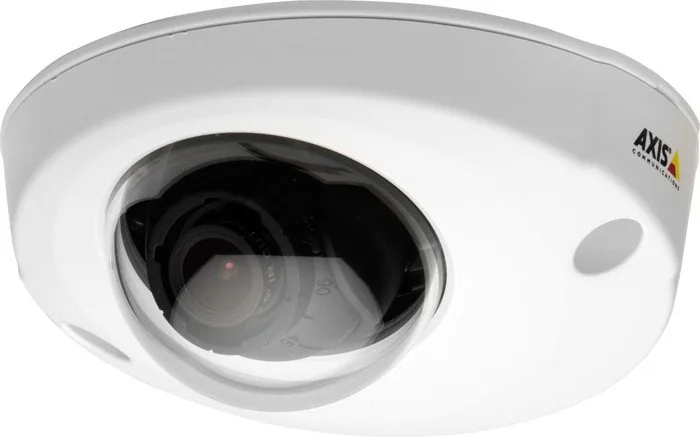
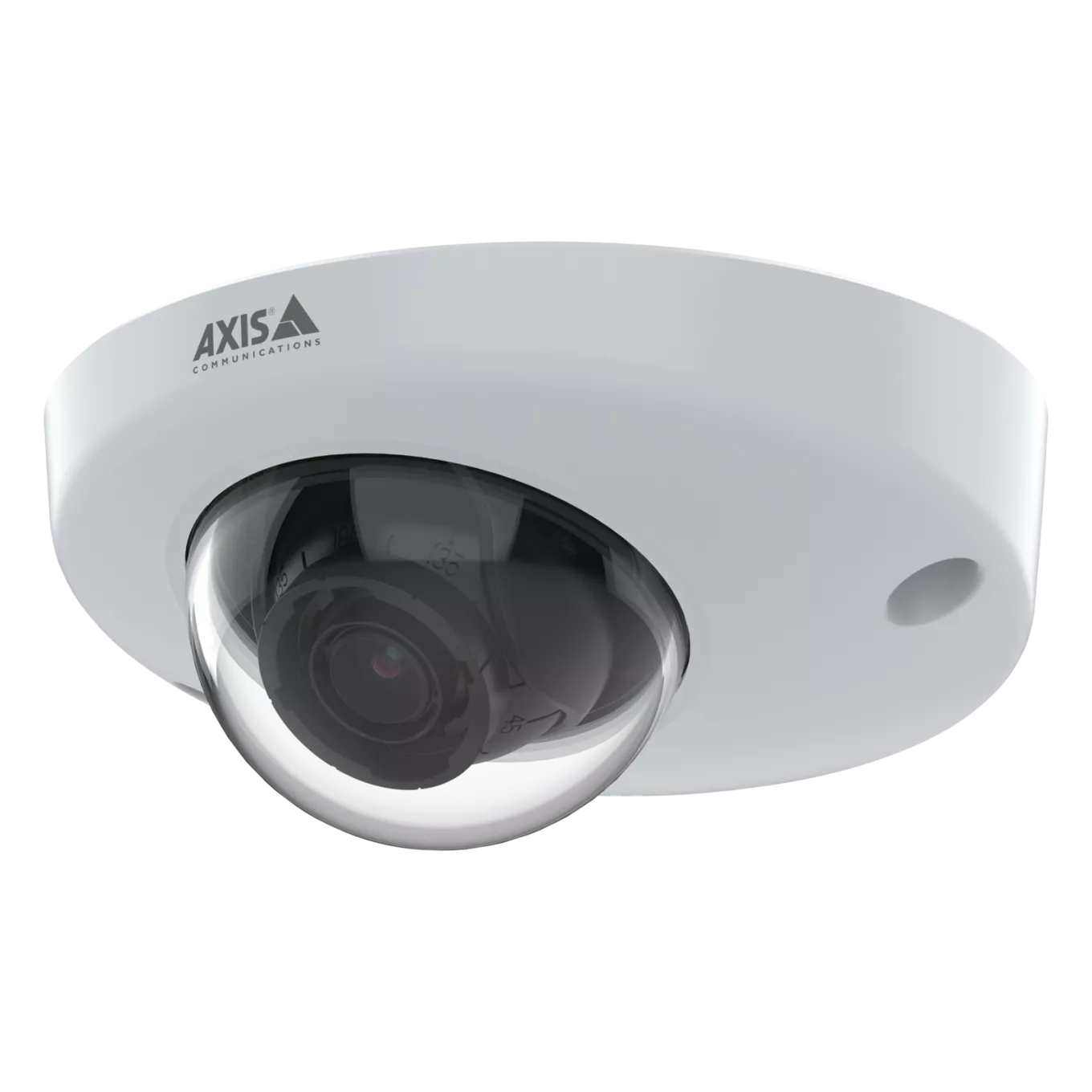
Axis P3905-R Mk II Manual
PDF manual · 57 Pages
English



Quick check
Incorrect answer, please try again.
Chat with your Axis P3905-R Mk II manual using AI
Get instant AI answers from your Axis P3905-R Mk II manual
Ask anything about the Axis P3905-R Mk II. Answers come from this manual, with the pages they are based on.
Ask a Question
Do you recommend P3905-R Mk II?
Yes NoFrequently Asked Questions
It is designed for network video surveillance with flexible streaming, recording, and administration options. The camera suits installations that need remote access, event-based recording, and detailed image control.
Is this answer helpful?
The camera supports H.264 and Motion JPEG. H.264 is better for saving bandwidth and storage, while Motion JPEG can be useful when image-by-image access is preferred.
Is this answer helpful?
Zipstream reduces average H.264 bitrate by lowering data in less important parts of the image. This helps save bandwidth and storage while keeping important details clearer for surveillance use.
Is this answer helpful?
Yes. You can view it through common browsers, and the manual recommends Internet Explorer, Safari, Chrome, or Firefox depending on the platform. Some streams may require additional viewer support.
Is this answer helpful?
Yes. It supports microSD cards and network shares for edge storage. Recordings can be continuous or triggered by events such as motion detection, tampering, or schedules.
Is this answer helpful?
The camera includes HTTPS, certificates, user roles, IP filtering, and IEEE 802.1X support. These tools help protect access to the device and secure communication on the network.
Is this answer helpful?
Use shielded network cabling, configure the root password, choose the correct power line frequency, and verify local laws for video surveillance. Proper setup helps avoid image and compliance issues.
Is this answer helpful?
Advantages and Disadvantages
Advantages

- Broad browser and stream support makes integration simple across common viewing environments.
- H.264 and Zipstream reduce bandwidth and storage use while keeping critical image detail.
- Strong security tools include HTTPS, certificates, IP filtering, and IEEE 802.1X support.
- Flexible event and PTZ functions help automate recording, alerts, guard tours, and overlays.
Disadvantages

- Setup can feel complex for users without networking or surveillance administration experience.
- Class A compliance means it may create RF interference in some home or domestic environments.
- SD card use requires careful handling, and encryption/formatting adds extra maintenance steps.
- Some workflows depend on extra licenses or compatible client software for full functionality.
Product Specification
Type
Dome
Image sensor
1/2.9" CMOS
Resolution
1920x1080 Pixel (30fps)
Lens
0.14 in (F2.0)
Light sensitivity
0.06 Lux (Color)
Viewing angle
87° (horizontal), 47° (vertical), 102° (diagonal)
Pan
-30° to 30° (manual)
Tilt
15° to 90° (manual)
Compression/Codecs
H.264, MJPEG
Multistreaming
supported
Ports
1x RJ-45 100Mb LAN
Data storage
1x microSD-Slot
Power supply
PoE (Type 1)
Protection class
IP67
Housing
suitable for outdoor use
System compatibility
ONVIF (Profile G, S), IPv6
Zone & analysis functions
Motion detection, Privacy zones
Product Description
Axis P3905-R Mk II M12: A Practical Guide to a Versatile Network Camera
The Axis P3905-R Mk II M12 is built for dependable network video in environments where clear images, flexible configuration, and remote access matter. The Axis P3905-R Mk II M12 Manual shows that this camera is more than a simple streaming device—it is a configurable platform designed for administrators who want control over video quality, security, storage, and event handling.
One of the strongest themes is ease of access across common browsers and operating systems. The camera supports browser-based live view, H.264 and Motion JPEG streaming, and compatibility with tools such as AXIS Media Control in Internet Explorer. It also supports modern network workflows like RTSP, multicast, and ONVIF media profiles, giving it a solid place in mixed surveillance setups. For many users, this makes the camera easy to integrate into existing systems without replacing everything else.
The manual also highlights how much attention is given to image tuning. Users can adjust resolution, compression, frame rate, white balance, exposure, WDR-forensic capture, traffic light mode, and low-light behavior. Features like Zipstream help reduce bandwidth and storage use while preserving important details, which is especially valuable when recording continuously or keeping footage for long periods. Overlay text, privacy masks, and view areas add another layer of control for both privacy and operational clarity.
Beyond video quality, the camera offers a strong set of management tools. Administrators can configure users, certificates, HTTPS, IEEE 802.1X, IP filtering, SNMP, time synchronization, network settings, storage options, and edge recording. Event rules can trigger recordings, notifications, PTZ actions, guard tours, and image uploads based on motion, tampering, network status, or schedules. That makes the device useful not only for monitoring, but also for automating responses.
Notes
- Best suited for users comfortable with network configuration.
- Shielded network cabling and proper grounding are emphasized.
- SD card and network storage options support flexible recording strategies.
- Security features are extensive, but they require careful setup.
Summary
The Axis P3905-R Mk II M12 combines image control, security, and event automation in one compact camera platform. It is a strong choice for surveillance projects that need reliable video, configurable storage, and detailed administrative control.
Search for 67,732 Manuals online


Type-in Brand or Model