
Axis P3807-PVE Manual
PDF manual · 18 Pages
English



Quick check
Incorrect answer, please try again.
Chat with your Axis P3807-PVE manual using AI
Get instant AI answers from your Axis P3807-PVE manual
Ask anything about the Axis P3807-PVE. Answers come from this manual, with the pages they are based on.
Ask a Question
Do you recommend P3807-PVE?
Yes NoFrequently Asked Questions
It is well suited for monitoring spaces that need wide coverage and reliable image quality, such as entrances, hallways, shared rooms, and other indoor or semi-protected areas where flexible viewing is important.
Is this answer helpful?
Night mode lets the camera use visible and near-infrared light to produce usable black-and-white images in low-light conditions. This can improve detail when daylight is gone and the scene becomes harder to capture.
Is this answer helpful?
Yes. Motion JPEG offers easy-to-view image updates and strong per-frame quality, while H.264 is more efficient for bandwidth and storage. The best choice depends on your network and recording goals.
Is this answer helpful?
Wide dynamic range helps show both bright and dark parts of the same scene more clearly. It is useful when sunlight, windows, shadows, or strong contrast would otherwise hide important details.
Is this answer helpful?
Recordings can be stored on an SD card or sent to network storage. The camera supports setup for shared locations on a host server, which is useful for larger or more centralized systems.
Is this answer helpful?
If the root password is lost, the device may need to be reset to factory default settings. After reset, you can assign a new IP address, create a new password, and configure the camera again.
Is this answer helpful?
They can. Overlays add useful information to video, and privacy masks hide selected areas. Using many masks or running heavier features at the same time may affect performance on the device.
Is this answer helpful?
Advantages and Disadvantages
Advantages

- Flexible pan, tilt, and roll adjustments make positioning easier in varied environments.
- Strong image tools like WDR and night mode help the camera perform in difficult lighting.
- H.264 and Zipstream reduce bandwidth and storage needs without sacrificing core usability.
- Motion, shock, and tamper triggers support smarter automation and faster response.
Disadvantages

- Initial setup requires careful password management and basic network knowledge.
- Multiple privacy masks or heavy application use can reduce overall performance.
- Poorly chosen stream settings may lower frame rate or image detail.
- Removing the SD card incorrectly can cause data loss or corrupted recordings.
Product Specification
Type
Dome
Image Sensor
1/2.9" CMOS
Resolution
4320x1920 Pixels (30fps)
Lens
0.13in (F2.0)
Light Sensitivity
0.17 Lux (Color), 0.05 Lux (B/W)
Viewing Angle
180deg (horizontal), 90deg (vertical)
Pan
180deg
Tilt
0deg to 55deg
Compression/Codecs
H.264, MJPEG
Multistreaming
supported
Connections
1x RJ-45 100Mb LAN
Data Storage
1x microSD-Slot
Power Supply
PoE (Type 1)
Protection Class
IP67, IK10, NEMA 4X
Housing
suitable for outdoor use
System Compatibility
ONVIF (Profile G, S), IPv6
Zone & Analysis Functions
Motion detection, Tamper detection, Privacy zones
Product Description
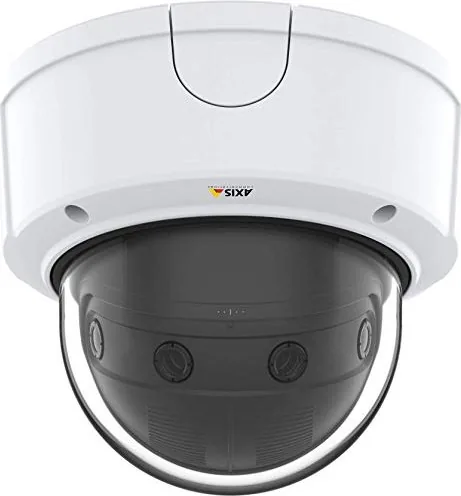
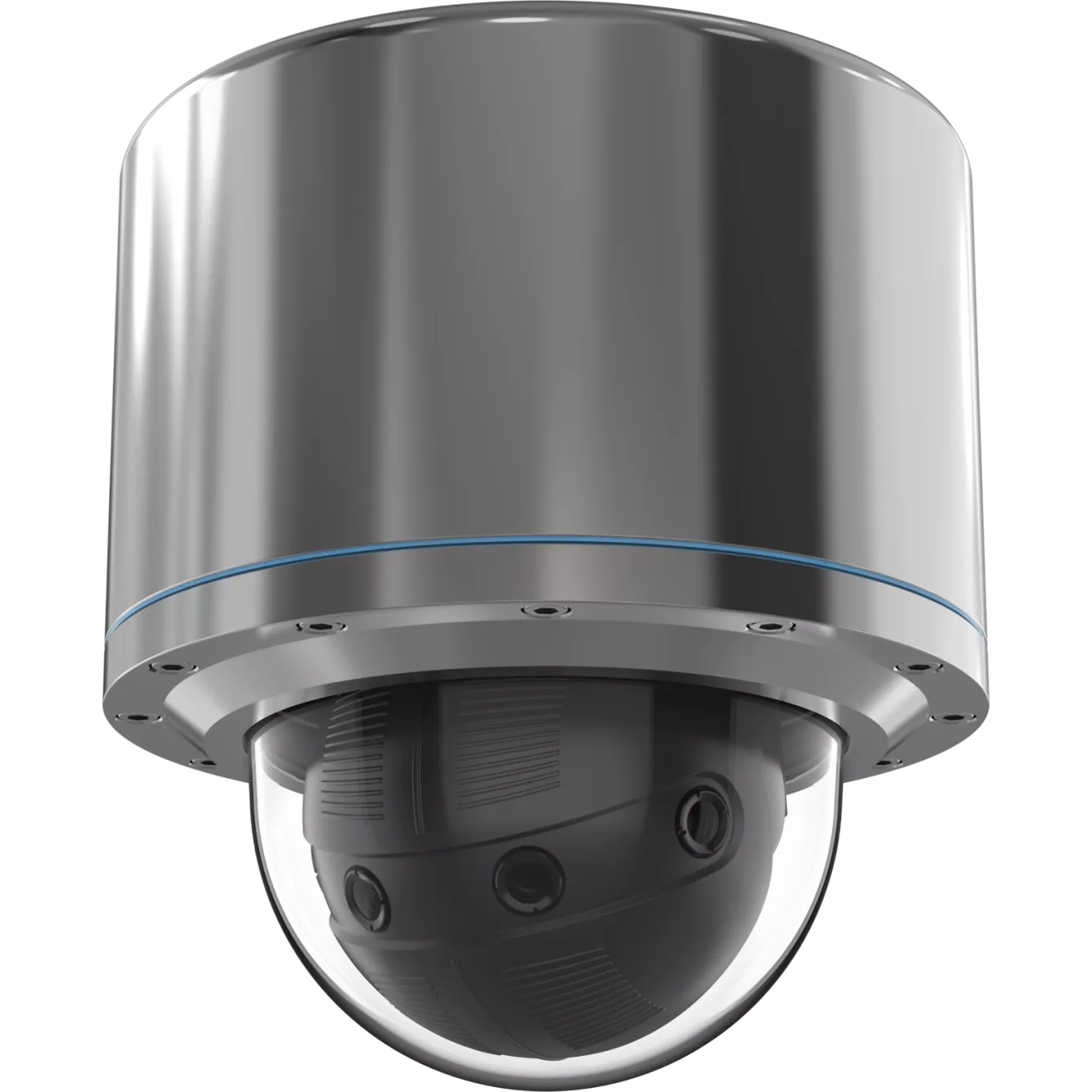
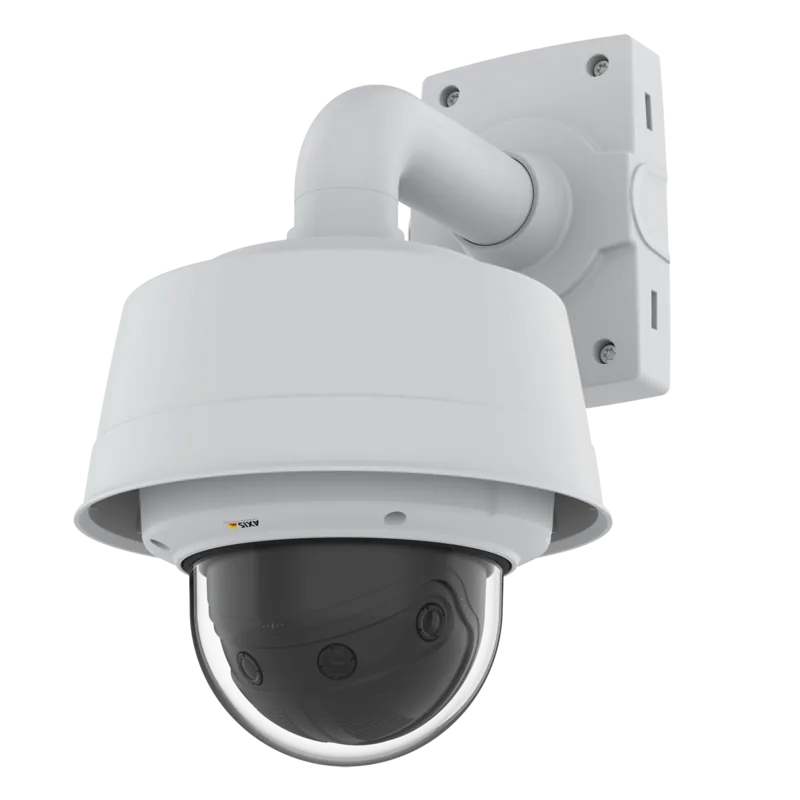
Axis P3807-PVE Manual: A Practical Look at a Flexible Network Camera
Axis P3807-PVE blends broad coverage with useful control, making it a strong choice for entrances, corridors, retail zones, and other spaces where detail matters as much as visibility. It is designed to be adjusted both mechanically and through software, so installation can start with a simple physical alignment and then move into finer image tuning. That combination gives the camera a practical, installer-friendly feel.
Image quality that adapts to the scene
One of the most appealing parts of the Axis P3807-PVE Manual is how much emphasis it places on image quality. The camera supports automatic exposure for everyday use, along with flicker-free and flicker-reduced modes for challenging artificial lighting. This helps reduce visual problems in offices, stores, and industrial areas where lamps can interfere with clean video.
When light drops, the camera can shift into night mode and use near-infrared support to keep footage useful after dark. It also includes wide dynamic range, which is especially valuable in scenes with bright windows, strong backlight, or deep shadows. Instead of losing the bright or dark side of the image, WDR helps preserve more of both.
Built for practical monitoring
The camera is not just about sharp video. It also supports privacy masks for hiding sensitive areas and overlays for adding helpful details like timestamps or motion labels. These features are useful when the same stream must serve security, operations, and compliance needs at once.
Streaming options are flexible too. Motion JPEG is simple and image-rich, while H.264 is better when bandwidth and storage need to stay under control. With features like Zipstream, dynamic GOP, and adjustable compression, the camera can be tuned to fit lighter or heavier network environments. That makes it easier to balance image quality against long-term storage costs.
Event handling and everyday reliability
The Axis P3807-PVE Manual also shows that the camera is designed for active monitoring, not just passive recording. Motion detection, shock detection, and tamper-related triggers can launch actions such as recording, alerts, or email notifications. That means the camera can participate in a larger response workflow rather than simply capturing footage.
Setup and maintenance are straightforward as well. AXIS IP Utility and AXIS Device Manager help with discovery and address assignment, while browser-based access keeps management familiar for most users. Firmware checks, upgrades, and factory reset options add a layer of recoverability when troubleshooting is needed.
Notes
- Use a secure password immediately after first login.
- Choose stream settings based on your priority: quality, bandwidth, or storage.
- Handle the SD card carefully to avoid data loss.
- Review performance if multiple streams or applications run at once.
Search for 67,732 Manuals online


Type-in Brand or Model