
Axis P3227-LV Manual
PDF manual · 17 Pages
English



Quick check
Incorrect answer, please try again.
Chat with your Axis P3227-LV manual using AI
Get instant AI answers from your Axis P3227-LV manual
Ask anything about the Axis P3227-LV. Answers come from this manual, with the pages they are based on.
Ask a Question
Do you recommend P3227-LV?
Yes NoFrequently Asked Questions
It is designed for indoor surveillance where reliable video, flexible configuration, and efficient storage matter. It works well in offices, retail spaces, entrances, and similar monitored areas.
Is this answer helpful?
Open a browser, enter the camera’s IP address or hostname, and log in with the root account. If you do not know the IP address, use Axis network discovery tools to find it.
Is this answer helpful?
Wide dynamic range helps the camera show details in both bright and dark areas at the same time. This is useful in scenes with windows, shadows, or mixed indoor lighting.
Is this answer helpful?
Choose H.264 when you want lower bandwidth and storage use. Choose Motion JPEG if you prefer easier frame-by-frame access and can afford higher network usage.
Is this answer helpful?
Yes. You can create action rules that trigger recording, email alerts, or overlay text when motion or other conditions are detected in the camera’s field of view.
Is this answer helpful?
Use factory reset only when needed, because it restores default settings and removes the current IP configuration. After resetting, the device must be set up again.
Is this answer helpful?
Advantages and Disadvantages
Advantages

- Supports browser-based access and flexible setup through Axis tools.
- Offers H.264 and Motion JPEG for different quality and bandwidth needs.
- Wide dynamic range helps improve visibility in difficult lighting.
- Event rules, overlays, and storage options add useful surveillance control.
Disadvantages

- Initial password setup can expose risk if HTTPS is not enabled first.
- H.264 licensing and compatibility may limit some deployment choices.
- Reducing bandwidth too much can lower image detail and clarity.
- Improper SD card handling can lead to data loss or corrupted recordings.
Product Specification
Type
Dome
Image sensor
1/2.5" CMOS
Resolution
3072x1728 Pixels (30fps)
Lens
0.14-0.39 in (F1.7)
Light sensitivity
0.18 Lux (Color), 0.04 Lux (B/W), 0 Lux (IR)
Viewing angle
38-100° (horizontal), 22-51° (vertical)
Pan
-180° to 180° (manual)
Tilt
-40° to 75° (manual)
Compression/Codecs
H.264, MJPEG
Multistreaming
supported
Connections
1x RJ-45 100Mb LAN
Data storage
1x microSD-Slot
Illumination
IR illumination (98.43 ft)
Power supply
PoE (Type 1)
Protection class
IP52, IK08
System compatibility
ONVIF (Profile G, S), IPv6
Zone & analysis functions
Motion detection, IR filter
Product Description
Axis P3227-LV Manual: What Makes This Camera a Strong Surveillance Choice
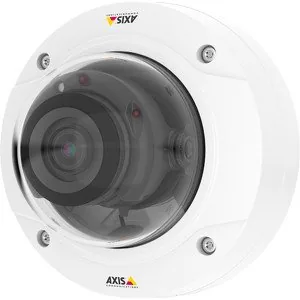
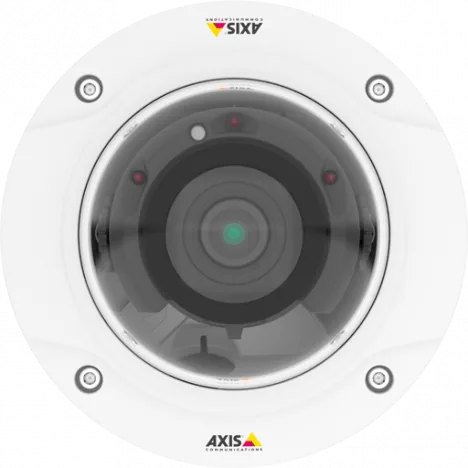
The Axis P3227-LV Manual highlights a compact network camera built for reliable everyday security. The P3227-LV belongs to the AXIS P32 series and is designed for users who want clear video, flexible setup options, and practical tools for monitoring indoor spaces. It fits well in offices, stores, lobbies, and other environments where image quality and stable operation matter.
One of its biggest strengths is the balance between image performance and network efficiency. The camera supports both Motion JPEG and H.264, giving you the freedom to choose between simple image delivery and stronger compression for reduced bandwidth use. For scenes with challenging lighting, wide dynamic range helps preserve detail in both bright and dark areas, which is especially useful near windows, entrances, and mixed-light interiors.
Setup is straightforward through a web browser, and Axis recommends secure login practices from the start. The guide also stresses the importance of strong passwords, HTTPS use, and limited user access for day-to-day operation. That focus on security makes the camera suitable for organizations that need to protect both video and system settings.
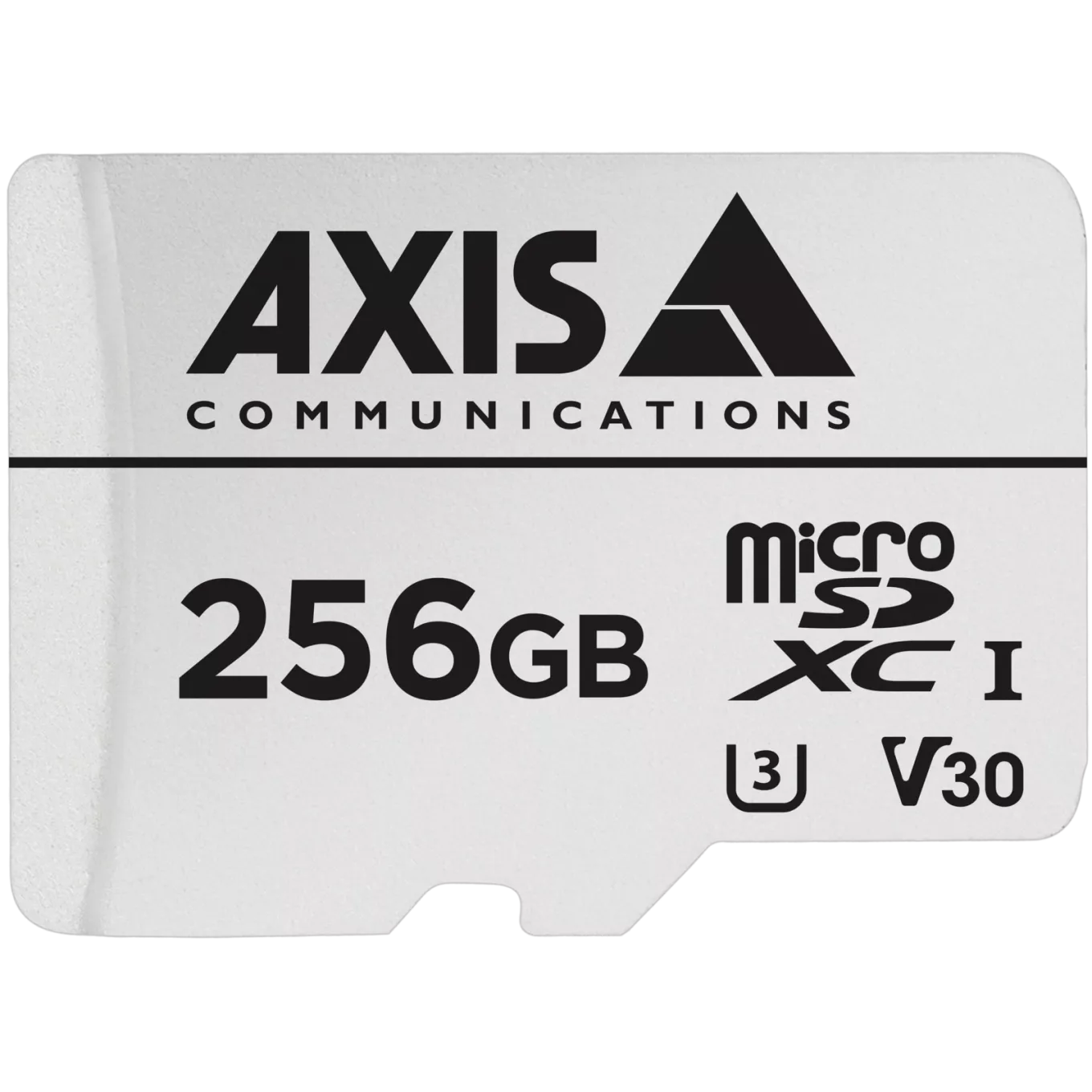
Another practical advantage is the rich set of configuration tools. Users can adjust exposure modes, create action rules for motion-related events, add overlays such as timestamps or custom text, and store recordings on compatible microSD cards. These features make the camera more than a simple video source; it becomes a flexible monitoring platform that can react to incidents and provide useful context in recordings.
For storage and performance planning, the manual explains how features like Zipstream, higher compression, and view areas can reduce bandwidth and save space. This is valuable when multiple cameras share the same network or when long-term recording is required. The camera also includes troubleshooting guidance for common issues such as firmware upgrades, IP conflicts, browser access, and streaming performance.
Notes
- Use strong passwords and enable secure access early.
- Choose H.264 when bandwidth efficiency is a priority.
- WDR is helpful in scenes with strong light contrast.
- SD cards should be removed safely to avoid data loss.
- Firmware updates can improve features and fix issues.
Search for 67,732 Manuals online


Type-in Brand or Model