
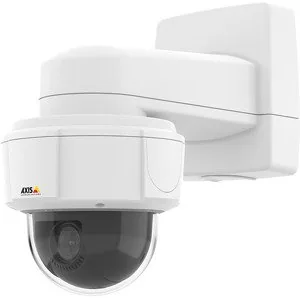
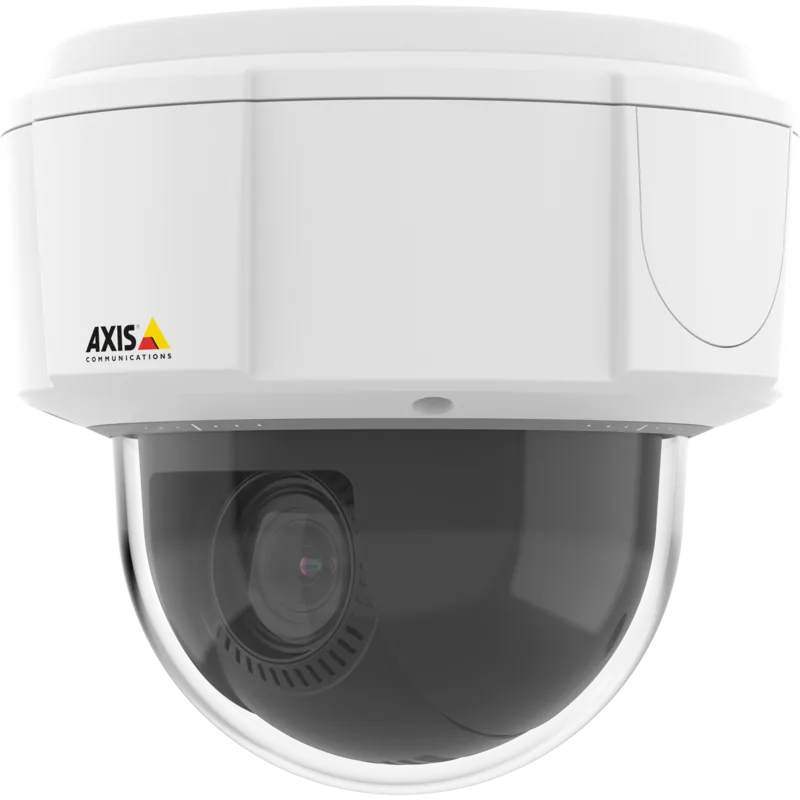
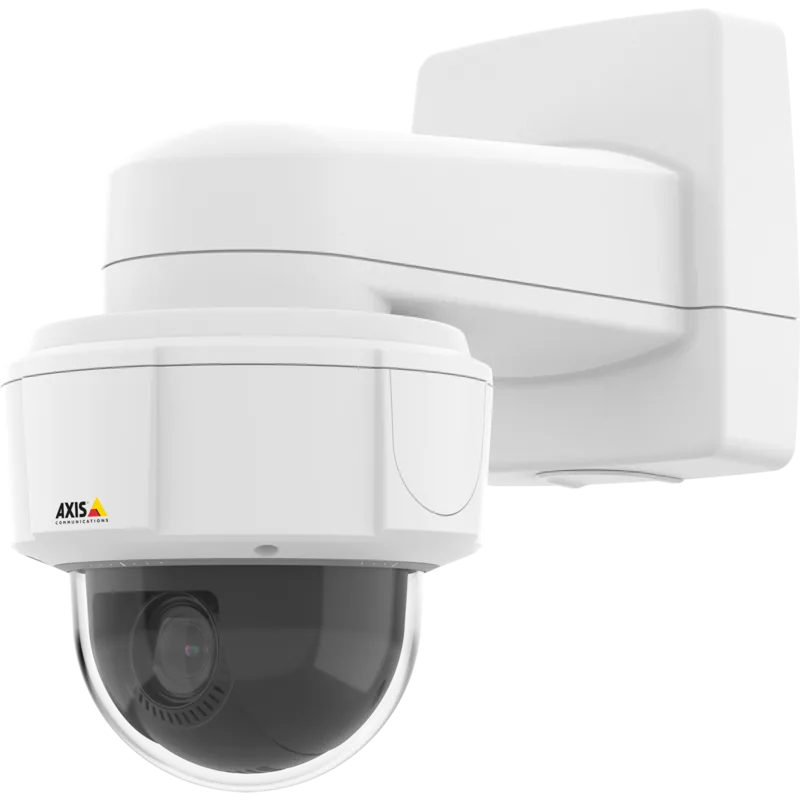
Axis M5525-E Manual
PDF manual · 20 Pages
English



Quick check
Incorrect answer, please try again.
Chat with your Axis M5525-E manual using AI
Get instant AI answers from your Axis M5525-E manual
Ask anything about the Axis M5525-E. Answers come from this manual, with the pages they are based on.
Ask a Question
Do you recommend M5525-E?
Yes NoFrequently Asked Questions
It is well suited for sites that need flexible surveillance coverage, such as entrances, parking areas, and public-facing spaces. PTZ movement, image tuning, and event-based actions make it useful for both monitoring and response.
Is this answer helpful?
Yes. It can switch to night mode automatically when light levels drop, using IR support to produce black-and-white images. This helps maintain visibility after dark without requiring constant manual adjustment.
Is this answer helpful?
It supports privacy masks that block selected areas of the image. These masks stay aligned with pan, tilt, and zoom movement, so the same real-world area remains hidden even as the camera changes position.
Is this answer helpful?
Yes. Motion detection can trigger overlays, recordings, preset PTZ positions, emails, or other actions. It can also work with external devices such as PIR sensors and relays through the I/O ports.
Is this answer helpful?
The camera supports Motion JPEG and H.264. Motion JPEG offers high image access but uses more bandwidth, while H.264 is better for reducing file size and network load without heavily sacrificing quality.
Is this answer helpful?
Check the IP address, browser protocol, firmware, and password first. If needed, the control button can restore factory settings, but that resets all configuration, including the network address.
Is this answer helpful?
Advantages and Disadvantages
Advantages

- PTZ control makes it easy to track activity and cover wider areas from one camera.
- Supports night mode, IR-assisted imaging, and WDR for better results in difficult lighting.
- Privacy masks and PTZ limits help protect sensitive areas without reducing overall monitoring.
- H.264, Zipstream, and storage options help lower bandwidth and save recording space.
Disadvantages

- Setup can be complex because the camera offers many settings, rules, and integration options.
- Heavy use of applications, masks, or multiple streams can affect performance and frame rate.
- Firmware upgrades and password recovery require caution; losing admin access may force a reset.
- Advanced features may need careful tuning to avoid image artifacts or reduced detail in some scenes.
Product Specification
Type
Dome
Image Sensor
1/2.8" CMOS
Resolution
1920x1080 Pixels (25fps)
Lens
0.19-1.85 in (F1.6-F3.0)
Light Sensitivity
0.45 Lux (Color), 0.01 Lux (B/W)
Viewing Angle
6.7-61.8 degrees (horizontal), 3.8-37.2 degrees (vertical)
Pan
360 degrees (motorized)
Tilt
90 degrees (motorized)
Zoom Function
10x optical, 12x digital
Compression/Codecs
MJPEG, H.264
Multistreaming
supported
Alarm
4x Alarm Input/Alarm Output
Connections
1x Audio Input, 1x Audio Output, 1x RJ-45 100Mb LAN
Data Storage
1x microSD slot
Power Supply
PoE (Type 1)
Protection Class
IP66, IK09, NEMA 4X
Housing
suitable for outdoor use
System Compatibility
ONVIF (Profile G, S), IPv6
Zone & Analysis Functions
Motion Detection, Audio Detection, Privacy Zones, IR Filter
Product Description
Axis M5525-E PTZ: A Flexible Camera for Smarter Surveillance
The Axis M5525-E PTZ is built for situations where wide coverage, clear detail, and responsive control matter. This camera combines pan, tilt, and zoom movement with practical features that help users adapt to changing scenes, from parking lots and entrances to corridors and storefronts. It is especially appealing for anyone looking for a reliable network camera that can be tuned for both everyday monitoring and more targeted security work.
What makes it stand out
One of the strongest qualities of the Axis M5525-E PTZ is its ability to balance image quality with efficient streaming. The camera supports multiple exposure modes, including automatic settings for general use and flicker-free options for spaces with challenging artificial lighting. It also offers night mode with IR support, which helps maintain visibility after dark while shifting to black-and-white imaging when light levels drop.
Another useful advantage is the camera’s control over sensitive or private areas. Privacy masks allow specific parts of the scene to be hidden from view, which is valuable in mixed-use environments where cameras must respect nearby homes, entrances, or restricted zones. The PTZ limits can also be configured to prevent the lens from moving into areas that should remain outside the monitored range.
Practical features for daily use
The Axis M5525-E PTZ is not just about video capture; it is designed to fit into broader security workflows. It supports overlays for timestamps and event text, action rules for motion-triggered responses, and external I/O connections for sensors, relays, and alarm devices. This makes it possible to trigger recordings, move the camera to a preset position, or activate audio responses when motion is detected.
For storage and transmission, the camera offers common stream options such as Motion JPEG and H.264, with compression tools that can reduce bandwidth usage and storage demand. That is helpful when multiple users need access or when network resources are limited. The device also works with network storage, SD cards, and ACAP applications, allowing added flexibility for analytics and recording strategies.
Notes
- Use strong passwords and change them regularly.
- Keep firmware updated to benefit from fixes and new features.
- Review performance settings if multiple streams or applications are active.
- Test PTZ limits, privacy masks, and action rules before deployment.
Search for 67,732 Manuals online


Type-in Brand or Model
Lina Krause
11 months ago
Does the camera reliably run a PTZ Tour and send images to my website via SFTP on a schedule (for example, every hour)?
Manual.ly
11 months ago
Yes. After setting up a PTZ Tour, you can configure an automated schedule to export snapshots and upload them to your server. With SFTP enabled, the camera can send images at defined intervals (such as once per hour) so your website receives regular updates without manual intervention. If you experience delays or missing uploads, check the SFTP account credentials, destination path, network/firewall settings, and that the schedule and PTZ Tour are enabled and saved in the camera configuration.