
Axis M3058-PLVE Manual
PDF manual · 26 Pages
English



Quick check
Incorrect answer, please try again.
Chat with your Axis M3058-PLVE manual using AI
Get instant AI answers from your Axis M3058-PLVE manual
Ask anything about the Axis M3058-PLVE. Answers come from this manual, with the pages they are based on.
Ask a Question
Do you recommend M3058-PLVE?
Yes NoFrequently Asked Questions
The camera supports multiple capture modes including overview, panorama, double panorama, quad view, view areas, corridor, and corner panorama modes. Choose a capture mode based on the required resolution and frame rate for your surveillance scenario.
Is this answer helpful?
Use H.264 streaming combined with Zipstream, enable dynamic GOP and dynamic FPS, increase compression, and select appropriate stream profiles. Note that reducing bandwidth may reduce image detail; adjust settings to balance quality and resource use.
Is this answer helpful?
Privacy masks block parts of the view in snapshots, recordings, and live streams (they may appear warped in some view modes). Image/text overlays are applied to streams but are not displayed over HDMI. Overlays update dynamically across streams when edited.
Is this answer helpful?
Configure a secure root password on first login, enable HTTPS, use strong passwords (≥8 characters, preferably generated), avoid exposing credentials, and rotate passwords regularly. If root password is lost, a factory reset is necessary.
Is this answer helpful?
Connect a PIR or other sensor to the I/O connector using the documented pinout, configure the I/O port (e.g., closed circuit), and create an action rule that triggers recording to SD card or network storage when the input is activated.
Is this answer helpful?
If an upgrade fails the device reloads previous firmware. Common causes include uploading the wrong firmware file. Ensure the firmware file matches the exact product model and follow upgrade instructions. Keep power stable and the cover attached during upgrades.
Is this answer helpful?
Power off the camera, press and hold the control button while reconnecting power, and keep it pressed 15–30 seconds until the status LED flashes amber, then release. Alternatively use the web interface under Settings > System > Maintenance > Default.
Is this answer helpful?
Advantages and Disadvantages
Advantages

- Multiple capture modes (overview, panorama, double panorama, quad view) for flexible wide-area monitoring.
- Efficient streaming with H.264 and Zipstream to reduce bandwidth and storage needs.
- IR illumination and automatic day/night switching for reliable low-light performance.
- Rich event handling: motion detection, PIR input, supervised I/O, overlays, and action rules.
- ACAP support for third-party analytics and expandable functionality.
Disadvantages

- High-resolution or low-compression settings increase bandwidth and CPU load, reducing frame rate.
- Running multiple ACAP apps or many simultaneous clients can degrade performance.
- Privacy masks and some overlays are not shown over HDMI output.
- Firmware upgrades require caution: keep cover attached and power stable to avoid failures.
- Default root account cannot be deleted; a lost root password requires factory reset.
Product Specification
Type
Dome
Image sensor
1/1.7" CMOS
Resolution
2992x2992 pixels (25fps)
Lens
0.05in (F2.2)
Light sensitivity
0.19 Lux (Color), 0.04 Lux (B/W), 0 Lux (IR)
Viewing angle
181° (horizontal), 181° (vertical)
Pan
-180° to 180° (manual)
Tilt
N/A
Compression/Codecs
H.264, MJPEG
Multistreaming
supported
Alarm
1x alarm input, 1x alarm output
Connections
1x HDMI, 1x RJ-45 100Mb LAN
Data storage
1x microSD slot
Power supply
PoE (Type 1)
Protection class
IP66, IK10, NEMA 4X
Housing
suitable for outdoor use
System compatibility
ONVIF (Profile S), IPv6
Zone & analysis functions
Motion detection, privacy zones, IR filter
Manufacturer's warranty
1 year
Product Description
Axis M3058-PLVE Manual: Compact Multi-View Network Camera
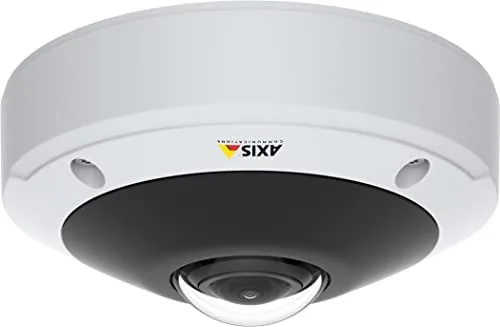
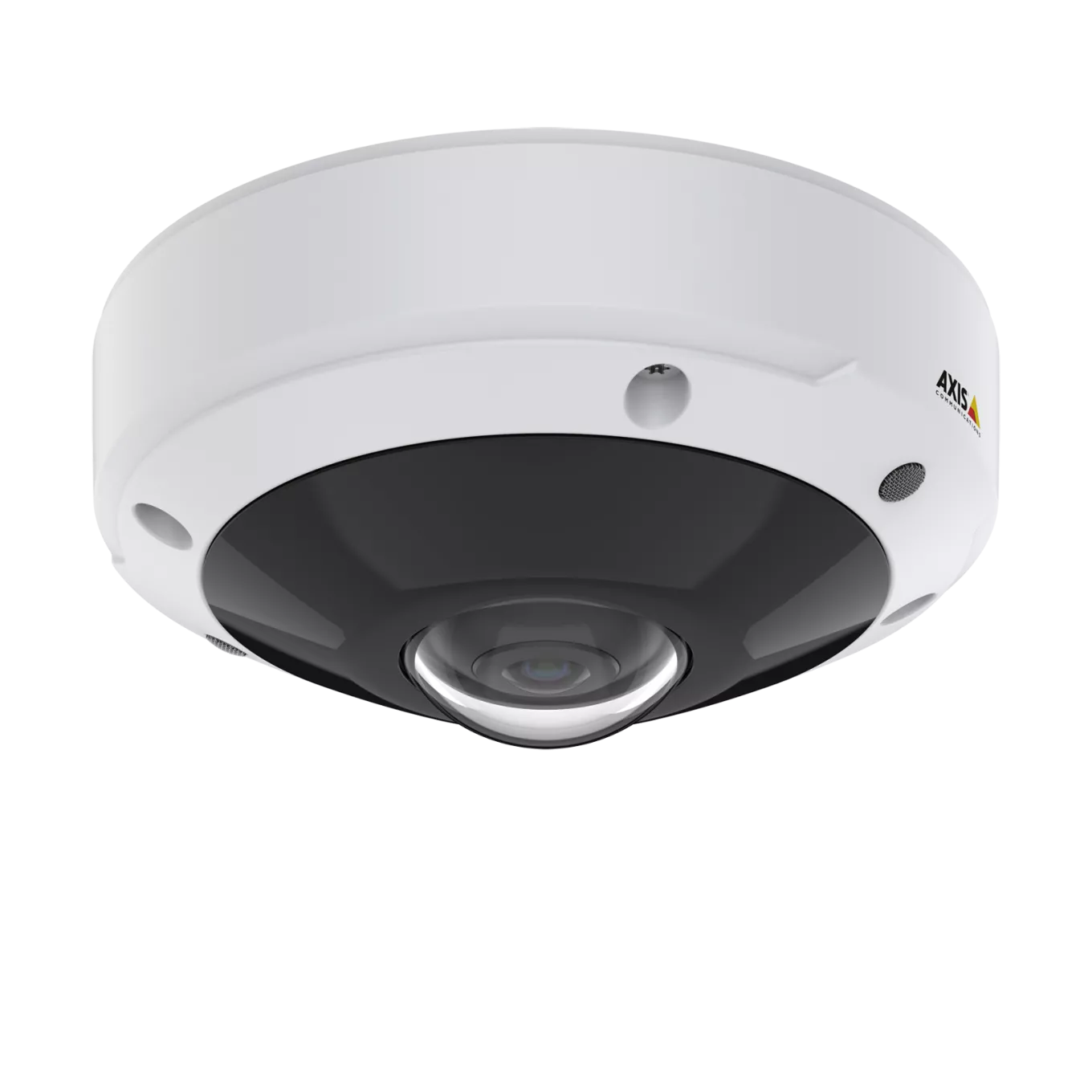
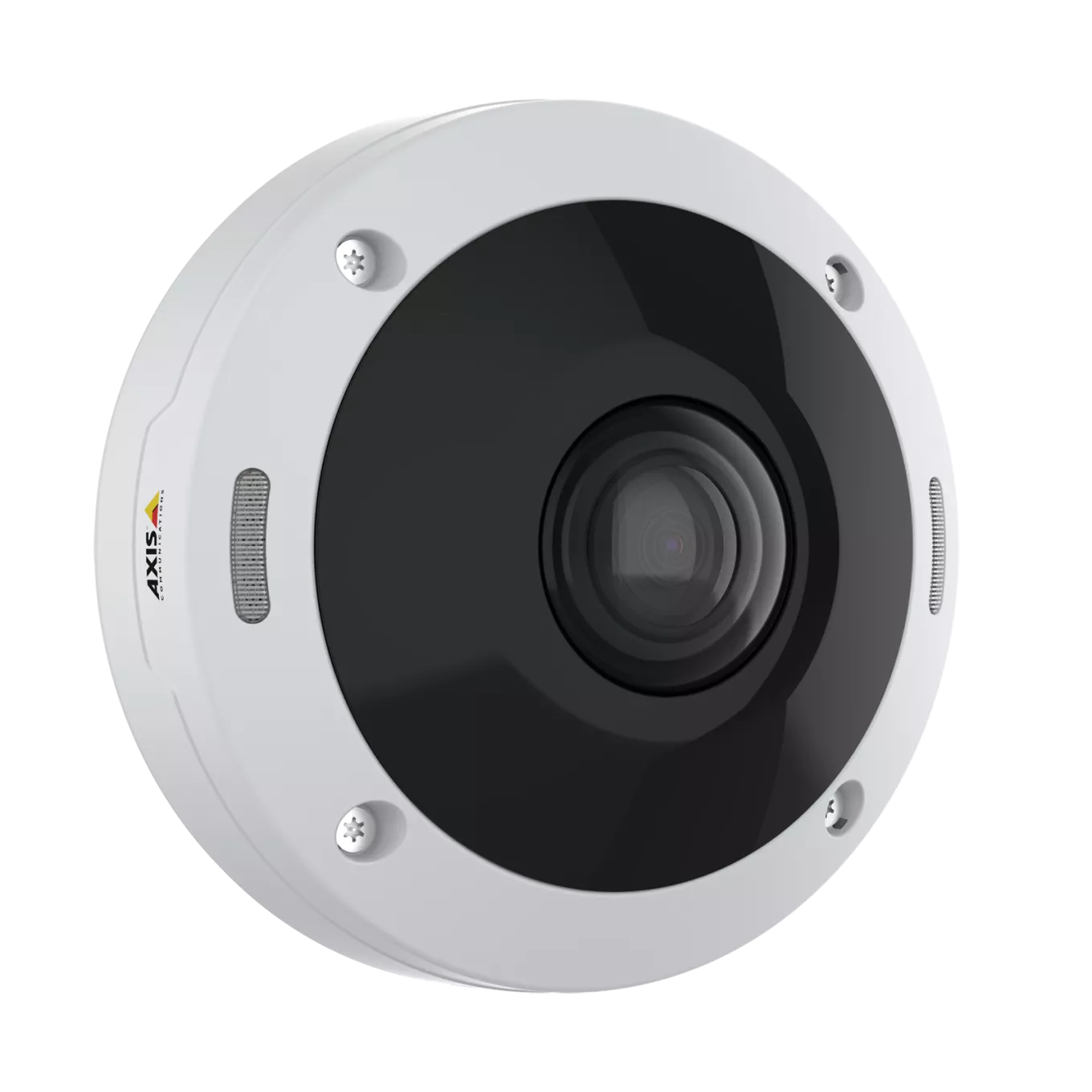
The Axis M3058-PLVE is a compact, high-performance panoramic network camera designed for versatile surveillance tasks where wide-area coverage and detail matter. Built for professional installations, it combines multiple capture modes—including overview, panorama, double panorama, quad view, and view areas—to deliver flexible monitoring options from a single mounting point. Its rich feature set makes it suitable for retail, transport hubs, entrances, and other spaces requiring broad situational awareness without sacrificing image detail.
Equipped with advanced image handling, the camera supports H.264 and Motion JPEG streams, Zipstream to reduce bandwidth and storage, WDR for scenes with strong backlight, and IR illumination with adjustable intensity for low-light conditions. The device offers automatic day/night switching and exposure modes (Automatic, Flicker-free, Flicker-reduced, and Hold current) to adapt to varied lighting and artificial-light environments. View areas and PTZ presets let installers focus on important parts of the scene while limiting zoom to protect privacy.
Installation and management are straightforward: the camera supports PoE, has an HDMI output for local monitoring, and includes an SD card slot for edge recording. AXIS IP Utility and AXIS Device Manager simplify discovery and IP assignment. The web-based interface provides live view controls, overlays, privacy masks, event/action rule configuration, and storage setup for both network shares and local SD card recordings. ACAP compatibility enables third-party analytics and custom applications to extend functionality.
Robust event handling and integrations allow the camera to trigger recordings, overlays, and notifications based on motion detection, PIR input, tampering detectors, or supervised I/O signals. Guard tours and preset positions facilitate automated patrols through configured viewpoints. For maintainers, the manual explains firmware checking and upgrade procedures, factory reset methods, troubleshooting tips, and performance considerations to balance frame rate, resolution, and CPU load. LEDs, connectors, and I/O pinouts are documented for reliable installation and integration.
With emphasis on security, the camera requires an initial root password setup and recommends HTTPS and strong password policies. Administrators should follow best practices such as changing default credentials, using long generated passwords, and rotating passwords periodically.
Notes:
- Use Zipstream and H.264 to reduce storage and bandwidth while retaining image detail.
- Avoid removing the microSD card while the device is running; unmount before removal.
- Keep the service cover attached during firmware upgrades and maintain power throughout the process.
Search for 67,732 Manuals online


Type-in Brand or Model