
Axis M2026-LE Mk II Manual
PDF manual · 14 Pages
English



Quick check
Incorrect answer, please try again.
Chat with your Axis M2026-LE Mk II manual using AI
Get instant AI answers from your Axis M2026-LE Mk II manual
Ask anything about the Axis M2026-LE Mk II. Answers come from this manual, with the pages they are based on.
Ask a Question
Do you recommend M2026-LE Mk II?
Yes NoFrequently Asked Questions
It is designed as a compact network camera with flexible streaming, browser-based management, and practical tools for secure installation, image tuning, and long-term maintenance.
Is this answer helpful?
The camera supports Motion JPEG, H.264, and H.265. Each option offers a different balance between image access, compression efficiency, and network usage.
Is this answer helpful?
Use H.264 or H.265, enable Zipstream, increase compression, turn on dynamic GOP, and use dynamic FPS where appropriate. These settings can lower data use significantly.
Is this answer helpful?
Yes. After the device is assigned an IP address, users can log in through a supported browser and access live view, stream settings, image settings, and system options.
Is this answer helpful?
If the root password is lost, the camera may need a factory reset. That restores default settings, so the device must be configured again afterward.
Is this answer helpful?
High resolution, low compression, heavy network traffic, too many viewers, HTTPS use, or multiple running applications can all reduce performance and frame rate.
Is this answer helpful?
Advantages and Disadvantages
Advantages

- PoE and RJ45 connectivity simplify installation and reduce cable clutter.
- Supports Motion JPEG, H.264, and H.265 for flexible streaming choices.
- SD card support and event rules add local recording and automation options.
- Detailed image controls help tune bandwidth, storage, and low-light performance.
Disadvantages

- High-resolution or low-compression settings can quickly increase bandwidth use.
- H.265 live view is not supported directly in standard web browsers.
- Factory reset removes settings, including the IP address, which can interrupt access.
- Advanced setup may require network knowledge for HTTPS, IP management, and routing.
Product Specification
Image Sensor
1/3" CMOS
Resolution
2688x1520 Pixels (30fps)
Lens
0.09 in (F2.2)
Light Sensitivity
0.3 Lux (Color), 0.06 Lux (B/W), 0 Lux (IR)
Viewing Angle
130° (horizontal), 73° (vertical)
Compression/Codecs
H.265, H.264, MJPEG
Multistreaming
supported
Ports
1x RJ-45 100Mb LAN
Storage
1x microSD-Slot
Illumination
IR Illumination (49.21 ft)
Power Supply
PoE (Type 1)
Protection Class
IP66, IK08
Housing
black, suitable for outdoor use
System Compatibility
ONVIF (Profile G, S), IPv6
Zone & Analysis Functions
Motion Detection, IR Filter
Manufacturer's Warranty
3 Years
Product Description
Axis M2026-LE Mk II Black Manual: A Practical Network Camera Overview
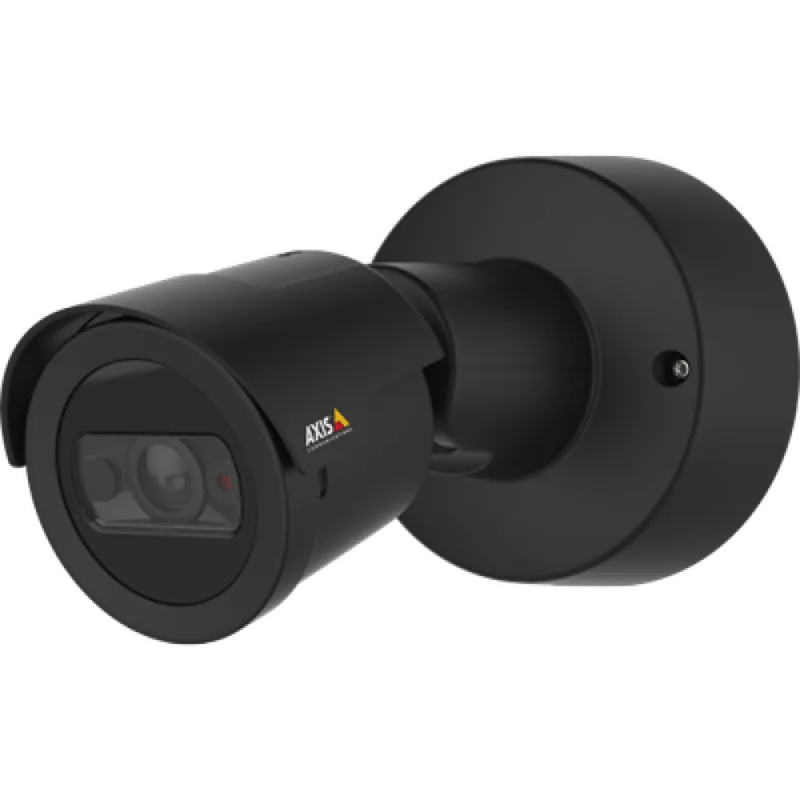
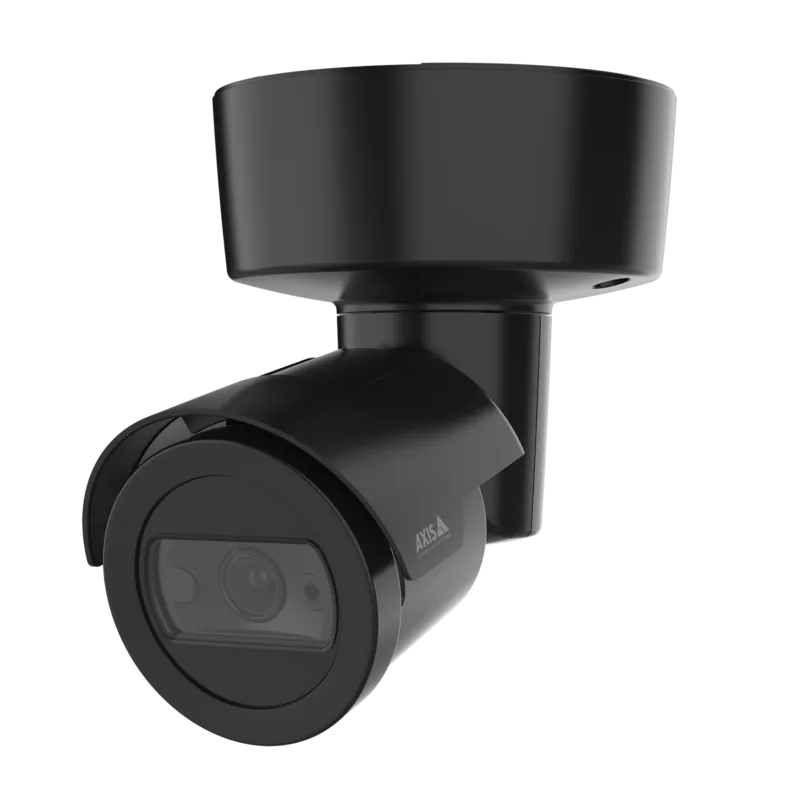
The Axis M2026-LE Mk II black is a compact network camera built for users who want dependable surveillance with flexible control. Its design centers on practical installation and day-to-day management, combining Power over Ethernet, an RJ45 network connector, an SD card slot, a status LED, and a control button for service tasks such as reset or system connection. The black finish gives it a discreet look that blends easily into modern indoor or outdoor monitoring environments.
What makes this camera especially appealing is how much control it gives through a standard web browser. Once the device is found on the network and assigned an IP address, the live view opens in a familiar interface where users can adjust stream settings, exposure, compression, and event behavior. The setup process also highlights secure access from the start, encouraging strong passwords and encrypted connections. That balance of simplicity and security is important for small installations and more advanced surveillance systems alike.
Video handling is another strong point. The camera supports Motion JPEG, H.264, and H.265, allowing users to choose between image-by-image clarity, efficient bandwidth use, and strong compression performance. Capture modes affect resolution, frame rate, field of view, and aspect ratio, so the camera can be tuned to match the scene and the available network resources. When storage or bandwidth needs to be reduced, features such as Zipstream, dynamic GOP, dynamic FPS, and higher compression levels help keep the stream efficient without sacrificing the entire image.
The manual also shows that the camera is meant to be managed over time, not just installed once. It includes guidance for low-light tuning, noise reduction, firmware checks, firmware upgrades, and troubleshooting common issues like IP conflicts, multicast access, and browser login problems. Event rules make it possible to trigger actions on schedules, motion events, or other conditions, which is useful for automated recording and connected workflows.
Notes
- Best performance comes from matching stream settings to the real monitoring need.
- H.265 is efficient, but browser live-view support is limited.
- Firmware updates can improve functionality and reliability.
- A factory reset restores defaults, including the IP address, so use it carefully.
Overall, the Axis M2026-LE Mk II black Manual presents a camera that is flexible, efficient, and straightforward to maintain. It is well suited to users who want a compact surveillance solution with detailed stream control, secure setup options, and solid troubleshooting support.
Search for 67,732 Manuals online


Type-in Brand or Model