
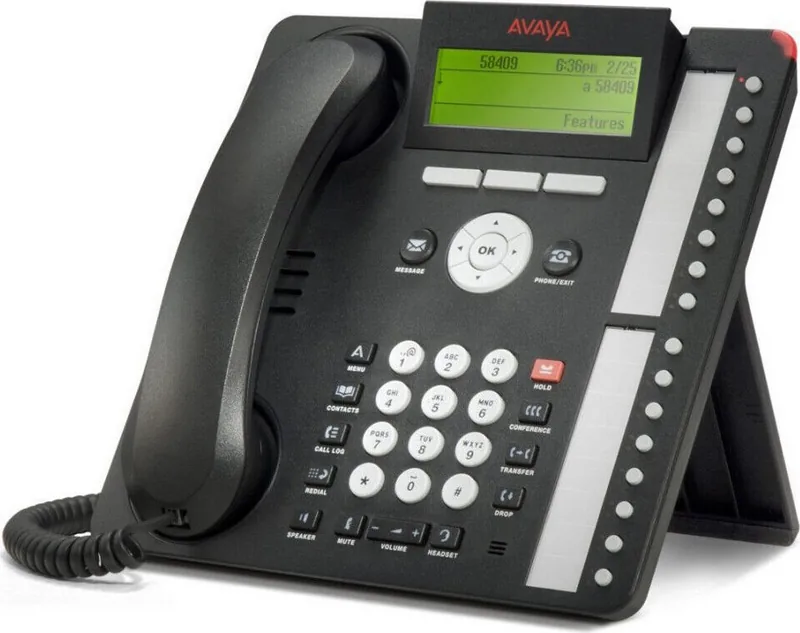
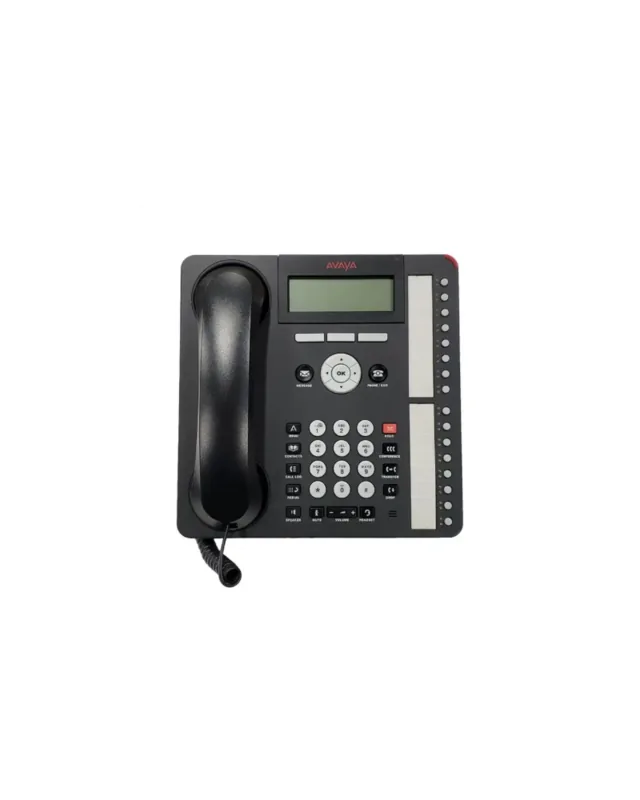
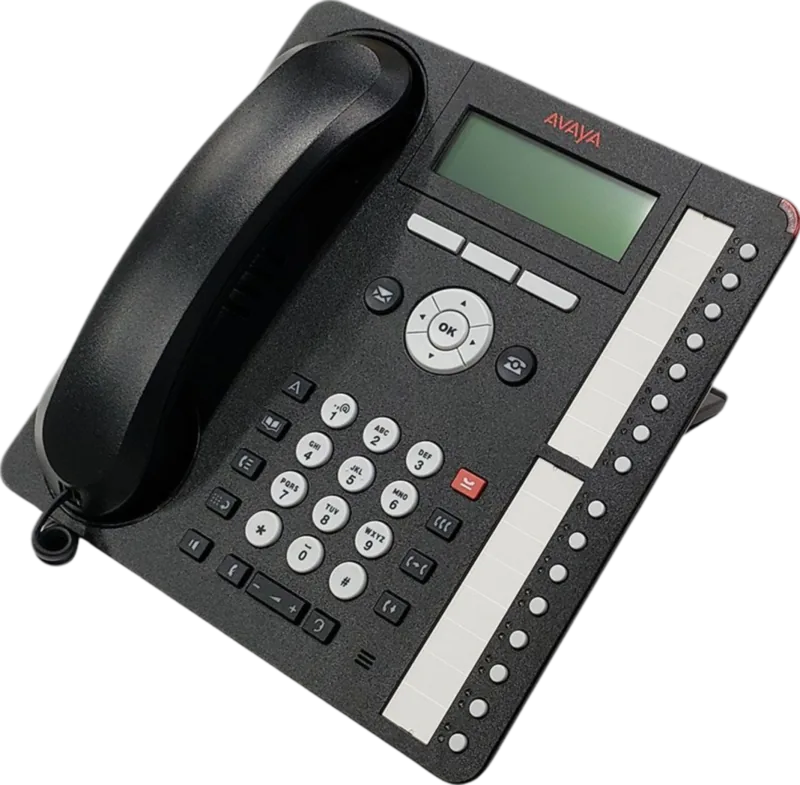
Avaya 1616-I Manual
PDF manual · 50 Pages
English



Quick check
Incorrect answer, please try again.
Chat with your Avaya 1616-I manual using AI
Get instant AI answers from your Avaya 1616-I manual
Ask anything about the Avaya 1616-I. Answers come from this manual, with the pages they are based on.
Ask a Question
Do you recommend 1616-I?
Yes NoFrequently Asked Questions
The Avaya 1616-I IP deskphone is intended for use with Avaya Communication Manager or Avaya Distributed Office call processing systems. Feature behavior and availability can also depend on how your extension is administered.
Is this answer helpful?
The phone uses a red Message Waiting Indicator for voicemail. Missed calls are shown through the display, including missed call icons and counts on the top line when supported by your configuration.
Is this answer helpful?
Yes. Transfer is handled with the Transfer button, letting you dial a new destination and complete the transfer. Conferences are started with the Conference button, and you can join additional participants using the join or conference controls.
Is this answer helpful?
Bridged call appearances let you view, answer, and join a call that belongs to someone else, and you can make an outgoing call on that bridged appearance when it is not in use. Shared line appearances work similarly, but the line is shared among multiple users.
Is this answer helpful?
You can save up to 100 names and telephone numbers in your contacts list. From there, you can view details and place calls using the phone's navigation and OK softkey actions.
Is this answer helpful?
Call logging can be turned on or off from the phone menus. You can also configure whether bridged calls and line calls are included, and whether calls answered by others are treated as answered calls instead of missed calls. Logging must be enabled to record those calls.
Is this answer helpful?
Advantages and Disadvantages
Advantages

- Clear, four-line display plus softkeys and scrolling controls for fast call management.
- Robust call handling: answer, ignore, mute, hold, transfer, and conferencing from dedicated buttons.
- Conference support for up to five people on the same call for team collaboration.
- Useful productivity features: contacts (up to 100), call log lists, voicemail access, and configurable redial.
Disadvantages

- Some capabilities depend on admin configuration, so feature availability may differ by site.
- Call log details are lost after you log out, which can be limiting on shared phones.
- Certain behaviors (like auto hold) require server-side support and setup to work smoothly.
- Extension features like forwarding, SAC, and EC500 rely on coverage paths and programmed settings.
Product Specification
Type
VoIP phone (corded)
Display
3.5", monochrome
Phonebook
100 entries
Call list
100 entries
Interfaces
2x 10/100Base-TX (PoE), 1x Headset
Answering machine
no
Special features
Caller ID, Speakerphone, Programmable keys (16), Hearing aid compatible, Optical call signaling
Product Description
Avaya 1616-I IP Deskphone: Power, Clarity, and Control
If you are equipping an office with a reliable IP deskphone, the Avaya 1616-I is built for everyday call handling and day-to-day productivity. Designed for use with Avaya Communication Manager or Avaya Distributed Office, it brings a streamlined experience through a four-line screen, softkeys, and quick-access buttons that help you manage calls without digging through menus. In many setups, the Avaya 1616-I Manual is the best companion for learning how the phone behaves in real work scenarios, from dialing and call handling to advanced collaboration features.
At the center of the experience is visual feedback. The phone uses color-coded LEDs to show call and feature states (active, ringing, on hold, pending), while the display icons reveal missed calls, call forwarding status, Send All Calls, and Extension to Cellular (EC500). With navigation arrows and an OK button, you can scroll through lists, confirm selections, and move through views like contacts, call logs, and conference details.
The Avaya 1616-I supports practical communication habits. You can handle incoming calls with flexible options such as answering on the handset, speakerphone, or headset, muting during conversations, placing calls on hold, and transferring calls to a new number. Conference calling is also a highlight, letting you bring up to five participants into the same conversation. For busy teams, features like Call Forwarding, Send All Calls, Directory-based dialing, and EC500 (office and cell ringing at the same time) help keep you reachable.
For managing your personal calling history, the phone includes a contacts list (up to 100 entries) and a call log that can be configured to include different categories, including bridged calls and line calls answered by others. One important operational note: call log information is lost after you log out, so shared-phone environments benefit from careful use of login and logout.
Key takeaways
- A four-line interface with softkeys and LED status indicators makes call states easy to interpret.
- Built-in tools for contacts, call log browsing, redial options, and voicemail access.
- Support for advanced calling behaviors like transfer, conference, and call coverage features.
- Customization through the Avaya Menu, including audio path, ring pattern, language, and network information.
Notes
- Feature availability can vary by how your system administrator administers your extension.
- Avoid using cell phones or GSM radios close to the device, as interference can occur.
- For safety and compliance, toll fraud prevention guidance and security alert reporting are part of the overall support ecosystem.
Search for 67,706 Manuals online


Type-in Brand or Model