Manual.ly Logo

Avantree NB18 Manual

0.0 · 0 Ratings

PDF manual · 1 Pages

English

M: QW-35-FL
page

/ 1

Loading...
06dbb3830c283e8c3cdee687c278f8f2460a page 1
1
2
3
Box Content | Inhalt | Contenu de la boite | Contenuto della
confezione | Contenido
Charging
Contact Us | Kontaktieren Sie uns | Contactez-nous |
Contattaci | Contáctenos
Online Support | Online Support | Support en ligne |
Supporto Online | Soporte en línea
Products & Accessories | Produkt & Accessories | Produits
et accessoires | Prodotti & Accessori | Productos y accesorios
A
B
C
Slide power switch to "PAIR" position and hold it there until Status Indicator
DE: Schieben Sie den Netzschalter in die Position "PAIR" und halten Sie ihn dort, bis
die Statusanzeige BLAU & ROT zu blinken beginnt. Du hörst "Pairing" im
Kopfhörer.
(Hinweis: Bei der ersten Verwendung wechselt es nach dem Einschalten
automatisch in den Kopplungsmodus.)
FR: Glisser l'interrupteur d'alimentation sur la position "PAIR" et maintenez-le
jusqu'à ce que l'indicateur d'état commence à clignoter en BLEU et ROUGE.
Vous entendrez « Pairing » dans les écouteurs.
(Note : A la toute première utilisation et mise sous tension, l’appairage se lance
automatiquement.)
IT:
che i LED di stato non lampeggino di ROSSO E BLU. Sentirete un vocale
(Nota: Per il primo utilizzo, entreranno in modalità pairing automaticamente
dopo averle accese)
ES: Deslice el interruptor de encendido a la posición "PAIR" (EMPAREJAMIENTO) y
manténgalo allí hasta que el indicador de estado empiece a parpadear AZUL y
ROJO. Escuchará "Emparejamiento" en los auriculares.
(Nota: Para su primer uso, entrará en modo de emparejamiento
automáticamente después de encenderlo).
To power ON/OFF, slide the switch to "ON"/”OFF” position.
DE: Zum EIN-/AUSschalten schieben Sie den Schalter in die Position "ON"/"OFF".
FR: Pour allumer/éteindre, faites glisser l'interrupteur sur la position "ON"/"OFF".
IT: Per accendere/spegnere, far scorrere l'interruttore in posizione "ON"/”
OFF”.
ES: Para encender / apagar, deslice el interruptor a la posición "ON" / ”OFF”.
2s
Avantree® NB18
Wireless Neckband
Earphones
Model No.: BTHS-NB18
Please visit
https://avantree.com/product-support/nb18
for detailed step-by-step setup guide
Quick Start Guide
Schnellanleitung
Guide de démarrage rapide
Guida Rapida all’uso
Guía de iniciorápido
Once connected, earphone LED will be solid blue. You'll hear "Connected" in the
earphones.
DE: Sobald die Verbindung hergestellt ist, leuchtet die Kopfhörer-LED
durchgehend blau. Sie hören "Connected" in den Kopfhörern.
vous entendrez "Connected".
IT:
Escuchará " Connected " en los auriculares.
In your device's Bluetooth menu, search & select "Avantree NB18" to connect.
DE: Suchen und wählen Sie im Bluetooth-Menü Ihres Geräts "Avantree NB18", um
eine Verbindung herzustellen.
FR: Dans le menu Bluetooth de votre appareil, recherchez et sélectionnez "Avantree
NB18" pour faire la connexion.
IT: Nel menu del vostro dispositivo, cercate e selezionate "Avantree NB18" per
collegarle.
ES: En el menú Bluetooth de su dispositivo, busque y seleccione "Avantree NB18"
para conectarse.
avantree.com/submit-a-ticket
DE: +49 32221097297
(11am-9pm, CET, Mon-Sat )
UK: +44 20 8068 2023
(9am-6pm, GMT, Mon-Sat)
FR: + 33 176340312
(11am-9pm, CET, Mon-Sat )
IT: +39 06 9480 3330
(9am-6pm, CET, Mon-Sat )
ES: + 34 931786261
(9am-6pm, CET, Mon-Sat )
AU: + 61 2 8310 9897
(11am-7pm, Sydney Time, Mon-Fri)
USA / Canada: +1800 232 2078
(US Toll Free, 9am-6pm PST, Mon-Fri )
Register for your extended 24 Months warranty at
avantree.com/product-registration
TICKET
SUPPORT
Bluetooth
MY DEVICES
Avantree NB18
MY DEVICES
Avantree NB18
MY DEVICES
1. How to connect to 2nd device?
2. Lip-Sync / Audio Lag when watching TV
3. How to factory reset / clear paring history of NB18?
4. NB18 Function Table & LED indicators
……More FAQ and User tips are available online.
DE: 1. Wie verbinde ich das zweite Gerät?
2. Lippensynchronisation / Audioverzögerung beim Fernsehen
3. Wie kann ich die Kopplungshistorie von NB18 auf die Werkseinstellungen zurücksetzen / löschen?
4. NB18 Funktionstabelle & LED-Anzeigen
……Weitere FAQ und Benutzertipps sind online verfügbar.
FR: 1. Comment se connecter à un 2ième appareil ?
2. Un décalage audio est audible lorsque vous regardez la télévision
4. Tableau de fonction NB18 et indicateurs LED
……D’autres FAQ et conseils d'utilisation sont disponibles en ligne.
IT: 1. Come collegare un secondo dispositivo?
2. Sincronizzazione labiale/Ritardo Audio quando guardo la TV
3. Come resettare alle impostazioni di fabbrica/azzerare la cronologia dei dispositivi associate?
4. NB18 Funzionalità e indicatori a LED
……Altre FAQ e consigli sono disponibili online.
ES: 1. ¿Cómo conectarse al 2º dispositivo?
2. Sincronización de labios / Retardo de audio al ver la televisión
3. ¿Cómo restablecer de fábrica / borrar el historial de emparejamiento del NB18?
4. Tabla de funciones NB18 e indicadores LED
...... Más preguntas frecuentes y consejos de usuario están disponibles en línea.
Android iPhone
NB18 EARPHONES TYPE C CHARGING CABLE
REPLACEMENT
EARBUDS & TIPS
QUICK START GUIDE
Avantree Medley 6018
Avantree DG80
Avantree Audikast Plus
A
Avantree 910
Avantree Type C Charging Cable
Troubleshooting & FAQ
Avantree 5V/1A USB charger
Note: Contact us at support@avantree.com for a FREE USB
wall charger (for US / UK / EU) if you need one.
DE:
Hinweis: Kontaktieren Sie uns unter support@avantree.com
für ein KOSTENLOSES USB-Ladegerät (für USA / UK / EU),
wenn Sie eines benötigen.
FR:
Note:Si besoin, contactez-nous via
support@avantree.compour obtenir unchargeur mural USB
GRATUIT (Pour les US / UK / EU ).
IT:
Nota: Contattateci a : support@avantree.com per ottenere
un caricabatterie da muro ( per UK /
US / EU) gratuito se lo
necessitate.
ES:
Nota: Contáctenos en support@avantree.compara obtener
un cargador de pared USB GRATIS (para UK / US / EU) si lo
necesita.
EQ
x 1
x 1
x 1
x 1
1s
1s
EQ
A
A
A
B
B
C

Chat with your Avantree NB18 manual using AI

Get instant AI answers from your Avantree NB18 manual

Ask anything about the Avantree NB18. Answers come from this manual, with the pages they are based on.

Ask a Question

0/1000

Do you recommend NB18?

Yes No

Frequently Asked Questions

A

Slide the power switch to the PAIR position and hold it until the LED flashes blue and red. You will hear a voice prompt saying Pairing. The device enters pairing mode automatically on first use.

Is this answer helpful?

A

Once connected, the earphone LED will stay solid blue. You will also hear a Connected voice prompt inside the earphones confirming the link is established.

Is this answer helpful?

A

Yes, you can register for an extended 24-month warranty by visiting avantree.com/product-registration after purchasing your device.

Is this answer helpful?

A

A Type-C charging cable is included. If you need a wall charger for the US, UK, or EU, contact [email protected] to request one for free.

Is this answer helpful?

A

Simply slide the switch to the ON position to power on or to the OFF position to power down the earphones.

Is this answer helpful?

A

If you experience lip-sync issues while watching TV, consult the online FAQ section for specific troubleshooting steps regarding audio synchronization.

Is this answer helpful?

M: QW-35-FL

Advantages and Disadvantages

Advantages

  • Intuitive pairing process with automatic mode on first use
  • Comfortable neckband design suitable for extended wear
  • Fast Type-C charging capability for quick power ups
  • Extended 24-month warranty available upon registration
  • Free replacement USB wall charger offered for select regions
VS

Disadvantages

  • No mention of active noise cancellation features
  • Audio lag may occur when watching certain video content
  • Limited color options mentioned in standard documentation
  • Requires manual reset for clearing pairing history
  • Charging cable length not explicitly specified in text
M: QW-35-FL

Product Specification

Type

In-Ear Earphones

Form Factor

Ear wings (removable), headband-free, neckband

Principle

Closed-back

Microphone

Inline microphone

Wireless

Bluetooth 5.0

Controls

3-button remote control

Battery Life

20h

Battery

USB-C charging port, 2.5h charging time, fast charging feature (10min for 1h operation)

Frequency Range

20Hz-20kHz

Software Features

Voice assistant (Amazon Alexa, Apple Siri, Google Assistant)

Color

Black

Weight

2.01oz

M: QW-35-FL

Product Description

Avantree NB18: Your Ultimate Wireless Neckband Experience

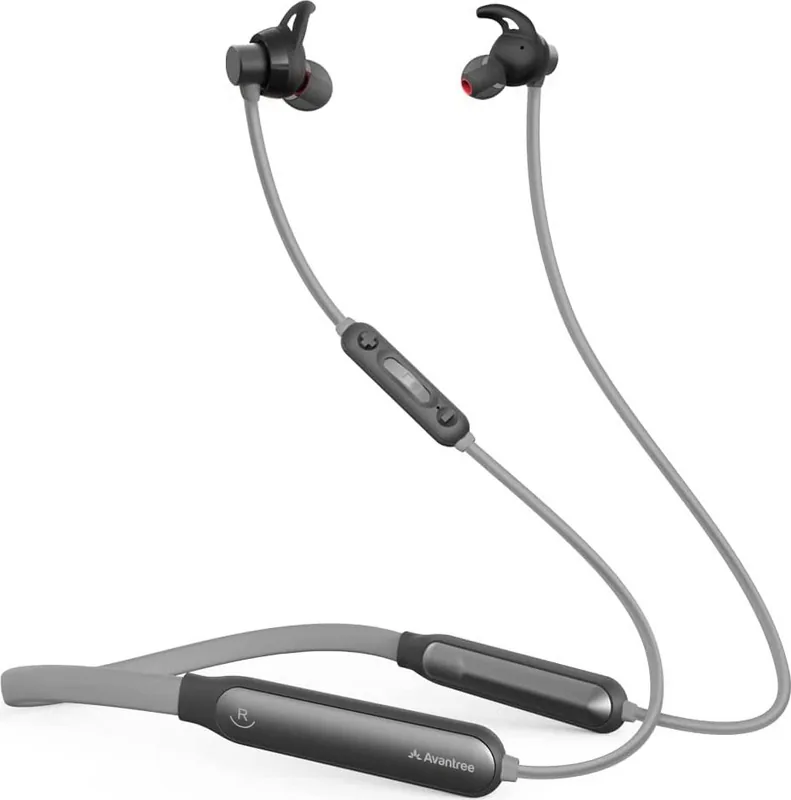
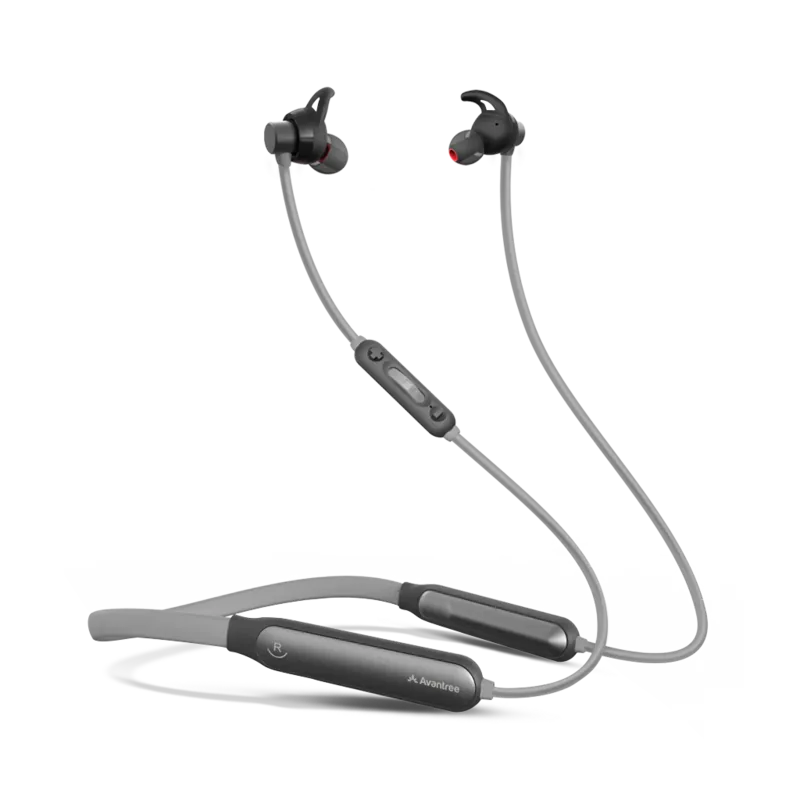
The Avantree NB18 represents a seamless blend of comfort and high-quality audio performance designed for the modern listener. This wireless neckband earphone is engineered to keep your music flowing without the frustration of tangled wires or frequent battery anxiety. With its ergonomic design, the NB18 sits comfortably around your neck, ensuring that you can enjoy long listening sessions whether you are commuting, working out, or relaxing at home.

Setting up your device is incredibly straightforward thanks to the intuitive power switch. Simply slide the switch to the "PAIR" position and hold it until the status indicator flashes blue and red. You will hear a clear voice prompt announcing "Pairing," confirming that the device is ready to connect. For first-time users, the headphones automatically enter pairing mode upon initial activation, saving you time and effort. Once successfully connected to your smartphone or tablet via Bluetooth, the LED light turns solid blue, accompanied by a "Connected" notification.

Beyond simple connectivity, the NB18 offers robust functionality for various daily activities. The included Type-C charging cable ensures rapid power replenishment, keeping you in sync with your busy schedule. Users can also take advantage of an extended warranty registration process available online to secure their investment for twenty-four months. Whether you are using Android or iOS devices, the compatibility remains flawless, providing a stable connection for all your favorite apps and media players.

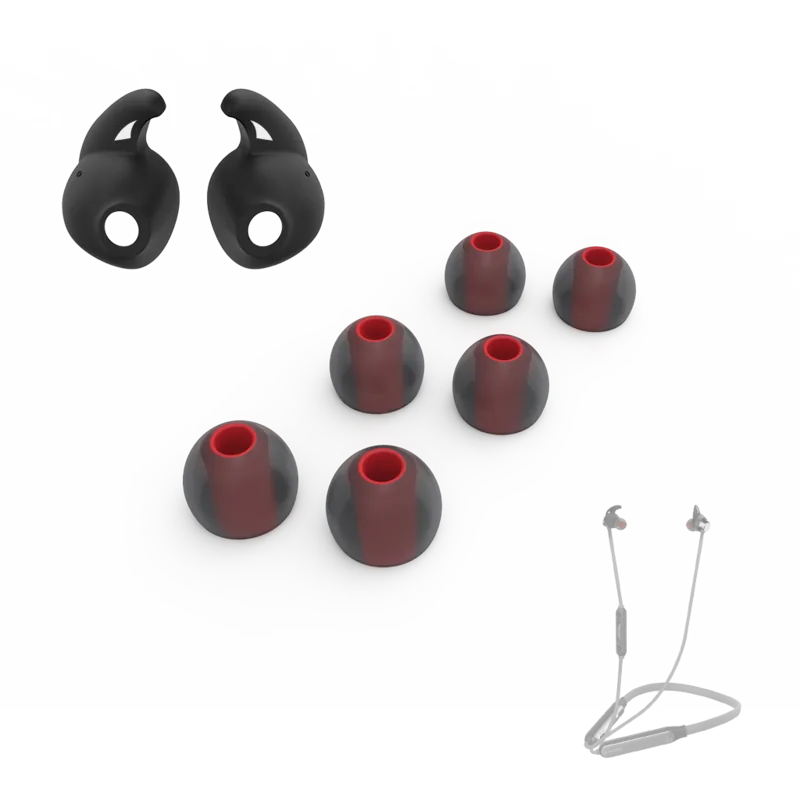
For those seeking additional support, Avantree provides comprehensive resources including troubleshooting guides and detailed FAQs accessible through their website. If you require a replacement USB wall charger for regions like the US, UK, or EU, customer service offers this accessory free of charge upon request. The product package includes everything needed to get started immediately, from the earphones themselves to extra earbuds and tips for a customized fit.

Important Notes

  • Ensure the switch is held in the PAIR position until the lights flash before releasing.
  • Register your product online within the specified timeframe to activate the extended warranty.
  • Contact support directly if you experience any issues with lip-sync or audio lag during TV viewing.
M: QW-35-FL

© Copyright 2026 Manual.ly