
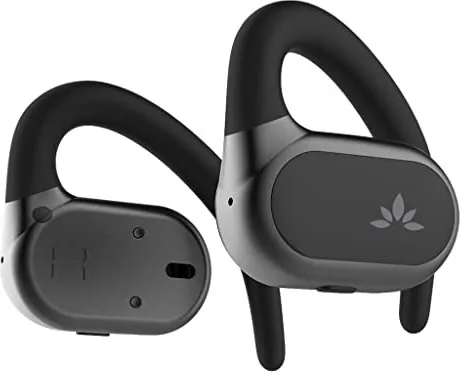
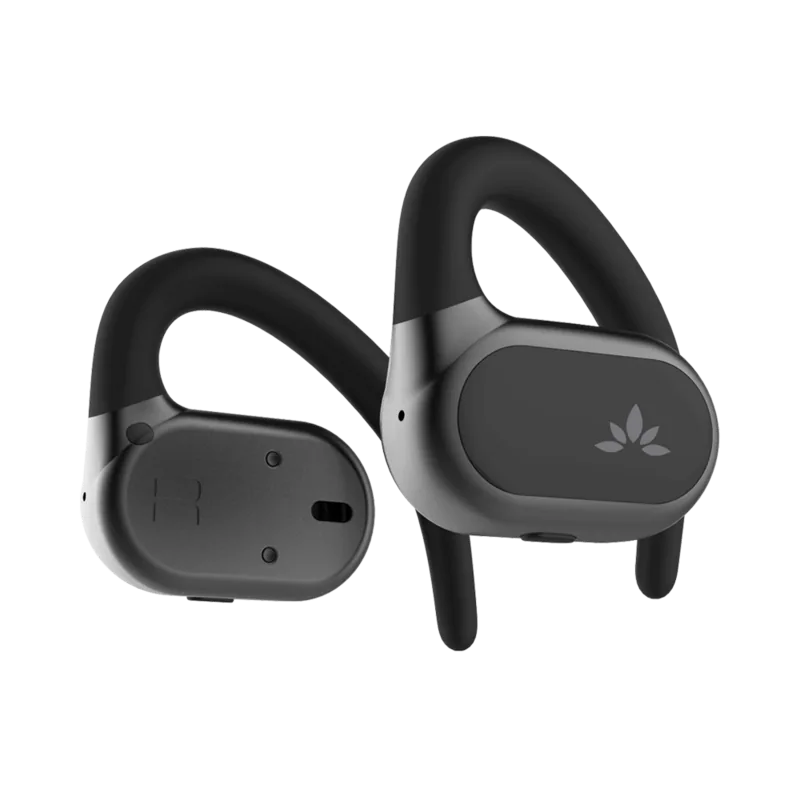
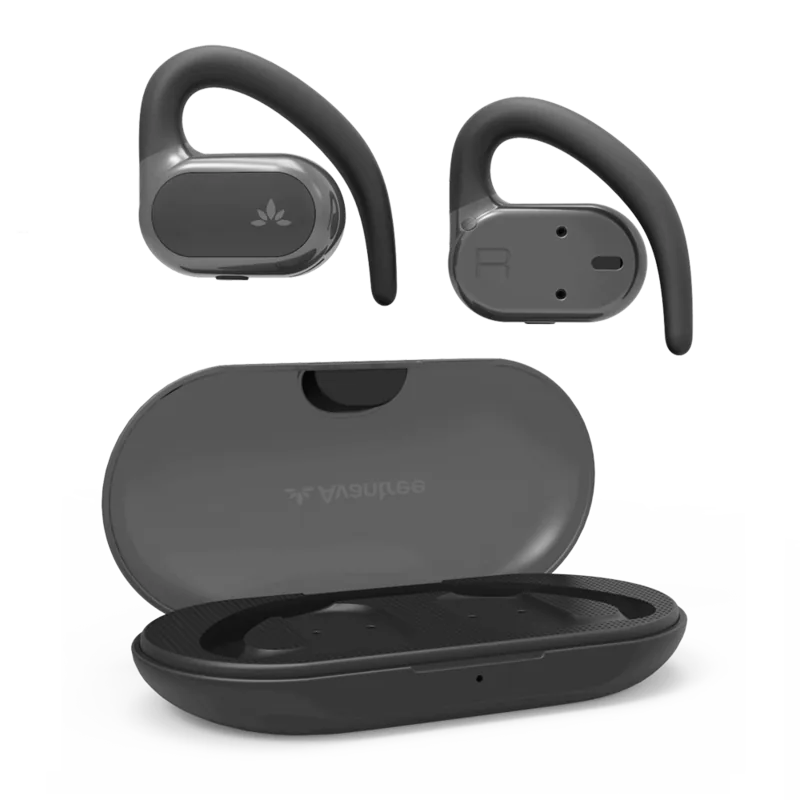
Avantree Breeze Manual
PDF manual · 1 Pages
English


Quick check
Incorrect answer, please try again.
Chat with your Avantree Breeze manual using AI
Get instant AI answers from your Avantree Breeze manual
Ask anything about the Avantree Breeze. Answers come from this manual, with the pages they are based on.
Ask a Question
Do you recommend Breeze?
Yes NoFrequently Asked Questions
Remove the earbuds from the charging case so they enter pairing mode. Select Avantree Breeze in your phones Bluetooth menu. The LED will flash blue and red when active.
Is this answer helpful?
Ensure your earbuds fit securely in your ears. Proper fit creates better isolation which can improve perceived bass levels. Try different positions for sound adjustment.
Is this answer helpful?
Yes, earbuds should automatically reconnect when taken out of the charging case. If they do not, select Avantree Breeze manually in your phone Bluetooth menu.
Is this answer helpful?
The box includes the charging case, earbuds, and a Type C sync and charge cable. More details are available on the accessories page online.
Is this answer helpful?
Yes, you should register your product for warranty tracking online. This ensures access to helpful resources for your specific model number.
Is this answer helpful?
Visit avantree dot com slash support slash breeze. Regional phone numbers are listed for USA UK DE FR IT ES AU and CA customers.
Is this answer helpful?
Dispose of packaging and the product in accordance with the latest provisions to ensure environmental safety.
Is this answer helpful?
Advantages and Disadvantages
Advantages

- Automatic reconnection when removed from case for seamless usage
- Includes Type C charging cable for fast and efficient power management
- LED indicators help visualize pairing status clearly
- Multiple language support manuals available for global users
- Dedicated customer support channels for various regions
Disadvantages

- Battery life may be limited to two point five hours per charge
- Bass response might be insufficient for some music genres
- Occasional need for manual pairing if auto-connect fails
- Limited accessory options mentioned in the overview text
- LED colors restrict detailed battery status information
Product Specification
Type
Headphones (Open-Ear)
Form
True Wireless, Ear Hook
Principle
Open
Microphone
Built-in
Wireless
Bluetooth 5.2
Control
1-Button Remote Control
Battery Life
7h, 35h (with charging case)
Battery
USB-C Charging Port, Charging Case, 2h Charging Time
Frequency Range
20Hz-20kHz
Impedance
25 Ohms
Driver
0.51 inches
Color
Black
Weight
0.04 lbs (per earbud), 0.07 lbs (charging case)
Product Description
Discover the Avantree Breeze Wireless Experience
The Avantree Breeze offers a seamless audio experience designed for modern users who value portability and style. When you first remove the earbuds from the charging case, they automatically enter pairing mode without delay or hesitation. This specific step is detailed thoroughly in the Avantree Breeze Manual for optimal initial setup and user confidence. Simply select Avantree Breeze in your phones Bluetooth menu to connect securely to your device. The LED indicator will flash blue and red to signal the pairing process is active and ready for immediate use.
Seamless Connectivity And Power Management
Wireless freedom is essential for daily commute or intense workout sessions without tangled wires slowing you down. The Breeze supports quick reconnection when taken out of the case for immediate listening whenever needed. If auto-connect fails for any reason, simply select the device again in your settings to regain connection. Charging is efficient via the included Type C cable included in the box for daily power needs. The battery provides around two to two point five hours of continuous playback time on a single charge before needing replenishment again. Customers can access support via phone or online ticket system for efficient resolution of any power related concerns.
Audio Quality And Comfort
Users can experience clear sound quality suitable for calls or music listening during free time. If the earphones do not have enough bass, ensure the fit is secure for better sound isolation and immersion. The product overview lists accessories like the charging case and sync cable for versatility in your setup. All documentation follows specific guidelines found in the guide for best performance and longevity. Support is available online at avantree dot com slash support slash breeze for any technical issues. The ergonomic design ensures long wearing comfort during extended usage periods without ear fatigue.
Comprehensive User Support And Accessories
For troubleshooting or further help regarding connection or charge issues, visit the support page immediately. Contact info includes specific regional numbers for customers in the USA Canada UK and Germany specifically. The packaging can be disposed of in accordance with latest provisions to help the environment sustainably. Register your product for warranty tracking online to ensure you have access to the most helpful resources available for your audio device. This ensures you get the best service possible for your specific model number BTHS-TW118 from the manufacturer directly.
Search for 67,706 Manuals online


Type-in Brand or Model