
Avantree Aria 3 Manual
PDF manual · 15 Pages
English



Quick check
Incorrect answer, please try again.
Chat with your Avantree Aria 3 manual using AI
Get instant AI answers from your Avantree Aria 3 manual
Ask anything about the Avantree Aria 3. Answers come from this manual, with the pages they are based on.
Ask a Question
Do you recommend Aria 3?
Yes NoFrequently Asked Questions
Slide the power switch to ON to activate the headphones. To enter pairing mode, slide to PAIR and hold for two seconds until the LED flashes red and blue. Select Avantree Aria 3 in your device Bluetooth menu to connect.
Is this answer helpful?
The headphones provide up to fifty-five hours of operating time with Active Noise Cancellation turned off. Standby time reaches up to three hundred twenty-five hours under the same conditions, ensuring long-lasting usage.
Is this answer helpful?
Using a rated USB adapter or PC port with the Type C cable, a full charge takes approximately two hours. A solid red light indicates charging progress, while the light turning off means the battery is full.
Is this answer helpful?
Yes, you must configure your audio settings to select Avantree Aria 3 as the default output and input device. On Windows versions seven through ten, select the hands-free option in the sound control panel for call audio.
Is this answer helpful?
Yes, the unit features an ANC switch located on the headset. Toggle the switch to activate noise canceling mode indicated by a solid green LED and a voice prompt confirming the change in status immediately.
Is this answer helpful?
The package contains the Aria 3 Headphones, a Type C charging cable, a carrying pouch, and an AUX 3.5mm audio cable for wired connections when wireless service is not available or required.
Is this answer helpful?
Advantages and Disadvantages
Advantages

- Extended battery life offers up to fifty-five hours of continuous playback without ANC enabled.
- Bluetooth v5.3 technology provides a stable and secure wireless connection for streaming audio.
- Built-in Active Noise Cancellation reduces external distractions during commute or work sessions.
- Voice prompts guide users through power cycles and battery status changes automatically.
- Fast two-hour charging cycle allows for rapid recovery of battery life when needed.
Disadvantages

- Only supports SBC audio codec which may limit high-fidelity audio quality compared to others.
- Manual configuration of audio settings is required on PCs for microphone functionality.
- Microphone uses HSP profile on some computers which can reduce voice clarity.
Product Specification
Type
Headphones (Over-Ear)
Form Factor
Headband
Acoustic Design
Closed
Microphone
Integrated
Connector
3.5mm Jack
Wireless
Bluetooth 5.3, Multipoint
Cable
Single-sided, detachable, angled connector
Battery Life
55h (without ANC)
Battery
USB-C charging port, 2h charge time
Frequency Range
20Hz-20kHz
Impedance
32 Ohms
Driver
1.57 inches
Features
Active Noise Cancellation (ANC), Foldable
Color
Black
Weight
0.51 lbs
Product Description
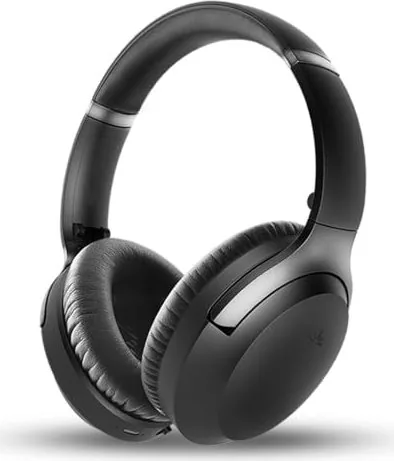
Discover the Avantree Aria 3 Wireless Audio Experience
The Avantree Aria 3 represents a significant step forward in modern wireless audio technology designed specifically for everyday commuters and professional audiophiles alike. This comprehensive overview explores how you can maximize your daily listening experience while maintaining connection stability across various devices ranging from smartphones to powerful laptops. Users often find themselves seeking clarity on operation, especially regarding the advanced active noise cancellation features that truly define this popular product line. Understanding the nuances helps ensure longevity and satisfaction with the purchase.
Connectivity and Robust Design Features
At its technological core, the device utilizes Bluetooth version v5.3 for exceptionally robust transmission capabilities. This ensures minimal latency when streaming high-quality music or taking critical business calls in noisy environments. The physical design includes comfortable ergonomic earpads measuring roughly sixty millimeters in inner diameter, providing necessary comfort during extended listening sessions throughout the workday. Charging is handled via a Type C port, supporting DC5V to 2.0A. A full charge takes approximately two hours, yielding impressive stamina. You can expect up to fifty-five hours of continuous playback with the noise cancellation feature turned off, though enabling the ANC environment will adjust this runtime slightly depending on usage patterns.
Operational Controls and Status Indicators
Managing sound quality is intuitive through dedicated tactile buttons located securely on the headset exterior. An EQ button allows switching between deep bass and normal listening modes instantly without app interaction. There is also a sophisticated LED indicator system showing operational status clearly even in bright sunlight conditions. Solid red lights indicate charging phases, while distinct blue flashes signal pairing status or active connectivity states. Voice prompts assist users during power cycles and low battery warnings automatically. For phone users, initial pairing requires sliding the switch to the pair mode position, holding until voice confirmation occurs successfully. PC users must configure specific audio settings within their operating system to select both sound output and input devices for optimal microphone performance during video conferences.
Accessories and Usage Scenarios
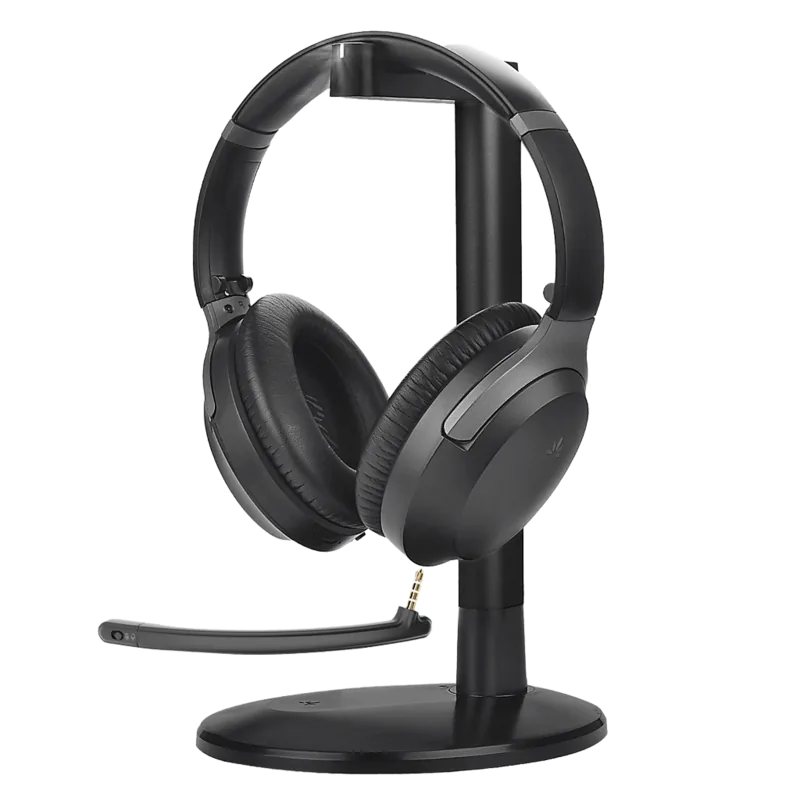
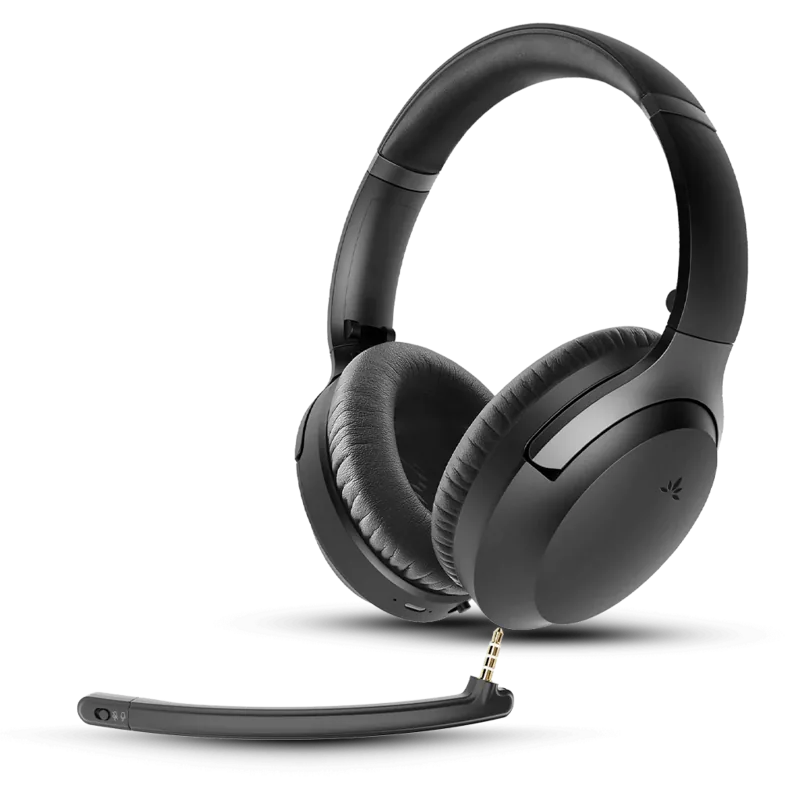
Whether using with your mobile phone or desktop computer workstation, the versatility remains extremely high for multi-platform users. The included accessory bundle covers basic needs like a protective carrying pouch and auxiliary cables for wired fallback options when Bluetooth is unavailable. Audio codecs supported primarily include SBC, ensuring broad compatibility. While specific audio configuration details on older systems might require attention to detail, ease of use is prioritized by clear visual indicators and consistent voice feedback loops found throughout the interface. Long-term reliability is further enhanced by simple maintenance practices recommended for optimal durability over years of ownership.
Search for 67,706 Manuals online


Type-in Brand or Model