
Avantree Alto Clair Manual
PDF manual · 10 Pages
English



Quick check
Incorrect answer, please try again.
Chat with your Avantree Alto Clair manual using AI
Get instant AI answers from your Avantree Alto Clair manual
Ask anything about the Avantree Alto Clair. Answers come from this manual, with the pages they are based on.
Ask a Question
Do you recommend Alto Clair?
Yes NoFrequently Asked Questions
Yes, it supports multipoint pairing. You can stay connected to two devices, but only one audio channel plays at a time. To switch streams, pause the source audio on the current device before playing on the other.
Is this answer helpful?
Clear pairing history and reset the device. Hold both buttons in standby mode until LEDs flash green. Ensure the headset is within close range of the transmitter and there are no physical obstructions blocking the signal.
Is this answer helpful?
Yes, for better performance ensure the TV or transmitter supports aptX-Low Latency. Standard codecs may cause lip-sync issues. Consult support guides for specific step by step setup instructions for home entertainment systems.
Is this answer helpful?
About three hours for a full capacity using the included stand or micro USB cable. Watch for LED changes where white turns green on the charger or red turns off on the headset to confirm completion.
Is this answer helpful?
Three blinks every ten seconds indicate low battery requiring immediate charging. It may also indicate pairing mode when blinking red and blue alternately upon power up. Check voice prompts for additional status context.
Is this answer helpful?
Tap the microphone button once to toggle mute on call. Use the dedicated mute function on the headset controls while active to ensure your voice is silenced for privacy during sensitive conversation periods.
Is this answer helpful?
No, expose the unit to liquids to risk electrical shock or damage. Do not expose to rain or moisture to maintain safety compliance and prevent permanent functional failure of the electronic components inside the housing.
Is this answer helpful?
Advantages and Disadvantages
Advantages

- Supports dual phone connection for seamless multitasking between active devices.
- High-quality audio with aptX-HD and aptX-LL codec support for low latency.
- Clear voice prompts guide users through pairing and status notifications easily.
- Comfortable boom microphone design suitable for prolonged call usage sessions.
- Flexible charging options via desktop stand or micro USB cable included.
Disadvantages

- Limited to one active audio channel when connected to two devices simultaneously.
- Audio delay may occur if the transmitting device does not support aptX-LL.
- Charging time requires approximately three hours for a full battery cycle.
- LED indicators can be bright and potentially distracting in dark environments.
- Pairing history must be cleared manually to resolve specific connection errors.
Product Specification
Type
Headphones (On-Ear)
Design
Headband
Microphone
Microphone Arm (Detachable)
Connector
3.5mm Jack
Wireless
Bluetooth 5.0, aptX, aptX HD, aptX LL
Controls
3-button Remote, Mute Button
Battery Life
16 Hours
Battery
USB Micro-B Charging Port, Charging Dock
Frequency Range
20Hz-20kHz
Impedance
32 Ohms
Features
Includes Charging Dock
Color
Black
Product Description
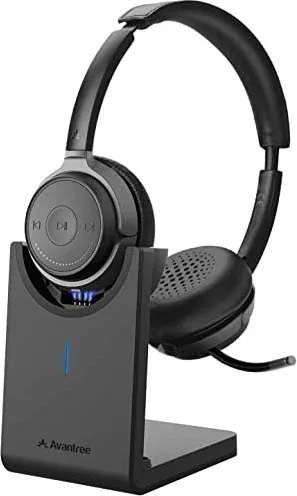
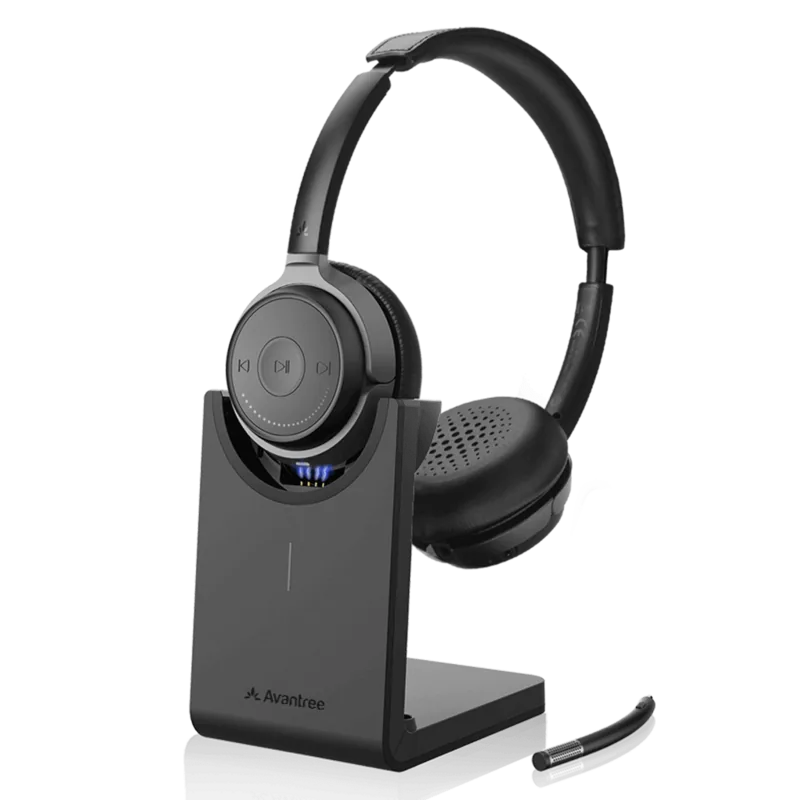
Experience Crisp Audio with Avantree Alto Clair
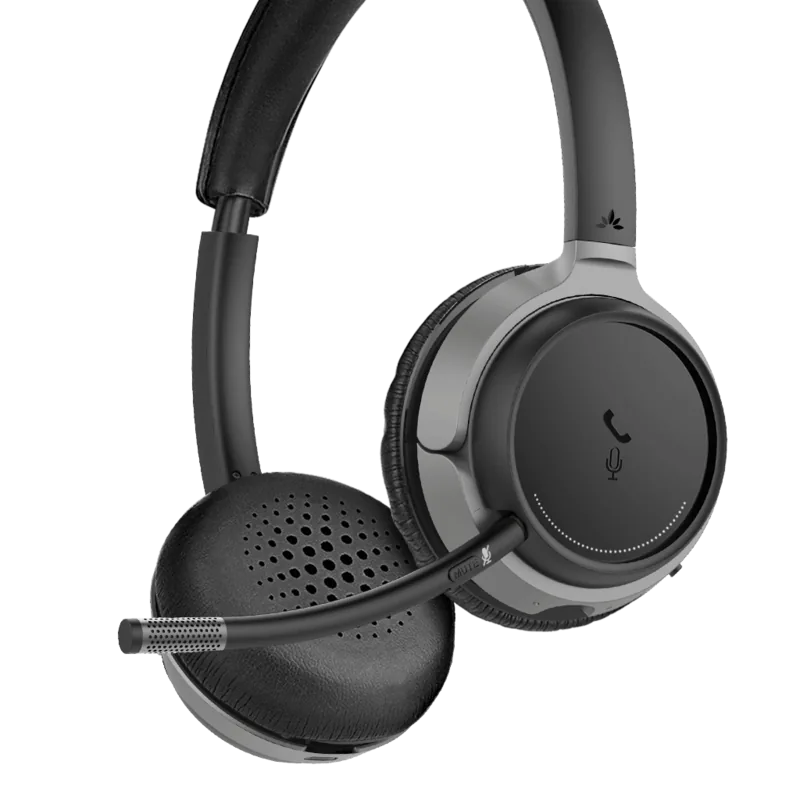
Immerse yourself in high-fidelity sound with the Avantree Alto Clair. This wireless headset delivers exceptional clarity for both music and calls. It supports advanced codecs like aptX-HD and aptX-Low Latency for synchronized viewing experiences. The design features a comfortable boom microphone and intuitive volume controls. Users can easily manage their calls with one-touch mute functionality paired with voice prompts for clarity. The physical layout ensures you can find buttons by feel during active use.
Seamless Connectivity
The Avantree Alto Clair excels in multi-device environments. It allows users to pair with two phones simultaneously. This multipoint connection means you stay on top of important calls without switching settings. Simply select the device you want to use within your settings. However, remember that the device supports only one audio channel at a time. If you wish to switch streams, pause the source audio on the current connected device first. This limitation ensures stable performance across your workflow and prevents audio conflicts between sources.
Power and Charging
Battery management is straightforward with this headset. A charging stand or micro USB cable ensures power restoration in minutes. Watch the LED indicators for status updates. Blue blinking means reconnecting, while red indicates low battery or pairing mode. For optimal pairing, reset history if audio issues occur. Hold specific buttons to clear memory and re-establish a fresh link. The Avantree Alto Clair Manual often references these troubleshooting steps for common connectivity hiccups ensuring smooth operation.
Audio Quality and Performance
Sound fidelity depends on your source device capabilities. Ensure your transmitter supports aptX-LL to avoid audio lag during video playback. Without it, standard SBC codecs may apply, causing slight delay noticeable in media consumption. For music lovers, aptX-HD provides rich detail during high-quality playback sessions. The volume wheel allows precise adjustments without looking down at your hardware. Muting is easily accessible during active calls for privacy. This headset is a robust choice for office environments or gaming sessions requiring clear communication and low latency.
Safety and Maintenance
Protect your hearing by avoiding excessive volume settings over long periods. The product contains small parts not suitable for children under three years. Avoid exposing the unit to moisture or liquids to prevent electrical shock risks. Do not alter the product structure. Overcharging batteries shortens lifespan so disconnect once fully charged. Store in a dry place away from direct sunlight.
Search for 67,706 Manuals online


Type-in Brand or Model
Julia Weber
6 months ago
Can I charge the headset using a wall adapter or do I need to connect it to a PC only?
Manual.ly
6 months ago
Thank you for your inquiry. The Avantree Alto Clair comes with a USB charging cable. While a dedicated power adapter is not included in the box, you can charge the headset using any standard USB power source, such as a phone charger brick or a power bank, without needing the computer running. This ensures flexibility for your charging needs at home or on the go.