
Autel MaxiTPMS TS601 Manual
PDF manual · 82 Pages
English



Quick check
Incorrect answer, please try again.
Chat with your Autel MaxiTPMS TS601 manual using AI
Get instant AI answers from your Autel MaxiTPMS TS601 manual
Ask anything about the Autel MaxiTPMS TS601. Answers come from this manual, with the pages they are based on.
Ask a Question
Do you recommend MaxiTPMS TS601?
Yes NoVideo Manual
Autel TS601 Maxi TPMS How to use and replace bad sensors
Frequently Asked Questions
The TS601 supports common TPMS sensor frequencies, primarily 315 MHz and 433 MHz. When programming MX-Sensors, choose the matching MX-Sensor frequency (orange for 433MHz, dark gray for 315MHz) to avoid programming failures.
Is this answer helpful?
Programming functions are limited to Autel MX-Sensors. For original OEM sensor IDs you can copy IDs via OBD or activation methods, or manually enter original IDs, but writing to an MX-Sensor requires Autel MX hardware.
Is this answer helpful?
Register the tool at pro.autel.com, install the PC Suite, then use Autel Update to download and install updates via USB or by copying update files to the tool’s SD card. Ensure an active Autel account and stable network connection.
Is this answer helpful?
The TS601 provides direct ECU access for TPMS relearn: write/read IDs, read/clear TPMS codes, view live TPMS data, run active tests and special functions, and retrieve ECU part numbers. Relearn procedures may vary by vehicle and follow onscreen instructions.
Is this answer helpful?
The tool saves up to multiple TPMS test records to internal memory and SD card, can store live data sessions, and exports stored TPMS data as HTML audit reports. Connect via USB to a PC to view, print or archive results using the included PC Suite.
Is this answer helpful?
Yes. It performs OBD II diagnostics including read/erase trouble codes (stored/pending/permanent), live data (complete/custom lists), freeze frame, I/M readiness, O2 monitor, on-board monitor tests, component tests, vehicle info retrieval and modules present.
Is this answer helpful?
The TS601 uses a 3.7V Li‑polymer battery, can charge via the supplied power adapter or USB cable, and can draw power from the vehicle DLC when connected by OBD II. Recommended operating temperature is 0°C to 50°C; store between -20°C and 70°C.
Is this answer helpful?
Advantages and Disadvantages
Advantages

- Comprehensive TPMS coverage: activates and decodes most OEM and universal sensors (315/433 MHz).
- Integrated OBD II diagnostics: read/erase DTCs, live data, freeze frame, I/M readiness and component tests.
- MX-Sensor programming: Auto Create, Manual Create, Copy by OBD and Copy by Activation for efficient sensor replacement.
- Data management: stores test records on SD card, generates HTML audit reports and prints via PC connection.
- Multiple power options: built-in Li‑polymer battery, USB charging, or vehicle DLC via OBD II for flexibility.
Disadvantages

- MX-Sensor programming works only with Autel MX-Sensors; incompatible with other brands.
- Some vehicle-specific relearn procedures vary and may require following OEM steps precisely.
- Limited keypad/display protection — avoid solvents and do not soak; keypad not waterproof.
- Tool requires registration and Autel account for software updates and some online features.
- May need additional time to learn full menu structure and advanced OBD or special functions.
Product Specification
Type
Electronics
Product Description
Autel MaxiTPMS TS601 — Powerful TPMS Diagnostic Tool
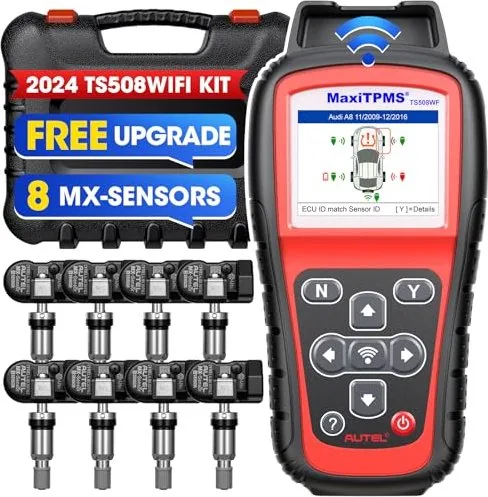
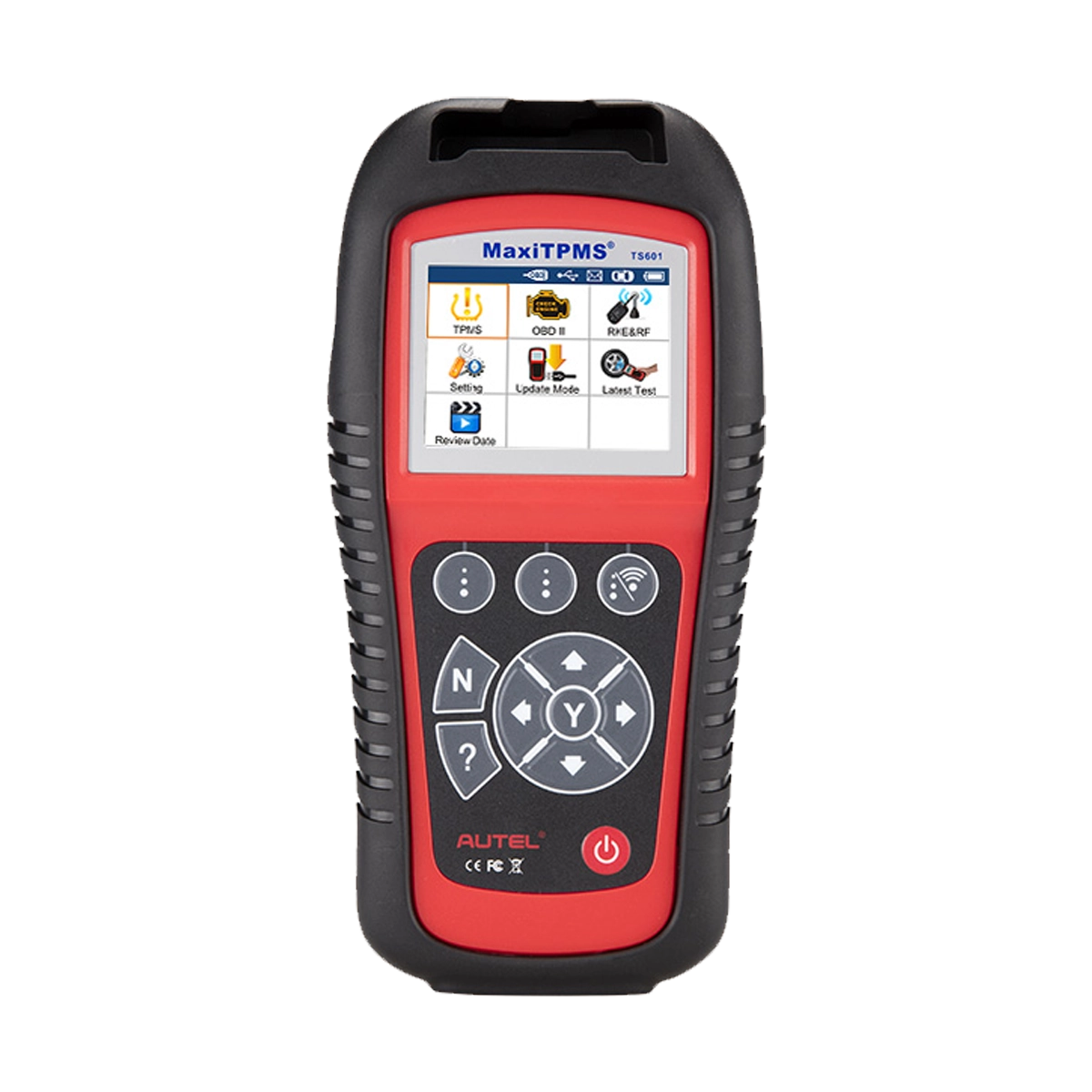
The Autel MaxiTPMS TS601 is a professional handheld TPMS diagnostic and service tool designed for technicians and enthusiasts who need fast, reliable access to tire pressure monitoring systems and vehicle ECU TPMS functions. Compact and rugged, the TS601 activates and decodes virtually all OEM and aftermarket TPMS sensors, programs Autel MX-Sensors, performs TPMS relearn procedures, reads and clears TPMS fault codes, captures live sensor data, and creates audit reports for documentation.
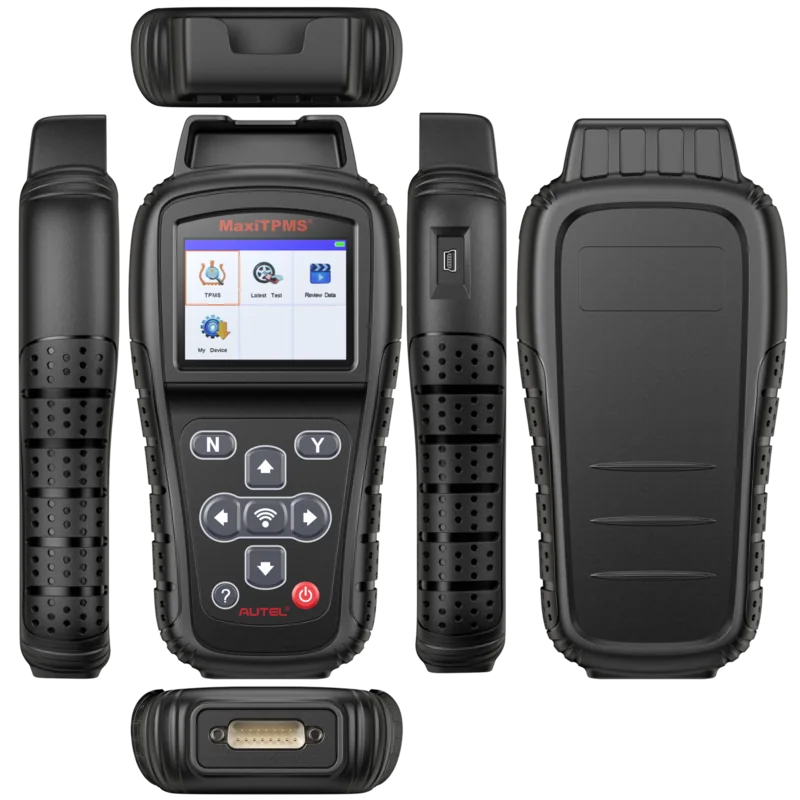
Equipped with a bright TFT color display and an intuitive button layout, the TS601 supports both 315MHz and 433MHz sensor families and can be powered by its internal 3.7V Li‑polymer battery, USB, or the vehicle DLC via OBD II. It stores test records on an SD card and transfers data to a PC for printing or archiving. The tool also integrates a broad range of OBD II diagnostic functions: read/erase DTCs, live data streaming (custom or full PID lists), freeze frame, I/M readiness, O2 monitor and component tests, VIN/CIN retrieval, and module presence detection.
TPMS-specific features include sensor activation by vehicle selection or latest test, detailed decoded sensor data (ID, pressure, temperature, battery, modulation and OE part numbers), duplicate ID detection, magnet and deflation activation prompts when required, and convenient MX-Sensor programming modes (Auto Create, Manual Create, Copy by OBD, Copy by Activation). The TS601’s TPMS Relearn menu provides direct ECU access to write/read IDs, perform active tests and special functions, and retrieve ECU part numbers. For remote key fob diagnostics, RKE & RF monitoring verifies 315MHz and 433MHz transmitters and shows signal strength.
Designed with workshop workflow in mind, the TS601 saves up to multiple TPMS test records, generates HTML audit reports via PC connection, and supports software updates through Autel’s update utility using USB or SD card. The package includes OBD II and USB cables, power adapter, SD card, magnet, carry case and documentation. Safety reminders, tool troubleshooting, and a one-year limited warranty are provided to ensure proper operation and support.
Notes:
- Programming MX-Sensors requires Autel MX-Sensor hardware and correct frequency selection (315MHz or 433MHz).
- Always follow vehicle manufacturer procedures when writing IDs to the ECU; ensure ignition and connection steps are followed to avoid MIL activation.
Search for 67,706 Manuals online


Type-in Brand or Model