
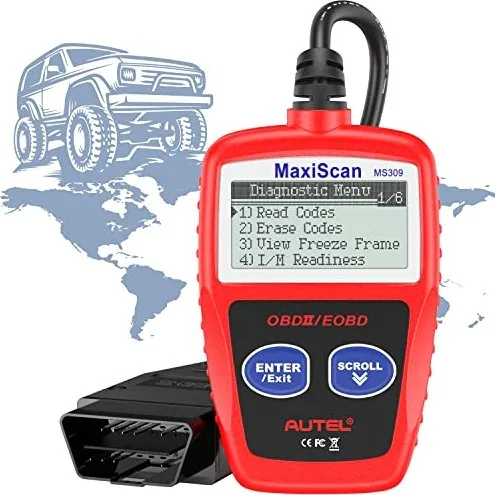
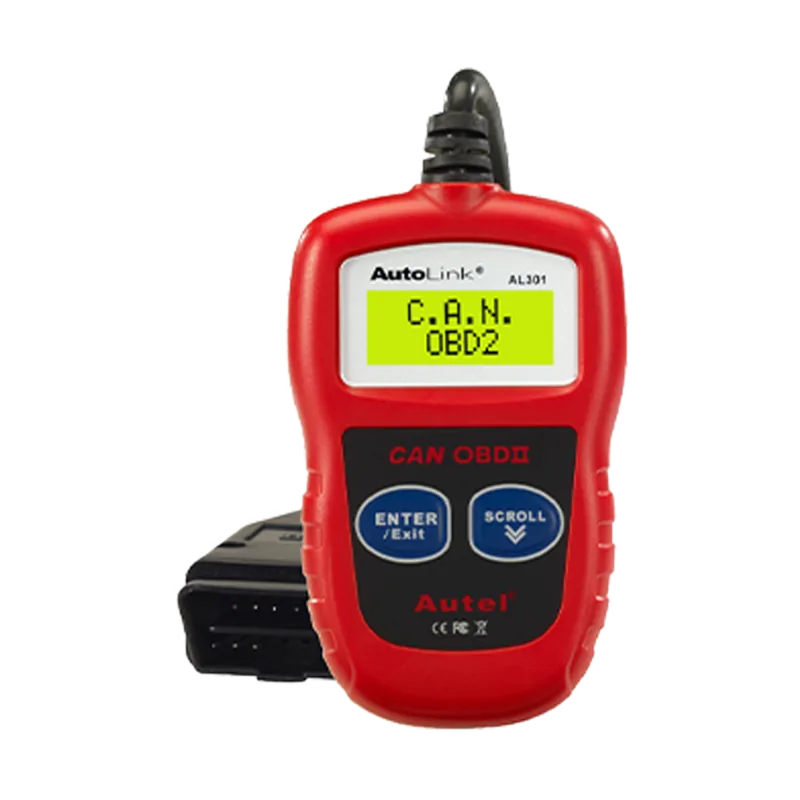
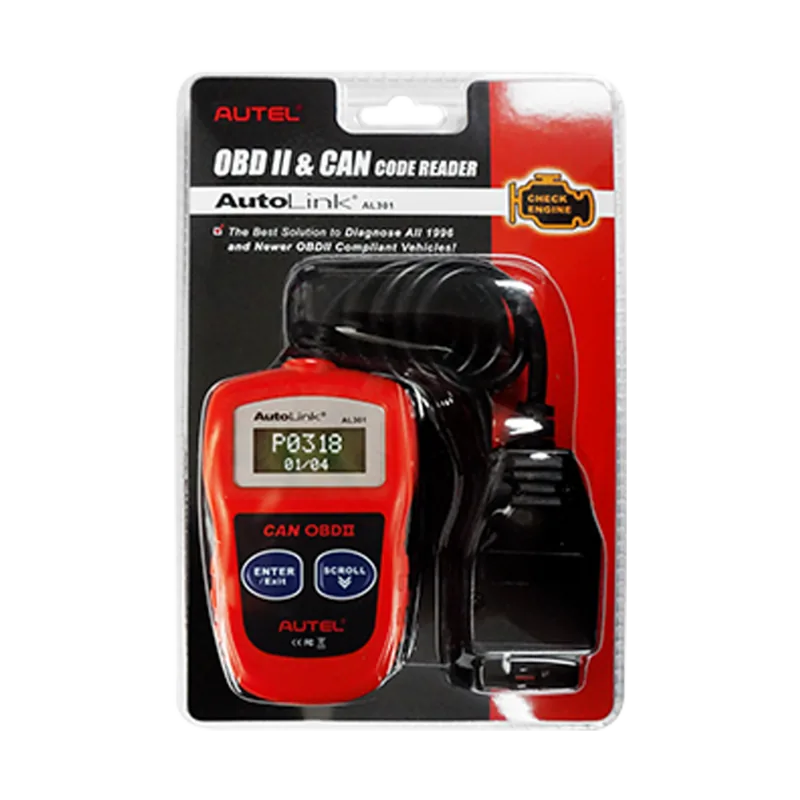
Autel AutoLink AL301 Manual
PDF manual · 109 Pages
English



Quick check
Incorrect answer, please try again.
Chat with your Autel AutoLink AL301 manual using AI
Get instant AI answers from your Autel AutoLink AL301 manual
Ask anything about the Autel AutoLink AL301. Answers come from this manual, with the pages they are based on.
Ask a Question
Do you recommend AutoLink AL301?
Yes NoFrequently Asked Questions
The product comes with a limited one year warranty from the date of original purchase. It covers defects in materials and workmanship subject to terms like proof of purchase.
Is this answer helpful?
No, the View VIN function works on 2002 and newer vehicles that support Mode 9. Older vehicles do not support this retrieval feature in the unit.
Is this answer helpful?
No, the scanner is powered directly via the detachable OBD II cable from the 12V vehicle battery. You do not need to purchase or replace internal batteries.
Is this answer helpful?
It works with all 1996 and newer OBDII compliant cars including CAN, VPW, PWM, ISO, and KWP2000 protocols for domestic, Asian and European vehicles.
Is this answer helpful?
Yes, the tool reads and clears generic and manufacturer specific Diagnostic Trouble Codes. It also turns off the check engine light after codes are cleared successfully.
Is this answer helpful?
The Data Link Connector is usually located 12 inches from the center of the instrument panel under the driver side. For some Asian and European vehicles, it may be behind the ashtray.
Is this answer helpful?
Perform testing in a safe environment, wear eye protection, keep moving parts away from tools, and ensure the ignition is off before connecting the equipment.
Is this answer helpful?
Advantages and Disadvantages
Advantages

- Reads and clears generic and manufacturer specific Diagnostic Trouble Codes instantly
- Supports CAN, VPW, PWM, ISO, and KWP2000 protocols for 1996 and newer vehicles
- Powered directly via vehicle battery so no internal AA batteries are needed
- Backlit LCD display ensures visibility in low light garage conditions
- Retrieves I/M Readiness status for emission inspection compliance
Disadvantages

- Retrieves VIN only on 2002 and newer vehicles supporting Mode 9
- Does not provide live data streaming compared to advanced tablet scanners
- 2002 restriction limits VIN viewing on older but OBDII compatible models
- Requires manual entry for basic menu navigation without Bluetooth
- Display shows only two lines of text simultaneously
Product Specification
Interface
OBD-II
Functions
Warning Light Deactivation Function (ABS, MIL, SRS), Clear Function
Display
LCD
Power Supply
OBD-powered
Dimensions
2.72x0.71x4.33 inches
Weight
0.34 lbs
Product Description
Unlock Vehicle Diagnostics with the Autel Autolink AL301
Maintaining vehicle performance is crucial for safety and reliability on the road. The Autel Autolink AL301 offers a reliable solution for reading engine faults quickly. This handheld scanner simplifies the OBDII diagnostic process for home mechanics and professionals alike. Using the Autel Autolink AL301 Manual helps users navigate features effectively without confusion or delay. The device plugs into the Data Link Connector located typically under the dashboard area. It connects directly to the car battery for power so you never need to find separate AA batteries. Power comes from the vehicle directly through the detachable OBD II cable.
The scanner supports all 1996 and newer OBDII compliant cars and light trucks sold in the United States. It handles CAN, VPW, PWM, ISO, and KWP2000 protocols automatically during connection. You can read generic and manufacturer-specific Diagnostic Trouble Codes instantly without lag. If a check engine light is on, the tool helps you clear codes and reset the system completely. The MIL status is also visible on the backlit twenty-two pixel display screen. The tool dimensions are compact measuring about four inches in length. This ensures accurate visibility in various lighting conditions inside or outside the garage effectively.
Emission compliance is often a strict requirement for vehicle registration and inspection cycles. The scanner retrieves I/M readiness status to verify monitor completion for all systems. All critical systems like Misfire and Fuel System are evaluated for emissions regulations. If a monitor is not ready, you know the drive cycle is incomplete and needs driving. Viewing the VIN on 2002 and newer vehicles helps identify the exact car model year. This function assists in tracking service history and warranty eligibility accurately for your records.
Operating the tool is straightforward with simple Enter and Scroll buttons. Always ensure the ignition is off before connecting to avoid circuit damage or errors. Turn ignition on without starting the engine to access the main menu options. Selecting options from the LCD display allows you to erase codes or rescan data easily. Safety precautions are vital during every test session to protect your eyes and hands from hot engine parts. This standalone unit operates independently from laptop computers for maximum flexibility.
Notes Warranty covers defects for one year from original purchase date strictly. Keep device away from oil, water, or grease during active use always. Consult vehicle manuals for specific DLC locations if not found immediately under dash. DTC definitions help identify which control system sets the error code displayed on screen. Drive cycles vary depending on vehicle model and reset requirements after clearing data.
Search for 67,706 Manuals online


Type-in Brand or Model