

Top 5 Headphones (PROVISIONAL)
3 products
Our five best-rated picks right now, based on real user ratings.
-
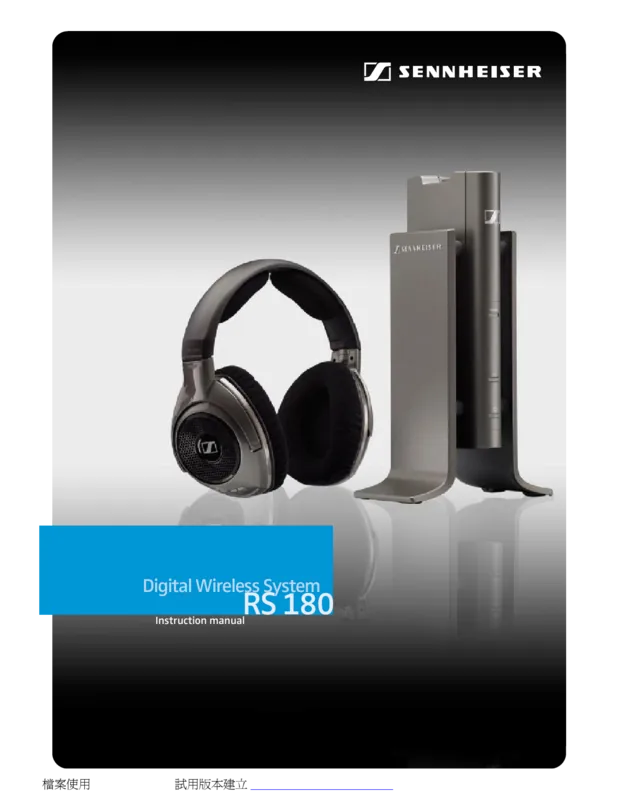
Sennheiser HMD 27/HMDC 27
The Sennheiser 27 series headsets, including the HMD 27, HME 27, and HMDC 27 models, represent a pinnacle of professional audio monitoring. These devices are engineered for users who demand precision, comfort, and advanced noise management capabilities in demanding environments.
Read the manual -
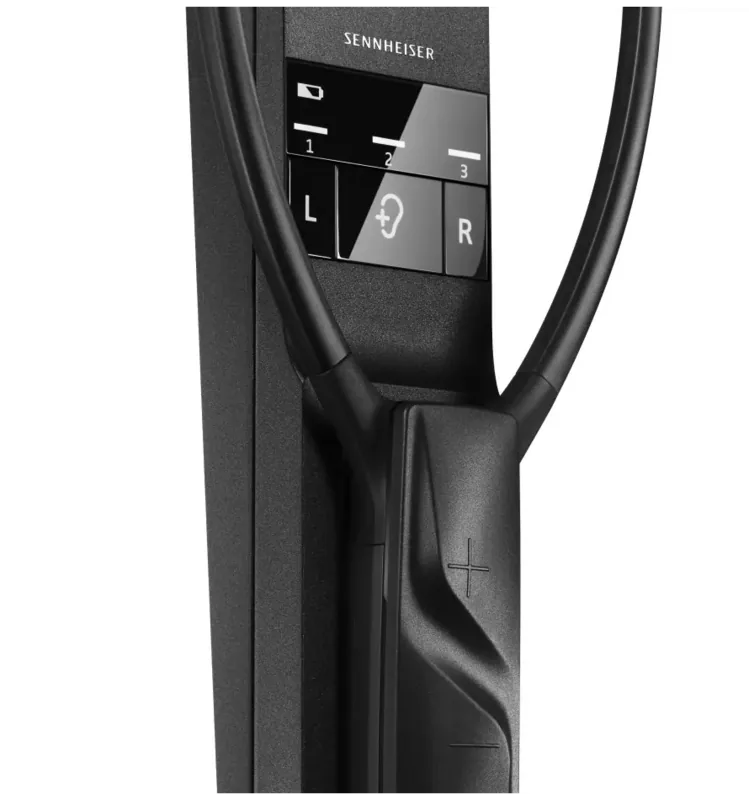
Sennheiser Set 880
The Sennheiser Set 880 is a digital wireless TV listening system designed to bring clarity and comfort to your home entertainment setup. Unlike traditional headphones, this system features a unique stethoset receiver design that rests comfortably on the chest while delivering audio directly into the ear canals via silicone pads.
Read the manual -
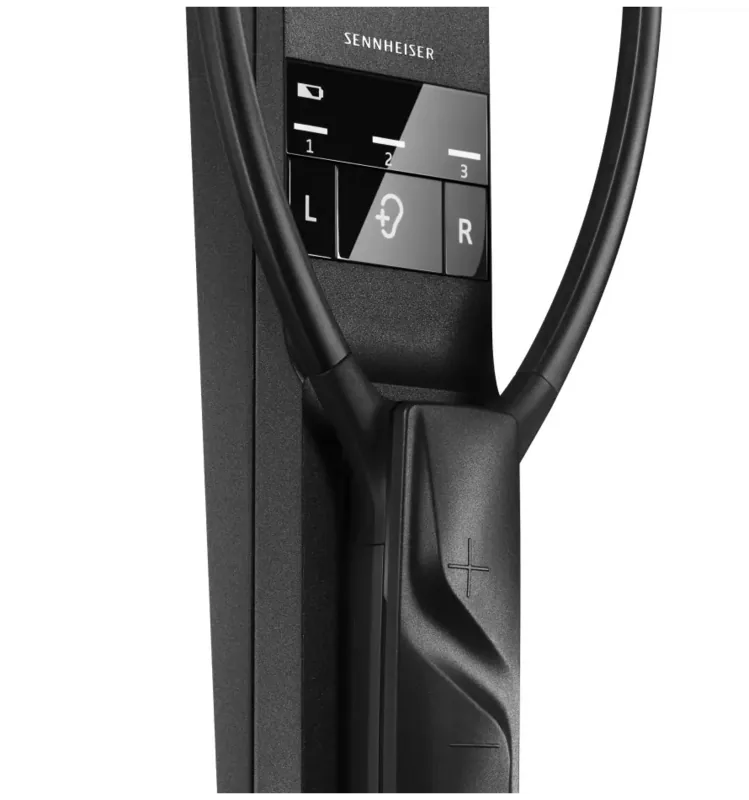
Sennheiser Flex 5000
The Sennheiser Flex 5000 digital wireless TV listening system is designed to bridge the gap between modern television audio and personal hearing needs. This system allows users to enjoy crystal-clear dialogue and balanced sound directly through headphones or an induction loop for hearing aids, without disturbing others in the room.
Read the manual
Comprehensive Guide to Free Headphones (PROVISIONAL) Manuals
Overview of the Category
Welcome to our specialized section dedicated to "Free Headphones (PROVISIONAL) Manuals." This category serves as a central repository for users seeking official documentation, user guides, quick start instructions, and technical specifications for a wide array of headphone models. The term "PROVISIONAL" in this context refers to manuals that are currently in a draft stage, subject to updates, or released prior to the final retail packaging of certain products. These documents provide essential information on how to operate, troubleshoot, and maintain various audio devices. Our platform allows visitors to read these manuals online, download them in PDF format for offline use, and print hard copies for easy reference.
Understanding Provisional Documentation
Provisional manuals are critical resources for early adopters, beta testers, and consumers who have received their headphones before the final printed manual was included in the box. Manufacturers often release digital versions of these guides ahead of physical production to ensure users can access setup instructions immediately. While labeled as provisional, these documents typically contain accurate and verified information regarding device functionality. However, they may undergo minor revisions based on user feedback or firmware updates. It is important for users to check for newer versions if available, but in most cases, the provisional manual provides all necessary steps for successful operation.
Key Contents Found in Headphone Manuals
The manuals listed in this category cover a diverse range of headphone types, including over-ear, on-ear, in-ear monitors, wireless Bluetooth headsets, and noise-canceling models. Each document is structured to help users navigate the features of their specific product efficiently. Below are the common sections you will find within these free downloads:
1. Product Overview and Components
This section introduces the physical parts of the headphones. It includes diagrams labeling the ear cups, headband, microphone, buttons, ports, and charging interfaces. Understanding the layout helps users identify which button performs which function, such as power on/off, volume control, or pairing mode activation. For wireless models, this part also explains the location of the battery compartment or internal charging port.
2. Safety Instructions and Precautions
Safety is paramount when using electronic devices. The manuals detail warnings about hearing damage from prolonged exposure to high volumes, risks associated with using headphones while driving or operating machinery, and precautions against water or dust exposure unless the device is rated IPX compliant. They also include guidelines on proper handling of lithium-ion batteries to prevent overheating or leakage.
3. Setup and Initial Configuration
For wired headphones, this section confirms plug-and-play simplicity. For wireless models, it provides step-by-step instructions on charging the device, powering it on, entering pairing mode, and connecting to smartphones, tablets, laptops, or gaming consoles via Bluetooth. Some advanced models require downloading a companion app for equalizer settings or firmware updates, which is clearly outlined here.
4. Operational Features and Controls
This core section explains how to use the main functions. Topics include playing, pausing, skipping tracks, answering calls, and activating voice assistants like Siri, Google Assistant, or Alexa. Noise-canceling modes, transparency modes, and ambient sound controls are detailed with specific button combinations or touch gestures required to switch between them. Users learn how to customize their listening experience through these intuitive controls.
5. Troubleshooting Common Issues
A significant portion of each manual is dedicated to resolving typical problems. FAQs address issues such as one side not working, connection drops, static noise, microphone failures, or charging errors. Step-by-step diagnostic procedures guide users through resetting the device, checking cable integrity, updating firmware, or verifying Bluetooth compatibility. This section reduces the need for customer support by empowering users to fix minor glitches themselves.
6. Maintenance and Care Guidelines
To extend the lifespan of the headphones, manuals provide cleaning instructions for ear pads, headbands, and mesh grilles. They advise on storage conditions, such as keeping devices away from extreme temperatures and humidity. Replacement parts information, including where to buy new ear cushions or cables, is often included to facilitate long-term maintenance.
How to Use This Platform Effectively
Our website offers three primary ways to interact with these manuals: reading, downloading, and printing. Each method caters to different user needs and preferences.
Reading Online
Visitors can view the full text of any manual directly in their web browser. This option is ideal for quick lookups when you do not wish to save files. The interface supports zooming and scrolling, making it easy to follow along while setting up your device. Links to related models and accessories are provided at the bottom of each page to enhance discovery.
Downloading PDFs
For offline access, users can download the manuals in PDF format. This is particularly useful for individuals who want to keep a backup copy on their computer, smartphone, or tablet. PDFs preserve the original formatting, ensuring that diagrams and tables remain clear and legible. We recommend saving these files in a designated folder for easy retrieval later.
Printing Hard Copies
Some users prefer having a physical copy of the manual for immediate reference during setup or troubleshooting. Our platform optimizes the layout for printing, allowing you to select specific pages or print the entire document. A printed manual can be kept in the product box or placed near your audio equipment for convenient access.
Benefits of Accessing Free Manuals
Accessing free headphone manuals provides several advantages. First, it saves time by eliminating the need to search manufacturer websites or contact support teams for basic questions. Second, it ensures accuracy since these documents are sourced directly from official manufacturers or authorized distributors. Third, it promotes sustainability by reducing paper waste through digital distribution. Finally, it empowers users to maximize the potential of their devices by understanding all available features and settings.
Navigating Specific Models
Within this category, you will find manuals organized by brand and model number. Popular brands such as Sony, Bose, JBL, Sennheiser, Apple, Samsung, and Anker are represented. To locate a specific manual, use the search bar to enter the exact model name or number. If you are unsure of the model, check the label on the underside of the ear cup or inside the charging case. Providing accurate model information ensures you receive the correct documentation tailored to your device's unique features.
Updates and Revisions
Since these manuals are marked as provisional, they may be updated periodically. Changes could include corrections to typos, addition of new troubleshooting steps, or clarification of ambiguous instructions. We strive to keep our database current by syncing with manufacturer releases. Users are encouraged to revisit the page occasionally to check for newer versions if they encounter discrepancies between the manual and their device behavior.
Community Support and Feedback
While our platform focuses on providing official documentation, we value user feedback. If you notice errors in a manual or have additional tips that complement the official guide, please share them through our contact form. This collaborative approach helps improve the quality of resources available to all users. Additionally, community forums linked from this page allow owners to discuss experiences, share custom settings, and solve complex issues together.
Legal Disclaimer
All manuals hosted on this site are intended for informational purposes only. We do not manufacture or sell the headphones described. The content is provided "as is," without warranties of any kind. Users should always refer to the latest official documentation from the manufacturer for definitive guidance. In cases of hardware failure or safety concerns, contacting the manufacturer's support team is recommended.
Conclusion
The "Free Headphones (PROVISIONAL) Manuals" category is an invaluable resource for anyone owning wireless or wired headphones. By offering comprehensive guides that cover everything from initial setup to advanced troubleshooting, we enable users to get the most out of their audio devices. Whether you choose to read online, download for offline use, or print for convenience, our platform ensures that help is always at hand. Explore the collection today to find the precise instructions needed for your specific headphone model, and enjoy a seamless listening experience powered by clear, accessible documentation.
Search for 67,706 Manuals online


Type-in Brand or Model