
Arctic F12 Manual
PDF manual · 6 Pages
English



Quick check
Incorrect answer, please try again.
Chat with your Arctic F12 manual using AI
Get instant AI answers from your Arctic F12 manual
Ask anything about the Arctic F12. Answers come from this manual, with the pages they are based on.
Ask a Question
Do you recommend F12?
Yes NoFrequently Asked Questions
We recommend not to chain more than five fans as some motherboards may only deliver 1.0A per fan header. Consulting your motherboard specification is crucial for long-term stability.
Is this answer helpful?
A six-year limited warranty backs this ARCTIC product without hesitation. For further information regarding warranty terms, please visit the official support website.
Is this answer helpful?
Yes, you can adjust speed in manual mode. It is suggested to set the PWM Value at minimum 15% to ensure the fan spins correctly.
Is this answer helpful?
Yes, ARCTIC is a fully carbon neutral company and your support helps us to compensate every kilogram of CO2 we produce.
Is this answer helpful?
You can activate and configure PWM fan speed settings. For example, on ASRock boards find settings under H/W Monitor or CPU_FAN1 Setting options.
Is this answer helpful?
Advantages and Disadvantages
Advantages

- Silent noise-performance ratio optimized for case fans
- Six-year limited warranty provided for customer assurance
- Company is fully carbon neutral and eco-friendly
- 4-pin PWM plug ensures versatile connector compatibility
- Low resistance design for efficient airflow management
Disadvantages

- Limit of five fan chains per header on some motherboards
- Minimum PWM value of 15% required to avoid stalling
- BIOS configuration complexity varies across different brands
Product Description
Introduction
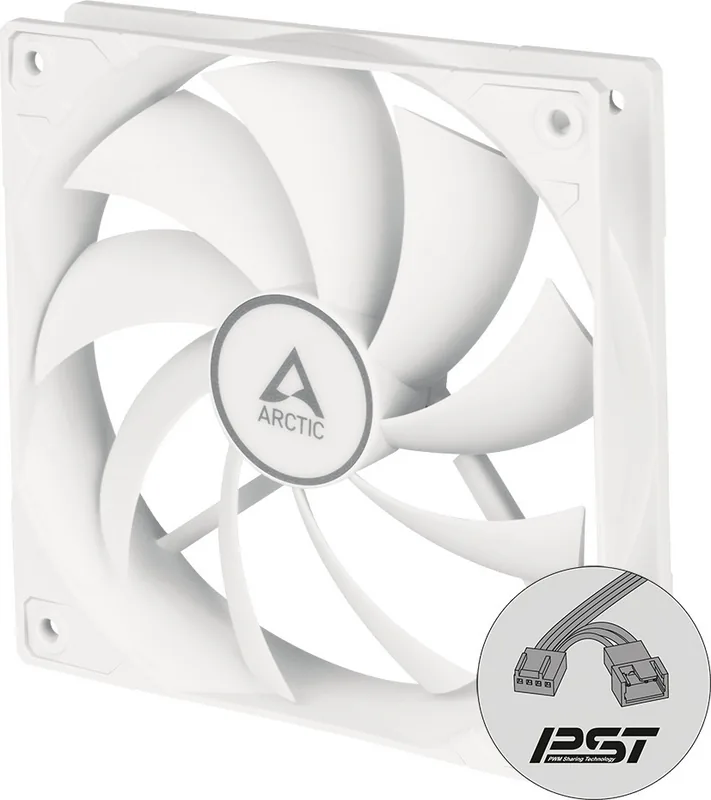
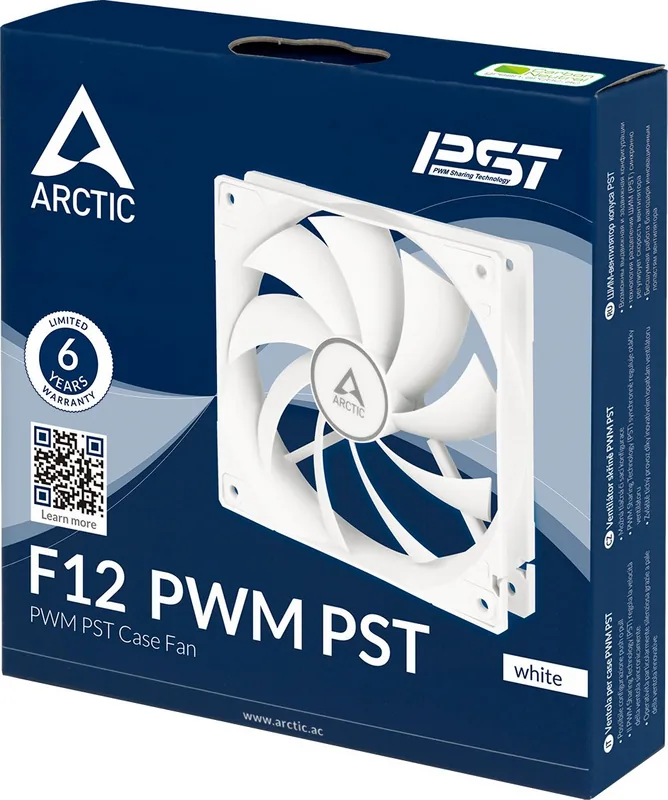
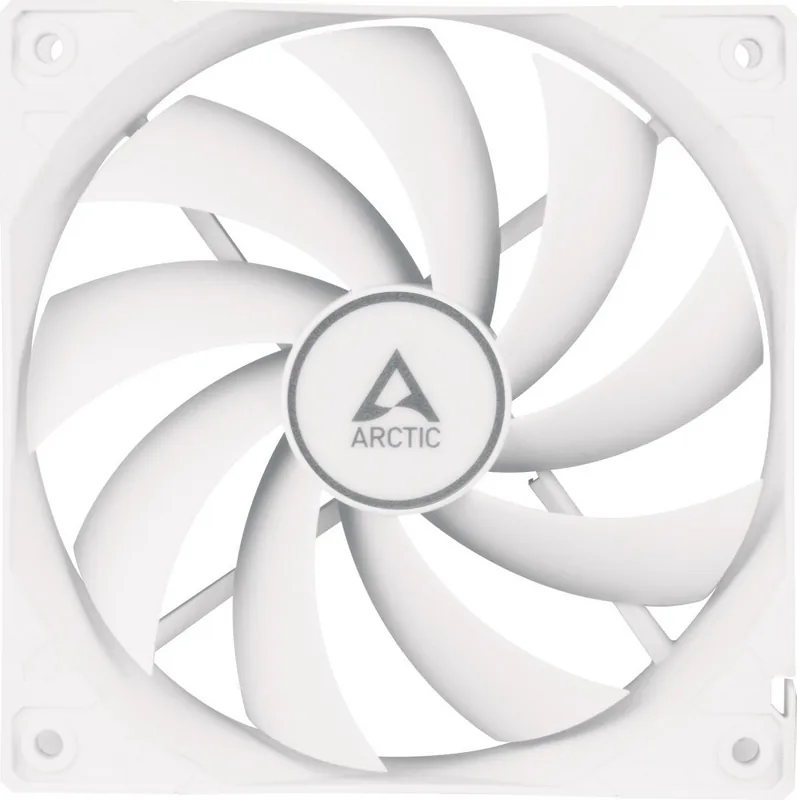
The Arctic F12 Fan stands out in the crowded cooling market by balancing performance with silence. This fan was optimized to work as a case fan with little to no resistance. This setup offers an unparalleled noise-performance ratio that users seek for quiet computing environments. Our team works hard to approach all angles from a users perspective and create innovative and affordable devices. Your satisfaction remains our ultimate goal in every manufacturing process.
Installation and Wiring
When installing this unit, understanding the connection options is vital for success. The system utilizes a 4-pin PWM plug compatible with CPU coolers or standard case fans. Mainboards feature corresponding sockets to ensure stable power delivery during operation. We recommend not to chain more than five fans as some motherboards may only deliver 1.0A per fan header. Consulting your motherboard specification is crucial for long-term stability.
BIOS Configuration
Configure the fan speed through your motherboard BIOS settings for optimal results. You can activate and configure PWM fan speed settings to match your cooling needs. For example, on ASRock boards, find settings under H/W Monitor or CPU_FAN1 Setting options. Silent Mode works well for general usage during light tasks. Gigabyte users can enable CPU Smart FAN Control under PC Health Status for better regulation. ASUS P5G41T-M LX also allows adjustment in manual mode to customize according to your preference. It is suggested to set the PWM Value at minimum 15%. Lower percentages may not generate enough motion to spin the fan effectively.
Company Values and Support
Environmental responsibility is a core value of the brand. ARCTIC is a fully carbon neutral company and your support helps us to compensate every kilogram of CO2 we produce. A six-year limited warranty backs this ARCTIC product without hesitation. For further information regarding the Arctic F12 Fan Manual details, users can access support.arctic.ac online. Sharing your experience at the company Facebook page is encouraged to enrich your life with our products.
Performance and Usage
Whether for cooling processors or chassis airflow, this hardware delivers reliability over time. The 4-pin PWM plug ensures precise control over velocity settings. You are the centre of ARCTIC regarding this user experience and feedback loop. Enjoy the fan and look forward to enriching your life with our products daily. Warranty terms apply for six years from purchase. Support platform for Smartphones is available at support.arctic.ac for assistance. Enjoy the quiet operation during intense computing tasks like gaming.
Additional Notes
Additional notes include checking voltage requirements before installation. The plugs and sockets section clarifies the wiring layout for beginners. Connecting multiple fans requires adherence to current limits per header. Target Fan Speed levels vary from one to nine depending on the BIOS. At Level one, the case fan may not spin at start up. This detailed guide ensures you maximize the potential of every component. Proper airflow management leads to stable system temperatures under load.
Search for 67,706 Manuals online


Type-in Brand or Model