
Aqirys Vega Manual
PDF manual · 3 Pages
English



Quick check
Incorrect answer, please try again.
Chat with your Aqirys Vega manual using AI
Get instant AI answers from your Aqirys Vega manual
Ask anything about the Aqirys Vega. Answers come from this manual, with the pages they are based on.
Ask a Question
Do you recommend Vega?
Yes NoFrequently Asked Questions
Connect the headset via USB, insert the included USB stick, install the provided audio driver, then run the bundled sound software to configure EQ, microphone settings, and personalized audio profiles.
Is this answer helpful?
Open the supplied sound software and adjust equalizer, balance, and mic gain settings. Ensure the correct playback and recording devices are selected in your operating system and that the driver installed successfully.
Is this answer helpful?
Yes. The product complies with EMC requirements and the RoHS standard. It also uses the WEEE symbol to indicate proper recycling procedures for electronic waste.
Is this answer helpful?
Yes. Unauthorized repairs or disassembly void the warranty and may damage the product. Contact Aqirys support for authorized service or troubleshooting assistance.
Is this answer helpful?
Yes. Extended use at high volume levels can cause permanent hearing damage. Keep volume at safe levels and take regular listening breaks to protect hearing.
Is this answer helpful?
Contact Aqirys support for guidance; they can direct you to official driver downloads or replacement options. Avoid downloading drivers from unverified third-party sites.
Is this answer helpful?
Advantages and Disadvantages
Advantages

- Easy plug-and-play setup with bundled USB driver and dedicated sound software.
- Software allows detailed audio tuning: EQ, mic settings, and personalized profiles.
- Complies with EU EMC and RoHS directives and uses WEEE recycling guidance.
- Clear warranty and safety warnings; support contact available for issues.
- Multilingual instructions included for broad international usability.
Disadvantages

- Requires driver installation from USB stick to access advanced features.
- Unauthorized repairs or disassembly will void the warranty.
- High-volume use risks permanent hearing damage if not managed.
- Manual implies dependence on supplied USB media; lost media may complicate setup.
- Limited explicit hardware spec details provided in the text.
Product Specification
Design
Headphones (Over-Ear)
Form Factor
Headband
Acoustic Design
closed
Microphone
Microphone arm (retractable)
Connector
USB-A
Wireless
no
Cable
82.68 in, one-sided
Controls
Volume control, Mute button
Frequency range
20Hz-20kHz (Headphones), 100Hz-10kHz (Microphone)
Impedance
32 ohm
Sensitivity
100dB
Driver
1.97 in
Certified for
TeamSpeak
Device features
RGB lighting
Software features
Virtual 7.1-Surround
Color
black
Weight
0.89 lb
Product Description
Aqirys Vega Manual — Overview and Quick Start
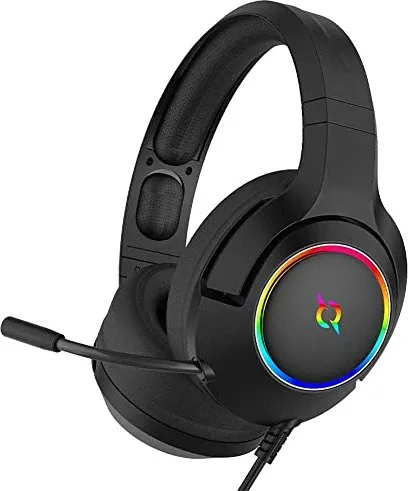
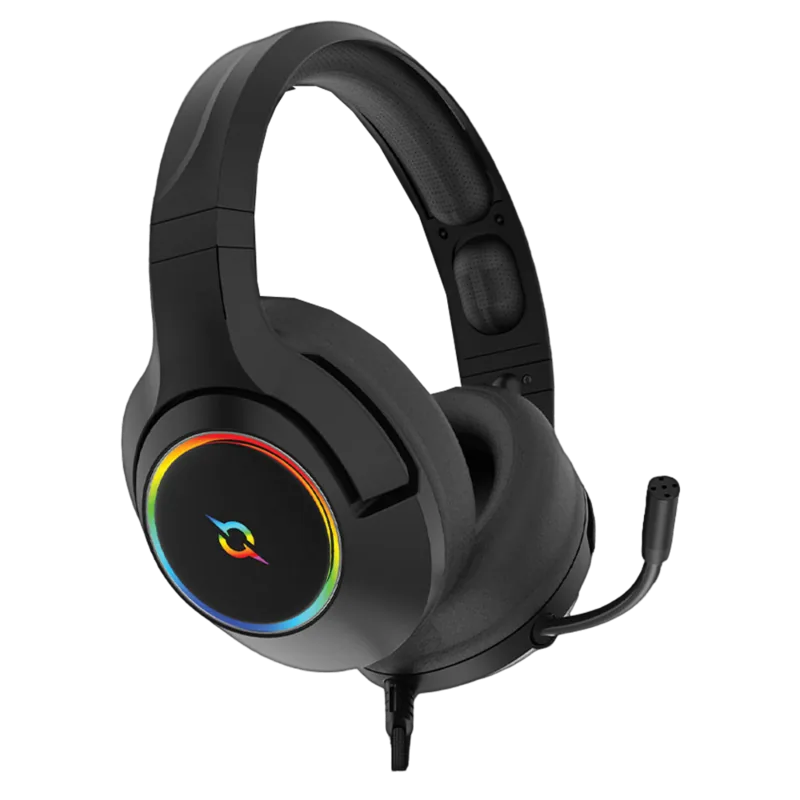
The Aqirys Vega is a USB-powered gaming headset engineered for clear audio, on-board sound customization, and compliance with European safety and environmental standards. Designed for players seeking immediate, plug-and-play performance with deeper tuning options, the Vega ships with an included USB drive containing the device driver and dedicated sound software. Installing that driver unlocks advanced equalizer controls, microphone settings, and personalized audio profiles so you can tailor sound for competitive play, streaming, or casual listening.
Key Features
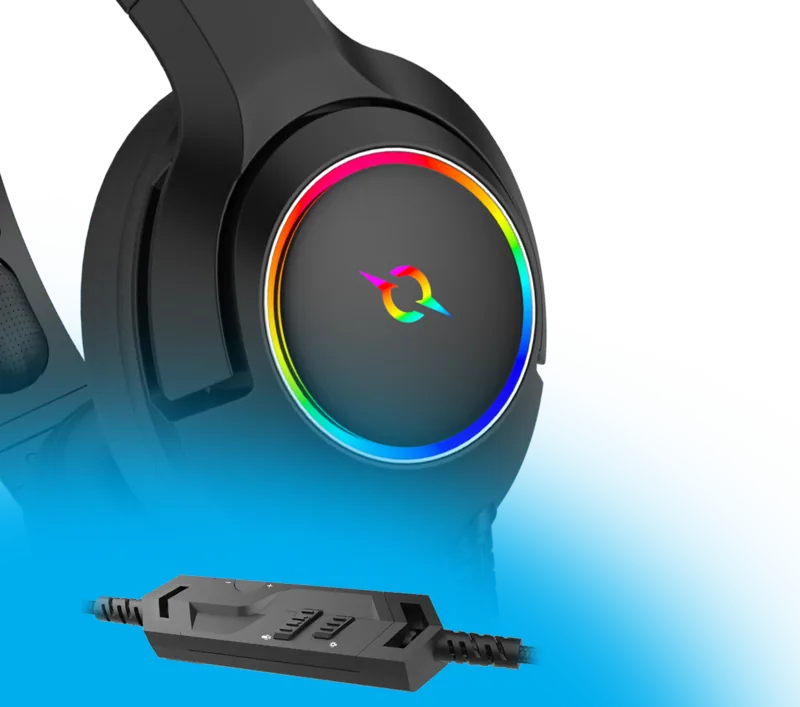
Aqirys Vega emphasizes accessible setup: connect to a PC or laptop, install the bundled USB audio driver, and use the supplied software to fine-tune preferences. The headset supports software-driven adjustments to balance game, chat, and system audio, and likely includes on-board controls for volume and mic mute. Vega’s construction and branding follow industry norms; the product meets EMC and RoHS directives and uses WEEE labeling to encourage proper recycling.
The manual highlights warranty and safety guidance: avoid unauthorized repairs or disassembly to preserve the warranty and prevent damage. There's a clear caution about hearing safety—prolonged exposure to high volumes can cause permanent hearing loss—plus contact details for support. Multilingual setup instructions are provided, reflecting a global user base.
Practical Use Cases
- Gamers who want immediate audio improvements with optional fine-tuning via software.
- Streamers and content creators who need clearer mic control and EQ presets.
- Users who value EU compliance and recyclable electronic products.
Notes
- Always install the USB audio driver from the included stick before using advanced features.
- Keep volume at safe levels to avoid hearing damage.
- Unauthorized repairs void the warranty—contact support for issues.
- Follow local regulations for electronic recycling (WEEE symbol guidance).
Final Thought
Aqirys Vega combines straightforward plug-and-play convenience with deeper software-driven customization, making it a solid choice for gamers and creators who want both simplicity and control.
Search for 67,732 Manuals online


Type-in Brand or Model