
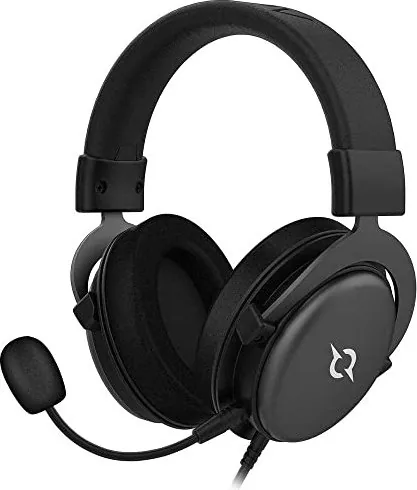
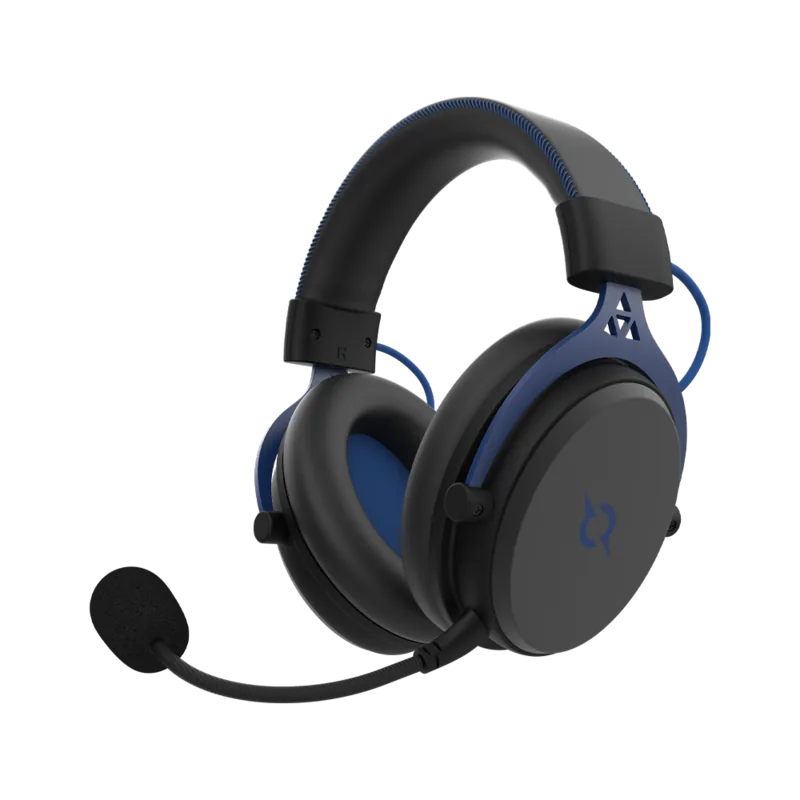
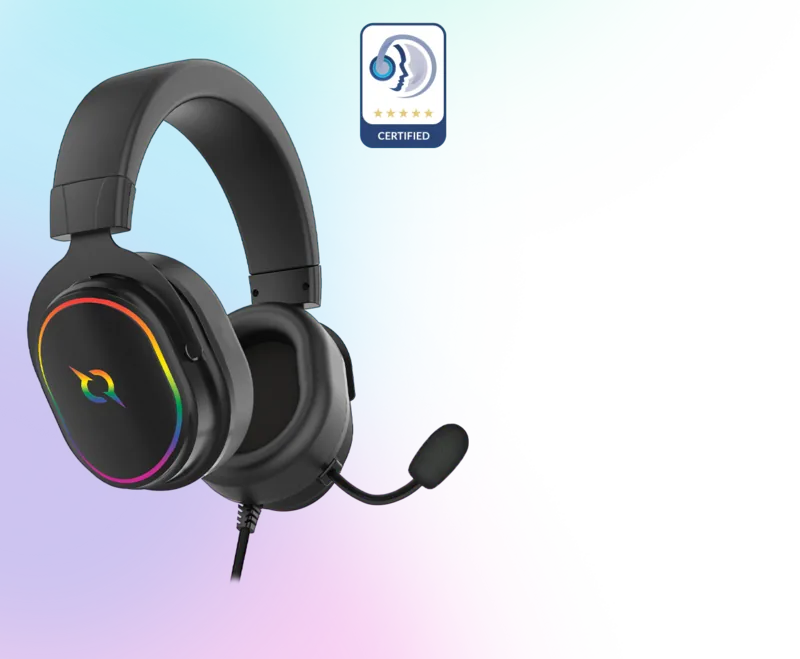
Aqirys Sirius Manual
PDF manual · 5 Pages
English



Quick check
Incorrect answer, please try again.
Chat with your Aqirys Sirius manual using AI
Get instant AI answers from your Aqirys Sirius manual
Ask anything about the Aqirys Sirius. Answers come from this manual, with the pages they are based on.
Ask a Question
Do you recommend Sirius?
Yes NoFrequently Asked Questions
Use the provided splitter accessory to connect the headset to the line-out and microphone ports on the PC or laptop for dual-channel operation.
Is this answer helpful?
Yes, the driver installation from the USB stick is recommended for fine-tuning audio preferences and enabling all software features.
Is this answer helpful?
Yes, connect the 3.5mm audio jack directly to your mobile device and select the headset as the default audio output in settings.
Is this answer helpful?
Unauthorized repairs or disassembly will void the warranty and may cause damage to the product beyond repairability.
Is this answer helpful?
Yes, this product complies with EU requirements including EMC and RoHS standards to ensure safety and environmental compliance.
Is this answer helpful?
Use the software installed from the provided USB stick to configure detailed audio settings and equalization levels.
Is this answer helpful?
Avoid using the headset at high volumes for extended periods to prevent permanent hearing damage and follow safety warnings.
Is this answer helpful?
Advantages and Disadvantages
Advantages

- Compatible with USB and 3.5mm jacks for broad device support.
- Includes driver software for audio customization and equalization.
- Provides splitter for standard PC ports with separated audio channels.
- Meets EU EMC and RoHS safety standards for consumer protection.
Disadvantages

- Requires driver installation for full software features to work.
- Splitter cable needed for computers with single audio ports.
- Warranty void if unauthorized repairs or disassembly occurs.
- Must monitor volume to avoid hearing damage over time.
Product Specification
Type
Headphones (Over-Ear)
Design
Headband
Principle
Closed
Microphone
Microphone Arm (detachable)
Connectivity
3.5mm jack, 2x 3.5mm jack, USB-A
Wireless
No
Cable
Single-sided
Controls
Volume Control, Mute Button
Frequency Response
20Hz-20kHz (Headphones), 100Hz-10kHz (Microphone)
Impedance
32 Ohm
Sensitivity
100dB
Drivers
50mm
Certified For
TeamSpeak
Software Features
Virtual 7.1 Surround
Weight
11.71 oz
Product Description
Discovering the Aqirys Sirius Experience
The Aqirys Sirius series stands out as a versatile audio solution designed for modern gamers and multimedia enthusiasts who value superior precision and sound quality in their daily tasks. Whether you are connecting to a high-end gaming PC or your favorite mobile console, this headset offers the flexibility required in today's rapidly evolving digital landscape for audio. Users looking for detailed setup information often refer to the Aqirys Sirius (various colors) Manual during the initial configuration process to ensure optimal performance with connectivity. This feature highlights versatility inherent in the product line and compatibility with multiple platforms. This product includes comprehensive support resources for all regions.
Connection options are robust, supporting multiple interfaces simultaneously to suit different environments and user preferences effectively. PC and laptop users benefit greatly from a dedicated USB sound card connection which significantly enhances audio capabilities by bypassing motherboard limitations. For those using standard headphone jacks, a provided splitter allows seamless integration with line-out and microphone ports for proper dual-channel operation. Mobile devices utilize a simple 3.5mm audio jack plug, making it easy to select the headset as the default audio output immediately upon connection without extra hardware.
Customization is key to the overall user experience with this premium device. The included driver installation allows for fine-tuning of specific audio preferences. This software enables users to adjust settings based on their specific gaming genres. It transforms a standard listening experience into a highly personalized audio journey tailored to individual needs. Every setting can be saved for future sessions easily. Safety compliance is prioritized to ensure consumer trust.
The product adheres to strict EU requirements regarding product safety and electromagnetic compatibility standards to ensure user safety. The RoHS standard ensures environmentally friendly manufacturing practices are followed during production globally. Users are advised regarding hearing safety warnings when using the device at high volumes for extended periods. Maintenance is supported through clear regulations regarding repairs and warranty claims to protect the investment.
Only authorized technicians should conduct repairs to guarantee the warranty remains intact. Recycling is encouraged through the WEEE symbol on packaging. This commitment to sustainability sets the product apart in a crowded market. Support is available via email for technical difficulties. The comprehensive ecosystem makes this headset a reliable choice for daily use.
Final Setup Recommendations
Ensure USB drivers are installed before use on Windows systems. Use the splitter cable for older computers. Connect 3.5mm directly for mobile.
Search for 67,732 Manuals online


Type-in Brand or Model