
Aputure Amaran T4c Manual
PDF manual · 13 Pages
English



Quick check
Incorrect answer, please try again.
Chat with your Aputure Amaran T4c manual using AI
Get instant AI answers from your Aputure Amaran T4c manual
Ask anything about the Aputure Amaran T4c. Answers come from this manual, with the pages they are based on.
Ask a Question
Do you recommend Amaran T4c?
Yes NoFrequently Asked Questions
The light operates safely between minus 10 degrees Celsius and 40 degrees Celsius to ensure stability in various environments.
Is this answer helpful?
You can press the knob to enter modes like CCT, HSI, or GEL and rotate it to adjust parameters such as brightness and color.
Is this answer helpful?
Yes, you can download the Sidus Link app from iOS or Google Play to enhance functionality and control the light remotely.
Is this answer helpful?
Do not immerse in water, unplug before cleaning, let it cool before storing, and do not block ventilation or look at the source.
Is this answer helpful?
Connect a Type-c to DMX adapter to the light fixture and then connect a standard DMX controller to control multiple lights.
Is this answer helpful?
No, do not use the light fixture in wet conditions on account of electric shock may be caused by water contact.
Is this answer helpful?
Advantages and Disadvantages
Advantages

- High performance level with high brightness for professional photography needs.
- Advanced control modes including CCT, HSI, GEL, and FX for creative lighting.
- Sidus Link APP support allows remote control over long distances.
- Natural heat dissipation ensures stable operation without fan noise.
Disadvantages

- No built-in stand required, need a tripod for horizontal or vertical mounting.
- Screen off time is fixed or set to specific intervals during operation.
- DMX adapter connection is necessary for DMX control functionality.
Product Specification
Light Output
785 Lux (3.28 ft)
Color Temperature
2500-7500K
Power
40W
Tripod Mount
1/4", 3/8"
Features
Rechargeable Battery
Dimensions
3.94x49.21x4.72 in (WxHxD)
Weight
2.09 lbs
Product Description
Introduction to the Aputure Amaran T4c Manual
The Aputure Amaran T4c Manual serves as your comprehensive guide to unlocking the full potential of this innovative lighting tool. It features a high performance level with high brightness and high color rendering index to ensure accurate colors in any environment. You can easily adjust the brightness and color settings to meet creative requirements. The product is designed to work with a variety of lighting accessories to achieve specific lighting effects and enrich product usage patterns. This flexibility allows the product to meet the needs of different occasions light control with ease.
Safety and Maintenance
When using this unit, basic safety precautions should always be followed to prevent accidents. Burns can occur from touching hot surfaces so allow the lighting fixture to cool completely before storing. Do not block the ventilation or place the LED lighting fixture near any flammable object. To reduce the risk of electric shock, do not immerse this fixture in water or any other liquids. Always unplug the lighting fixture from the electrical outlet before cleaning and servicing. Use a dry microfiber cloth to clean the product gently. Incorrect reassembly or unauthorized disassembly voids warranty and increases risk.
Advanced Control Features
Operating the light has never been simpler with multiple mode options available. The Manual Control section allows you to enter CCT mode for color temperature or HSI mode for Hue, Saturation, and Brightness. You can also access GEL mode to select color temperature and gel presets. FX mode opens up creative possibilities with effects ranging from lightning to party lights. The DMX mode lets you control daisy-chained lights using a standard DMX controller connected via the Type-C port. You can also download the Sidus Link APP to control the light remotely over long distances.
Power and Installation
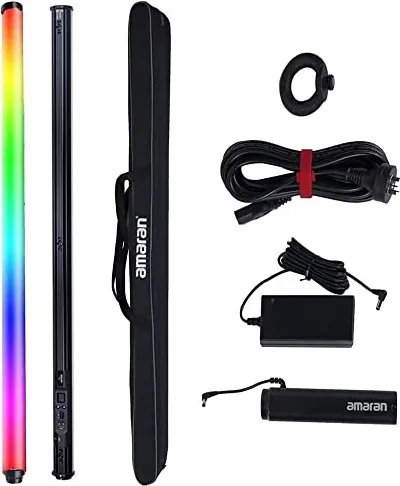
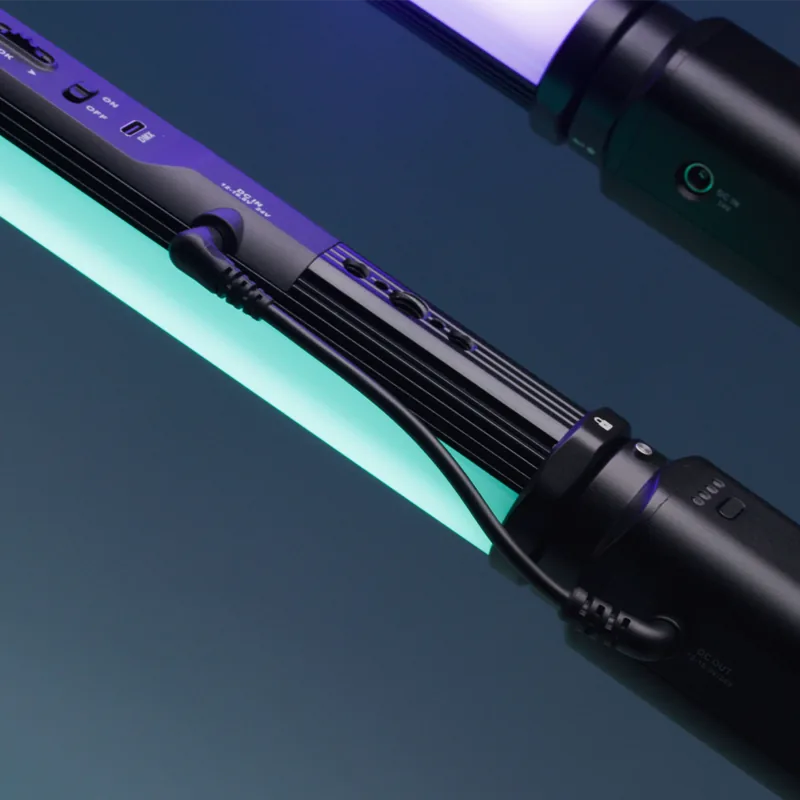
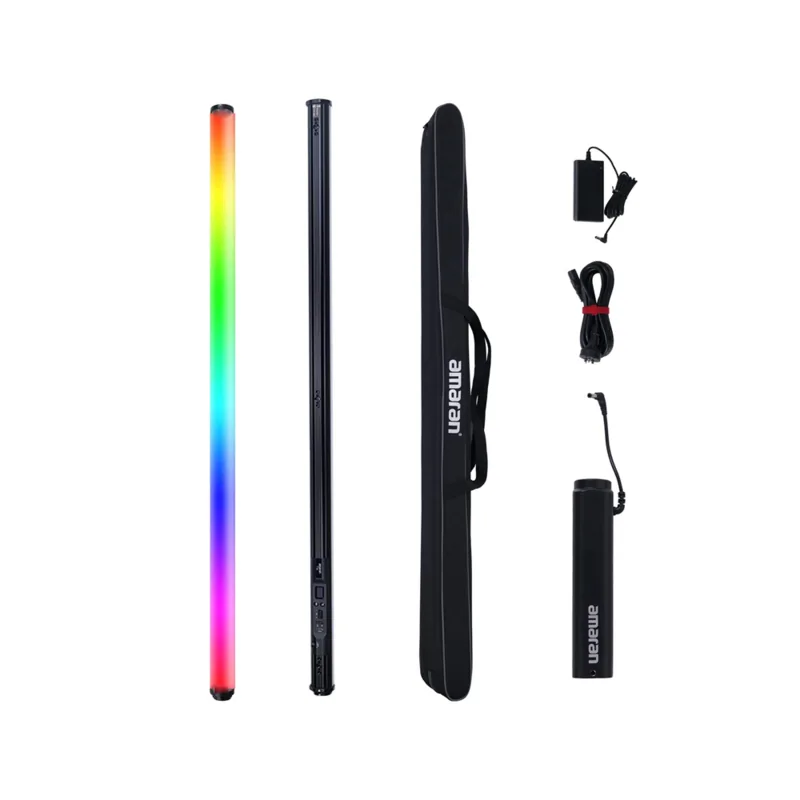
The light can be powered by AC adapter or DC battery handle. A variety of installation methods are integrated on the lamp body allowing horizontal or vertical mounting on a tripod. A battery grip is included to provide portability for field use. The OLED screen displays key information like battery indicator and current settings. Ensure all accessories listed in the components list are completed before using to avoid missing parts during your shoot. This device complies with Part 15 of the FCC Rules regarding interference. The operating temperature range supports usage from minus 10 degrees Celsius to 40 degrees Celsius. Max power output is 50W. Power consumption varies by setting but the efficiency is high. Natural heat dissipation keeps the unit stable. The product is certified by RoHS, CE, and FCC ensuring global compliance with standards. Always check the battery voltage is between 12 to 16.8 Volts for the battery handle at 24V for the adapter. Screen off time can be customized from 15 seconds to 60 seconds or normal settings. The screw mechanism allows for 1/4 and 3/8 inch mounting options. You can swap the battery grip easily using the quick-release locking mechanism. This flexibility supports rapid adjustments during dynamic shooting environments.
Notes
Note: Always store the cable at assigned space of the carrying case.
Search for 67,706 Manuals online


Type-in Brand or Model