
Apricorn Aegis Fortress L3 Manual
PDF manual · 12 Pages
English


Quick check
Incorrect answer, please try again.
Chat with your Apricorn Aegis Fortress L3 manual using AI
Get instant AI answers from your Apricorn Aegis Fortress L3 manual
Ask anything about the Apricorn Aegis Fortress L3. Answers come from this manual, with the pages they are based on.
Ask a Question
Do you recommend Aegis Fortress L3?
Yes NoFrequently Asked Questions
It uses keypad-based PIN authentication and hardware security features instead of depending only on software encryption. That gives users tighter control over access, read-only protection, and recovery options.
Is this answer helpful?
Enter the correct User PIN or Admin PIN on the keypad and confirm it. If the PIN is accepted, the LEDs indicate that the drive is unlocked and ready for use.
Is this answer helpful?
The drive cannot be unlocked without a valid PIN. Recovery PINs may be used if they were set up in advance, but otherwise access cannot be restored normally.
Is this answer helpful?
Yes. An Admin can create a User PIN so another person can access data without full admin control. Users can work with the drive while still being restricted from advanced settings.
Is this answer helpful?
Yes. Read-only mode helps prevent accidental changes or malware-driven writes. It is useful for transporting sensitive files or preserving data in its original state.
Is this answer helpful?
It is a last-resort security feature. If activated, it performs a crypto-erase and removes the old encryption key and stored data, making recovery impossible.
Is this answer helpful?
Yes. It is ready for Windows use and can be reformatted for Mac systems through standard disk tools, making it flexible across common desktop environments.
Is this answer helpful?
Advantages and Disadvantages
Advantages

- Hardware PIN access reduces dependence on software-based security tools.
- Admin, User, recovery, and self-destruct options provide flexible control.
- Read-only mode and auto-lock help protect data in shared or public environments.
- USB Type-A and Type-C support makes it easy to connect to modern systems.
Disadvantages

- Forgetting the PIN can lock you out permanently.
- Advanced security settings may feel complex for casual users.
- Self-destruct and reset functions can erase data quickly if used incorrectly.
- The drive is not meant to be freely accessed while locked, which may slow workflows.
Product Specification
Form factor
2.5"
Internal connector
1x SATA 6Gb/s
External connector
1x USB 3.0 Micro-B
RAID level
N/A
Fan
N/A
Dimensions
4.80x3.03x0.65in
Weight
0.48 lb
Color
black
Features
Aluminum housing, 256bit AES encryption, Keypad, FIPS 140-2 Level 3, incl. USB cable (USB-A), incl. USB adapter (USB-C)
Manufacturer's warranty
three years
USB notation
Link
Product Description
Apricorn Aegis Fortress L3: Secure Portable Storage for Sensitive Work
The Apricorn Aegis Fortress L3 external SSD is designed for people who want fast portable storage with serious built-in protection. Instead of relying on software-only encryption, it uses a physical keypad and PIN-based access, so the drive stays locked until the right code is entered. That makes it especially appealing for business data, confidential archives, and any workflow where security matters as much as convenience.
If you are searching for the Apricorn Aegis Fortress L3 external SSD Manual, the core idea is easy to understand: the drive is built to protect information first, while still being straightforward enough for everyday use. It supports an Admin PIN and optional User PINs, so an owner can control access levels without handing over full administrative rights. This is useful when the same drive must be shared across teams, clients, or field workers.
The Fortress L3 also includes advanced protection tools that go beyond standard password locking. It can be set to read-only mode to help prevent unwanted changes, it offers unattended auto-lock for added safety, and it includes brute-force defense to slow repeated guessing attempts. For higher-risk situations, a self-destruct PIN can trigger a crypto-erase, wiping the contents and replacing the encryption key. These features make the drive feel like a compact security device as much as a storage accessory.
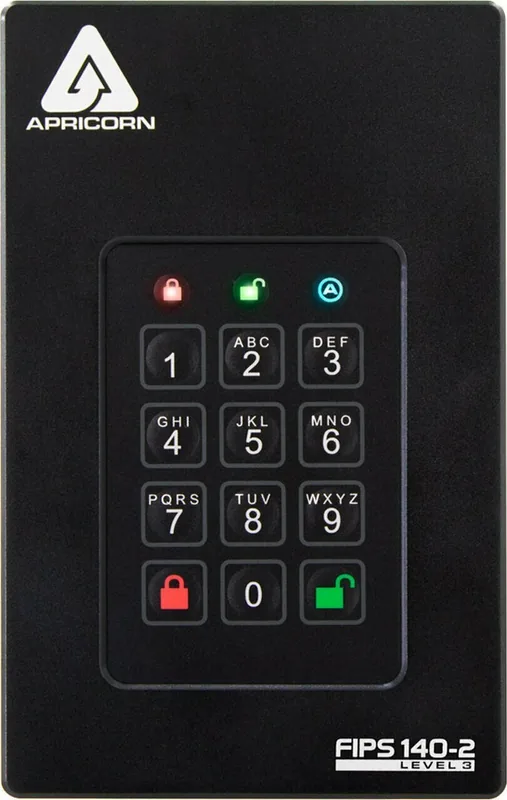
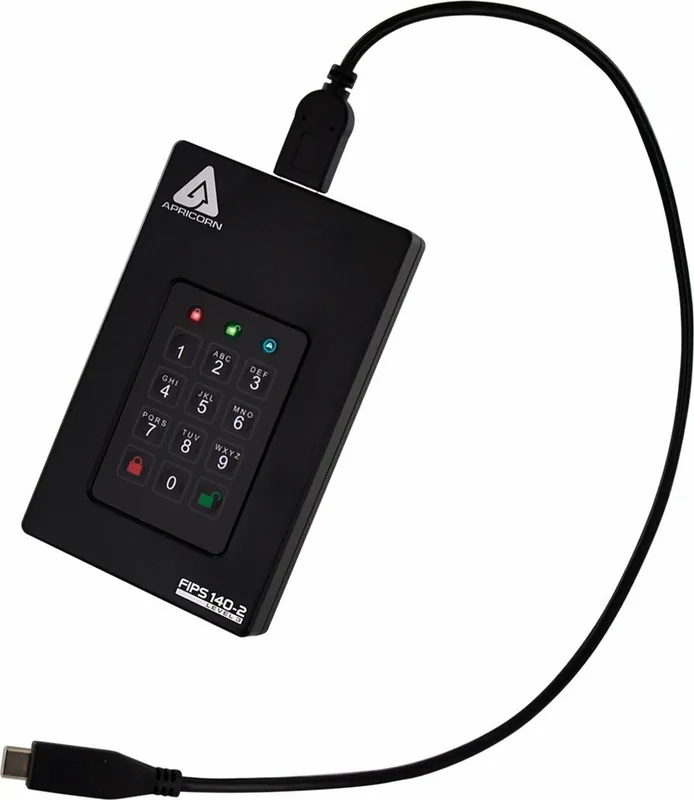
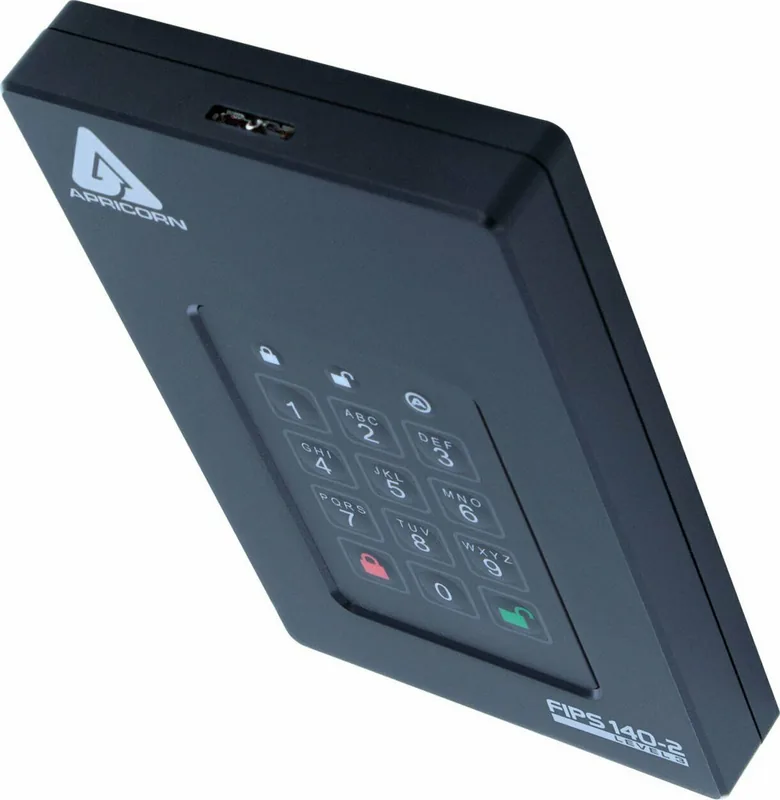
Practical design choices add to its appeal. The unit ships with USB Type-A and Type-C cables, works across modern USB setups, and uses LED indicators to show lock status, admin mode, and unlock confirmation. A built-in diagnostic mode and reset process also help with troubleshooting, formatting, and recovery workflows when the drive needs to be redeployed or reinitialized.
It is also a good fit for mixed operating environments. The drive can be used on Windows and reformatted for Mac systems when needed, making it flexible for professionals who move between platforms. Combined with a durable keypad surface, this gives the Aegis Fortress L3 a strong balance of portability, control, and long-term usability.
Notes
- Keep your PINs stored safely; they cannot be recovered if forgotten.
- Use read-only mode when handling sensitive or shared data.
- Review auto-lock and lock-override settings before deploying the drive in the field.
Search for 67,706 Manuals online


Type-in Brand or Model