
Amazon Kindle 10th Generation Manual
PDF manual · 61 Pages
English



Quick check
Incorrect answer, please try again.
Chat with your Amazon Kindle 10th Generation manual using AI
Get instant AI answers from your Amazon Kindle 10th Generation manual
Ask anything about the Amazon Kindle 10th Generation. Answers come from this manual, with the pages they are based on.
Kindle 10th Generation Maintenance Schedule
Refer to the one-year limited warranty terms which cover material and workmanship defects from the date of purchase.
Unplug all cables, turn off Wi-Fi by activating Flight Mode, and wait until the device is completely dry before turning it back on.
Wipe the screen with a soft cloth. Do not use abrasive cleaning agents or materials.
Use a case when carrying the Kindle in a bag or folder to avoid scratches.
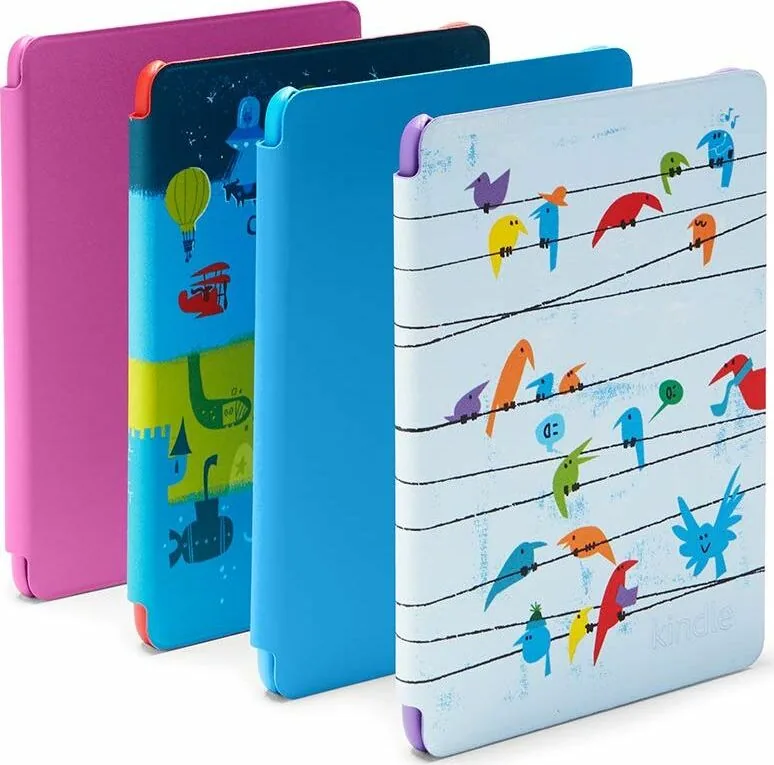
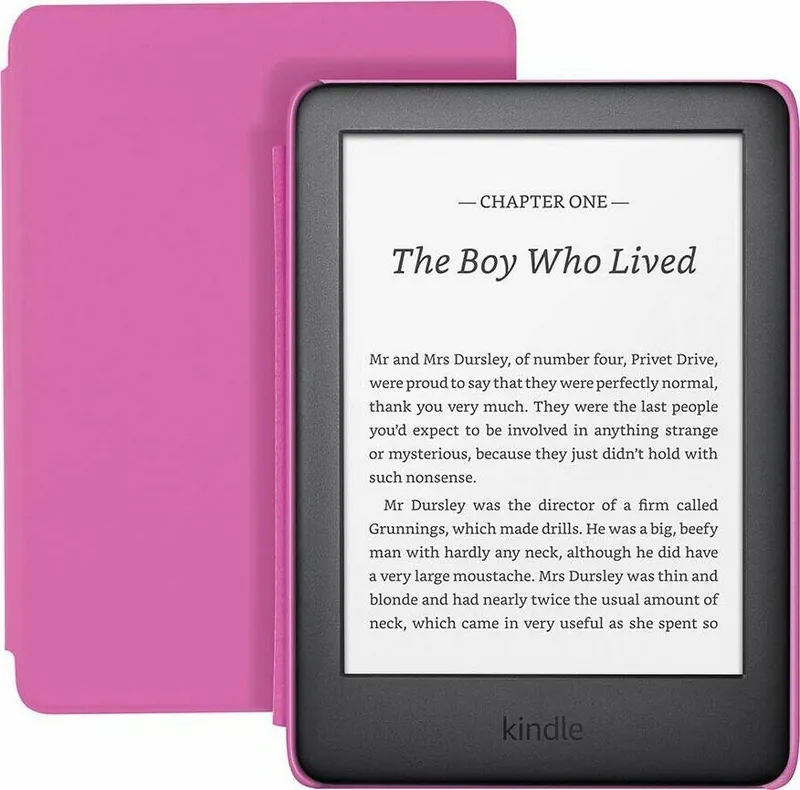
If the device has been dropped or struck, remove the child-friendly case and check for cracks or chips before allowing a child to use it again.
Free maintenance reminders
Timed to your purchase date. Always free, unsubscribe anytime.
Ask a Question
Do you recommend Kindle 10th Generation?
Yes NoFrequently Asked Questions
Select your language, connect to Wi-Fi, and sign in with your Amazon account. Follow the on-screen prompts to complete the registration process.
Is this answer helpful?
Yes, you can purchase and listen to Audible audiobooks. You must connect a Bluetooth audio device like headphones or speakers to hear them.
Is this answer helpful?
While reading, tap the top of the screen to open the menu. Select 'Aa' to change font type, size, margins, and line spacing.
Is this answer helpful?
X-Ray allows you to explore characters, places, and themes in a book by tapping names to see relevant passages and context without losing your place.
Is this answer helpful?
With typical use including Wi-Fi connectivity, the battery lasts up to four weeks. Actual time varies based on usage intensity and settings.
Is this answer helpful?
Yes, you can email documents to your Kindle address or transfer them via USB cable to read PDFs and other files on the device.
Is this answer helpful?
Advantages and Disadvantages
Advantages

- High-resolution electronic paper display for clear reading in sunlight
- Instant wireless delivery via Whispernet network
- Customizable font sizes and styles for comfortable reading
- Built-in support for Audible audiobooks and Bluetooth audio
- Long battery life with weeks of use on a single charge
Disadvantages

- Cannot play video files as it is an e-reader only
- No backlight adjustment on older non-illuminated models
- Proprietary file formats may limit external document usage
- Touchscreen sensitivity can be inconsistent in cold weather
- Limited color display compared to standard tablets
Product Specification
Technology
E-Ink Electronic Paper
Display Size
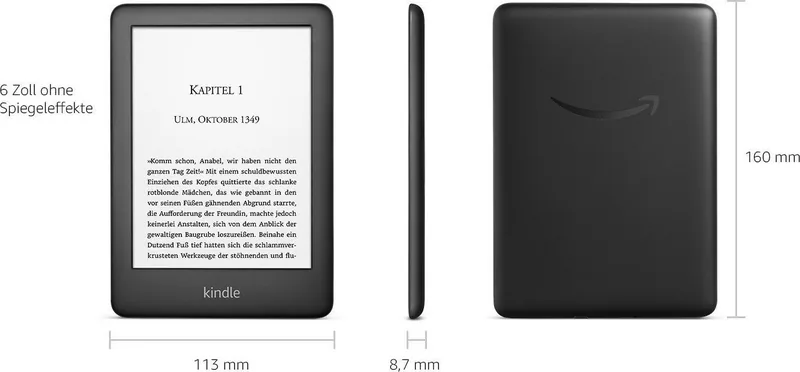
6 inches, 16 grayscale levels, 167 ppi
Resolution
600x800
Supported File Formats
AZW3, AZW, TXT, PDF, unprotected MOBI, HTML, DOC, DOCX, JPEG, GIF, PNG, AAX
Card Reader
N/A
Wireless
Wi-Fi 802.11b/g/n, Bluetooth 4.0 LE
Ports
1x USB 2.0 Micro-B
Power Supply
Li-Polymer battery
Charging Time
4 hours
Product Description
Discover the Amazon Kindle 10th Generation Manual Experience
Welcome to a new era of reading with the Amazon Kindle 10th Generation. This device redefines how you interact with books, magazines, and audiobooks through its intuitive interface and robust features. The manual guides you through every aspect of your device, from initial setup to advanced reading tools.
Setting up your Kindle is a breeze. You simply select your language, connect to Wi-Fi, and log in to your Amazon account. The device supports Whispernet for wireless delivery of content anywhere in the world. Once connected, you can browse the Kindle Store, download titles instantly, and manage your library with ease. The screen technology uses electronic paper to provide a clear, glare-free reading experience that mimics real ink on paper.
Navigation is effortless thanks to the touch-sensitive display. You can flip pages by tapping the edges or swiping across the screen. The device offers customizable text settings allowing you to adjust font size, style, margins, and line spacing to suit your preferences. For visual learners, the built-in dictionary and X-Ray feature provide instant definitions and character analysis without leaving your page.
Audio lovers will appreciate the integration with Audible. Connect Bluetooth headphones to listen to audiobooks directly on your device. The VoiceView screenreader ensures accessibility for visually impaired users by describing screen elements aloud. You can also sync your progress across devices using Whispersync, ensuring you never lose your place whether you are reading on a phone or tablet.
Managing your content is simple. Organize books into cloud collections, filter by read status, and remove items to free up space. The device automatically deletes older newspaper issues to maintain storage efficiency while keeping your favorite books safe in the cloud. Whether you are commuting or relaxing at home, the Kindle 10th Generation offers a seamless reading journey tailored to your lifestyle.
Search for 67,706 Manuals online


Type-in Brand or Model