
Allview 65ePlay6100-U Manual
PDF manual · 54 Pages
English



Quick check
Incorrect answer, please try again.
Chat with your Allview 65ePlay6100-U manual using AI
Get instant AI answers from your Allview 65ePlay6100-U manual
Ask anything about the Allview 65ePlay6100-U. Answers come from this manual, with the pages they are based on.
Ask a Question
Do you recommend 65ePlay6100-U?
Yes NoFrequently Asked Questions
Select the network from the list during initial setup, insert your password, and press OK. Ensure the device supports the security protocol you are using.
Is this answer helpful?
Check if batteries are inserted with correct polarity and replace them if voltage is insufficient. Ensure no objects obstruct the signal path between the remote and the sensor.
Is this answer helpful?
No, installing the TV on a ceiling or slanted wall may cause it to fall and result in severe injury. Use authorized wall mount brackets on vertical surfaces only.
Is this answer helpful?
Do not use the device near water, damp environments, or swimming pools. Exposure to rain or humidity may cause damage or electric shock risks.
Is this answer helpful?
Access the channel settings menu, select the scan mode, and initiate an update or full scan depending on your signal source type.
Is this answer helpful?
Warranty is voided if unauthorized wall mounts are used. Contact local retailers or qualified personnel to ensure proper installation and protection.
Is this answer helpful?
Advantages and Disadvantages
Advantages

- Android TV integration for easy app access
- Supports multiple input sources including satellite and cable
- Chromecast built-in for mobile casting
- Voice search capability for faster navigation
- Comprehensive safety warnings included
Disadvantages

- Risk of electric shock if internal cover is removed
- Remote control requires AAA batteries frequently
- Do not install near heat sources like radiators
- Requires specific torque for wall mounting screws
- Cannot be left in standby mode for extended periods
Product Specification
Resolution
3840x2160
Panel
LCD, Quantum dot
Backlight
LED
HDR
HDR, HDR10, HLG
Refresh Rate
50/60 Hz native
Brightness
300 cd/m2
Viewing Angle
150/160 degrees (H/V)
3D
No
Tuner
1x DVB-C/-T-/T2
Video Connections
4x HDMI, Audio/Video Input
Audio Connections
Digital Audio Out (optical), Headphones (3.5 mm jack)
Additional Connections
3x USB-A 2.0, 1x RJ-45, 1x CI+
Wireless
Wi-Fi 5 (WLAN 802.11a/b/g/n/ac), Bluetooth 5.0
Processor
Quad-Core
Operating System
Android TV 9
Voice Assistants
Google Assistant
Streaming Clients
Screen Casting (Google Cast)
Audio Decoder
Dolby Digital
Total Audio Power
2.0, 20 W (2x 10 W)
Features
Voice Control
Energy Efficiency Class SDR
G (A to G)
Energy Efficiency Class HDR
G (A to G)
Color
Silver
Stand
Side
Warranty
2 Years
Note
Information regarding DVB-T2 reception in Austria. Information regarding DVB-T2 reception in Germany.
Product Description
Unlocking the Full Potential of Your Home Entertainment System
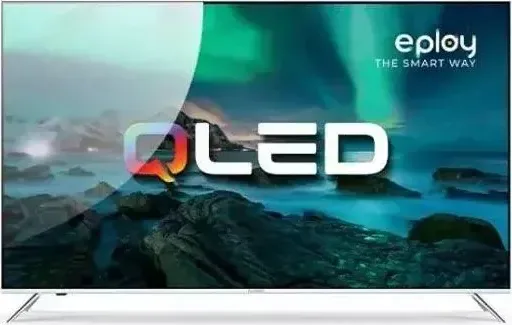
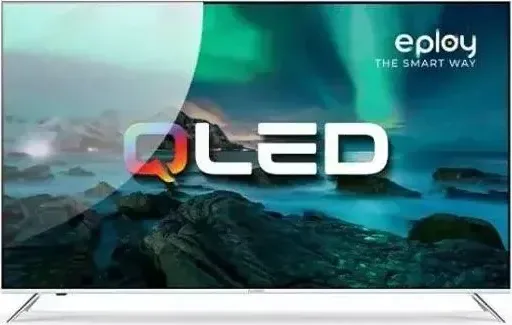
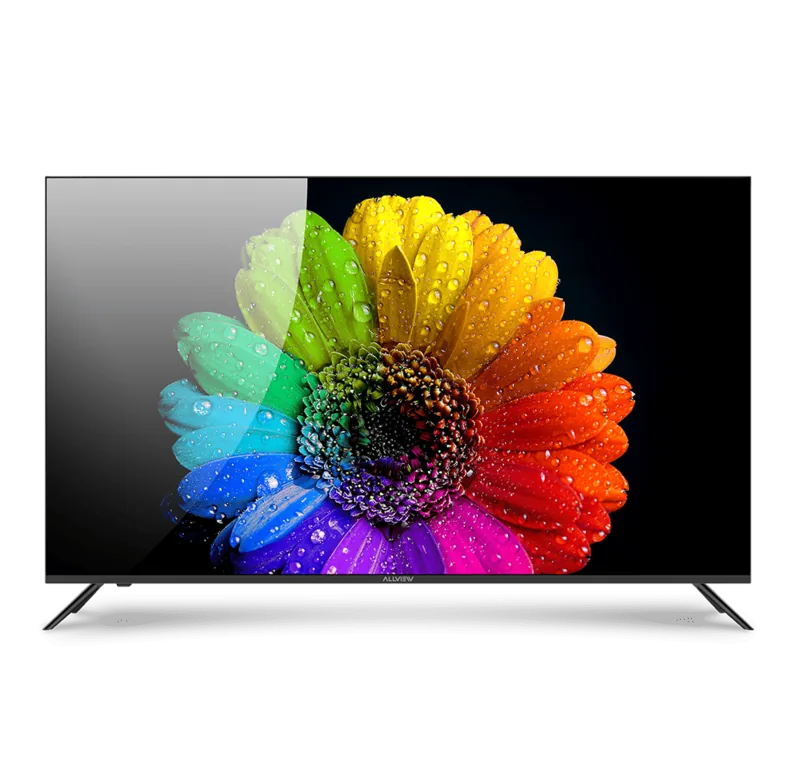
When you bring home the Allview QLED ePlay6100-U, you are investing in a premium viewing experience designed for modern living. This television combines advanced display technology with intuitive user controls to ensure you get the most out of every movie, show, or game. To truly understand the capabilities embedded within this sleek device, exploring the Allview QLED ePlay6100-U Manual is the first step toward mastery. It guides you through initial setup, network configuration, and detailed menu navigation to optimize performance across all connected services.
Installation is straightforward yet requires attention to safety details. The unit supports both stand assembly and wall mounting, provided you follow specific torque requirements to avoid damage. Proper ventilation is critical during installation to prevent overheating, as blocking vents can lead to operational issues. Once positioned, connecting power and signal cables via the rear enclosure terminals allows for channel scanning. You can choose between antenna, cable, or satellite tuner modes depending on your regional provider. For digital enthusiasts, the Android TV integration offers seamless access to favorite apps and streaming services. Connecting to Google accounts allows personalized recommendations and location permissions.
Navigating the interface is simple using the included remote control. Dedicated buttons launch popular platforms like Netflix and YouTube instantly, while the voice search function simplifies content discovery. Adjusting picture and sound modes allows customization for different content types, ensuring vibrant colors and clear audio output. The device includes robust parental controls and channel installation tools that cater to family viewing habits. Power management features help reduce energy consumption when the set is not in use, promoting environmentally responsible operation. Chromecast support is available for casting content from mobile devices directly to the large screen.
Troubleshooting common issues like no signal or power interruption helps maintain reliability. Checking input sources ensures the TV receives the correct data stream. Sound adjustments balance audio across speakers evenly. If the remote fails, verifying battery polarity and checking for obstructions resolves most connectivity issues. Keeping devices away from heat sources and moisture extends the lifespan of internal components. Regular maintenance with a dry cloth keeps the display free from dust and scratches. Following these operational tips ensures safe usage in home or shop environments.
By adhering to these guidelines, the Allview QLED ePlay6100-U delivers consistent performance and longevity for your entertainment needs. Understanding the safety warnings regarding high voltage and battery handling protects users and family members. Proper disposal of the device in compliance with electronic waste directives supports environmental conservation. This comprehensive approach to setup and usage maximizes the value of your purchase. Enjoy a seamless viewing experience where technology meets safety standards without compromise. The European Declaration of Conformity ensures that health and safety protocols are met during manufacturing.
Notes
Always check for local regulations regarding electronics disposal. Ensure wall brackets are rated for the specific weight of the unit.
Search for 67,706 Manuals online


Type-in Brand or Model