
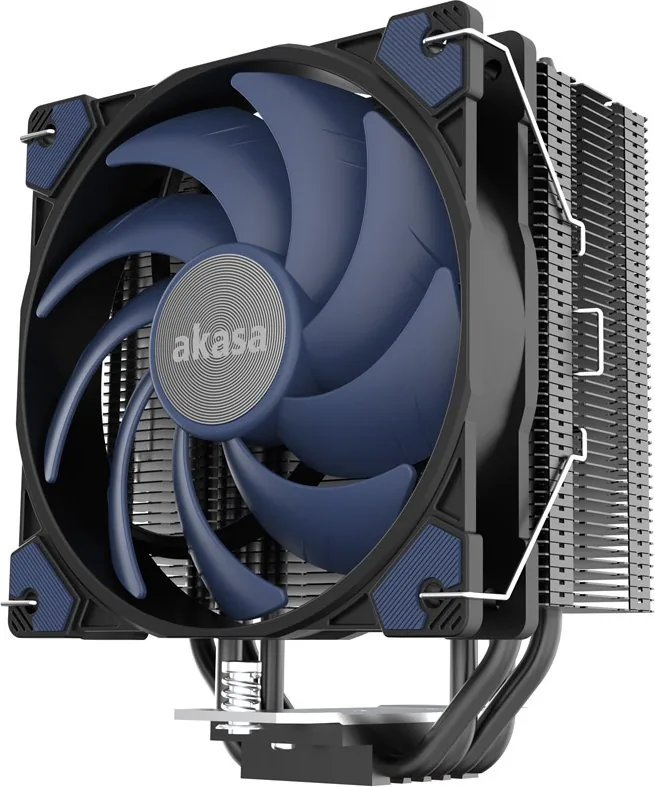
Akasa Alucia H4 Manual
PDF manual · 2 Pages
English



Quick check
Incorrect answer, please try again.
Chat with your Akasa Alucia H4 manual using AI
Get instant AI answers from your Akasa Alucia H4 manual
Ask anything about the Akasa Alucia H4. Answers come from this manual, with the pages they are based on.
Ask a Question
Do you recommend Alucia H4?
Yes NoFrequently Asked Questions
Yes, the cooler is fully compatible with the AMD AM4 socket platform, ensuring effective cooling for Ryzen processors.
Is this answer helpful?
You must use an ESD-safe environment or wear an antistatic wrist strap. Never turn on the computer until the fan is connected to the motherboard.
Is this answer helpful?
Yes, the unit features a 4-pin PWM connector that allows for automatic speed adjustments based on system temperatures.
Is this answer helpful?
It supports Intel LGA20XX, LGA1200, and LGA115X series sockets, covering a broad range of current and recent generations.
Is this answer helpful?
Yes, incorrect installation can result in permanent damage to the processor. Follow all instructions carefully to avoid this risk.
Is this answer helpful?
Advantages and Disadvantages
Advantages

- Compatible with major Intel and AMD socket types
- PWM fan support for dynamic speed and noise control
- Robust build quality designed for heavy workloads
- Easy integration into standard PC cases
Disadvantages

- Requires careful handling to avoid ESD damage
- Installation must be precise to prevent processor harm
- No liquid cooling options included in base model
Product Specification
Type
Tower Cooler
Dimensions without fan
4.72x6.06x3.78 in (WxDxH)
Fan
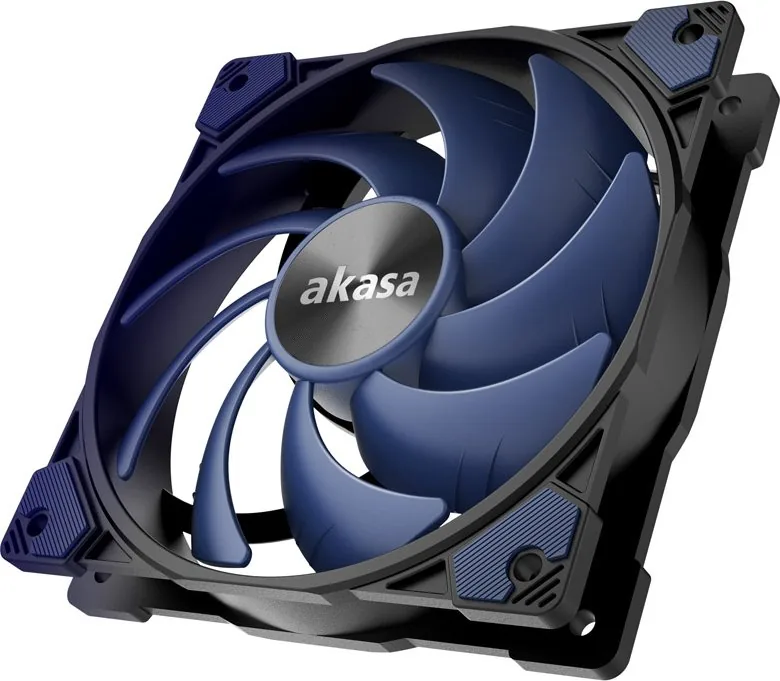
1x 4.72x4.72x0.98 in, 500-2000rpm, 56.0 CFM, 55.97 CFM, 33.1dB(A), 0.076 inH2O, hydrodynamic bearing
Weight with fan
23.7 oz
Connector
4-Pin PWM
AMD Socket
AM4
Intel Socket
LGA 2011-0/2011-1/2011-3/2066, LGA 1150/1151/1155/1156/1200
TDP Rating
185W
Features
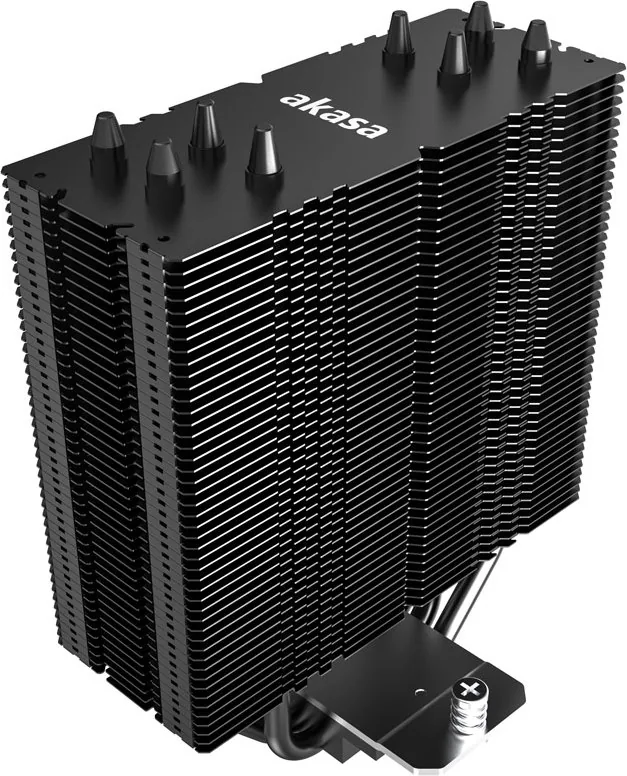
4 Heatpipes, Direct-Touch Heatpipe, Black Heatsink
Manufacturer Warranty
2 Years
Product Description
Akasa Alucia H4: Premium CPU Cooling Performance
The Akasa Alucia H4 stands as a premier solution for enthusiasts and professionals seeking optimal thermal management for their high-performance computing systems. Designed with precision engineering, this cooler ensures that your processor remains cool under the most demanding workloads, whether you are gaming, rendering, or running complex simulations. The unit is compatible with a wide array of sockets, including Intel LGA20XX, LGA1200, and LGA115X series, as well as AMD AM4 platforms, making it a versatile choice for modern builds.
Engineered to deliver exceptional heat dissipation, the Akasa Alucia H4 features robust construction and advanced fan technology. It supports PWM control, allowing users to adjust fan speeds dynamically based on real-time temperature fluctuations. This capability not only enhances cooling efficiency but also maintains acoustic comfort by reducing noise levels when full power is unnecessary. The installation process is straightforward, provided that users adhere to strict safety guidelines regarding electrostatic discharge (ESD) protection.
Safety is paramount when handling PC components. Before installing the cooler, it is crucial to use an ESD-controlled workstation or wear an antistatic wrist strap to prevent damage from static electricity. Additionally, never power on the system until the fan is securely connected to the motherboard power connector. Improper installation can lead to severe damage to the processor, so careful attention to detail during setup is essential for long-term reliability.
Important Installation Notes
- Always ground yourself before touching internal components.
- Ensure the fan cable is plugged into the correct motherboard header.
- Verify that mounting brackets align perfectly with your specific socket type.
- Do not force any connections; if resistance is met, recheck alignment.
Search for 67,732 Manuals online


Type-in Brand or Model