
Adesso CyberTrack K4 Manual
PDF manual · 8 Pages
English



Quick check
Incorrect answer, please try again.
Chat with your Adesso CyberTrack K4 manual using AI
Get instant AI answers from your Adesso CyberTrack K4 manual
Ask anything about the Adesso CyberTrack K4. Answers come from this manual, with the pages they are based on.
Ask a Question
Do you recommend CyberTrack K4?
Yes NoFrequently Asked Questions
Yes, it is plug and play and works on most platforms immediately.
Is this answer helpful?
Yes, there is a physical F.O.V button on the device for this purpose.
Is this answer helpful?
Yes, the device features 4K Ultra HD resolution for superior image quality.
Is this answer helpful?
You can find the driver utility on the website adesso.com/downloads.
Is this answer helpful?
Yes, it includes a built in microphone for audio capture during calls.
Is this answer helpful?
Yes, you can adjust brightness using the software driver utility.
Is this answer helpful?
Use the included clip or connect via tripod thread for stability.
Is this answer helpful?
Advantages and Disadvantages
Advantages

- Ultra HD 4K resolution delivers crisp and detailed video for all professional presentations.
- Integrated microphone reduces need for external audio equipment during standard conference calls effectively.
- Physical F.O.V button allows instant field of view adjustment without software.
- Plug and play USB connection works with almost all modern operating systems immediately.
- Driver software offers deep customization for brightness, contrast, and zoom settings.
Disadvantages

- Fixed focus lens requires proper positioning to ensure subjects stay in sharp focus.
- Advanced customization features require downloading additional drivers from the official website.
- Clip mount can be bulky and might obscure part of the screen on thin monitors.
- Microphone quality is average and may struggle with loud background noise in open offices.
Product Specification
Type
Webcam
Image Sensor
1x CMOS 8.0 MP
Resolution
3840x2160 Pixels (30fps)
Field of View
80-120°
Compression/Codecs
MJPEG, YUY2
Wireless
N/A
Focus
Fixed Focus
Camera Cover
Yes
Microphone
Integrated (stereo)
Speaker
N/A
Light
N/A
Cable Length
5.91 ft
Power Source
USB powered
Mount
Clip, with 1/4" thread
Dimensions
4.02x2.24x2.48 in
Weight
3.81 oz
Product Description
Elevate Your Video Communication Standards Today
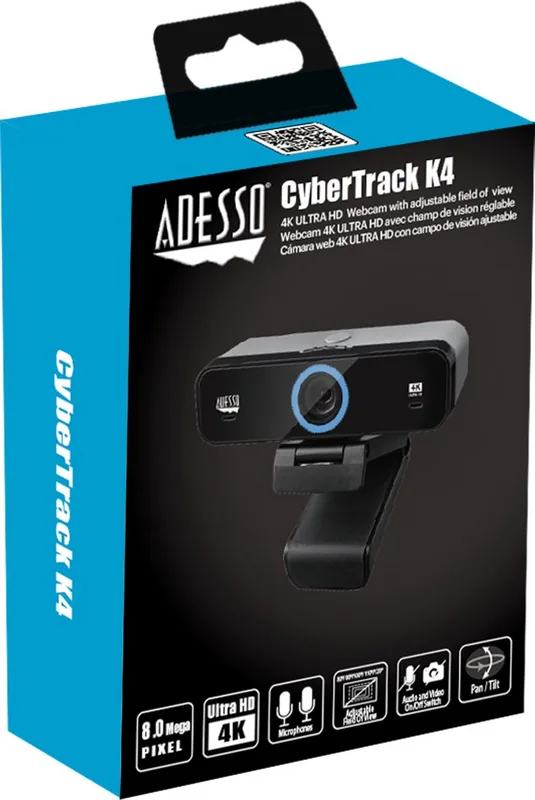
Remote professionals need high quality webcam performance for content creators. The CyberTrack K4 stands out offering 4K Ultra HD clarity. It transforms standard video calls into professional presentations that captivate audiences. Consulting the Adesso CyberTrack K4 Manual helps users maximize hardware potential.
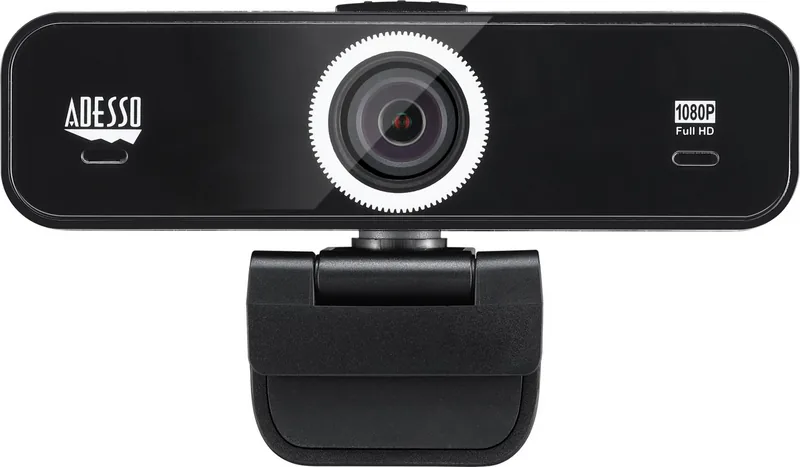
One primary advantage is the fixed 4K resolution which ensures crystal clear images. The sensor captures fine details without compromising on frame rates during intensive streaming sessions. You can also adjust the field of view using the physical button located right on the unit. This hardware control allows instant switching between wide group angles and focused single presenter shots without software intervention. The adjustable view angle capability gives users dynamic control over frame composition in real time. This feature is particularly helpful during large conference calls where framing matters. Users will appreciate the responsiveness of the controls.
Audio clarity is handled by the integrated microphone system. It picks up voice commands and speech accurately while minimizing ambient noise interference. This eliminates the need for external headsets in most conference scenarios. Setting up the device is incredibly simple through direct USB connectivity. Modern operating systems recognize the hardware automatically upon connection. You can begin broadcasting on platforms immediately without additional driver installation for basic functionality.
For advanced customization, the included driver software opens the door to further personalization. Users can tweak brightness, contrast, and saturation levels to match their specific room lighting conditions. Image orientation settings allow for vertical or horizontal alignment based on preference. Zoom functionality is also supported directly through the driver utility found on the official download portal. This flexibility ensures the camera performs well in various lighting environments. Settings can be saved for future sessions automatically. This level of control is rare in webcams of this price range.
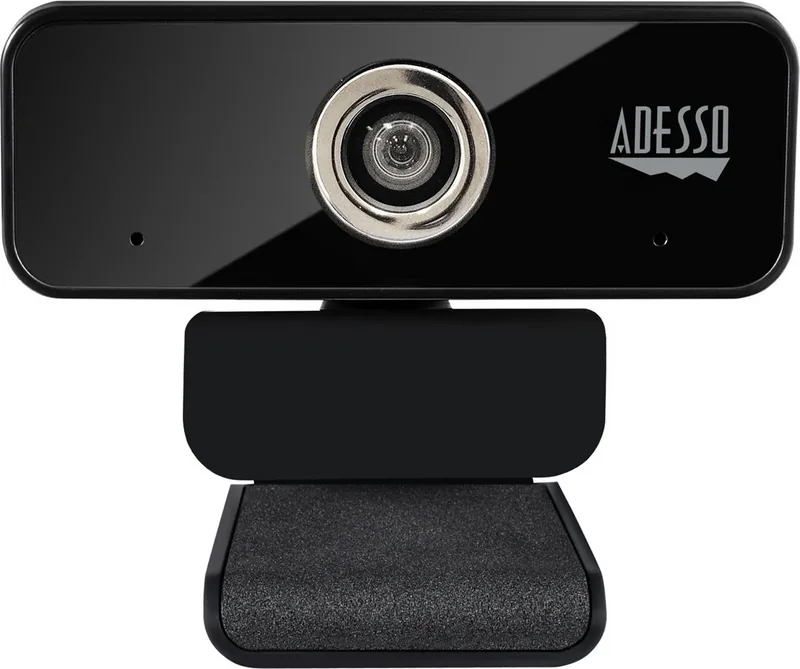
The physical construction supports versatile placement options as well. A sturdy clip mount secures the unit to monitors while a tripod thread offers stability on tables. You do not need to worry about stability issues during recording sessions. This robust design supports long usage periods without slipping or drifting. It is built for durability in daily office or studio environments.
The CyberTrack K4 merges performance and convenience perfectly. It is suitable for education, business meetings, and personal streaming. The combination of high resolution video and integrated audio creates a seamless experience. Users appreciate the plug and play nature which removes technical hurdles. It prioritizes ease of use and reliability across all platforms.
Search for 67,732 Manuals online


Type-in Brand or Model