
ADAM Audio T10S Manual
PDF manual · 24 Pages
English



Quick check
Incorrect answer, please try again.
Chat with your ADAM Audio T10S manual using AI
Get instant AI answers from your ADAM Audio T10S manual
Ask anything about the ADAM Audio T10S. Answers come from this manual, with the pages they are based on.
Ask a Question
Do you recommend T10S?
Yes NoFrequently Asked Questions
The T10S is an active studio subwoofer designed to extend the bass response of nearfield monitors. It is suitable for music production, audio editing, video post-production, and critical listening in compact rooms.
Is this answer helpful?
It uses one 10-inch, or 260 mm, downward-firing woofer. The driver is mounted beneath the cabinet, so the subwoofer should stand on its feet with no cables or objects underneath it.
Is this answer helpful?
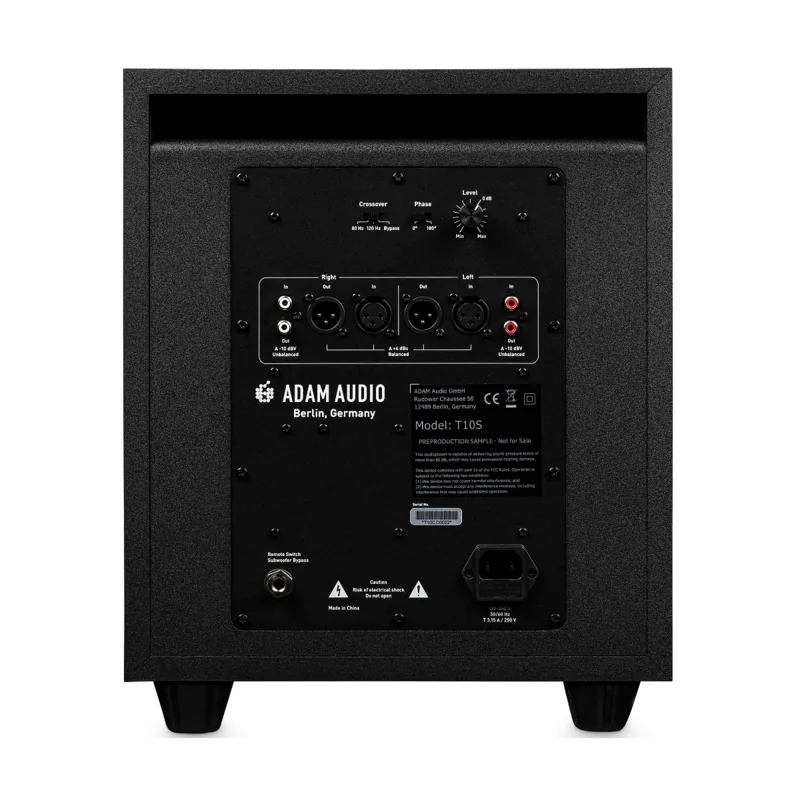
The crossover switch offers 80 Hz, 120 Hz, and bypass. Use 80 Hz for many professional nearfield monitors, 120 Hz for smaller speakers or LFE applications, and bypass when external bass management is used.
Is this answer helpful?
Yes. It has left and right balanced XLR inputs and outputs for +4 dBu equipment, plus left and right unbalanced RCA inputs and outputs for -10 dBV equipment.
Is this answer helpful?
The status LED is green while the subwoofer is active and red in standby. After the last detected audio signal, the amplifier remains active for about 15 minutes before switching to standby.
Is this answer helpful?
Begin by placing it near the main monitors, ideally at a similar distance from the primary listening position. Test small position changes by ear, because walls, corners, and room dimensions can create bass buildup or weak frequencies.
Is this answer helpful?
Advantages and Disadvantages
Advantages

- Compact active design delivers deep bass down to 28 Hz for small studios and editing rooms.
- 130 W RMS amplification and a 10-inch downward-firing woofer provide up to 104 dB SPL.
- Balanced XLR and unbalanced RCA inputs and outputs support a wide range of audio equipment.
- 80 Hz, 120 Hz, and bypass crossover modes allow flexible integration with monitors and bass management.
- Remote bypass capability makes it easy to compare mixes with and without subwoofer support.
Disadvantages

- Room placement strongly affects bass accuracy, so setup may require experimentation.
- Corner placement can boost output but may reduce low-frequency precision.
- The remote bypass footswitch is not included.
- Only two phase settings, 0 degrees and 180 degrees, are available.
- The 12.2 kg cabinet may be less convenient to move than very small desktop subwoofers.
Product Specification
Woofer
1 x 10 in
Amplification
Active
Design
Front-firing
Enclosure Type
Sealed
Frequency Range
28-120 Hz (-6 dB)
Power
130 W RMS
Max. SPL
104 dB
Dimensions
12.52 x 15.35 x 16.26 in (W x H x D)
Weight
26.90 lb
Product Description
Adam Audio T10S - Read, Download & Print Free
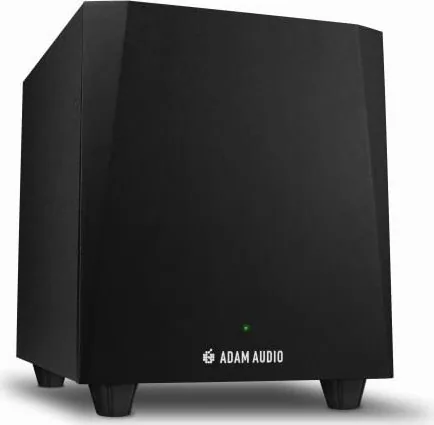
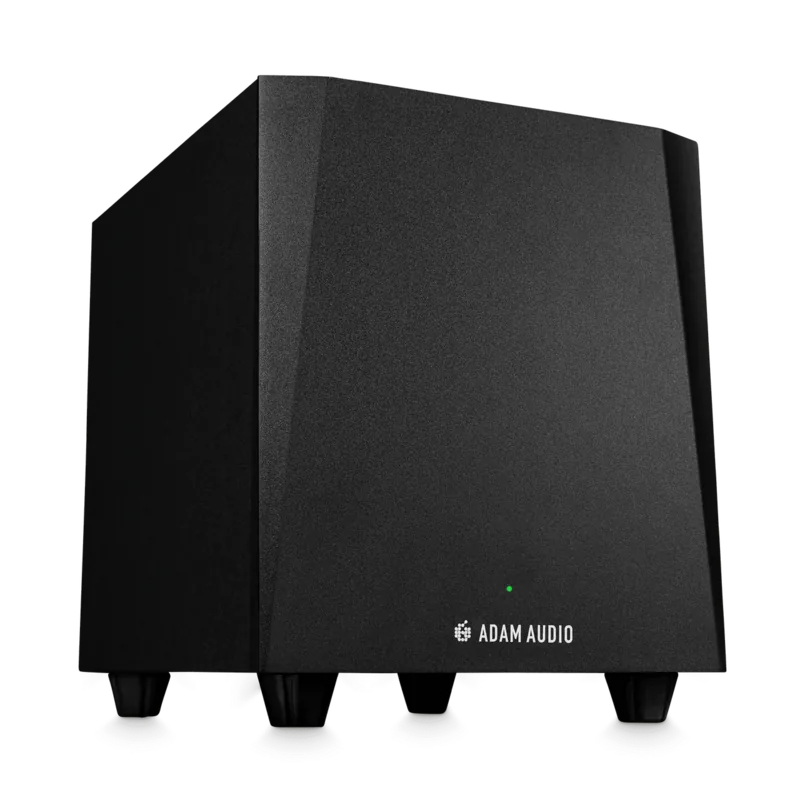
The Adam Audio T10S is a compact active studio subwoofer designed to extend the low-frequency performance of nearfield monitor systems. Built for music production, editing, post-production, and everyday critical listening, it combines a downward-firing 10-inch woofer with a 130 W RMS amplifier for controlled, powerful bass in smaller studios and workspaces.
Its compact cabinet helps the T10S fit where larger subwoofers may be impractical, while its floor-facing driver design uses the supplied feet to maintain the required acoustic clearance. With a frequency range reaching down to 28 Hz, the subwoofer adds weight to kick drums, bass lines, cinematic effects, and other low-end content without overwhelming the detail of the main monitors.
Flexible Connections and Control
The rear panel provides balanced XLR and unbalanced RCA inputs and outputs for left and right channels. This makes the T10S suitable for professional audio interfaces, mixers, consumer equipment, and many monitoring setups. It is especially matched to Adam Audio T Series monitors, but its flexible connections allow it to work with other compatible speakers.
A three-position crossover switch offers 80 Hz, 120 Hz, and bypass modes. The 80 Hz setting is a practical starting point for full-range nearfield monitors, while 120 Hz can support smaller speakers or LFE-oriented monitoring. Bypass is intended for systems with external bass management or crossover processing.
Tuned for the Listening Room
The level control lets users match subwoofer output to their monitors, and the 0 degree or 180 degree phase switch helps improve integration at the crossover point. Placement remains important: positioning the T10S near the monitors and at a similar distance from the listening position is a useful first step. Moving it slightly can reduce the effects of room modes, excessive bass buildup, or weak spots in the low end.
The front status LED shows active operation in green and standby in red. When no audio is detected, the amplifier automatically enters standby after approximately 15 minutes. A remote bypass connection also supports a compatible footswitch, allowing users to compare mixes with and without the subwoofer quickly.
Notes
- Start with the level turned down, then raise it gradually while playing familiar material.
- Avoid corner placement when possible, as it can increase bass output but reduce accuracy.
- Keep at least 10 cm of clearance around the cabinet for airflow.
- Use the 80 Hz crossover setting as an initial reference for many professional monitor setups.
Search for 67,732 Manuals online


Type-in Brand or Model