
Acer TravelMate P6 TMP614-53 Manual
PDF manual · 92 Pages
English


Quick check
Incorrect answer, please try again.
Chat with your Acer TravelMate P6 TMP614-53 manual using AI
Get instant AI answers from your Acer TravelMate P6 TMP614-53 manual
Ask anything about the Acer TravelMate P6 TMP614-53. Answers come from this manual, with the pages they are based on.
Ask a Question
Do you recommend TravelMate P6 TMP614-53?
Yes NoFrequently Asked Questions
It supports Windows Hello face recognition via the IR webcam, fingerprint reader, and PIN authentication. These integrate with Acer ProShield Plus for secure access to encrypted files and features, and you can enroll multiple fingerprints or set up face sign-in in Windows settings.
Is this answer helpful?
Yes — the Thunderbolt 4 / USB-C port supports USB Power Delivery and DC-in requires a 65 W, 20 V power source for optimal performance. Use certified Acer adapters or USB PD devices to ensure proper charging and to avoid voiding warranty or damaging the device.
Is this answer helpful?
Use Windows Recovery Drive (via Windows Tools) to create a factory recovery USB (enable system files and use a 16 GB+ USB drive). For file backups, use Recovery Management or OneDrive file history backup within Acer ControlCenter to sync and back up selected folders.
Is this answer helpful?
Avoid charging continuously at 100%, keep charging between 0–35 °C, store at ~50% charge if unused, condition new batteries with 2–3 full charge/discharge cycles, and have batteries replaced only by Acer-authorized service centers to prevent damage or hazards.
Is this answer helpful?
Acer ProShield Plus lets you encrypt files/folders, create a Personal Secure Drive, shred files irreversibly, and configure a USB Device Filter to deny or set read-only access for specific devices. All secure actions can be tied to Windows Hello authentication.
Is this answer helpful?
Follow the manual’s troubleshooting steps: check power and connections, remove external USB devices, try BIOS access (F2) to inspect settings, and use recovery tools or a recovery USB drive to reset or restore. Contact Acer support if errors persist.
Is this answer helpful?
Yes — it includes a low-blue-light display, Bluelight Shield with Low/Medium/High/Long Hour modes, ambient RGB sensor for auto brightness/color adjustment, and Acer User Sensing break reminders and screen-distance alerts to encourage healthier viewing habits.
Is this answer helpful?
Advantages and Disadvantages
Advantages

- Strong security suite (Acer ProShield Plus) with file encryption, PSD, and intrusion alerts.
- Modern I/O: Thunderbolt 4, USB-C PD charging, HDMI, microSD, and optional SIM slot.
- Comfort and eye care: low-blue-light panel, Bluelight Shield modes, ambient sensor.
- Enterprise features: BIOS passwords, fingerprint + IR webcam with Windows Hello, User Sensing.
- Good maintenance options: recovery drive creation, backup tools, and clear recovery workflows.
Disadvantages

- Internal battery replacement requires authorized service — not user-replaceable.
- Battery care has strict temperature/charging guidance that may limit charging habits.
- Some advanced software features vary by region or model and may not be available.
- Full performance depends on using Acer-certified adapters and accessories.
- Creating a recovery drive needs a USB drive (16 GB+) and will erase its contents.
Product Specification
Type
Notebook
HDD
N/A
Flash
N/A
Operating System
Windows 11 Pro
Input
Keyboard with DE-layout (backlit, rubber-dome), Touchpad
Camera
2 Megapixel
Optical Drive
N/A
Power Supply
1x USB-C power connector (65W)
Weight
2.42 lb
Dimensions
12.34x8.92x0.67in (WxDxH)
USB Notation
Link
Product Description
Acer TravelMate P6 TMP614-53 Manual Overview
Sleek, portable business laptop with robust security and battery guidance
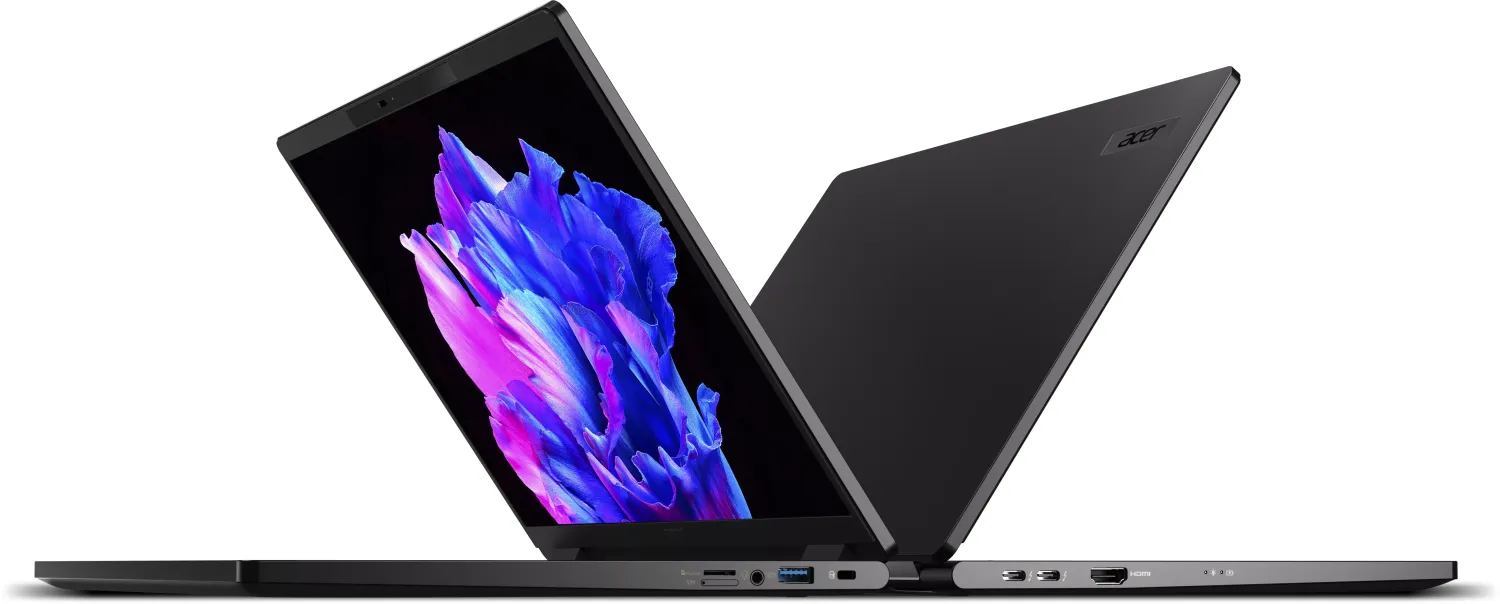
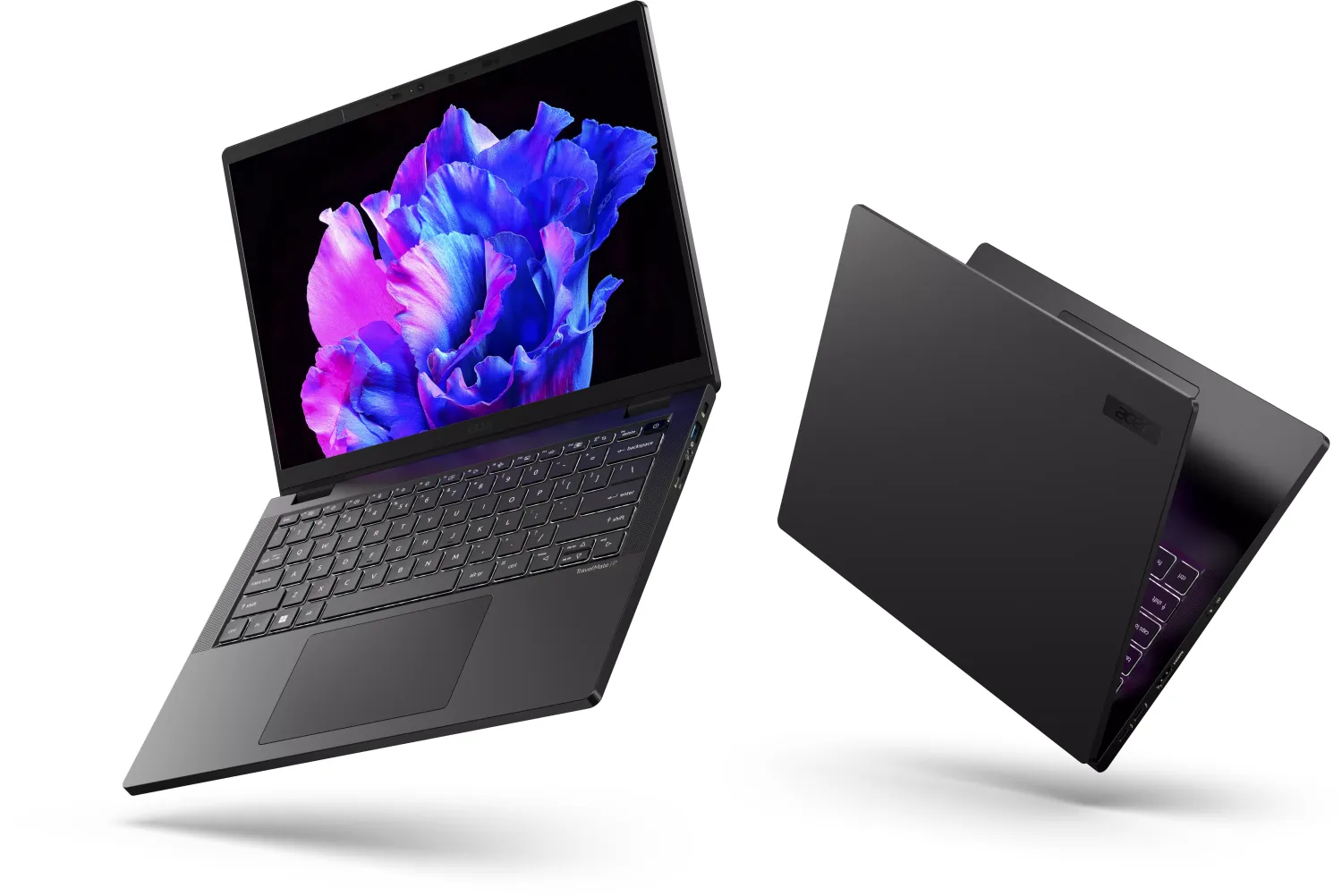
The Acer TravelMate P6 TMP614-53 is a lightweight 14-inch notebook engineered for professionals who need both mobility and enterprise-grade features. It combines a lay-flat hinge display, Thunderbolt 4 USB-C power and display support, HDMI output, microSD card reader, and a full suite of connectivity options (Wi‑Fi, optional SIM slot, Bluetooth). The design includes Acer Dust Defender and optimized cooling with configurable fan modes for silent or performance operation.
Productivity and input features
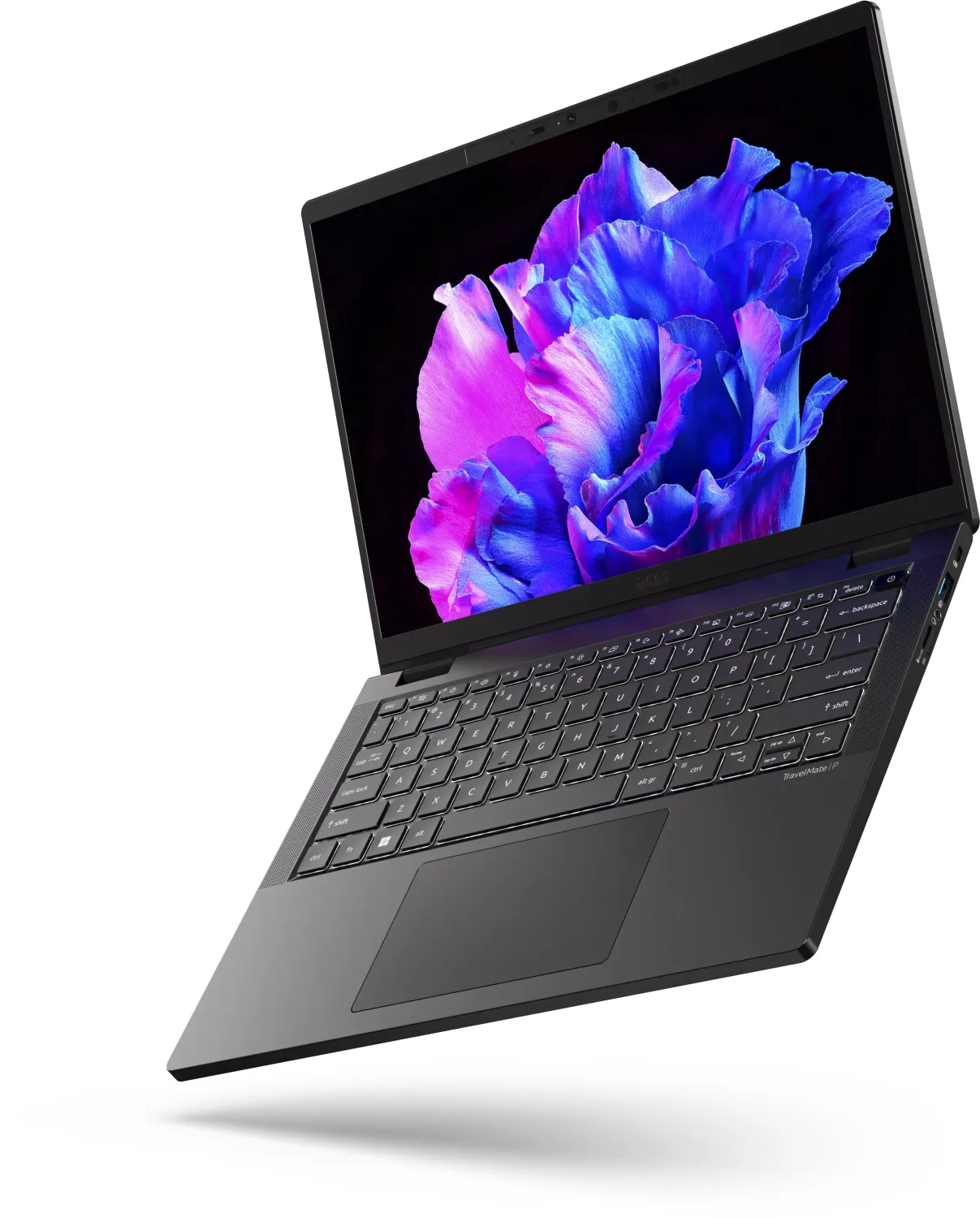
This model offers a full-size keyboard with dedicated hotkeys, adjustable backlight, precision touchpad with multi-finger gestures, and an integrated fingerprint reader plus IR webcam for Windows Hello face authentication. Acer User Sensing adds proximity-based auto-lock/wake, break reminders, and screen distance alerts to support user comfort and security.
Security and manageability
Acer ProShield Plus bundles file encryption, file shredder, a Personal Secure Drive (PSD), application and browser protection, USB device filtering, and intrusion alerts with camera capture and security reports. BIOS-level supervisor/user password controls and Kensington lock support add physical and firmware protection. Recovery utilities include file history, factory recovery drive creation, and options to reset while keeping or removing personal files.
Battery, charging and durability guidance
The TMP614-53 uses a lithium-based internal battery with explicit charging and storage guidance: optimal temperatures (0–35 °C for charging, storage 0–35 °C), avoid constant trickle charging at 100%, and recommended conditioning cycles for new batteries. The USB-C/Thunderbolt port supports USB Power Delivery; Acer recommends using certified adapters. Extensive care instructions cover AC adapter handling, cleaning, and safe battery replacement by authorized service centers.
Display and eye-care features
The TravelMate P6 includes low-blue-light panel options and a Bluelight Shield with multiple reduction modes plus a Long Hour Mode for extended viewing. RGB and ambient sensors help auto-adjust brightness and color for comfortable viewing.
Networking, peripherals and I/O
Connectivity includes Thunderbolt 4 (up to two 4K displays), USB 3.2 Gen 1 ports, HDMI, headphone/microphone jack, microSD reader, and optional SIM slot. Guidelines for Wi‑Fi setup, Bluetooth pairing, and wired LAN usage are provided, along with troubleshooting tips for common network scenarios.
Maintenance, recovery and support
Comprehensive recovery tools guide users through creating backups, a recovery USB drive, and restoring factory settings. The manual includes troubleshooting steps, error message explanations, and warranty/service guidance including International Travelers Warranty details.
Notes
- Ideal for business users needing portable performance, strong security, and comprehensive manageability.
- Follow Acer’s battery and charging guidelines to maximize lifespan and safety.
- Use certified adapters and authorized service centers for repairs and battery replacement.
Search for 67,706 Manuals online


Type-in Brand or Model