
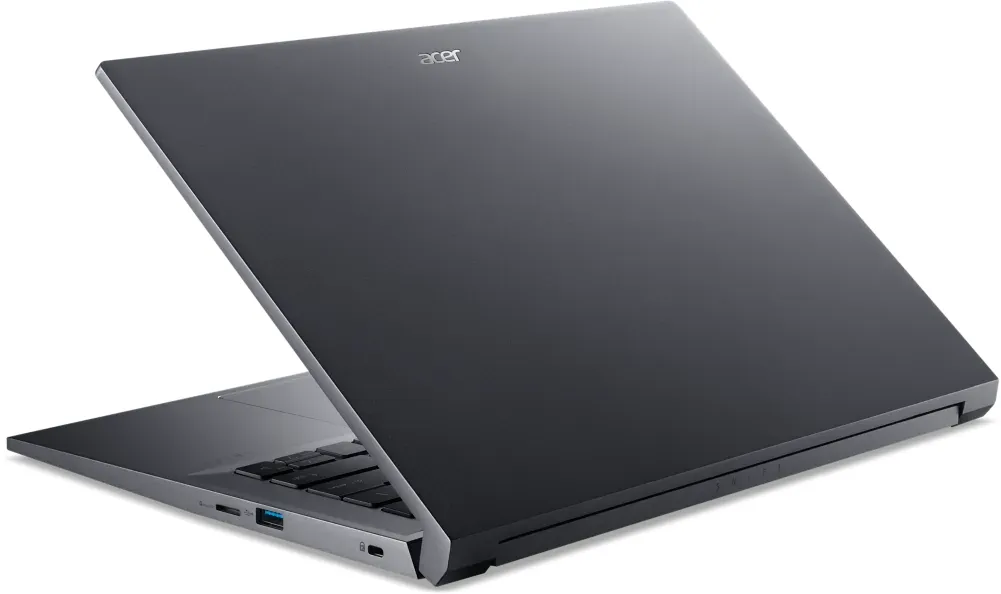
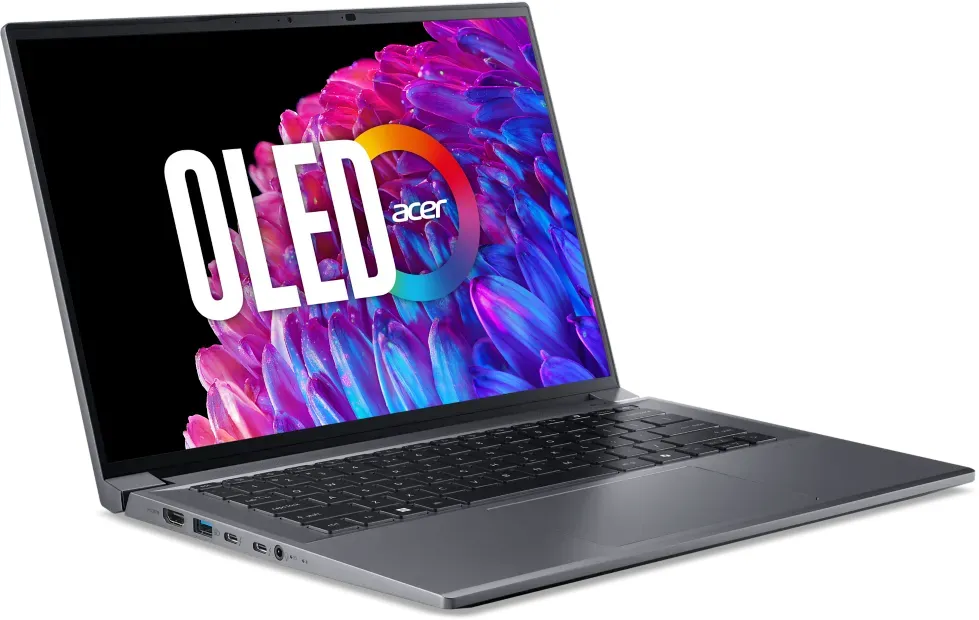
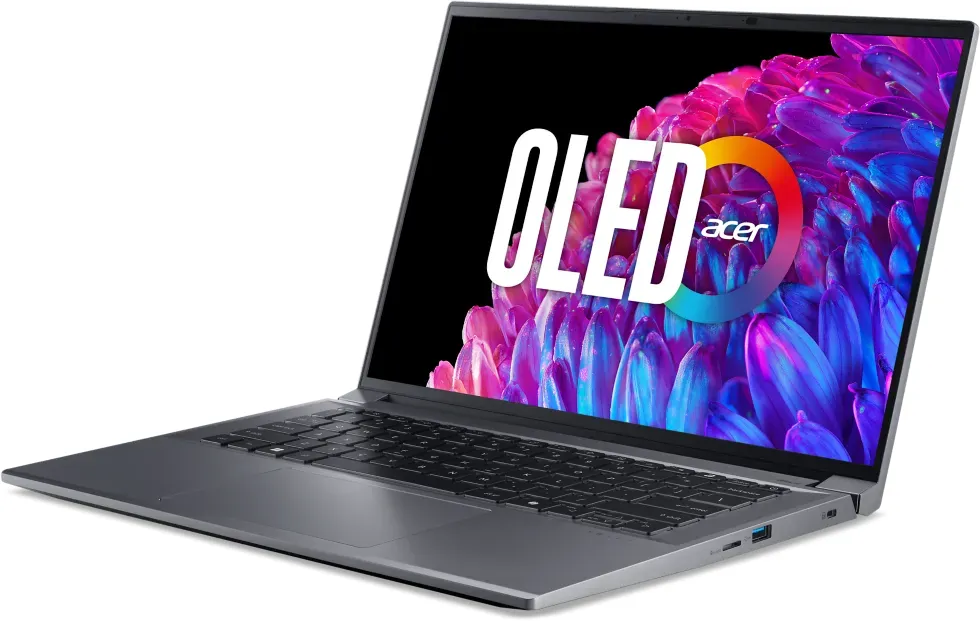
Acer Swift X 14 OLED SFX14-72G Manual
PDF manual · 87 Pages
English


Quick check
Incorrect answer, please try again.
Chat with your Acer Swift X 14 OLED SFX14-72G manual using AI
Get instant AI answers from your Acer Swift X 14 OLED SFX14-72G manual
Ask anything about the Acer Swift X 14 OLED SFX14-72G. Answers come from this manual, with the pages they are based on.
Ask a Question
Do you recommend Swift X 14 OLED SFX14-72G?
Yes NoFrequently Asked Questions
It is a compact 14-inch laptop suited to mobile productivity, communication, media use, and flexible desk setups. Its OLED display, precision touchpad, Windows 11 features, and broad port selection support both everyday work and entertainment.
Is this answer helpful?
Yes. It has an HDMI port and a USB Type-C port with DisplayPort output and Thunderbolt 4 compatibility. The Thunderbolt 4 connection can support up to two 4K displays through a single port when compatible devices or adapters are used.
Is this answer helpful?
Use Acer OLED Care settings, including dark mode, screen saver settings, transparency effects, and automatic taskbar hiding. Avoid leaving static images on screen for extended periods at maximum brightness, contrast, or backlight-related settings.
Is this answer helpful?
AcerSense is a control center for checking system information, temperatures, battery status, storage, and RAM. It also provides update tools, cleaning options, charging settings, display controls, and Silent, Normal, and Performance usage modes.
Is this answer helpful?
A supported USB port can charge compatible mobile devices while the laptop is off or in sleep mode. AcerSense can set a battery threshold that stops this function below a chosen charge level to conserve laptop power.
Is this answer helpful?
Set up Fingerprint Recognition in Windows Hello under Settings, Accounts, and Sign-in options. After enrollment, touching the fingerprint reader integrated into the power button can sign in to or unlock the laptop.
Is this answer helpful?
Advantages and Disadvantages
Advantages

- OLED display features deep blacks, vivid color potential, blue-light reduction, and screen-care settings.
- Thunderbolt 4 and USB-C support displays, charging, USB4 compatibility, and fast accessory connections.
- Fingerprint reader in the power button supports convenient Windows Hello sign-in.
- AcerSense provides system checks, updates, performance modes, and battery management tools.
- HDMI, USB Type-A, microSD, audio, and security-lock connections support varied daily workflows.
Disadvantages

- OLED panels require sensible use of static content to reduce image-retention risk.
- The internal battery should be replaced only through an authorized service center.
- Some AcerSense functions and specifications may vary by configuration, market, or operating system.
- Optimized battery charging limits capacity to 80 percent, which may reduce unplugged runtime when enabled.
- USB-C and Thunderbolt capabilities can vary with the connected device, cable, adapter, and display.
Product Specification
Type
Notebook
Display
14.5 in, 2880x1800, 16:10, 234 ppi, 120 Hz, glossy, OLED, 500 cd/m2, blue light filter, VESA DisplayHDR True Black 500, 1,000,000:1, 100% Adobe RGB, 100% DCI-P3
CPU
Intel Core Ultra 7 155H, 6C+8c+2c/22T, 1.40-4.80 GHz, 24 MB+20 MB cache, 28-115 W TDP (PBP/MTP), codename "Meteor Lake-H" (Redwood Cove + Crestmont, Intel 4)
SSD
1 TB M.2 PCIe 4.0
HDD
N/A
Flash
N/A
Input
Keyboard with DE layout (backlit, rubber dome), touchpad (glass)
Ports
1x USB-A 3.1 (10 Gb/s, BC), 1x USB-A 3.0 (5 Gb/s), 2x Thunderbolt 4 (40 Gb/s, power connection, PD), 1x HDMI 2.1, 1x 0.14 in jack, 1x microSD
Wireless
Wi-Fi 6E (WLAN 802.11a/b/g/n/ac/ax), Bluetooth 5.3
Authentication
Fingerprint reader
Camera
2 megapixels
Optical drive
N/A
Battery
Built-in, lithium-ion, 4 cells, 76 Wh, 15-hour runtime (video playback)
Power adapter
1x USB-C power connector (100 W/20 V/5 A)
Special features
Security lock (Kensington Security Slot)
Weight
3.42 lb
Dimensions
12.71x8.98x0.70 in (WxDxH)
Color
Gray, manufacturer designation: Steel Gray
Warranty
Two years (return-to-depot)
USB naming convention
Left
Product Description
Acer Swift X 14 OLED SFX14-72G - Read, Download & Print Free
The Acer Swift X 14 OLED SFX14-72G is a portable laptop designed for people who want a refined everyday computing experience with a vivid OLED display, flexible connectivity, and practical productivity tools. Its compact 14-inch format makes it a natural fit for workspaces, classrooms, travel, and home use, while its feature set supports everything from focused projects to entertainment and communication.
Built for comfortable daily productivity
This Swift X model includes a full keyboard with dedicated shortcuts for common controls such as volume, microphone muting, screen brightness, display switching, airplane mode, and touchpad activation. A backlit keyboard control helps users adapt to dim environments, and the precision touchpad supports familiar multi-finger gestures for scrolling, zooming, switching windows, searching, and viewing open tasks.
For secure access, the power button includes a fingerprint reader compatible with Windows Hello. This adds a convenient sign-in option alongside passwords and PINs. The laptop also includes an ambient light sensor that can adjust display brightness according to surrounding light conditions, helping create a more comfortable viewing setup throughout the day.
OLED visuals and thoughtful display care
The OLED screen is positioned as a major highlight of the Acer Swift X 14 OLED SFX14-72G. OLED technology is known for deep blacks and rich color presentation, making it appealing for visual work, streaming, photos, and general desktop use. Acer also includes screen-focused settings such as Bluelight Shield to reduce blue-light output and OLED Care options designed to help reduce the risk of image retention from long-lasting static content.
Users can enable dark mode settings, transparency effects, a screen saver, and automatic taskbar hiding as part of an OLED-conscious routine. These options make the laptop especially suitable for users who spend long hours viewing documents, timelines, web pages, or creative applications.
Modern ports and device expansion
Connectivity is another strong point. The system offers HDMI for digital displays, USB Type-A connections, a microSD card reader, and a combined audio jack for headphones, speakers, or a headset. Its USB Type-C port supports power input, DisplayPort audio and video output, USB4 compatibility, and Thunderbolt 4. Thunderbolt 4 can support fast transfers, compatible accessories, and up to two 4K displays through one connection.
AcerSense gives users a central place to check system status, battery condition, storage, RAM usage, updates, charging preferences, and system modes. Silent, Normal, and Performance modes provide practical control over the balance between noise, energy use, and responsiveness.
Notes
- Use certified Acer or compatible 100 W USB-C power equipment for best charging performance.
- Keep ventilation openings clear during intensive use.
- Enable optimized battery charging when long-term battery health is a priority.
- Create backups before resetting the system or making major changes.
Search for 67,706 Manuals online


Type-in Brand or Model