
Acer Swift 3 SF316-51 Manual
PDF manual · 76 Pages
English


Quick check
Incorrect answer, please try again.
Chat with your Acer Swift 3 SF316-51 manual using AI
Get instant AI answers from your Acer Swift 3 SF316-51 manual
Ask anything about the Acer Swift 3 SF316-51. Answers come from this manual, with the pages they are based on.
Swift 3 SF316-51 Maintenance Schedule
If storing the device for a long period, check the battery and charge it to approximately 50% capacity every six months.
Fully charge and discharge the new battery three times to achieve maximum performance and lifespan.
Free maintenance reminders
Timed to your purchase date. Always free, unsubscribe anytime.
Ask a Question
Do you recommend Swift 3 SF316-51?
Yes NoFrequently Asked Questions
Open Acer Care Center, select Recovery Management, choose Restore, click Reset PC, and select Keep my files. You can then choose between cloud download or local reinstall to refresh Windows without deleting personal data.
Is this answer helpful?
First check if the battery is charged and the power adapter is securely connected. If there is still no power, try removing all USB devices and pressing Ctrl+Alt+Delete to force a restart. If the issue persists, contact an authorized service center.
Is this answer helpful?
No, the internal lithium battery must be replaced by an authorized Acer service center. Attempting to replace it yourself may damage the device and void the warranty.
Is this answer helpful?
Go to Settings, select Bluetooth & devices, and toggle the switch to enable Bluetooth. Then click Add device to pair new peripherals like headphones or keyboards.
Is this answer helpful?
Bluelight Shield reduces blue light emissions from the display to protect your eyes. It offers four modes ranging from low reduction to a long hour mode designed to minimize fatigue during extended use.
Is this answer helpful?
Advantages and Disadvantages
Advantages

- Thunderbolt 4 support enables ultra-fast data transfer and dual 4K monitor connectivity
- Integrated fingerprint reader provides secure and convenient Windows Hello login
- Bluelight Shield technology reduces eye strain during prolonged screen usage
- Precision touchpad supports extensive multi-finger gestures for enhanced productivity
Disadvantages

- Built-in battery cannot be replaced by the user and requires professional service
- Fast startup feature consumes background power even when the device is off
- Some advanced features may vary depending on the specific operating system version
Product Specification
Type
Notebook
HDD
N/A
Flash
N/A
Ports
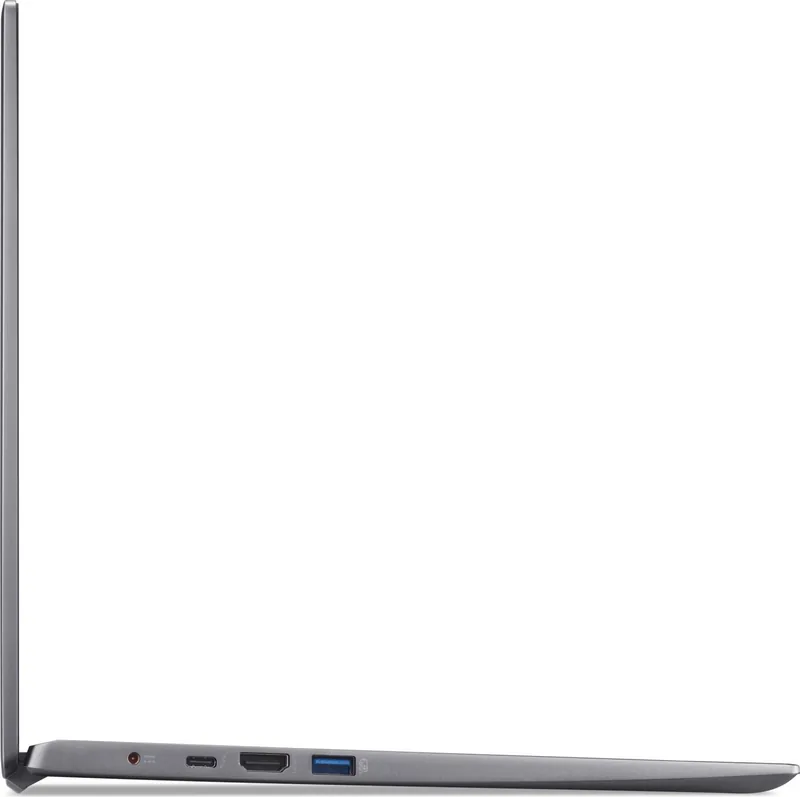
2x USB-A 3.0 (5Gb/s), 1x Thunderbolt 4 (40Gb/s, PD), 1x HDMI, 1x 3.5mm Jack, 1x DC-In Hollow Socket (Power Connection)
Camera
0.9 Megapixel
Optical Drive
N/A
Power Adapter
1x Hollow Plug (65W)
Weight
3.97 lbs
Dimensions
14.48x9.3x0.63 in (WxDxH)
Color
gray, Manufacturer Name: Steel Gray
Warranty
two years (Send-in)
USB Spelling
Link
Product Description
Discover the Power of the Acer Swift 3 SF316-51
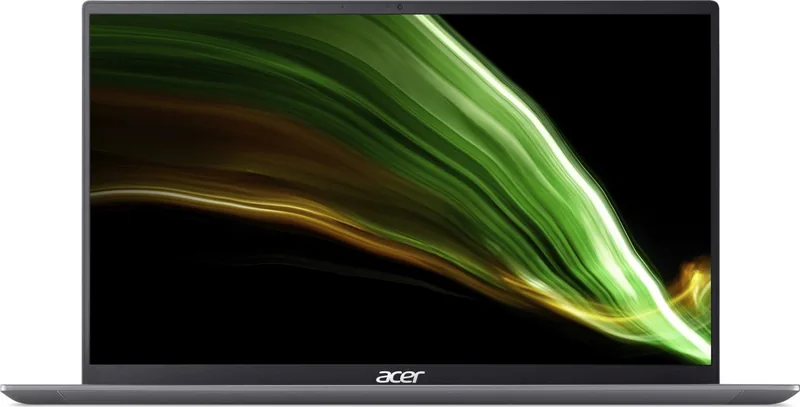
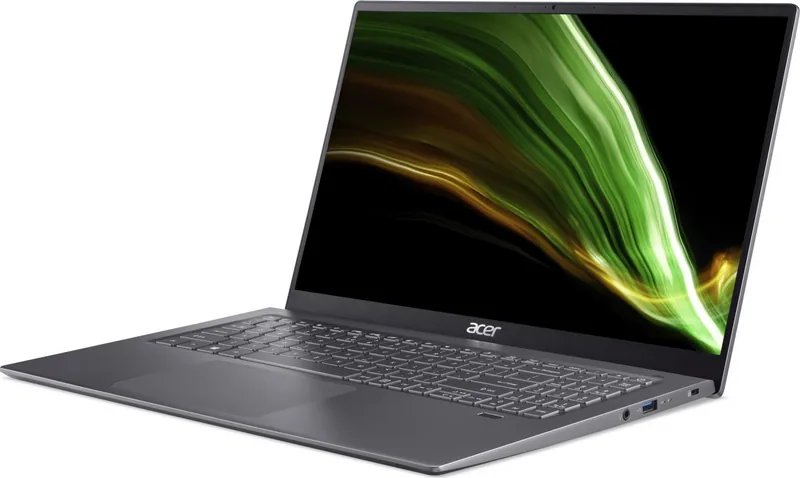
The Acer Swift 3 SF316-51 represents a perfect blend of portability and performance, designed for users who demand efficiency on the go. This sleek laptop features a robust build that ensures durability while maintaining a lightweight profile ideal for students, professionals, and travelers alike. With its modern design, the device offers a premium typing experience through its spacious keyboard and responsive touchpad, making long work sessions comfortable.
Equipped with advanced connectivity options, the Swift 3 SF316-51 keeps you connected wherever you are. The inclusion of USB Type-C ports supporting Thunderbolt 4 allows for rapid data transfer speeds up to 40 GBit/s and seamless connection to external displays. Whether you need to charge your devices or connect high-resolution monitors, the versatile HDMI and USB Type-A ports provide comprehensive compatibility. The integrated Bluelight Shield technology further enhances user comfort by reducing harmful blue light emissions from the display, protecting your eyes during extended use.
Security is a top priority with this model. Users can leverage the built-in fingerprint reader for quick and secure logins via Windows Hello, ensuring that sensitive data remains protected. Additionally, the Kensington lock slot offers physical security against theft, while multiple password options allow for layered protection of your system and BIOS settings. The battery management system is optimized for longevity, offering guidelines on proper charging cycles to maintain peak performance over time.
Navigating the Windows environment is intuitive, with dedicated hotkeys for controlling brightness, volume, and sleep modes. The precision touchpad supports multi-finger gestures for efficient multitasking, allowing users to switch between applications or access the task view effortlessly. For those concerned about data safety, the recovery tools enable easy backup creation and system restoration without losing personal files if needed.
Whether you are working in a coffee shop, traveling across borders, or managing daily office tasks, the Acer Swift 3 SF316-51 adapts to your lifestyle. Its reliable hardware and thoughtful software integration make it a standout choice in the competitive laptop market.
Search for 67,706 Manuals online


Type-in Brand or Model