
1Control LINK Manual
PDF manual · 17 Pages
English



Quick check
Incorrect answer, please try again.
Chat with your 1Control LINK manual using AI
Get instant AI answers from your 1Control LINK manual
Ask anything about the 1Control LINK. Answers come from this manual, with the pages they are based on.
Ask a Question
Do you recommend LINK?
Yes NoFrequently Asked Questions
Open the 1Control app, select Manage Devices, add LINK, set a PIN, and connect to Wi-Fi. Choose the slider icon on the main screen to activate remote mode versus nearby Bluetooth mode.
Is this answer helpful?
No, it works exclusively with second-generation 1Control devices like SOLO and DORY. Older models lack the necessary hardware interface required for this hub to function correctly with your current system.
Is this answer helpful?
Yes, you can share the specific security PIN code of your LINK directly with friends or family. This method allows them unlimited remote access without needing to install the application themselves or creating separate accounts.
Is this answer helpful?
Ensure your router broadcasts on 2.4GHz and verify the correct password was entered. Check that the LINK is positioned close enough to the router and avoid placing it inside large metal cabinets.
Is this answer helpful?
The system requires an eight-digit PIN code to authorize the LINK device itself. Additionally, the app manages sharing permissions so only trusted users receive access credentials for remote opening functions.
Is this answer helpful?
Remote features require an active internet connection to route commands from your location to the home network. Nearby Bluetooth operations function independently of the internet but rely on proximity.
Is this answer helpful?
Physical setup takes minutes to screw in the antenna and plug in power. Software configuration typically requires another few minutes to scan for networks and input security details through the wizard.
Is this answer helpful?
Advantages and Disadvantages
Advantages

- Enables remote gate opening via smartphone app from anywhere globally
- Supports major voice assistants including Alexa, Google Home, and Siri for hands-free operation
- Allows creation of custom shareable links granting controlled access to family or contractors
Disadvantages

- Maximum effective range is limited to approximately twenty to thirty meters from the controller
- Signal quality drops significantly if installed behind thick walls or near wire mesh obstacles
- Network requirement restricts usage to routers operating strictly on 2.4GHz wireless frequencies only
Product Specification
Type
Hardware Control Unit
Standard
Wi-Fi, Bluetooth LE
Function
Gateway
Dimensions
2.24 x 2.24 x 0.98 in
Features
App-controlled (iOS, Android), Voice assistant (Amazon Alexa, Apple Siri, Google Assistant)
Product Description
Transform Your Gate Control with 1Control LINK
Elevating Everyday Home Automation
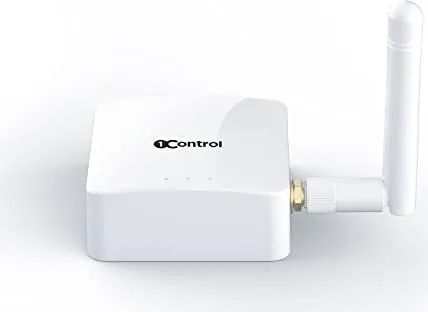
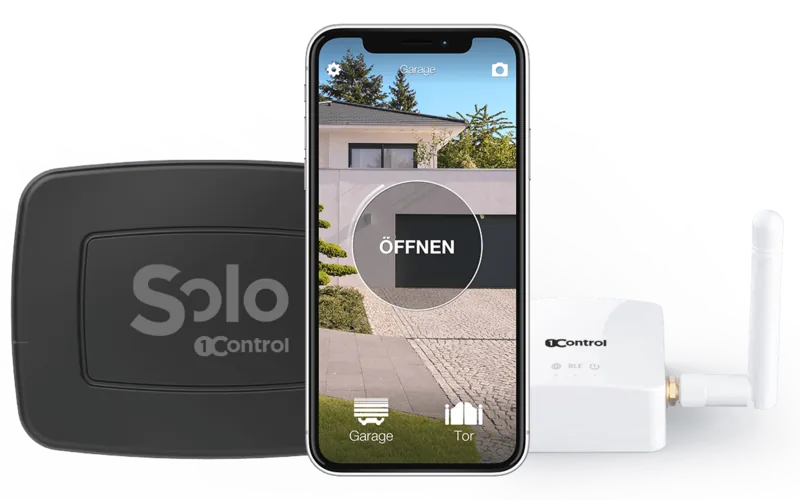
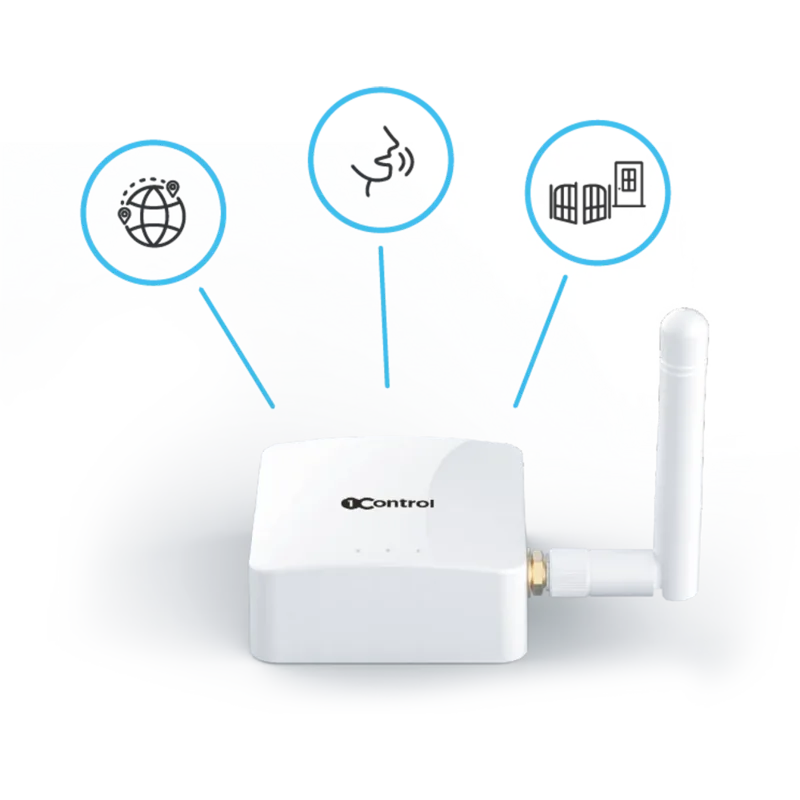
The 1Control LINK represents a significant leap forward in residential access management. Designed specifically for owners of second-generation 1Control devices, this Wi-Fi accessory transforms basic electronic locks into intelligent hubs. Instead of carrying physical remotes, users gain the ability to open gates remotely via their smartphones. This feature provides peace of mind when visitors arrive while you are miles away. The technology integrates seamlessly with popular ecosystems, allowing users to issue voice commands through Amazon Alexa, Google Home, or Siri Shortcuts. Managing access becomes effortless once the initial configuration is complete.
Critical Installation Requirements
Successful operation relies heavily on physical placement. While the unit plugs in directly via USB without a power switch, connectivity depends on strong signals. The hub must remain within the range of your local Wi-Fi network and stay within twenty to thirty meters of the target device such as the SOLO or DORY. Walls or metal mesh fences can significantly cut this distance. An included antenna should be screwed gently onto the unit to boost reception. Choosing the right location prevents dropouts and ensures reliable communication between the app and the hardware.
Configuring Secure Digital Access
Setting up the system begins with the dedicated mobile application. Users navigate to device management sections to pair the new link. An eight-digit PIN code protects the device from unauthorized access attempts. During the pairing process, the software guides you through connecting to your home network. It is vital to ensure the network runs on 2.4GHz frequencies, as other bands may not support the protocol. Once linked, the application offers distinct viewing modes. A circular button handles nearby operations via Bluetooth, while a slider icon enables remote control over the internet.
Sharing Authority and Voice Integration
Flexibility extends to who can operate the system. Owners can create shared accounts that decide whether users have full remote privileges or limited local control. For simpler needs, distributing the security PIN grants unlimited access to friends and family without complex account setups. Furthermore, enabling voice controls puts command functionality at your fingertips. Simply select the integrations menu in the app and follow the prompts for your preferred smart speaker brand. If connection issues arise, reducing the distance between components often helps resolve interference issues quickly. Many users encounter network conflicts which are easily solved by verifying router settings. Regular updates to the application ensure continued stability and security features. This comprehensive approach guarantees a robust smart home experience for every user seeking modern convenience. This seamless technology adapts to your lifestyle while maintaining high security standards throughout daily use cycles. Enjoy the freedom of controlling property gates from any global location.
Search for 67,732 Manuals online


Type-in Brand or Model