
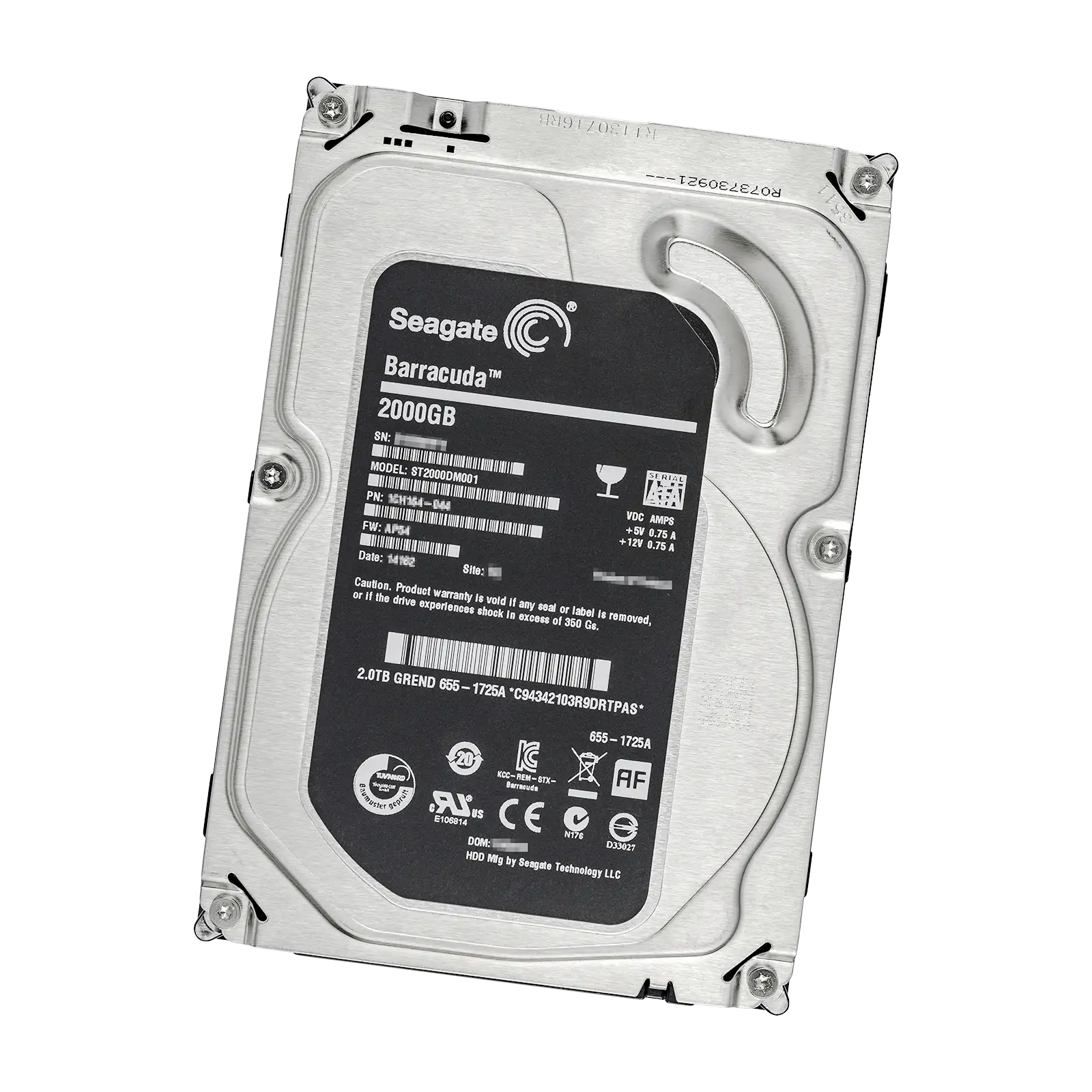
Seagate BarraCuda Compute 3.5" HDD Manual
PDF manual · 29 Pages
English



Advantages and Disadvantages
Advantages

- Wide capacity range from 2TB to 8TB for scalable storage
- SATA 6 Gb/s with up to 190 MB/s sustained throughput
- 256MB cache and NCQ improve responsiveness under load
- Low acoustics and multiple power-saving modes
- SMART monitoring and hot-plug readiness for easy maintenance
Disadvantages

- SMR recording may slow sustained random writes in heavy workloads
- 55 TB/year workload rating limits intensive enterprise use
- Write-cache data risk during sudden power loss without flush
- Case temperature must stay under 60°C to avoid reduced lifespan
- 2A 12V spin-up current may require robust PSU headroom
Ask a Question
Frequently Asked Questions
It comes in 2TB, 3TB, 4TB, 6TB, and 8TB models, giving flexible options for desktops, external enclosures, and media storage builds.
Is this answer helpful?
It supports SATA 6 Gb/s (600 MB/s burst) with sustained data rates up to 185–190 MB/s depending on capacity, aided by a 256MB cache and NCQ.
Is this answer helpful?
It’s rated for up to 55 TB/year and uses SMR. For frequent, sustained random writes or higher annual workloads, consider drives optimized for heavier duty cycles.
Is this answer helpful?
Typical read/write power is about 3.7–5.3W, with 0.25W in sleep/standby. Idle acoustics are around 2.2–2.3 bels, with seeks about 2.4–2.6 bels.
Is this answer helpful?
Before cutting power, issue a Flush Cache or Standby Immediate command to commit DRAM-buffered data and reduce risk of write-related data loss.
Is this answer helpful?
No. It’s plug-and-play via SATA with no jumpers required. Use proper 6-32 screws, ensure correct depth, allow airflow clearance, and attach latching cables.
Is this answer helpful?
Operate from 0°C to a 60°C case maximum, observe specified shock/vibration limits, and ensure good ventilation to maintain reliability.
Is this answer helpful?
Product Description

Seagate BarraCuda Compute 3.5" HDD Manual Insights
Performance, Capacity, and Reliability for Everyday Computing
The Seagate BarraCuda Compute 3.5" HDD Manual highlights a family of dependable desktop drives designed for high-capacity storage and smooth everyday performance. Available in 2TB, 3TB, 4TB, 6TB, and 8TB models (ST2000DM005 through ST8000DM004), these drives leverage the SATA 6 Gb/s interface for fast burst transfers up to 600 MB/s and sustained data rates up to 190 MB/s (model-dependent). A generous 256MB cache and Native Command Queuing help keep multitasking responsive, whether you’re managing large media libraries, backing up files, or running productivity workloads.
Built for Modern Systems
With streamlined SATA connectivity, installation is plug-and-play with no jumper configuration required. Each drive operates as a point-to-point “master,” simplifying upgrades and multi-drive setups. Hot-plug readiness (per SATA Rev 3.2), latching SATA connectors, and SMART monitoring support combine ease of use with robust diagnostics. Quiet Fluid Dynamic Bearing motors and acoustics as low as 2.2–2.3 bels (idle) help maintain a low-noise environment.
Efficiency and Environmental Resilience
BarraCuda drives feature multiple power modes—including Low Power Idle, Standby, and Sleep—to reduce consumption down to 0.25W in sleep/standby. Typical read/write power ranges from 3.7W to 5.3W depending on capacity. Operating temperature is rated up to a 60°C case maximum, with altitude, shock, and vibration tolerances suited for standard desktops and storage enclosures.
Practical Highlights from the Seagate BarraCuda Compute 3.5" HDD Manual
- SMR recording technology for high areal density and expansive capacities.
- Average latency around 6.0 ms for consistent responsiveness.
- Rated workload up to 55 TB/year for consumer and prosumer scenarios.
- Load/unload durability up to 600,000 cycles.
- Comprehensive ATA command support, including SMART and cache flush.
Notes
- For safe power-offs, issue a Flush Cache or Standby Immediate command to protect unwritten data.
- Ensure adequate airflow and correct screw depth (max 0.140 in) during mounting.
- Do not exceed sustained 60°C case temperature to preserve longevity.
Search for 1 Mio. Manuals online


Type-in Brand or Model