

QNAP KMU / SMB - Middle-Range NAS Manual
PDF manual · 69 Pages
English



Advantages and Disadvantages
Advantages

- Ryzen quad-core with AES-NI delivers strong performance and encryption
- Dual 2.5GbE and PCIe slots enable easy network and storage upgrades
- M.2 NVMe caching boosts mixed HDD/SSD workflows
- Flexible OS choice: QTS or ZFS-based QuTS hero
- Supports hot-swap drives and multiple RAID levels for resilience
Disadvantages

- OS switching wipes data and requires full reinitialization
- Best stability requires QNAP memory modules
- M.2 SSDs are not hot-swappable
- Some expansion options need specific QNAP adapters
- 2.5GbE may bottleneck heavy VM or 4K editing without PCIe NIC upgrade
Ask a Question
Frequently Asked Questions
KMU/SMB teams needing a balanced NAS for file services, backup, and light virtualization. It’s ideal for offices that want scalable storage, SSD caching, and straightforward expansion without enterprise complexity.
Is this answer helpful?
AMD Ryzen Embedded V1500B CPU, up to 64 GB DDR4, dual 2.5GbE, two PCIe Gen 3 x4 slots, M.2 NVMe SSD slots, and 4/6/8-bay options for HDD/SSD. Quiet fans and front USB One-Touch Copy aid daily operations.
Is this answer helpful?
Yes. You can install QTS for broad app compatibility or QuTS hero for ZFS features and data integrity. Note that switching resets the NAS and erases all data, so plan backups before changing OS.
Is this answer helpful?
Add PCIe NICs, NVMe cards, or connect SAS/SATA JBOD/USB expansion units. QNAP-certified adapters and enclosures are supported for simple, validated capacity scaling and performance upgrades.
Is this answer helpful?
Dual 2.5GbE ports provide up to 2.5 Gbps per port, with support for 1 Gbps and 100 Mbps. For higher throughput or latency-sensitive workloads, add faster PCIe NICs like 10/25GbE.
Is this answer helpful?
Yes. Guided setup via Qfinder Pro or Cloud Key, hot-swappable drives, LED/status beeps, and snapshot-ready storage simplify deployment and upkeep. Basic safety and ESD practices still apply.
Is this answer helpful?
RAID 1/5/6/10/50/60, hot-swap support, exclusive RAID recovery for accidental removals, snapshots, and optional QuTS hero with ZFS for enhanced integrity and self-healing features.
Is this answer helpful?
Product Description

QNAP KMU / SMB - Middle-Range NAS Manual
Versatile, secure, and scalable storage for growing teams
TS-x73A series insight for KMU/SMB environments
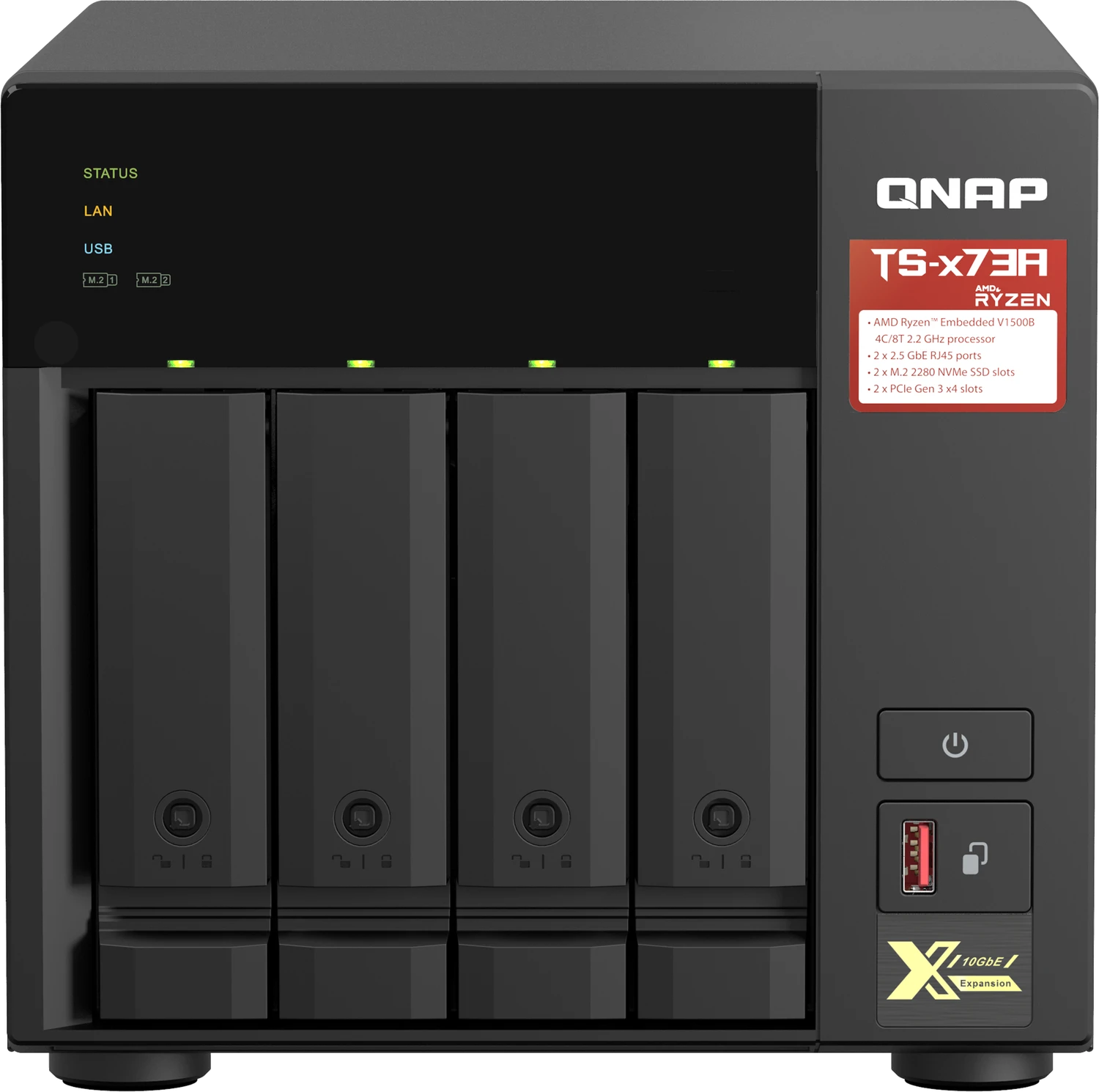
The QNAP TS-x73A family (TS-473A/673A/873A) delivers a balanced NAS platform for KMU/SMB teams that need dependable performance, simple expansion, and enterprise-grade data protection without enterprise complexity. Powered by an AMD Ryzen Embedded V1500B quad-core CPU with AES-NI encryption and up to 64 GB DDR4, it handles file sharing, backup, virtualization-ready workloads, and hybrid storage acceleration with ease.
Available in 4, 6, or 8-bay tower configurations, the TS-x73A supports 3.5-inch HDDs and 2.5-inch SSDs, plus two M.2 NVMe slots for SSD caching. Dual 2.5GbE ports offer faster-than-gigabit networking out of the box, with PCIe Gen 3 x4 slots enabling future upgrades such as 10/25GbE, additional NVMe, or storage expansion adapters. Quiet operation and tool-assisted drive trays make deployment office-friendly.
Administrators can choose between QTS or ZFS-based QuTS hero, aligning the system with performance or data integrity priorities. Setup is straightforward via Qfinder Pro or a Cloud Key through myQNAPcloud, with guided initialization, smart defaults, and cross-platform file services. Hot-swapping, LED diagnostics, and audible alerts streamline maintenance, while RAID flexibility (1/5/6/10/50/60) and exclusive RAID recovery help keep services online.
For capacity growth, the TS-x73A integrates with SAS, SATA JBOD, and USB expansion units. Snapshot-ready storage, SSD cache acceleration, and Wake-on-LAN support make it a reliable backbone for file services, backups, and collaboration. From secure SMB shares to scalable archives, it’s a pragmatic choice for KMU/SMB buyers seeking a middle-range NAS that adapts as needs evolve.
Notes:
- Best results with QNAP-certified memory and accessories
- Switching between QTS and QuTS hero resets the NAS and erases data
- Follow ESD and safety guidelines during hardware changes
Search for 1 Mio. Manuals online


Type-in Brand or Model