
Logitech HD C310 Manual
PDF manual · 89 Pages
English



Advantages and Disadvantages
Advantages

- Fast plug-and-play setup via USB-A
- Stable universal clip sits flush on devices
- Compact and lightweight for portability
- Manual tilt for quick framing adjustments
- Clear HD video suitable for daily calls
Disadvantages

- USB-A only; no USB-C out of the box
- No built-in privacy shutter
- 720p resolution may not suit pro creators
- Limited on-cam controls beyond tilt
- Cable is fixed and not detachable
Ask a Question
Frequently Asked Questions
It uses an attached USB-A cable. Plug it directly into a USB-A port on your computer for instant setup without extra drivers in most cases.
Is this answer helpful?
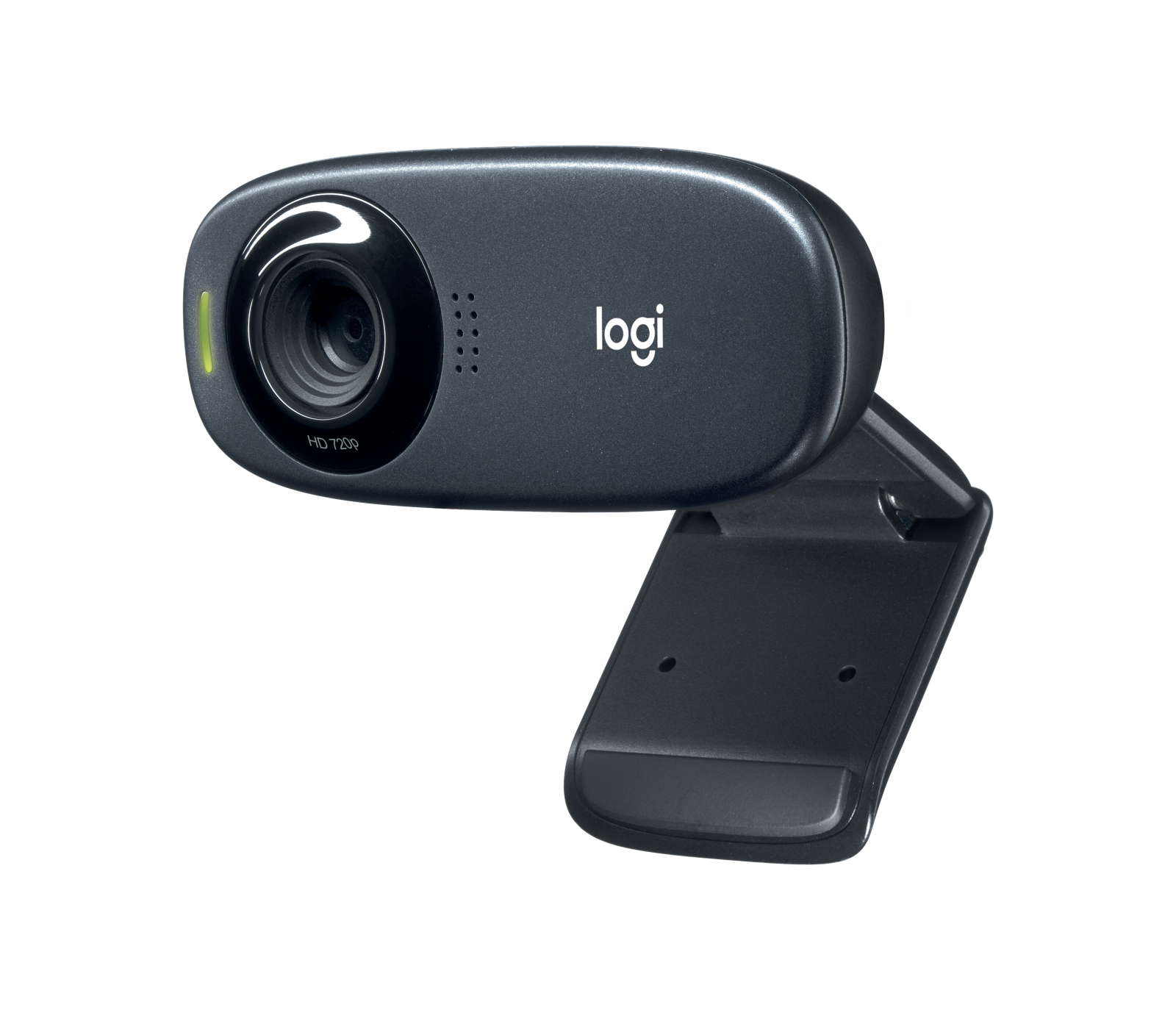
Place it on your laptop or monitor using the universal clip. Ensure the clip sits flush with the device back, then tilt the webcam up or down to center your face.
Is this answer helpful?
Yes. A LED activity light turns on when an application is using the webcam, so you can see at a glance when you’re on camera.
Is this answer helpful?
Approx. 71.15 x 31.3 x 25.95 mm, around 71 g including the clip and cable. The attached cable length is 1.5 m (5 ft).
Is this answer helpful?
Yes. Its 720p HD video, secure clip, and quick USB plug-and-play make it ideal for daily video calls, classes, and casual streaming.
Is this answer helpful?
No. The cable is fixed, and there is no built-in privacy shutter. Consider an external cover if privacy is a priority.
Is this answer helpful?
In most cases, no. Major operating systems recognize it automatically. You can use your preferred calling apps after plugging it in.
Is this answer helpful?
Product Description

Logitech HD C310 Manual: A Simple, Reliable HD Webcam
Why the Logitech HD C310 Still Shines
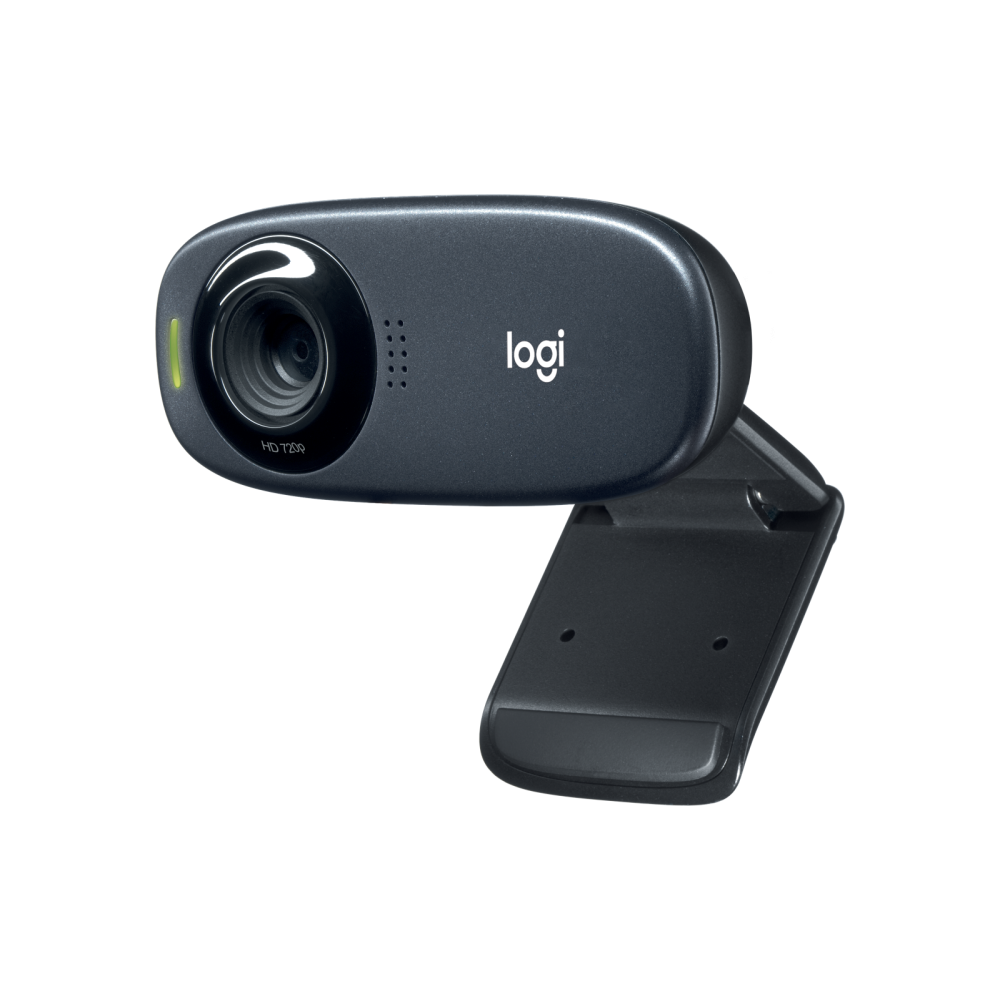
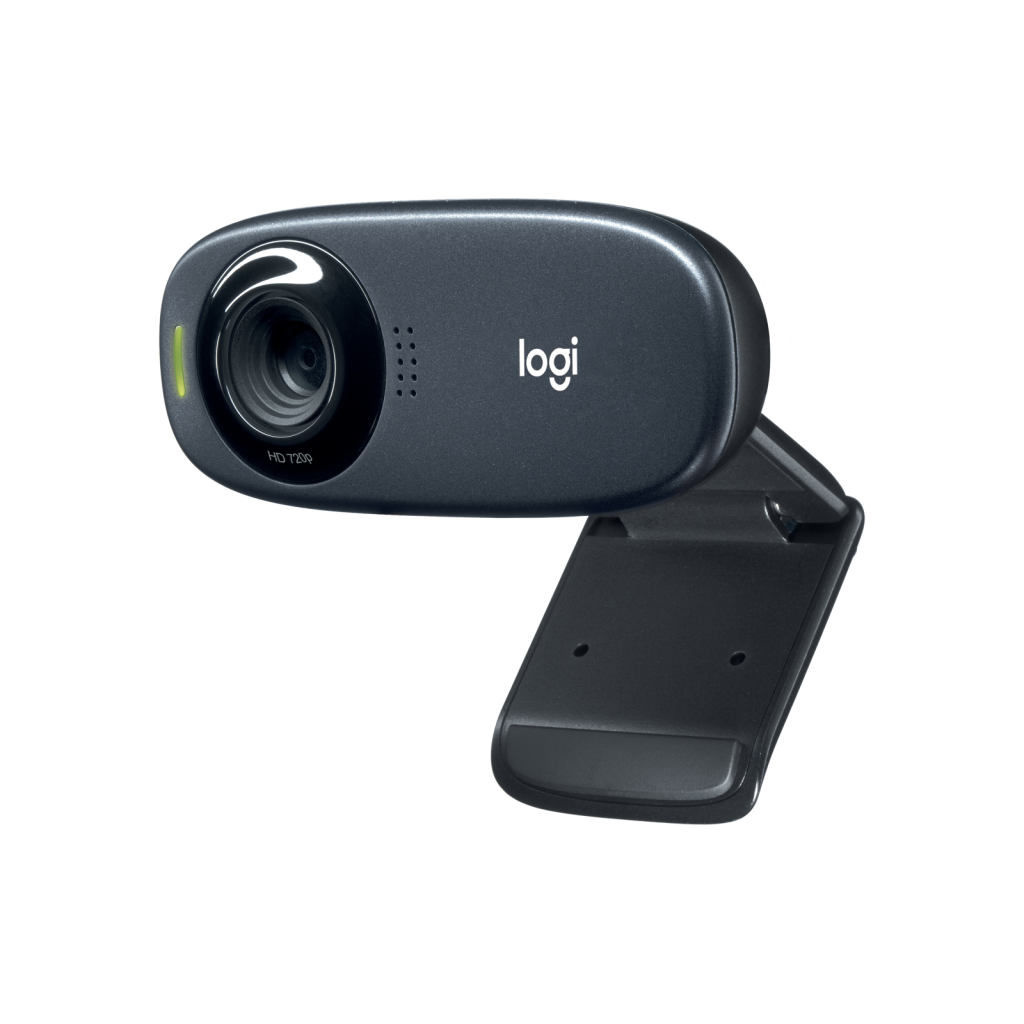
The Logitech HD C310 is a dependable 720p webcam designed for everyday video calls, online classes, and casual streaming. It mounts securely to laptops and monitors using a universal clip that sits flush against the back of your device, delivering a stable, shake-free view. With an activity LED that lights up when in use, you always know when you’re on camera.
Quick Setup, No Fuss
Getting started is effortless: place the webcam in your preferred position, tilt it up or down for ideal framing, and plug the attached USB-A cable into your computer. There’s no external power or complex driver dance—just plug, frame, and go. The 1.5 m (5 ft) cable offers generous reach for flexible placement, whether you’re at a desk or using a standing setup.
Compact, Lightweight, Ready to Travel
At 71.15 x 31.3 x 25.95 mm and around 71 g including the clip and cable, the HD C310 is compact and portable. Toss it in your bag for on-the-go meetings or keep it clipped to your monitor for fixed setups. Its minimal footprint keeps your workspace clean without compromising usability.
Practical Performance for Everyday Use
The C310 focuses on what matters: clear, HD visuals and easy operation. Manual tilt ensures your face stays centered, while the sturdy clip keeps the camera locked in place. Paired with your favorite calling apps, it’s a straightforward tool that works reliably day after day.
Notes:
- Includes attached USB-A cable (1.5 m)
- LED activity indicator signals active use
- Universal mounting clip for laptops and monitors
Search for 1 Mio. Manuals online


Type-in Brand or Model