
Logitech Manuals
Manuals
Categories


Logitech Manuals
Overview
Logitech manuals are comprehensive guides provided by Logitech, a global leader in computer peripherals and accessories. These manuals cover a broad range of products including mice, keyboards, webcams, headsets, speakers, gaming controllers, presentation remotes, and accessories for video conferencing. Each manual aims to help users unbox, set up, configure, troubleshoot, and maintain their Logitech device. Often available in multiple languages and formats (PDF, online help pages, and interactive guides), Logitech manuals cater to both basic users and advanced enthusiasts who want to optimize device performance.
Purpose and Importance
Why manuals matter
Product manuals serve several essential functions. They provide step-by-step setup instructions to ensure proper installation and initial configuration, reducing frustration and minimizing the chance of damage. Manuals explain features, shortcuts, button mappings, and software integrations, enabling users to take full advantage of their devices. They also include safety information, warranty details, and technical specifications that clarify compatibility and service conditions. For businesses deploying multiple devices, manuals facilitate consistent setups and simplify training.
Use cases
- New users following unboxing and installation steps
- Gamers customizing key bindings and DPI settings
- IT administrators performing bulk deployments and firmware updates
- Troubleshooting connectivity, driver, or performance issues
- Locating warranty and support information
Common Contents of Logitech Manuals
Getting started
This section typically walks users through unboxing, verifying package contents, charging or inserting batteries, pairing (Bluetooth or wireless receiver), and turning devices on. It often includes diagrams illustrating component names and connection ports, alongside minimum system requirements for supported operating systems.
Installation and pairing
Detailed instructions for installing device drivers or software (such as Logitech Options, Logitech G Hub, or Logitech Sync) can be found here. For wireless devices, manuals explain how to pair using Bluetooth or the proprietary USB receiver (Logitech Unifying Receiver). Steps for switching between multiple paired devices and preserving battery life are commonly included.
Software and customization
Logitech’s software suites allow customization of button assignments, macro programming, DPI sensitivity, RGB lighting, and profile management. Manuals describe how to download and install the appropriate software, navigate the interface, create and save profiles, and sync settings to the cloud or device memory. Gamers will find guidance on configuring in-game profiles and integrating with third-party game platforms.
Operation and advanced features
Sections cover normal operation, feature explanations, and advanced functionality such as gesture controls, programmable keys, multi-device switching (Logi Flow), advanced sensor settings for gaming mice, audio equalizer presets for headsets, and camera presets for webcams. Examples and recommended settings are often supplied for common scenarios like video conferencing, streaming, and competitive gaming.
Maintenance and care
Proper cleaning, battery care, and storage methods are described to prolong device life. Manuals typically warn against exposure to moisture, extreme temperatures, and direct sunlight, and they recommend non-abrasive cleaning materials. For rechargeable devices, instructions for battery conservation and charging cycles are included.
Troubleshooting and FAQs
Troubleshooting sections address common problems: device not recognized, intermittent connectivity, drift or tracking issues, audio problems, and firmware update failures. Step-by-step diagnostic tips often include checking battery level, re-pairing, updating drivers and firmware, trying different USB ports, and testing on another computer. Frequently asked questions consolidate quick fixes and clarifications about compatibility and software features.
Safety, regulatory, and warranty information
Safety warnings, regulatory compliance statements (FCC, CE, etc.), and disposal instructions (WEEE directives) are standard. Warranty terms outline coverage duration, what is and isn’t covered, and how to file a claim or contact support. This section may include serial number location and proof-of-purchase requirements.
Types of Logitech Manuals
Quick start guides
Concise, pictorial instructions for rapid setup. Quick start guides are ideal for users who want to get a device running immediately without reading detailed documentation.
User manuals
Extended documents that cover all aspects of product use, suitable for in-depth reference. These manuals are often multi-page PDFs with an index, illustrations, and stepwise procedures.
Software guides
Dedicated documentation for Logitech software (e.g., Logitech G Hub, Logitech Options, Capture, Sync). They explain features, settings, and integration with devices and platforms.
Product support pages and online knowledge base
Logitech’s website hosts searchable support articles, firmware downloads, video tutorials, and community forums. These dynamic pages complement static manuals with up-to-date guidance and user-generated solutions.
Finding and Accessing Manuals
Official Logitech website
The primary source for manuals is support.logi.com or the regional Logitech support pages. Users can search by product name, model number, or serial number to find downloads and support articles. Many product pages include quick video guides and links to software downloads.
In-box documentation
Most Logitech products include a printed quick start guide and warranty card. Full user manuals are usually provided digitally to save paper and enable frequent updates.
Third-party repositories and resellers
Some resellers and archival sites host PDF copies of manuals. While these can be useful, official sources ensure the most current and accurate information.
Best Practices for Using Logitech Manuals
- Identify the exact product model and firmware version before following instructions.
- Keep software and firmware updated to maintain compatibility and performance improvements.
- Refer to the troubleshooting section before contacting support to expedite resolution.
- Use manufacturer-recommended cleaning methods and accessories to avoid voiding warranty.
- Save manuals digitally for quick access and offline use.
Accessibility and Localization
Logitech provides manuals in multiple languages and often includes accessibility features such as larger-print PDFs, structured HTML pages that work with screen readers, and captioned video tutorials. This helps ensure that users worldwide can access setup and safety information regardless of language or disability.
Examples of Popular Logitech Product Manuals
- Logitech MX Series (MX Master mice, MX Keys): Detailed guides on multi-device pairing, Flow, and advanced customization through Logitech Options.
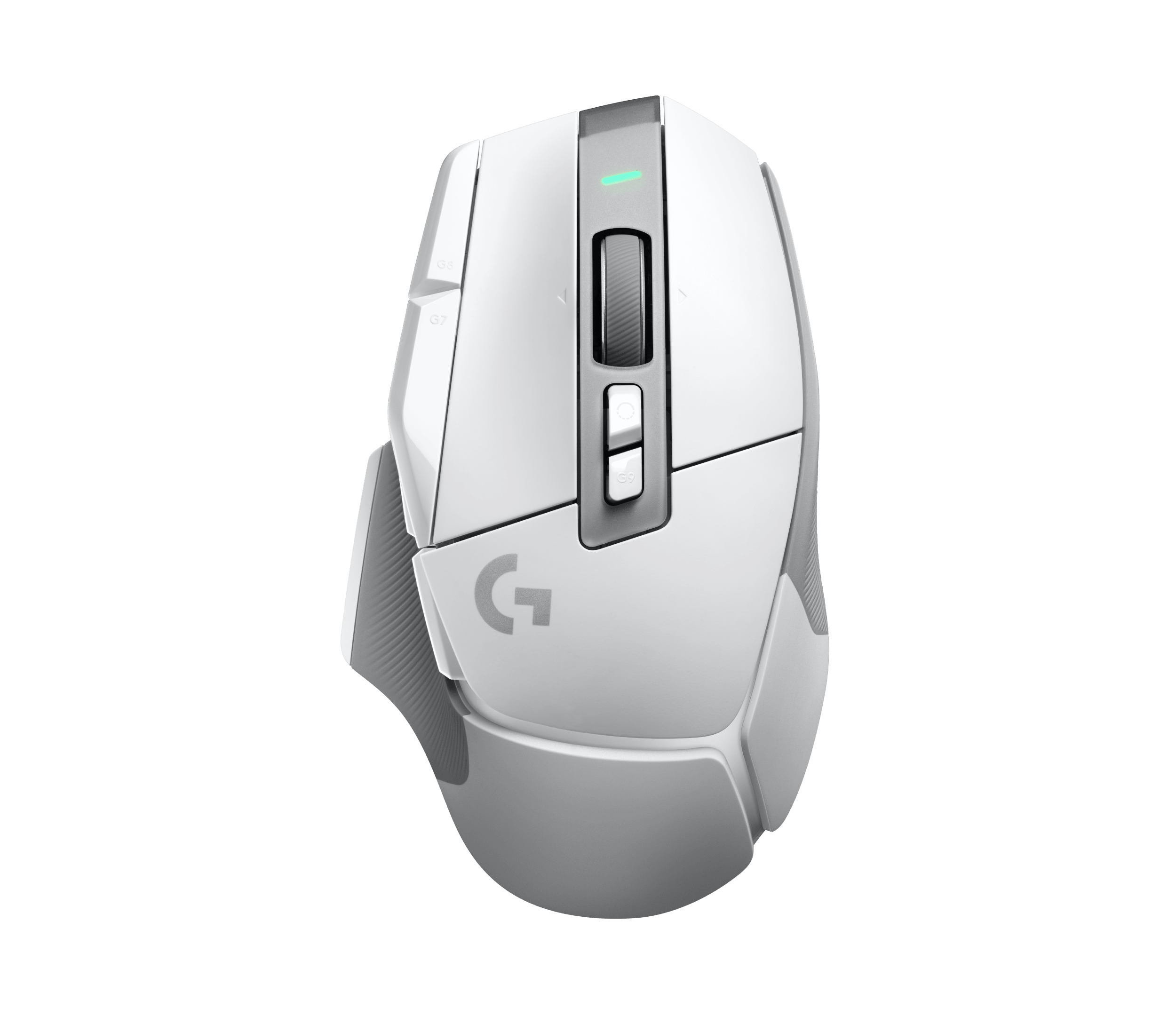
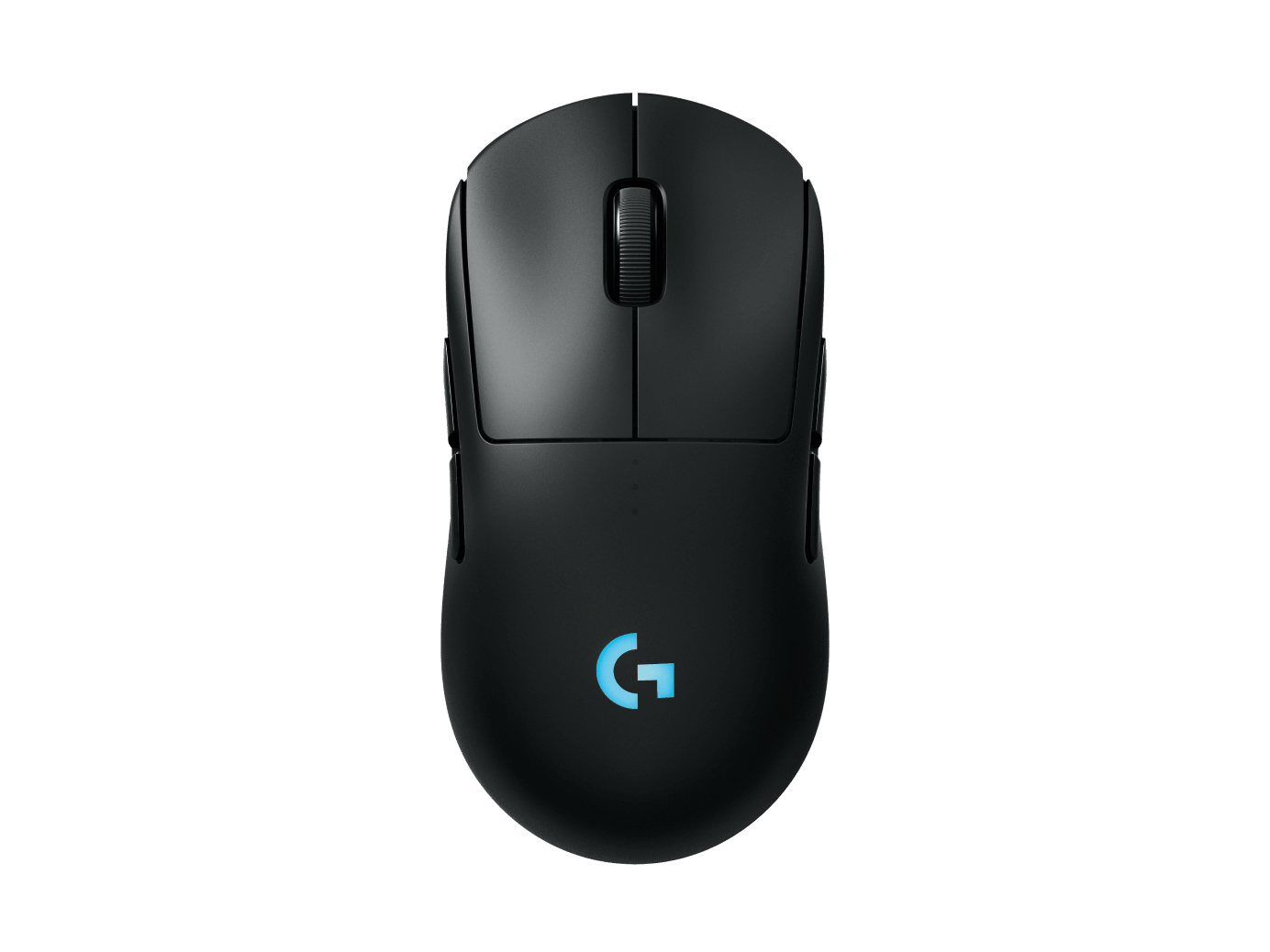
- Logitech G Series (gaming mice, keyboards, headsets): Manuals that focus on RGB lighting setup, macros, DPI settings, and G Hub integration for esports-level configuration.
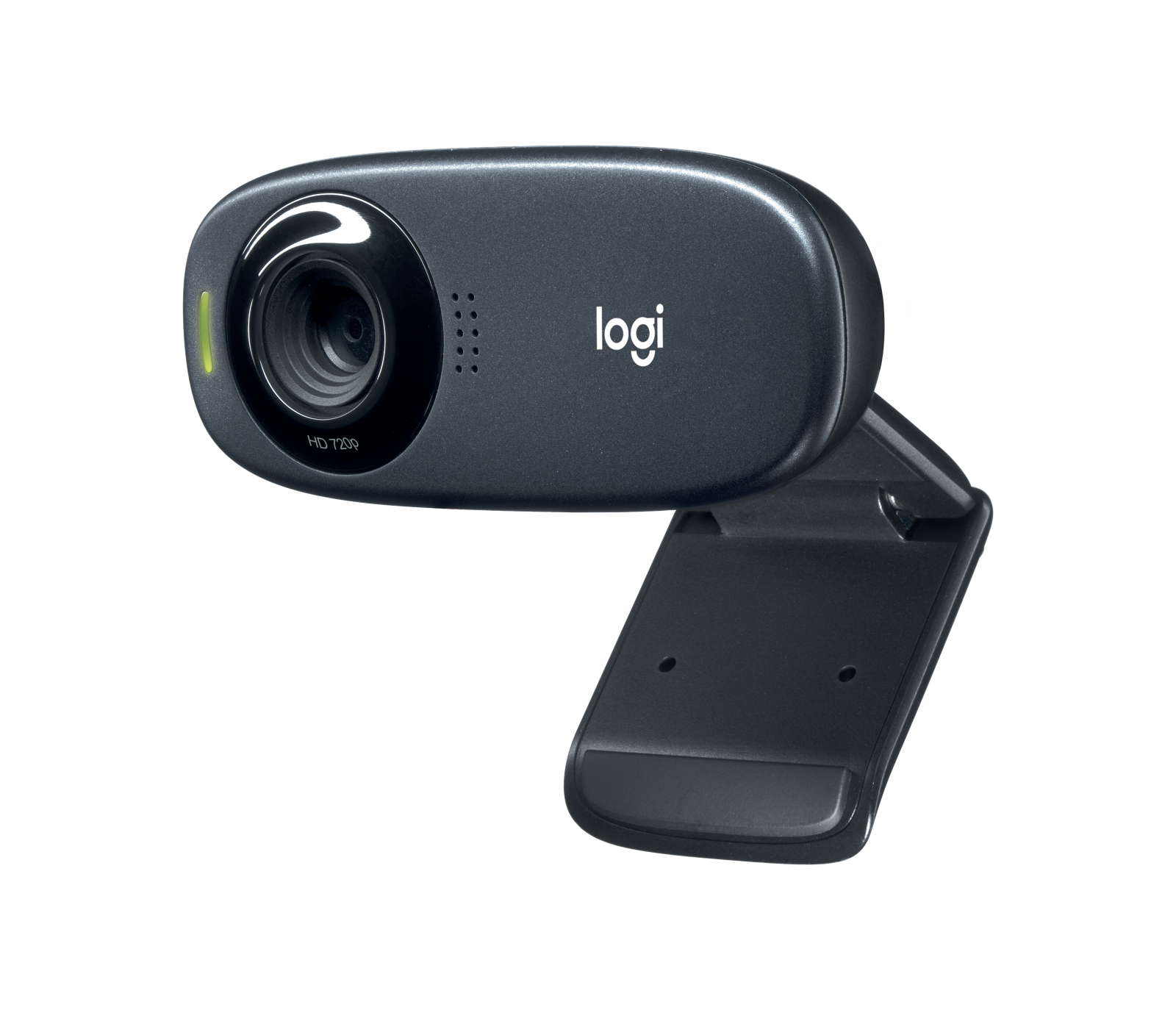
- Logitech BRIO and C920 series webcams: Manuals that include camera settings, resolution options, background replacement features, and firmware updates.
- Logitech Rally and MeetUp conferencing equipment: Installation, mounting, calibration, and software integration for professional video conferencing setups.
Troubleshooting Tips Extracted from Manuals
- Reboot the host computer and reconnect the device.
- Replace or recharge batteries and check battery indicator LEDs.
- Re-pair Bluetooth devices or reinsert the USB receiver and use Logitech’s Unifying software if applicable.
- Update drivers and firmware using the official Logitech support site.
- Test the device on another computer to isolate whether the issue is device- or system-related.
Conclusion
Logitech manuals are essential resources that support the complete lifecycle of a device—from initial setup and daily use to troubleshooting and maintenance. They are designed to be accessible, informative, and practical, helping users maximize product functionality and longevity. Whether you need a quick start guide for immediate setup or an in-depth user manual for advanced customization, Logitech provides documentation and online resources tailored to diverse user needs.
Search for 1 Mio. Manuals online


Type-in Brand or Model