
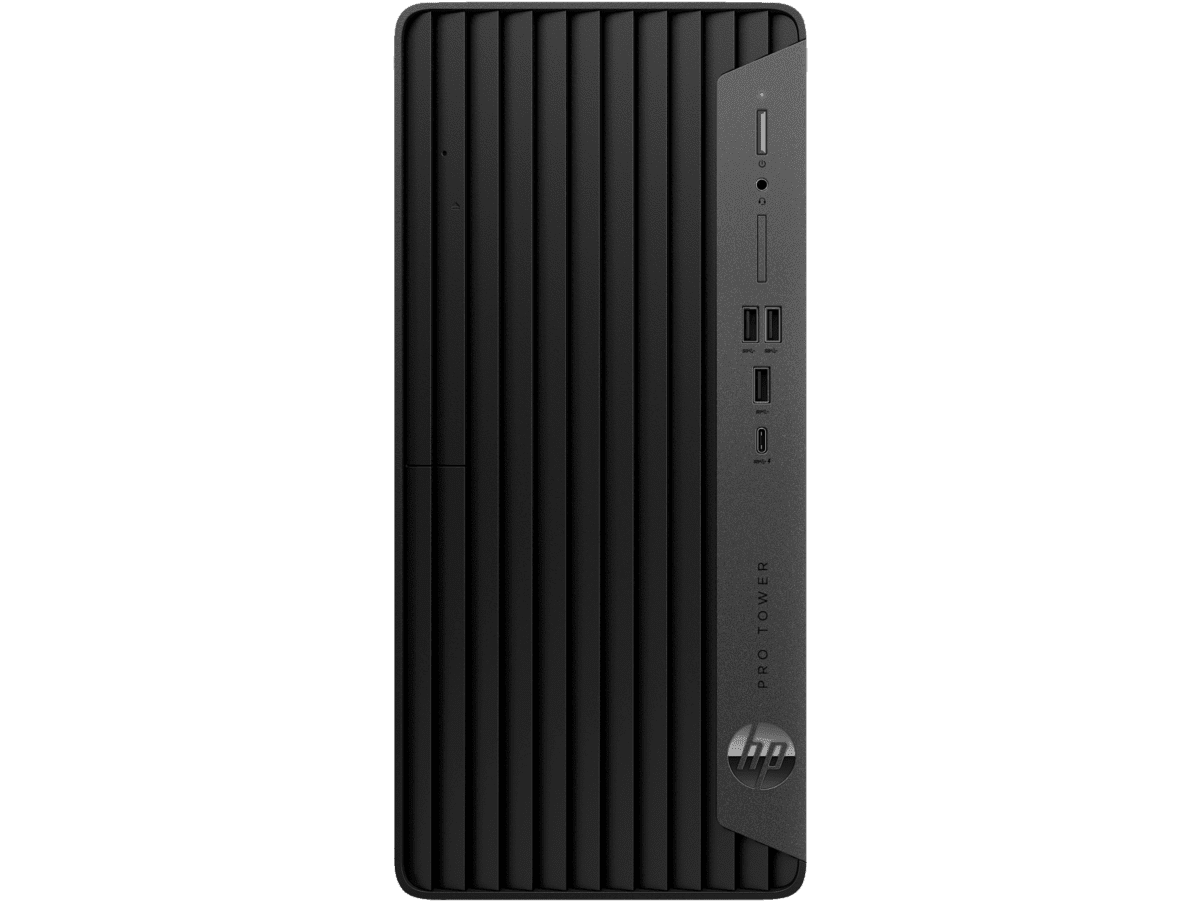
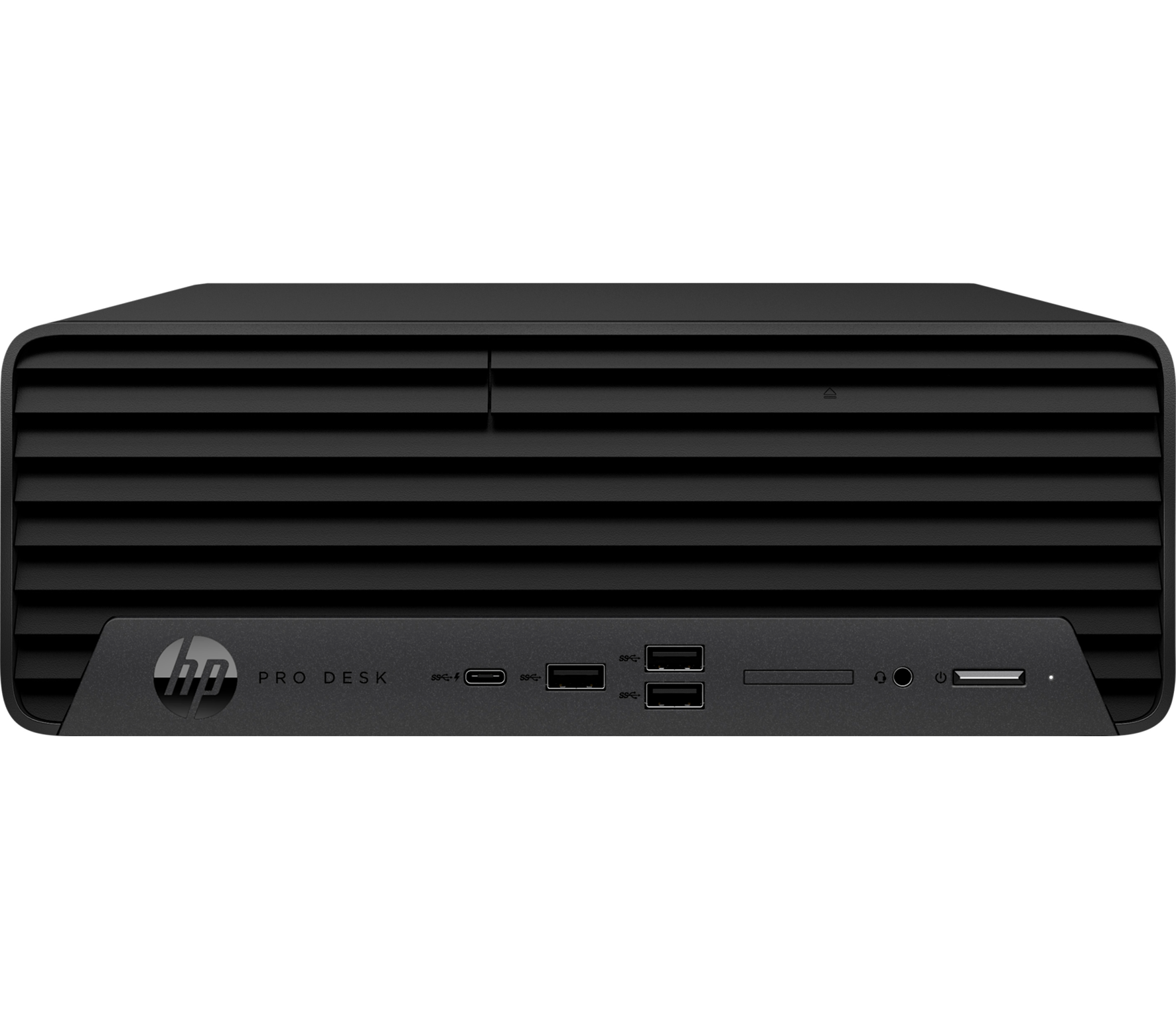
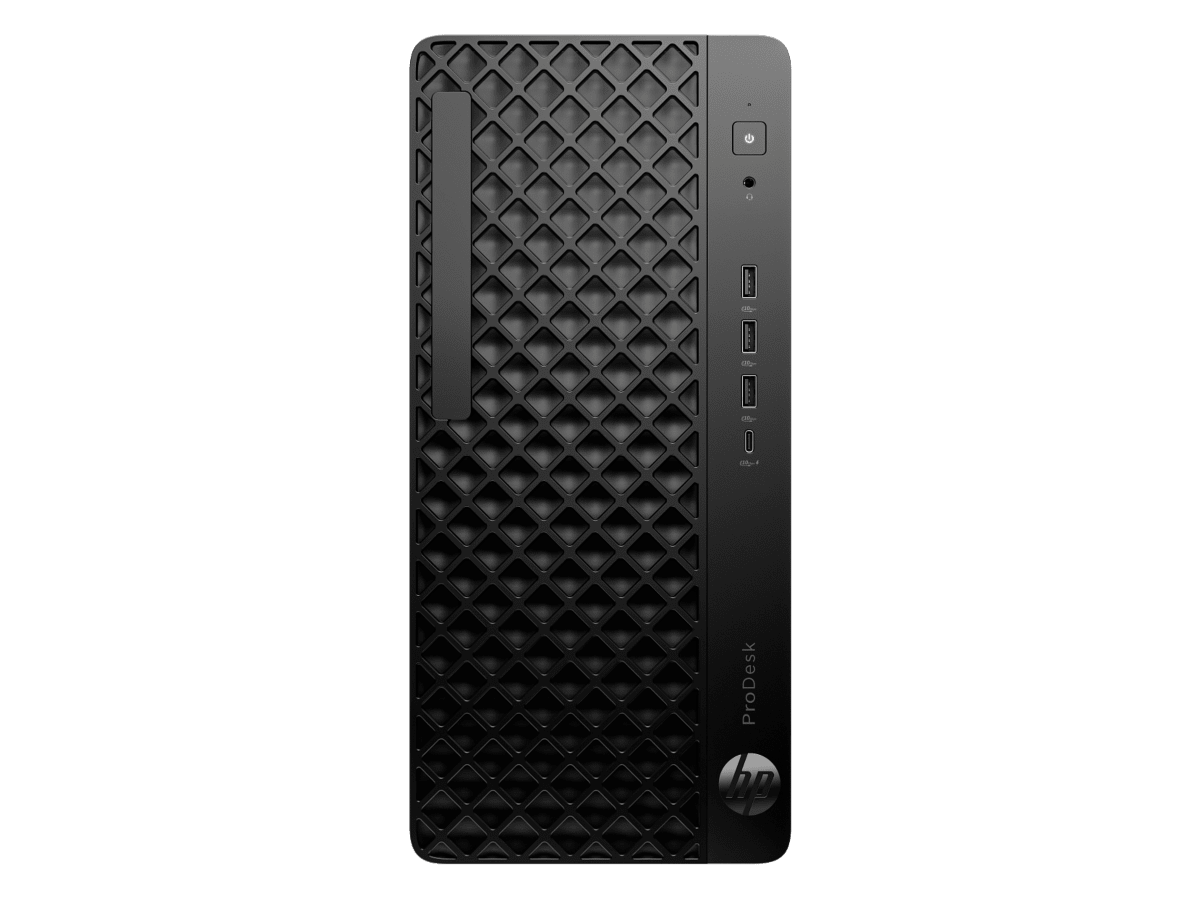
HP Pro Tower 400 G9 Desktop PC Manual
PDF manual · 47 Pages
English



Advantages and Disadvantages
Advantages

- Flexible I/O with DisplayPort, HDMI, and optional Flex IO modules
- Abundant front/rear USB including Type-C with Sleep and Charge
- HP Sure Recover and comprehensive diagnostics reduce downtime
- Easy serviceability and upgrade-friendly tower design
- Robust security options: padlock, cable lock, BIOS controls
Disadvantages

- Some features available only on select configurations
- Windows updates and recovery may require high-speed internet
- Optional modules and accessories add to total cost
- S Mode limitations can restrict app choices
- Tower form factor requires adequate ventilation space
Ask a Question
Frequently Asked Questions
It’s designed for business productivity, offering reliable performance, broad connectivity, easy upgrades, and enterprise-friendly security and diagnostics for office and hybrid work environments.
Is this answer helpful?
Standard options include Dual-Mode DisplayPort and HDMI. An optional HP Flex IO module can add HDMI 2.1, DisplayPort, VGA, USB-C Gen2, dual USB-A, or other interfaces depending on configuration.
Is this answer helpful?
On select models, HP Sure Recover can restore a clean HP OS image without local recovery software, installing the latest OS, platform-specific drivers, and apps (if using a custom image).
Is this answer helpful?
HP PC Hardware Diagnostics is available in Windows and UEFI versions. They test hardware, generate 24-digit failure IDs, and support remote scheduling and result uploads on select models.
Is this answer helpful?
Yes. The tower is upgrade-friendly, allowing additions like storage, memory, and a dedicated GPU. BIOS settings can disable integrated graphics when using a discrete card.
Is this answer helpful?
It supports a padlock loop, security cable slot, optional HP Business PC Security Lock V2, BIOS controls, and accessory cable management to secure the device and workspace.
Is this answer helpful?
Ensure proper ventilation, keep vents clear, clean surfaces safely, follow ESD precautions when servicing, and use power management features to prolong component life.
Is this answer helpful?
Product Description

HP Pro Tower 400 G9 Desktop PC Manual
A Workhorse Tower for Modern Workflows
The HP Pro Tower 400 G9 Desktop PC balances performance, expandability, and security for offices that need dependable computing every day. With support for multiple displays via Dual-Mode DisplayPort and HDMI, and optional Flex IO modules (including VGA, USB-C Gen2, dual USB-A, and more), it adapts to evolving setups without hassle. Front and rear USB SuperSpeed ports—including Type-C with HP Sleep and Charge—streamline connectivity for peripherals, storage, and fast charging.
Built for Productivity and Growth
Inside, the tower is designed for easy upgrades, whether you’re adding memory, storage, or a dedicated graphics card. Multiple USB 5/10/20 Gbps options, SD card reader on select models, and optional slim optical drive keep both legacy and modern workflows moving. BIOS-level controls let IT manage graphics preferences, boot order, and remote diagnostic behavior to fit enterprise standards.
Reliability, Recovery, and Diagnostics
The platform integrates HP’s robust toolset for resilience. Windows’ System Restore and Reset this PC are complemented by HP Sure Recover (select models) to rebuild a clean OS image without local recovery software. HP PC Hardware Diagnostics—Windows and UEFI versions—help isolate issues quickly, with 24‑digit failure IDs for streamlined support. Remote UEFI Diagnostics can run on a schedule and upload results to a configured server, reducing downtime.
Practical Design and Everyday Care
Thoughtful airflow, clear status indicators, and security options (padlock loop, security cable slot, HP Business PC Security Lock V2) help protect the device and data. Operating guidelines emphasize proper ventilation, routine cleaning, and ESD precautions to extend service life—ideal for busy environments.
Notes
- Keyword focus: HP Pro Tower 400 G9 Desktop PC Manual
- Ports and features may vary by configuration and region.
- High-speed internet may be required for updates and recovery tools.\nNo reviews were provided to analyze. There are no positive or negative points to highlight, and no themes, features, or experiences can be summarized. Please supply one or more review entries to generate a descriptive, 200–300 word summary in English.
Search for 1 Mio. Manuals online


Type-in Brand or Model