
Hanwha Techwin XNP-9300RW Manual
PDF manual · 27 Pages
English



Advantages and Disadvantages
Advantages

- Rugged IP66 build with wiper and IR for all-weather visibility
- Simple networking via Device Manager, DDNS, and UPnP
- Dual microSD slots plus NAS support for flexible storage
- HPoE and SFP options suit long runs and complex sites
- Browser-based viewer; no plug-ins required
Disadvantages

- Requires careful install to maintain weatherproofing
- Low-temperature recovery can take up to two hours
- Advanced setup may need port forwarding expertise
- SFP handling requires power-down and fiber safety
- High-end PC recommended for optimal viewing
Ask a Question
Frequently Asked Questions
Large outdoor deployments needing long-range, all-weather PTZ surveillance with dependable networking and storage, such as campuses, industrial facilities, transportation hubs, and city surveillance.
Is this answer helpful?
Use Hanwha’s Device Manager to discover the camera, assign static or DHCP addresses, and configure ports. For remote access, enable Wisenet DDNS or UPnP and set port forwarding on your router if needed.
Is this answer helpful?
Yes. It supports dual microSD slots up to 512 GB per slot (1 TB combined) and integrates with NAS solutions. Hanwha recommends high-endurance cards and QNAP or Synology NAS devices.
Is this answer helpful?
Chrome is recommended. It also supports Edge, Firefox (Windows 64-bit), and Safari on macOS. The plug-in–free viewer provides access to live view and settings.
Is this answer helpful?
It uses HPoE for combined power and data over Ethernet. An SFP port supports fiber connections, but only one link type should be active at a time. Use the supplied HPoE injector.
Is this answer helpful?
Yes. The housing is IP66-rated, with a built-in wiper and IR for adverse weather. Ensure proper cable bushing and mounting to maintain its weatherproof integrity.
Is this answer helpful?
Change default credentials, follow the strong-password policy, secure ports, use encrypted access where possible, and keep firmware updated. Limit exposure via firewall and proper VLANs.
Is this answer helpful?
Product Description

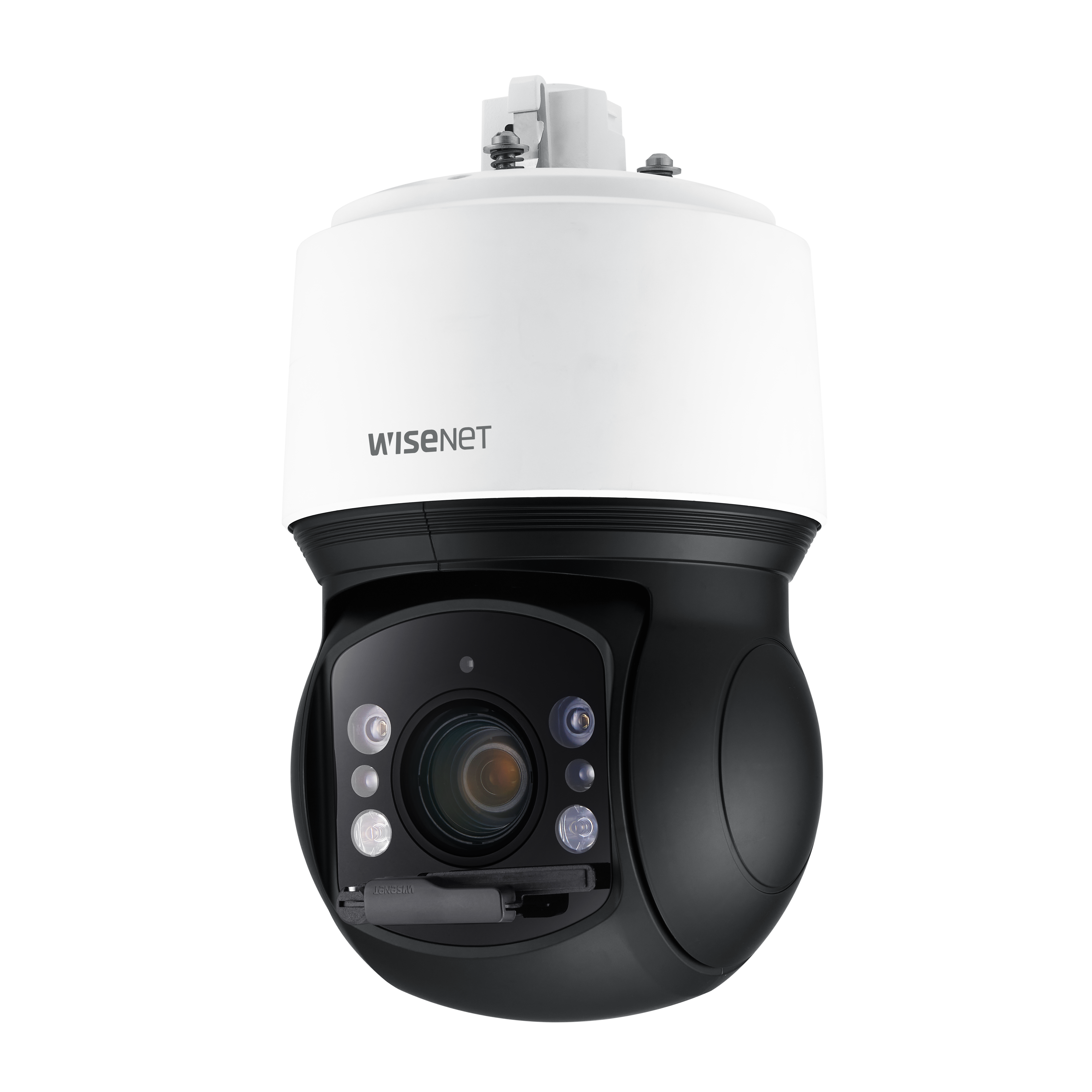
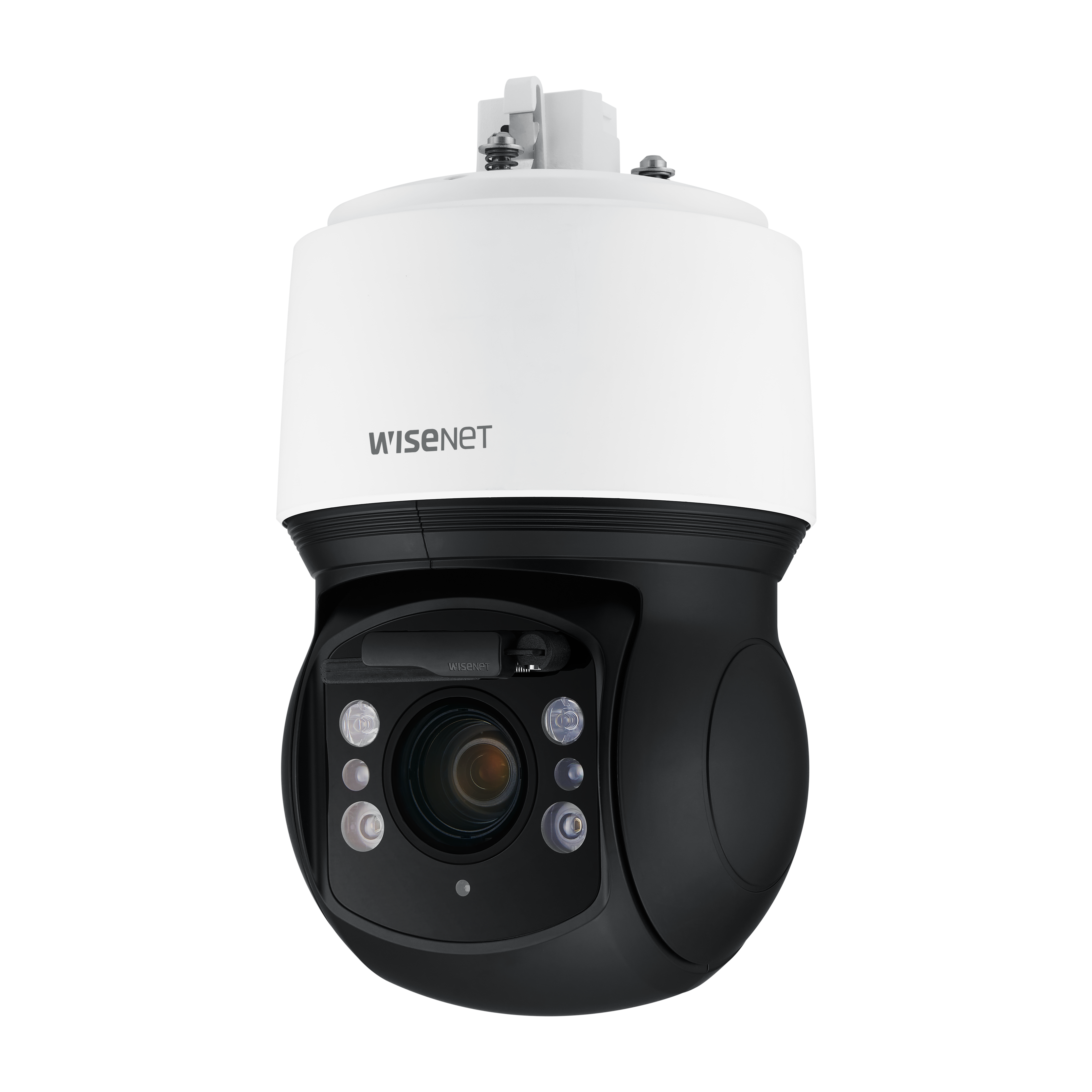
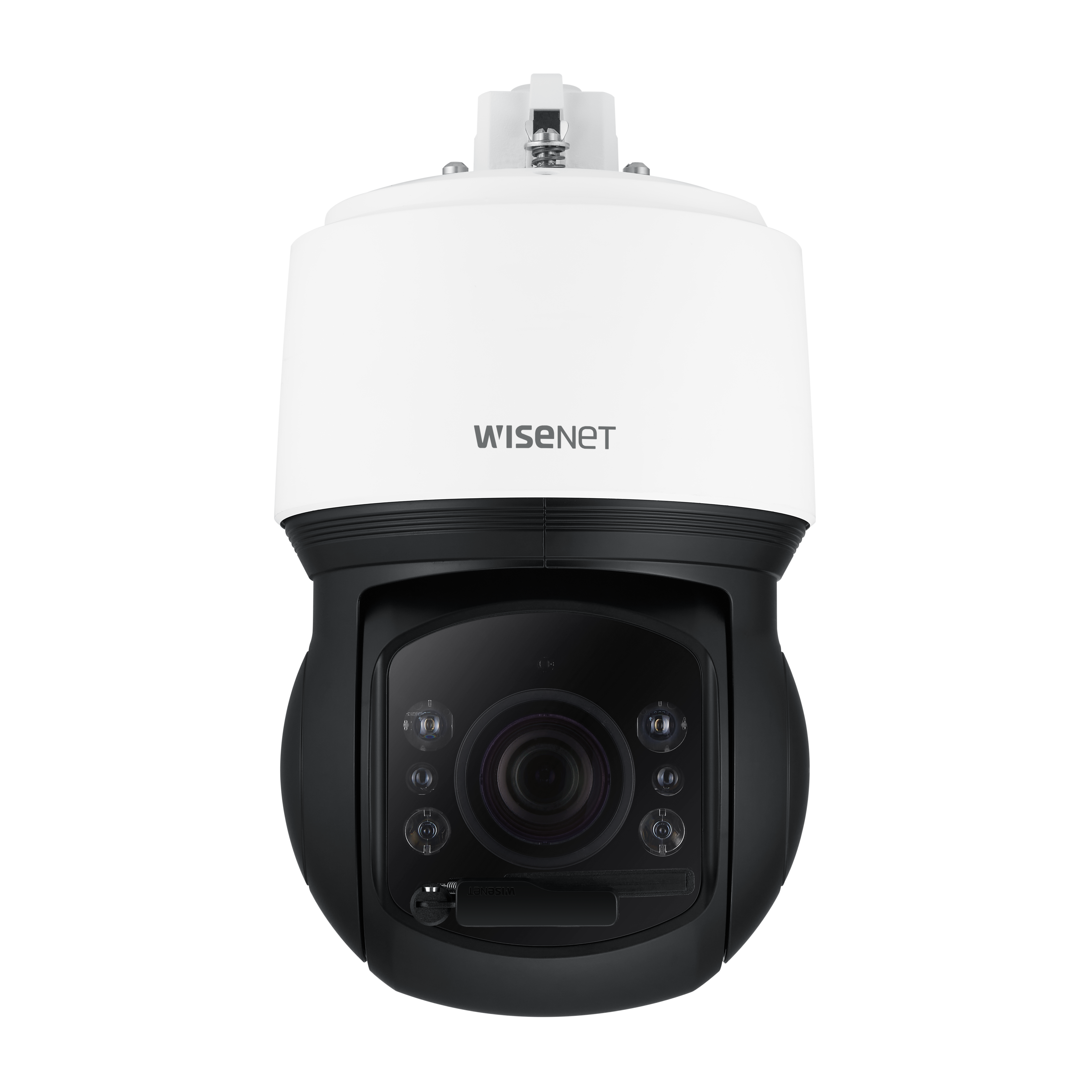
Hanwha Techwin XNP-9300RW Manual: A Powerhouse PTZ for Pro Surveillance
Precision, reach, and resilience for demanding sites
Why security teams choose this camera
The Hanwha Techwin XNP-9300RW is a rugged, high-performance network PTZ built for large outdoor environments that demand reliable monitoring and simplified network setup. From industrial perimeters to city streets, it combines long-range visibility, robust power options, and easy deployment tools that reduce configuration time.
Engineered for harsh conditions, the unit features an IP66-rated design and a built-in wiper to maintain clear visibility in rain and snow. Infrared LEDs and an illumination sensor automatically adapt to low light, while the housing protects the PTZ mechanism from impact and direct sun. The camera supports HPoE for streamlined power and data through a single connection, with an SFP port for fiber installations in long-distance or EMI-prone runs.
Setup is straightforward. Use Device Manager to discover cameras, assign static or DHCP addresses, and configure ports for remote access. With support for Wisenet DDNS and UPnP, remote connectivity can be enabled without complex networking expertise. The initial admin flow enforces secure password creation, and browser-based access via Chrome, Edge, Firefox, or Safari provides a plug-in–free experience.
For on-board recording, dual microSD slots offer resilient storage up to 1 TB combined (512 GB per slot), complementing NAS integration with recommended vendors such as QNAP and Synology. Recommended PC specs ensure smooth multi-stream viewing and configuration.
Installers will appreciate practical touches: safety wire hooks, cable bushings for weatherproof routing, and accessory options for wall, pole, corner, ceiling, or parapet mounting. The product’s thermal guidance, surge protection recommendations (STP cabling), and optical handling cautions help maintain long-term reliability.
In short, the XNP-9300RW is a professional-grade PTZ that balances performance with real-world maintainability—ideal for operations that need dependable 24/7 coverage and scalable network management.
Notes
- Change admin passwords regularly and follow the strong-password policy.
- Use the provided HPoE injector and avoid simultaneous copper and SFP links.
- For fiber work, power down before inserting/removing SFP modules.\nThere are no reviews available to analyze. Without feedback, the overall sentiment, strengths, and weaknesses cannot be determined. The absence of commentary means aspects such as build quality, performance, usability, support, and value remain unverified by users. Potential readers may wish to seek first-hand experience or wait for community input to understand reliability, feature depth, and long-term satisfaction. If future reviews emerge, key themes to watch include consistency of performance under different conditions, clarity of documentation, responsiveness of customer service, and durability over time. Pricing fairness and ease of setup often surface as decisive factors, alongside comparisons to competing options. Until such insights appear, expectations should be set cautiously, focusing on official specifications and demos rather than anecdotal outcomes.
Search for 1 Mio. Manuals online


Type-in Brand or Model