
Grundig Manuals
Manuals
Categories

Grundig Manuals: Your Complete Guide to Understanding, Using, and Maintaining Grundig Products
Introduction to Grundig Manuals
What Are Grundig Manuals?
Grundig manuals are official guides created to help users set up, operate, and maintain Grundig products. These documents include user manuals, quick-start guides, service manuals, installation instructions, and troubleshooting references. Whether you own a Grundig television, radio, audio system, kitchen appliance, or personal care device, the manual provides essential information to ensure safe, efficient, and long-term use.
Why They Matter
A manual is more than a booklet—it’s a roadmap to performance and longevity. It helps you:
- Understand features and specifications
- Install and configure devices correctly
- Use functions efficiently
- Identify and resolve common issues
- Maintain safety and compliance
Types of Grundig Manuals
User Manuals
User manuals provide detailed instructions on everyday use—button functions, menu navigation, feature explanations, and user tips. They often include diagrams, labeled controls, and practical examples.
Quick-Start Guides
These guides focus on first-time setup. Expect simple steps, visual cues, and minimal text to get your product running quickly—ideal for televisions, audio systems, and small appliances.
Installation Manuals
Dedicated to correct setup in fixed locations—especially for built-in appliances like ovens, dishwashers, and hobs. They cover dimensions, ventilation, electrical requirements, and mounting instructions.
Service and Repair Manuals
Aimed at technicians and advanced users, service manuals include schematics, diagnostic modes, parts lists, fault codes, and calibration procedures. They support repair, maintenance, and component replacement.
Safety and Compliance Leaflets
These documents highlight essential safety warnings, regulatory standards, environmental guidelines, and proper disposal instructions.
Product Categories Covered
Televisions and Displays
Grundig TV manuals cover setup (stand or wall mounting), picture and sound settings, input selection, smart TV features, app installation, parental controls, and firmware updates.
Audio and Radios
For radios, Hi-Fi systems, Bluetooth speakers, and record players, manuals guide pairing, tuning, input selection, equalizer settings, recording functions, and battery or power care.
Kitchen and Home Appliances
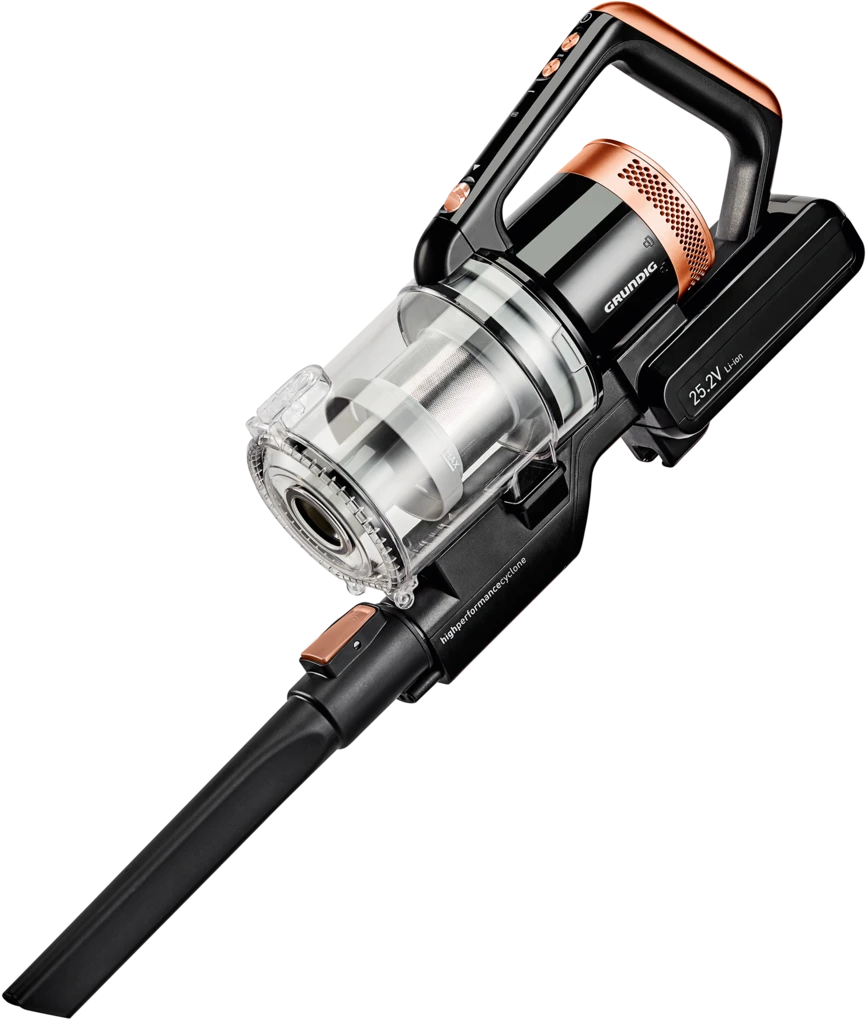
Manuals for refrigerators, washing machines, dishwashers, ovens, cooktops, vacuum cleaners, and microwaves explain programs, temperature settings, energy-saving modes, filters, cleaning routines, and error codes.
Personal Care and Small Appliances
Shavers, hair dryers, irons, kettles, and similar devices include usage tips, safety notes, cleaning advice, and storage recommendations.
Key Sections Found in Grundig Manuals
Product Overview
- Component diagrams and controls
- Package contents
- Technical specifications
Installation and Setup
- Unpacking and inspection
- Electrical and water requirements (for appliances)
- Mounting or placing guidance
- Network setup for smart devices
Operation and Features
- Mode descriptions (e.g., Eco, Intensive, Night, Sport)
- Menu navigation with step-by-step instructions
- Remote control and app usage
Maintenance and Care
- Routine cleaning schedules
- Filter, gasket, and seal care
- Descaling and deodorizing procedures
- Replacement parts identification
Troubleshooting
- Common symptoms and solutions
- Error codes and what they mean
- Reset steps and diagnostic checks
Safety and Warnings
- Electrical and thermal hazards
- Child safety locks and precautions
- Ventilation and clearance requirements
- Proper use of detergents, batteries, and accessories
Environmental and Recycling
- Energy-saving tips
- WEEE and RoHS compliance
- Battery disposal and e-waste handling
How to Find the Right Grundig Manual
Identify Your Model Number
Check the product label, typically found on the back, bottom, or inside door panel. The model number ensures an exact match for specifications and parts.
Use the Official Website
Navigate to the Grundig support page, enter the model number, and select the correct language and region. Downloads are usually available in PDF format.
Check Packaging and Inserts
Some products include a printed quick-start guide and a QR code linking to the full manual.
Contact Customer Support
If you cannot locate the manual online, provide the serial number and product category to support for a direct link.
Common Topics Explained in Grundig Manuals
Firmware and Software Updates
Smart TVs and connected appliances may require updates for stability and features. Manuals outline the update process via USB or Wi-Fi, including backup and restore options.
Connectivity and Pairing
- Bluetooth and Wi-Fi setup
- HDMI ARC/eARC and CEC configuration
- Antenna/cable/satellite tuning for TVs
- App pairing and account sign-in for streaming services
Energy Efficiency
Grundig manuals often include eco settings, energy labels, and tips such as low-temperature washing cycles, dishwasher eco programs, and standby management.
Cleaning and Hygiene
Instructions typically cover safe cleaning agents, removable parts, and recommended intervals to maintain performance and hygiene in appliances like dishwashers and washing machines.
Safety Locks and Child Protection
Manuals provide steps to enable parental control on TVs and child lock functions on ovens and washing machines.
Error Codes and Diagnostics
Many appliances display alphanumeric error codes. Manuals list the meaning of each code and appropriate corrective actions or maintenance steps.
Best Practices for Using Grundig Manuals
Read Before Operating
Review quick-start steps and safety warnings prior to first use to avoid misconfiguration or damage.
Keep Digital Copies
Download and store PDFs for easy search and reference. Use bookmarks for sections you access frequently.
Follow Maintenance Schedules
Adhering to cleaning and servicing intervals extends the life of the product and preserves warranty coverage.
Use Genuine Accessories
Manuals specify compatible filters, cables, and adapters. Genuine parts ensure safety, efficiency, and proper fit.
Document Changes
If you adjust advanced settings or perform updates, note the changes for future reference or restoration.
Troubleshooting Essentials
Power and Startup Issues
- Verify power connection and outlet
- Check fuses or circuit breakers
- For TVs, confirm standby and power LED behavior
Connectivity Problems
- Re-enter Wi-Fi password and verify network strength
- Reset router and device network settings
- Use certified cables and correct ports
Performance Concerns
- Update firmware
- Clear caches or reset to defaults if performance lags
- Clean filters, vents, and fans as indicated
Noise, Heat, and Vibration
- Ensure proper leveling for washing machines
- Maintain ventilation clearances for ovens and refrigerators
- Inspect for obstructions or loose components
Error Messages
- Cross-reference error codes in the manual’s troubleshooting table
- Perform recommended reset or maintenance actions before seeking service
Safety Highlights
Electrical Safety
Always disconnect power before maintenance. Only use grounded outlets and approved extension devices if specified.
Thermal and Mechanical Safety
Beware of hot surfaces, steam release, and moving parts. Install according to clearance recommendations and avoid blocking ventilation.
Water and Moisture
For dishwashers and washing machines, follow hose installation guidelines, use anti-flood devices if recommended, and periodically check for leaks.
Battery and Accessory Handling
Insert batteries correctly, avoid mixing types, and dispose responsibly. Use only accessories listed in the manual.
Maintenance and Longevity
Routine Care
- Wipe surfaces with soft, non-abrasive cloths
- Descale appliances where water hardness is high
- Replace filters per schedule to maintain performance
Storage Tips
If storing appliances, drain water circuits where applicable, clean thoroughly, and keep in a dry, ventilated space.
Professional Servicing
For complex faults or internal repairs, consult authorized service centers. Service manuals guide professionals in diagnostics and parts replacement.
Accessibility and Language Options
Multi-Language Support
Grundig provides manuals in multiple languages. Ensure you download the correct language variant for your region.
Accessible Formats
Many PDFs include searchable text, bookmarks, and high-contrast diagrams. Some products link to video guides for visual assistance.
Warranty and Documentation
Proof of Purchase
Keep your receipt and note the serial number. Manuals often explain warranty terms, coverage periods, and exclusions.
Service and Spare Parts
Look for contact information, authorized service partners, and parts catalogs referenced in the manual.
Tips for Specific Categories
TVs
- Calibrate picture modes (Cinema, Standard, Game) based on room lighting
- Enable energy-saving backlight controls
- Use ARC/eARC for simplified audio connections
Washing Machines
- Balance loads to reduce vibration
- Use appropriate detergent dosage and programs
- Clean the pump filter regularly
Dishwashers
- Scrape food residues before loading
- Use rinse aid and salt as recommended
- Clean spray arms and filters periodically
Ovens and Cooktops
- Preheat only when necessary
- Use the correct cookware for induction models
- Clean with approved agents to protect coatings
Radios and Audio Systems
- Update presets and firmware for stable reception
- Use line-in or optical connections for the best quality
- Manage battery charging cycles for portable devices
Responsible Use and Sustainability
Eco-Conscious Operation
Grundig emphasizes efficient use: eco modes, low-temperature programs, and proper loading. Manuals explain how to reduce energy and water consumption without sacrificing performance.
End-of-Life Guidance
Follow recycling instructions and local regulations when disposing of electronics or appliances. Manuals provide symbols and guidance for proper handling.
Frequently Asked Questions
Where can I download Grundig manuals?
From the official Grundig support site by entering your exact model number. Some regional distributors also host manuals for locally sold products.
What if I cannot find my model?
Check alternate labels, similar model variants, or contact support with photos of the label and product.
Can I use third-party parts?
Use only parts listed in the manual to maintain safety and warranty compliance.
How do I update my TV or appliance firmware?
Follow the manual’s update procedure via network or USB, ensuring power stability during updates.
Conclusion
Make the Most of Your Grundig Products
Grundig manuals are essential companions for safe installation, optimized performance, and long-term reliability. By consulting the correct manual, following maintenance schedules, and applying the recommended settings, you can unlock the full potential of your device while conserving energy and protecting your investment.
Search for 1 Mio. Manuals online


Type-in Brand or Model