
Garmin Manuals
Manuals
Categories

Garmin Manuals
Overview
Garmin manuals are comprehensive user guides designed to help you set up, operate, and optimize Garmin devices and software. Whether you’re using a GPS navigator, smartwatch, cycling computer, marine chartplotter, handheld GPS, aviation instrument, or fitness app, Garmin’s manuals provide structured instructions, detailed feature explanations, safety notes, and troubleshooting steps. They are available in multiple formats, including downloadable PDFs and web-based help, and are accessible by model name or product category.
How to Find the Right Manual
By Product Model
- Identify your device’s exact model number (e.g., Forerunner 255, Edge 1040, GPSMAP 66i).
- Visit Garmin’s support site and enter the model in the search bar.
- Select the correct regional variant if applicable.
By Category
- Wearables and Smartwatches
- Fitness and Health
- Cycling
- Automotive and Motorcycle
- Marine
- Outdoor Recreation
- Aviation
- Dog Tracking and Training
- Sensors and Accessories
By Serial or Part Number
- Use the device’s serial label for precise matching.
- Helpful for discontinued or legacy models.
Manual Formats and Availability
PDF Manuals
- Printable, offline-ready, and versioned.
- Include table of contents, diagrams, and detailed specifications.
Web Help Guides
- Searchable, mobile-friendly pages.
- Frequently updated with firmware changes and new features.
Quick Start Guides
- Short, setup-focused leaflets included in the box.
- Cover charging, pairing, and basic configuration.
Safety and Regulatory Supplements
- Battery handling, environmental, and compliance information.
- Essential for aviation and marine products.
Common Sections in Garmin Manuals
Getting Started
- Unboxing and parts overview.
- Charging, powering on, and first-time setup.
- Language, region, and unit preferences.
Pairing and Connectivity
- Bluetooth and ANT+ sensor pairing.
- Wi‑Fi setup for sync and updates.
- USB connection for data transfer.
Navigation and Maps
- Map installation, updates, and region management.
- Route planning, waypoints, tracks, and courses.
- Turn-by-turn guidance, recalculation, and avoidances.
Activity and Health Tracking
- Profiles for running, cycling, swimming, hiking, and multisport.
- Heart rate, HRV, VO2 max, training load, sleep, and stress.
- Data fields, alerts, and auto features (pause, lap, climb).
Sensors and Accessories
- Pairing HR straps, power meters, speed/cadence, foot pods.
- Temperature, inReach, Varia radar/lights, and external GPS antennas.
Mapping Ecosystem
- Garmin Express for map updates.
- BaseCamp and Explore for route management.
- Map types: City Navigator, TopoActive, BlueChart, BirdsEye.
Smart Features
- Notifications, calendar, and weather.
- Music storage and streaming controls.
- Contactless payments (Garmin Pay) setup and security.
Safety and Tracking
- Incident detection and assistance features.
- LiveTrack and GroupTrack configuration.
- inReach SOS and messaging procedures.
Customization
- Watch faces, data screens, and widgets.
- Activity profiles and power modes.
- Connect IQ apps, fields, and device permissions.
Software Updates
- Over-the-air updates via Garmin Connect.
- USB updates through Garmin Express.
- Release notes and rollback considerations.
Data Sync and Accounts
- Garmin Connect account setup.
- Sync via Bluetooth, Wi‑Fi, or USB.
- Data privacy, backups, and export (FIT, GPX, TCX).
Battery, Power, and Charging
- Charging best practices and indicators.
- Battery saver and expedition modes.
- Solar charging behavior (if supported).
Care, Maintenance, and Storage
- Cleaning, water exposure, and temperature ranges.
- Strap replacement, bands, mounts, and cases.
- Long-term storage guidelines.
Troubleshooting
- Reset types: soft, hard, and factory resets.
- GPS accuracy, sensor drops, and sync failures.
- Error codes and when to contact support.
Specifications
- Technical specs: weight, dimensions, waterproof rating, sensors.
- Supported satellites: GPS, GLONASS, GALILEO, Multi‑Band.
- Wireless standards and battery life claims.
Category Highlights
Wearables and Fitness
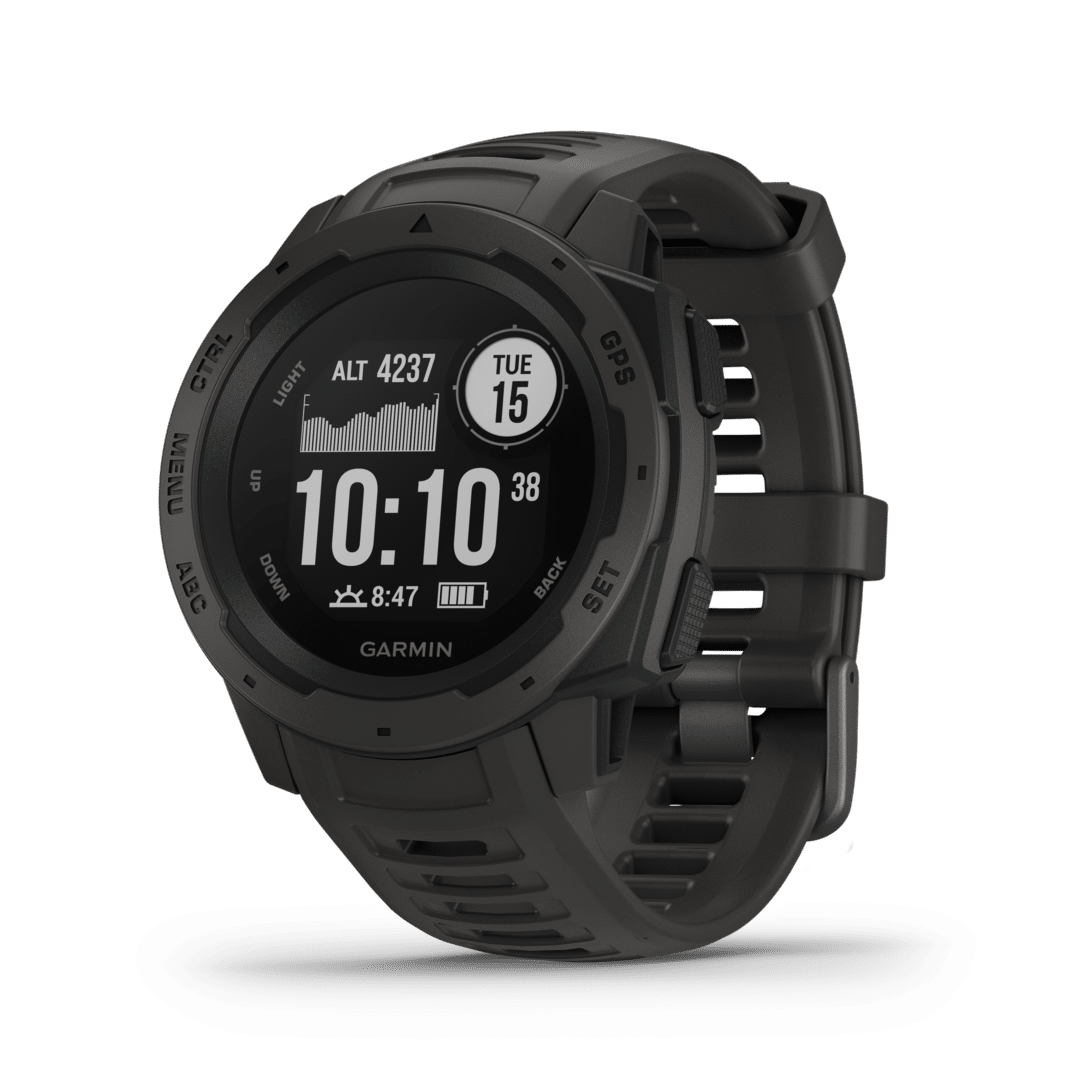
- Forerunner, Fenix/Epix, Venu, Instinct, and Vívo series.
- Manuals cover training plans, PacePro, ClimbPro, and maps.
- Health metrics: Pulse Ox, Body Battery, Training Readiness.
Cycling
- Edge computers, Varia radar/lights, Rally power meters.
- Course navigation, ClimbPro, stamina, MTB dynamics.
- Sensor calibration, gear shifting integration, eBike data.
Outdoor and Handheld
- GPSMAP, eTrex, Montana, and inReach devices.
- Wayfinding, geocaching, SOS workflows, satellite messaging.
- Topo maps, custom maps, BirdsEye imagery integration.
Automotive and Motorcycle
- Drive, DriveSmart, zūmo series.
- Voice guidance, traffic, map updates, route avoidances.
- Glove-friendly controls and motorcycle-specific alerts.
Marine
- echoMAP, GPSMAP chartplotters, STRIKER fishfinders.
- Sonar setup, transducer installation, chart layers.
- Networking (NMEA 2000), autopilot, AIS integration.
Aviation
- Portable avionics and panel-mount systems.
- Flight plans, ADS‑B, navigation databases, compliance.
- Strict adherence to operating limitations and supplements.
Tips for Using Garmin Manuals Effectively
Search Strategically
- Use exact feature names (e.g., “ClimbPro alerts”).
- Combine model name with function (“Fenix sleep calibration”).
Follow Firmware Context
- Match manual version to your device firmware.
- Review update sections after major releases.
Use Cross-References
- Link features across sections (e.g., sensors to activities).
- Consult accessory manuals for paired devices.
Bookmark Quick Procedures
- Resets, SOS steps, calibration routines.
- Sync and pairing sequences for fast recovery.
Setup Essentials Often Covered
Initial Configuration
- Language, time, satellite signals, profile setup.
- App pairing and permissions on iOS/Android.
Calibration Routines
- Compass, altimeter, barometer, power meters.
- Wrist heart rate fit and strap placement.
Data and Profiles
- Creating custom activities and data pages.
- Setting zones, auto lap, auto climb, and alerts.
Safety and Compliance
Battery and Charging
- Use approved chargers and cables.
- Avoid extreme temperatures and moisture in ports.
Water Ratings
- Understand ATM ratings versus swim suitability.
- Rinse after saltwater exposure.
Aviation and Marine Requirements
- Follow operating limitations and regional laws.
- Keep firmware and databases current for compliance.
Troubleshooting Snapshot
Common Fixes
- Restart device, toggle wireless, forget and re-pair.
- Update firmware and apps; clear sync cache.
- Recalibrate sensors after battery changes.
GPS and Accuracy
- Wait for multi-band lock in open sky.
- Refresh satellite almanac with a 15-minute outdoor sync.
App and Sync
- Ensure background app refresh and permissions.
- Check Wi‑Fi bands and Bluetooth privileges.
Updating and Managing Manuals
Version Control
- Check footer for document version and date.
- Compare with device firmware release notes.
Offline Access
- Download PDFs for field use.
- Save key pages for quick reference.
Accessibility and Language Support
Languages
- Manuals are available in multiple languages.
- Switch language in the support portal per region.
Accessibility
- PDFs often support screen readers.
- Web help features scalable text and contrast modes.
When to Contact Support
After Manual Steps Fail
- Persistent errors, hardware faults, or physical damage.
- Warranty, RMA, and repair instructions.
Community and Forums
- Model-specific tips and known issues.
- Beta firmware experiences and workarounds.
Best Practices Summary
Keep Software Current
- Update device firmware, maps, and apps regularly.
Document Your Setup
- Note custom fields, profiles, and sensor pairings.
Backup and Export
- Periodically export activities and routes.
Review Before Critical Use
- Revisit SOS, navigation, and safety sections before trips.
Conclusion
Garmin manuals are your authoritative reference for setup, daily operation, advanced features, and problem resolution across Garmin’s ecosystem. By selecting the correct model guide, following version-matched instructions, and leveraging both PDF and web resources, you can configure devices confidently, maintain optimal performance, and resolve issues efficiently. Whether you’re training, navigating remote terrain, piloting, cruising, or commuting, Garmin’s manuals provide clear, actionable guidance to help you get the most from your Garmin technology.
Search for 1 Mio. Manuals online


Type-in Brand or Model