
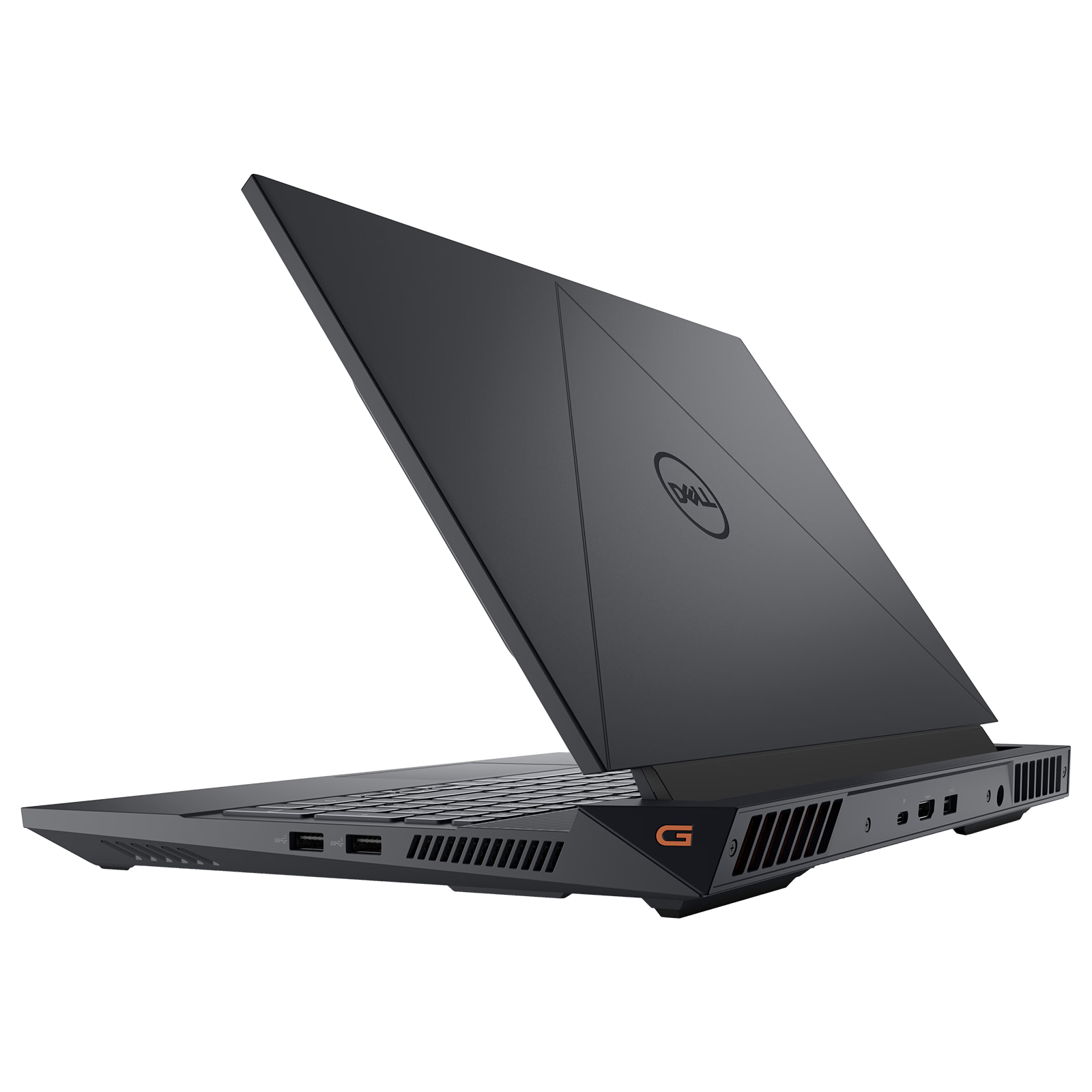
Dell G 2024 Manual
PDF manual · 76 Pages
English



Advantages and Disadvantages
Advantages

- High resolution and HDR support for vibrant visuals.
- Fast refresh rate and response time enhance gaming performance.
- Ergonomic stand with multiple adjustment options.
Disadvantages

- Potential eye strain from prolonged use.
- Performance degradation in Portrait Mode for graphic-intensive applications.
- Requires careful handling and specific cleaning methods.
Ask a Question
Frequently Asked Questions
The Dell G2724D Monitor has a resolution of 2560 x 1440 and supports refresh rates of 144 Hz (HDMI) and 165 Hz (DisplayPort).
Is this answer helpful?
Yes, the Dell G2724D is NVIDIA G-SYNC Compatible Certified, VESA Adaptive Sync Certified, and supports AMD FreeSync Premium Technology.
Is this answer helpful?
You can adjust the monitor settings using the On-Screen Display (OSD) menu accessed via the joystick button at the rear of the monitor, or through the Dell Display Manager software.
Is this answer helpful?
The monitor stand allows for height, tilt, swivel, and rotate adjustments, ensuring a comfortable and customizable setup for users.
Is this answer helpful?
To ensure safety, place the monitor on a solid surface, avoid extreme temperatures, and follow proper ergonomic practices to reduce eye strain and physical discomfort.
Is this answer helpful?
The package includes a DisplayPort cable and a USB-C to DisplayPort cable. HDMI cable is optional and must be purchased separately.
Is this answer helpful?
Use a clean, slightly damp cloth with water or a suitable screen-cleaning solution. Avoid using benzene, thinner, ammonia, or abrasive cleaners to prevent damage.
Is this answer helpful?
Product Description

Dell G2724D Monitor: The Ultimate Gaming Experience
Overview
The Dell G2724D Monitor is designed for gamers seeking high-resolution performance and immersive gameplay. With a 27-inch display, 2560 x 1440 resolution, and a fast refresh rate of up to 165 Hz, this monitor ensures an exceptional visual experience. Its compatibility with NVIDIA G-SYNC, VESA Adaptive Sync, and AMD FreeSync Premium Technology provides tear-free, low-latency gaming.
Key Features
- Display Quality: The monitor features a 2560 x 1440 resolution and VESA DisplayHDR 400, offering vibrant colors and excellent contrast.
- Gaming Performance: With a rapid 1 ms response time in Extreme mode, this monitor is perfect for fast-paced games. It supports refresh rates of 144 Hz and 165 Hz.
- Connectivity: Includes DisplayPort and HDMI inputs, along with plug-and-play capability for easy setup.
- Ergonomics: The stand offers height, tilt, swivel, and rotate adjustments, ensuring a comfortable setup for long gaming sessions.
- Advanced Features: Equipped with Dell Display Manager for easy OSD adjustments, Vision Engine for enhanced visual elements, and various game-enhancing modes.
Ergonomics and Safety
The monitor is designed with ergonomics in mind. It includes guidelines for proper setup to reduce eye strain and physical discomfort. Safety precautions are emphasized, such as ensuring the monitor is placed on a solid surface and avoiding use in extreme temperatures.
Connectivity and Setup
Connecting the monitor is straightforward with options for DisplayPort, USB-C to DisplayPort, and HDMI. The package includes necessary cables, and the monitor is designed to work optimally with Dell-supplied cables.
Maintenance and Care
The monitor requires careful handling and proper cleaning methods to maintain its performance and appearance. Using non-abrasive cleaning solutions and following recommended practices will prevent damage.
Conclusion
The Dell G2724D Monitor is an excellent choice for gamers who demand high performance and visual quality. Its advanced features, ergonomic design, and safety considerations make it a reliable and user-friendly option for enhancing your gaming experience.
Notes
- Ensure to use the correct VESA specifications for wall mounting.
- Regular breaks and ergonomic setups are recommended to avoid eye strain and physical discomfort.
For more information on Dell Display Manager, visit the Dell support page. \nNo reviews were provided for analysis.
Search for 1 Mio. Manuals online


Type-in Brand or Model