
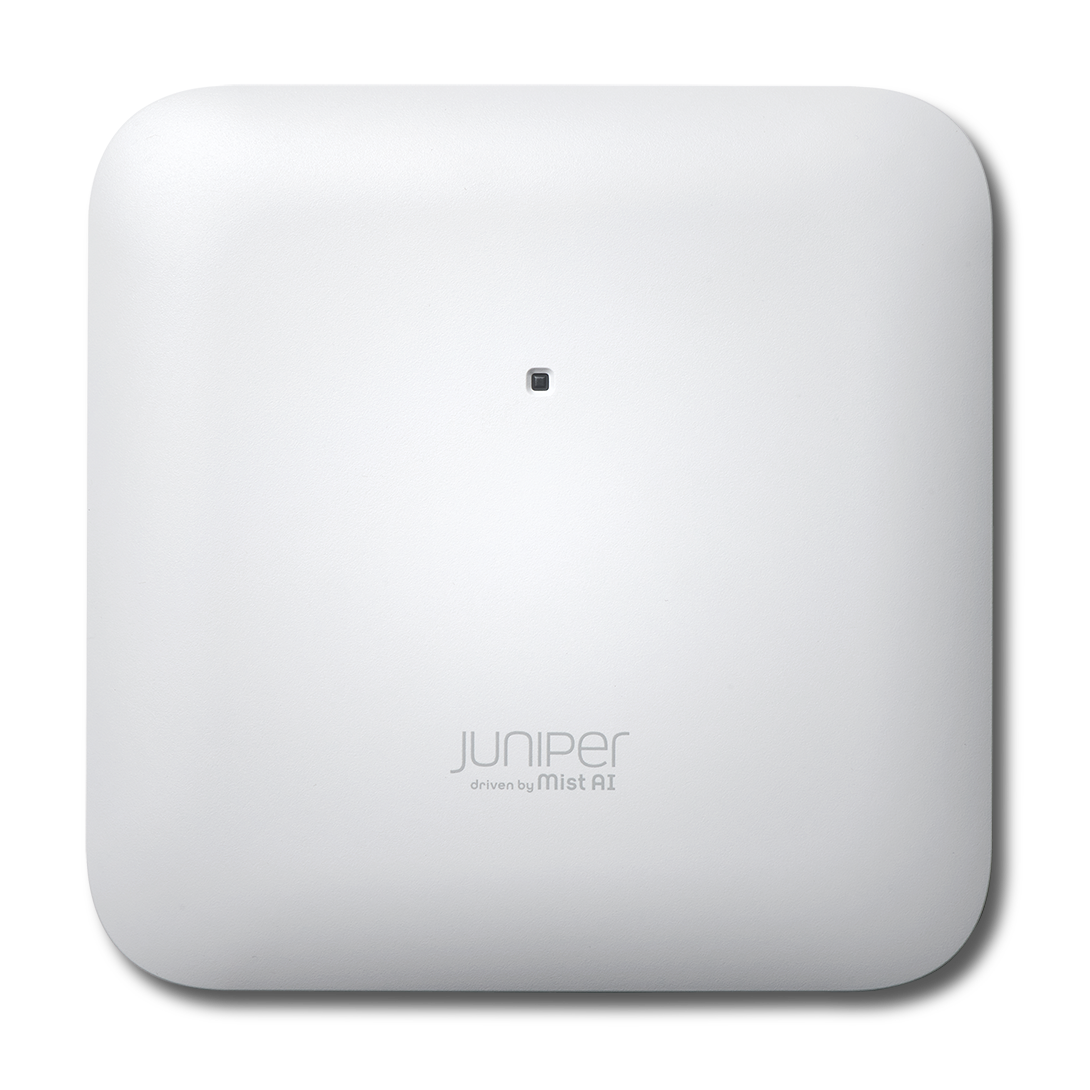


Cisco WAP581 stand-alone AP Europe Manual
PDF manual · 13 Pages
English



Advantages and Disadvantages
Advantages

- Dual-radio 802.11ac Wave 2 design supports high-density Wi‑Fi
- 2.5GbE uplink and LAG-ready for scalable throughput
- PoE 802.3af/at and external power with smart fallback
- Simple setup via wizard, DHCP, FindIT, and Bonjour
- Flexible mounting with kit and legacy hole compatibility
Disadvantages

- Limited performance under 802.3af power constraints
- Single system LED offers basic, not granular, status
- Default credentials require immediate hardening
- Initial SSID blocks Wi‑Fi-to-LAN until configured
- Indoor-only device; not suited for outdoor installs
Ask a Question
Frequently Asked Questions
It’s a dual-radio 802.11ac Wave 2 AP with a 2.5GbE uplink, PoE support, link aggregation, intuitive web management, and discovery via Cisco FindIT and Bonjour for streamlined setup and scaling.
Is this answer helpful?
It supports 802.3af/at PoE or an external adapter. With only 802.3af, Smart Power Source keeps the AP operating by disabling the 5 GHz radio, limiting 2.4 GHz to 2x2, downgrading 2.5GbE to 1GbE, and disabling ETH1.
Is this answer helpful?
Connect via Ethernet on the same subnet or join the default SSID (CiscoSB-Setup, passphrase cisco123). Access the web UI using DHCP-assigned IP or the fallback IP, then run the Setup Wizard to complete configuration.
Is this answer helpful?
Default credentials are username cisco and password cisco. The AP uses DHCP by default; if none is available, it falls back to 192.168.1.245 with mask 255.255.255.0.
Is this answer helpful?
Yes. When both Ethernet ports are connected, the AP uses link aggregation. Ensure the switch supports LAG so the aggregated links negotiate and operate correctly.
Is this answer helpful?
It can be desktop, wall, or ceiling mounted. The included bracket supports reuse of prior Cisco WAP551/561 mounting holes to ease upgrades and speed deployment.
Is this answer helpful?
The system LED shows power, client presence, boot, firmware upgrade, and failure states. Ethernet LEDs indicate link and activity, helping quickly pinpoint cabling or power issues.
Is this answer helpful?
Product Description

Cisco WAP581 Stand-Alone AP Europe Manual
A high-performance dual-radio AP for modern business Wi‑Fi
Designed for flexible deployment, security, and speed
The Cisco WAP581 stand-alone AP Europe Manual focuses on a premium, Wave 2 802.11ac access point engineered for reliable indoor coverage and easy deployment. Built with dual radios (2.4 GHz and 5 GHz), it supports high-density environments and smooth client roaming. With a 2.5GbE uplink and Gigabit secondary port, it’s ready for multi-gig backhaul and link aggregation when paired with compatible switches.
Power options are flexible: 802.3af/at PoE or external adapter. Smart Power Source automatically adjusts operation when power is limited, ensuring the AP remains functional—even disabling the 5 GHz radio and right-sizing Ethernet as needed under 802.3af. The device offers a clean, professional design with a single system LED, Kensington lock slot, and reset button for quick maintenance.
Setup is straightforward. Out of the box, you can connect via Ethernet or the default WPA2 SSID to run the Setup Wizard. Default credentials (cisco/cisco) speed up initial access, with DHCP preferred. If no DHCP is present, the AP falls back to a static IP, helping you get online without extra gear. The web-based utility and Cisco FindIT discovery simplify configuration, while Bonjour support makes locating the device effortless on compatible networks.
Installation is versatile—desktop, wall, or ceiling. The included mounting kit aligns with prior Cisco WAP551/561 holes for upgrades. Follow placement best practices, maintain proper ambient temperature, and verify secure mounting. LED indicators provide clear status for power, client connectivity, firmware updates, and Ethernet link speeds, making troubleshooting fast and intuitive.
For administrators, the WAP581’s link aggregation, PoE flexibility, and intuitive management translate into dependable performance and minimal downtime. Whether refreshing legacy APs or expanding coverage, it’s a strong fit for European SMBs seeking enterprise-grade stability without controller complexity.
Notes:
- Default SSID: CiscoSB-Setup, passphrase: cisco123 (WPA2-PSK AES)
- Default login: username cisco, password cisco
- DHCP preferred; fallback IP: 192.168.1.245/24
- Use Cat5e or better for Gigabit/multi-gig links\nA compact, capable access point stands out for its balance of depth and simplicity. With the latest firmware, stability is notably strong, supporting multiple units in parallel without hiccups. Setup is swift, minimizing time from unboxing to operation, while advanced configuration options remain readily available for fine‑tuning networks to specific needs. The device accommodates both straightforward deployments and more complex environments, suggesting a thoughtful interface that doesn’t compromise on performance. Reliability appears consistent across several devices running concurrently, indicating solid firmware maturity and dependable connectivity. Configuration breadth allows granular control—ideal for tailoring bandwidth, SSIDs, or security—yet the onboarding process remains clear and efficient. The current software iteration seems to have resolved earlier pain points, delivering a smooth, predictable experience once deployed. Overall, it combines quick installation with rich management features, making it suitable for users who value both ease of use and professional‑grade control, while the updated firmware underpins a stable, low‑maintenance operation across multiple units.
Search for 1 Mio. Manuals online


Type-in Brand or Model