
AVM FRITZ!Repeater 600 Manual
PDF manual · 79 Pages
English



Advantages and Disadvantages
Advantages

- Easy one-button WPS setup with clear LED feedback
- Seamless Mesh integration with FRITZ!Box (FRITZ!OS 7+)
- Compact, low-power design (~2 W) for 24/7 use
- Centralized updates and management via FRITZ!Box
- Guest Wi‑Fi and scheduling for security and efficiency
Disadvantages

- 2.4 GHz only; no 5 GHz throughput or band steering
- Performance depends on placement and router signal
- Limited interface without Mesh on non‑FRITZ! routers
- Single LED can be ambiguous for detailed diagnostics
- No Ethernet port for wired backhaul or client mode
Ask a Question
Frequently Asked Questions
It works with any router supporting IEEE 802.11b/g/n in the 2.4 GHz band. For Mesh features, pair it with a FRITZ!Box running FRITZ!OS 7.00 or newer.
Is this answer helpful?
Plug it in near your router, wait for slow flashing, press Connect on the repeater, then start WPS on the router. The LED turns solid green when connected. Move it to a midpoint location for coverage.
Is this answer helpful?
Yes, with a compatible FRITZ!Box (FRITZ!OS 7+). It adopts SSID, key, guest network, and schedules automatically, and benefits from AP steering and centralized updates.
Is this answer helpful?
Yes. Open http://fritz.repeater to manage SSID, Wi‑Fi schedules, guest access, IP settings, LED behavior, backups, and updates. In Mesh, many settings sync from the FRITZ!Box.
Is this answer helpful?
Use the LED: green indicates a strong link. If orange, move closer to the router. The FRITZ!App WLAN can evaluate the position and recommend better placement.
Is this answer helpful?
Solid green: good connection. Solid orange: weak link. Flashing green: WPS/starting/update/reset. Flashing orange: no connection. Off: no power or Wi‑Fi schedule disabled.
Is this answer helpful?
No. The FRITZ!Repeater 600 is a purely wireless 2.4 GHz extender without an Ethernet port for wired backhaul or client mode.
Is this answer helpful?
Product Description

AVM FRITZ!Repeater 600 Manual: Compact Wi‑Fi boost for every home
Why this tiny repeater matters
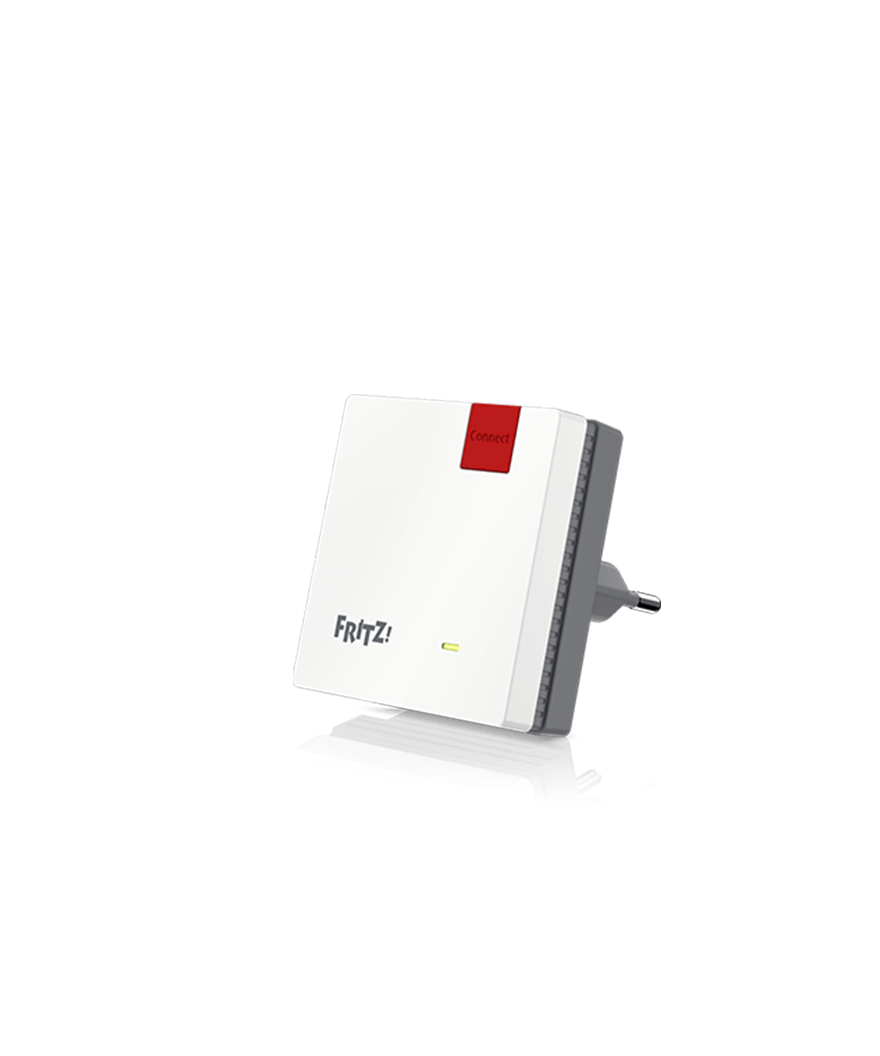
The AVM FRITZ!Repeater 600 is a compact 2.4 GHz range extender designed to eliminate Wi‑Fi dead zones with simple, secure setup. It works with any router supporting IEEE 802.11b/g/n and pairs perfectly with FRITZ!Box to join your home Mesh for seamless roaming and centralized control.
Effortless setup, smarter Mesh
Press the Connect button to start WPS and you’re online in seconds. When used with a FRITZ!Box (FRITZ!OS 7+), it adopts SSID, password, guest network, and schedules automatically. AP steering keeps devices on the best access point, and FRITZ!Box can push firmware updates across your Mesh from one interface.
Thoughtful design, clear feedback
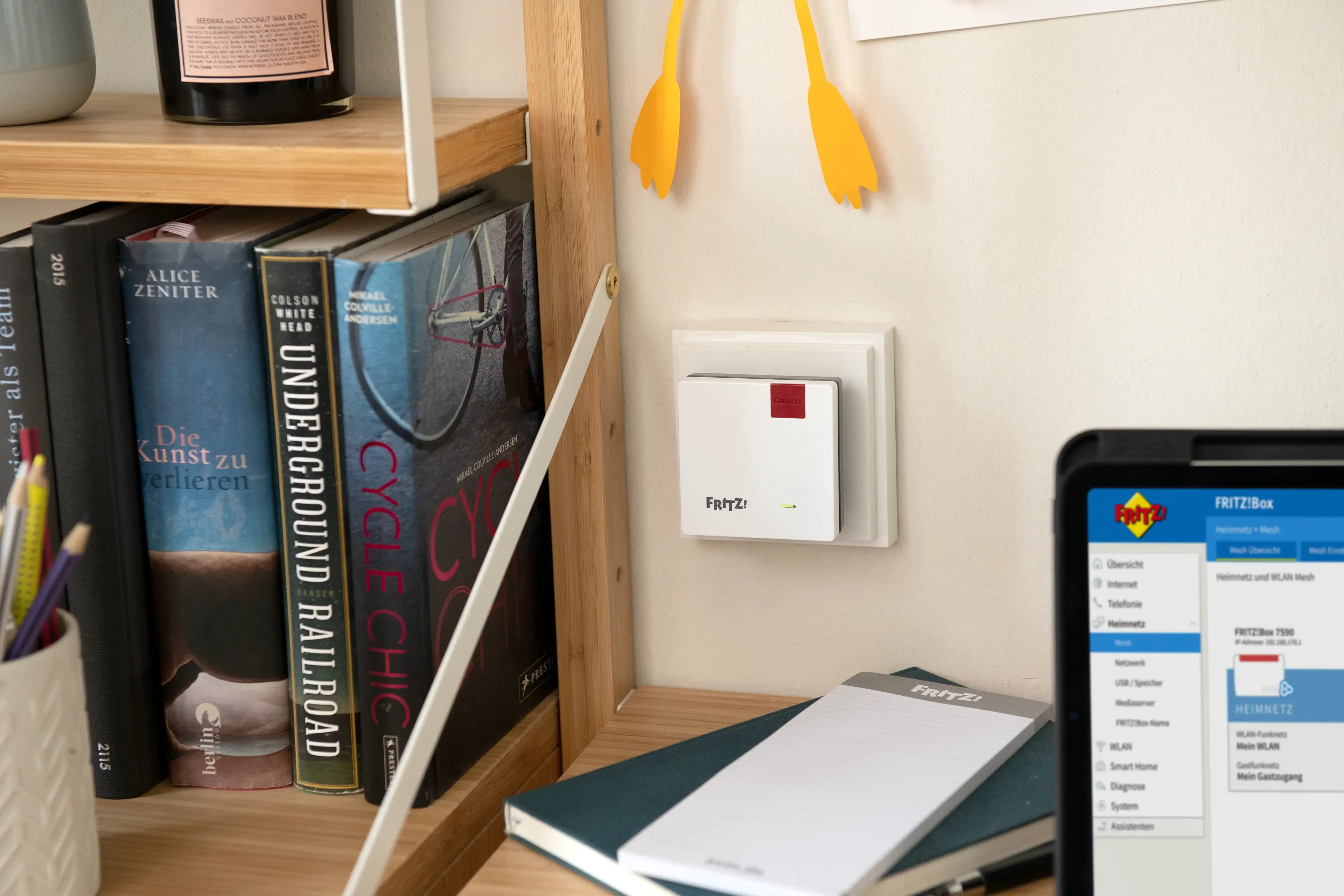
A single multi‑function LED communicates status: green indicates a strong link; orange warns of weak or missing connection; flashing patterns signal WPS, updates, or reset. Placement is guided by the LED color, and the free FRITZ!App WLAN can evaluate locations for optimal coverage.
Control that fits your routine
From its web UI (http://fritz.repeater), you can rename SSID, enable guest access, set Wi‑Fi schedules, configure IP settings, toggle LEDs, create backups, and restore with ease. Push services email you about updates, saved settings, guest sign‑ins, and changes—helpful for visibility and troubleshooting.
Built for everyday reliability
Running at about 2 W, the plug‑in cube stays efficient and unobtrusive. It supports WPA2/WPA security, DHCP by default, and manual IP if needed. Safety and durability are backed by AVM’s 5‑year hardware warranty and CE compliance. For best results, avoid heat and moisture, keep vents clear, and place it a few meters from your router.
Notes
- Use WPS for fastest pairing; hold 6+ seconds on some FRITZ!Box models.
- If the LED shows orange, relocate to improve link quality.
- Forgot the UI password? Use push service or restore factory settings.
- Guests get internet-only access; no home network visibility.\nCompact and unobtrusive, this 2.4 GHz repeater focuses on reliable coverage rather than peak speed. Setup is consistently described as effortless—often a two-button WPS process completed within minutes—and integration with FRITZ!Box and Mesh works smoothly, including seamless roaming and centralized management. Once positioned midway between router and weak zones, it stabilizes reception across multi‑story homes, gardens, terraces, and garages, resolving video streaming hiccups, home‑office calls, and smart‑home connectivity. Programmable schedules and a helpful app for placement fine‑tuning add convenience. Performance aligns well with everyday tasks—web, HD streaming, phones, tablets, doorbells—where long range and wall penetration matter more than throughput.
However, limitations surface for speed‑sensitive uses. As a single‑band Wi‑Fi 4 device, real‑world rates often land around a few dozen Mbit/s, far below the advertised maximum, and gaming or large file transfers can feel sluggish. Some users report shorter range than expected, subpar ping and data rates, or that it can worsen reception in certain layouts; a few units failed early or overheated. Multi‑repeater meshes may not always pick the optimal path, and pairing with non‑AVM routers can require manual steps. For broader bandwidth, 5 GHz, or larger spaces, higher‑tier AX/2400 models are suggested.
Overall, it excels as a budget, plug‑and‑play range extender for 2.4 GHz coverage, delivering stable, house‑wide connectivity when placed correctly, while trading raw speed and advanced performance for simplicity and value.
Search for 1 Mio. Manuals online


Type-in Brand or Model