
AVM FRITZ!Repeater 1200 AX Manual
PDF manual · 91 Pages
English



Advantages and Disadvantages
Advantages

- Wi‑Fi 6 dual‑band with efficient Mesh roaming
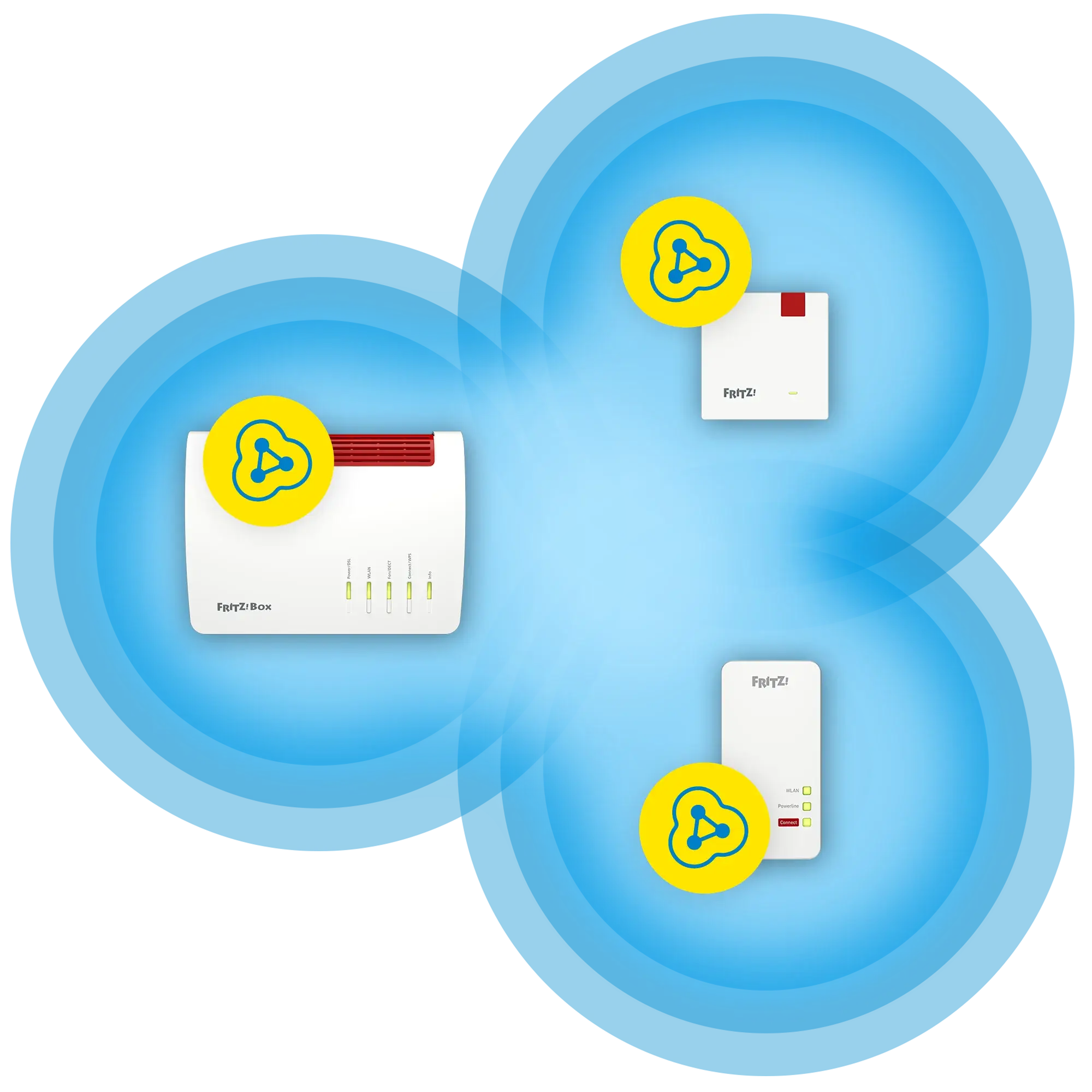
- One SSID/password across the home via FRITZ!Box Mesh
- Easy WPS setup and clear LED status guidance
- LAN bridge option for stable wired backhaul
- Automatic FRITZ!OS updates enhance security
Disadvantages

- Best Mesh features require a FRITZ!Box
- Optimal placement may need trial and error
- Single LAN port limits wired device expansion
- Advanced tweaks require using the web UI
Ask a Question
Frequently Asked Questions
It supports Wi‑Fi 6, integrates with FRITZ!Box Mesh for one SSID, offers seamless roaming and band steering, provides WPA2/WPA3 security, has a Gigabit LAN bridge mode, and receives automatic FRITZ!OS updates.
Is this answer helpful?
Plug it in, wait for the LED to flash slowly, press Connect, then press your router’s WPS button within 2 minutes. The LED turns green when connected. Alternatively, visit http://fritz.repeater to use the setup wizard.
Is this answer helpful?
Yes. It pairs with most routers via WPS and can adopt SSID and password. However, advanced Mesh features like centralized updates and full settings adoption work best with a FRITZ!Box (FRITZ!OS 7.00+).
Is this answer helpful?
Place it roughly halfway between the router and your devices, ensuring the LED shows green. Avoid metal obstructions, heat sources, and interference. The FRITZ!App WLAN can evaluate and suggest better spots.
Is this answer helpful?
Yes. Switch to LAN bridge mode and connect the repeater to your router via Ethernet. This provides a robust backhaul when Wi‑Fi between router and repeater is weak or unstable.
Is this answer helpful?
The device supports WPA2 and WPA3. Use WPA2/WPA3 mixed mode for compatibility, or WPA3 when all clients support it. You can change encryption and the network key in the Security menu.
Is this answer helpful?
FRITZ!OS updates can install automatically. You can also trigger updates in the repeater’s System > Update menu or centrally from your FRITZ!Box Mesh overview if using a FRITZ!Box.
Is this answer helpful?
Product Description

AVM FRITZ!Repeater 1200 AX: Smarter Whole‑Home Wi‑Fi
Fast, secure, and simple coverage expansion
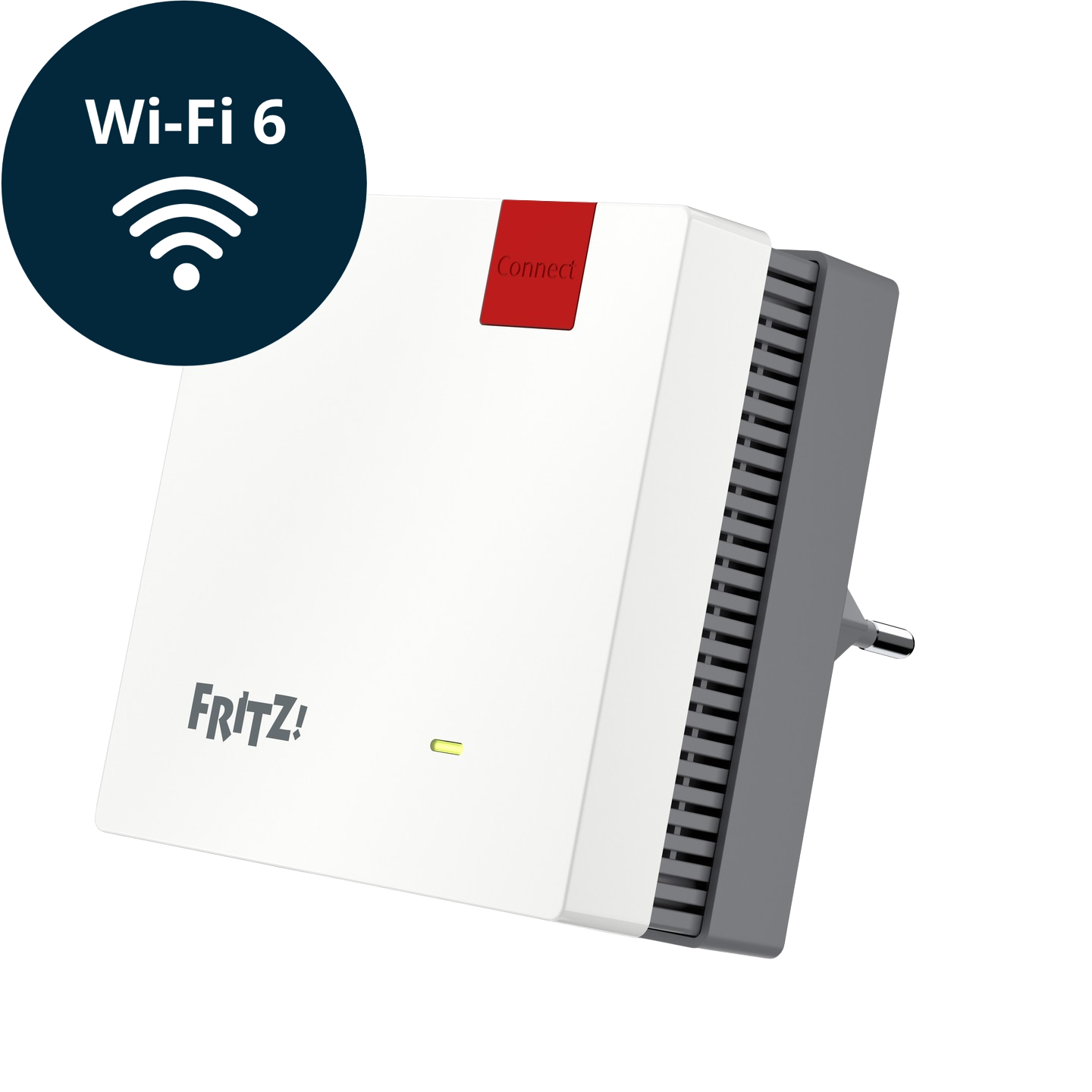
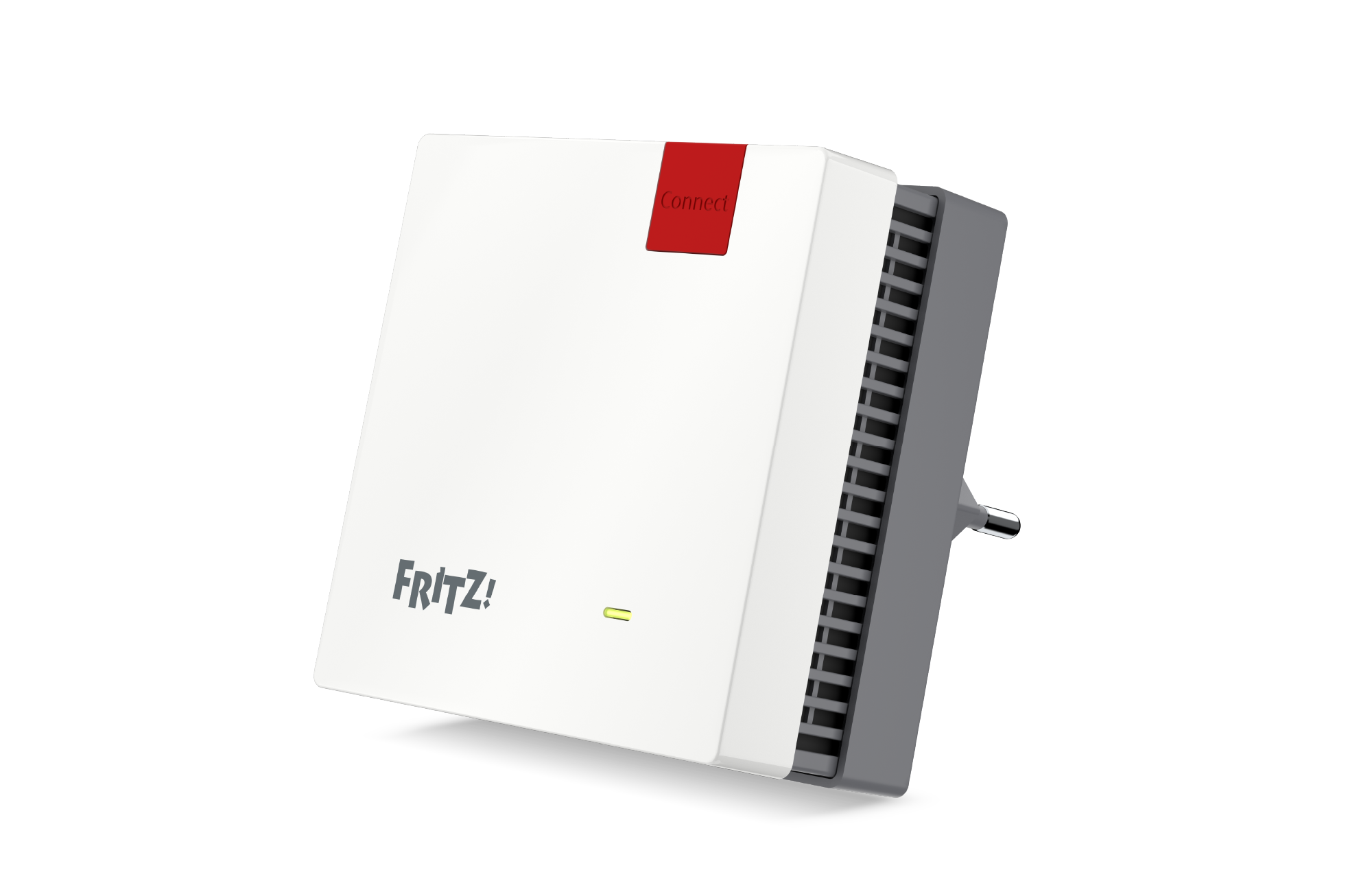
The AVM FRITZ!Repeater 1200 AX is a compact Wi‑Fi 6 powerhouse designed to eliminate dead zones and stabilize wireless performance across busy homes. Dual-band 2.4 GHz and 5 GHz radios deliver high-efficiency coverage, while intelligent Mesh integration with FRITZ!Box ensures a single SSID, unified password, and seamless roaming. With a dedicated LAN port, it also serves as a flexible LAN bridge for locations where Wi‑Fi backhaul is weak.
Setup is effortless: press Connect for WPS pairing, or use the browser wizard via http://fritz.repeater to fine-tune details like country settings, WPA2/WPA3 security, guest access, and schedules. The clear LED guidance helps you find the ideal spot—green for strong links, orange when repositioning could help. And with FRITZ!OS updates delivered automatically, your security and stability stay current.
Whether you stream, game, or work from multiple rooms, Mesh steering guides devices to the best access point and band. The repeater can cascade with other Mesh repeaters to push reliable Wi‑Fi further down halls or into upper floors. And if your router isn’t a FRITZ!Box, adoption of SSID and key via WPS keeps onboarding quick and consistent.
AVM FRITZ!Repeater 1200 AX Bedienungsanleitung highlights
- Quick start with WPS or guided wizard
- Mesh with FRITZ!OS 7.00+ for unified credentials and centralized updates
- WPA2/WPA3 modes for modern security
- Guest Wi‑Fi and scheduling options for control and privacy
- LAN bridge mode for cabled backhaul versatility
Notes
- Place midway between router and clients for best results (LED green). Avoid heat, metal surfaces, and interference sources.
- Set regional options to comply with local Wi‑Fi frequencies.
- For cascading, connect powerful repeaters upstream for optimal throughput.\nNo reviews were provided to analyze. There is no available feedback to identify significant positive or negative themes or to generate a substantive summary.\nThere are no reviews available to analyze. No positive or negative themes, highlights, or concerns can be identified due to the absence of content.
Search for 1 Mio. Manuals online


Type-in Brand or Model